In detail
Your yoga studio, with every mat accounted for.
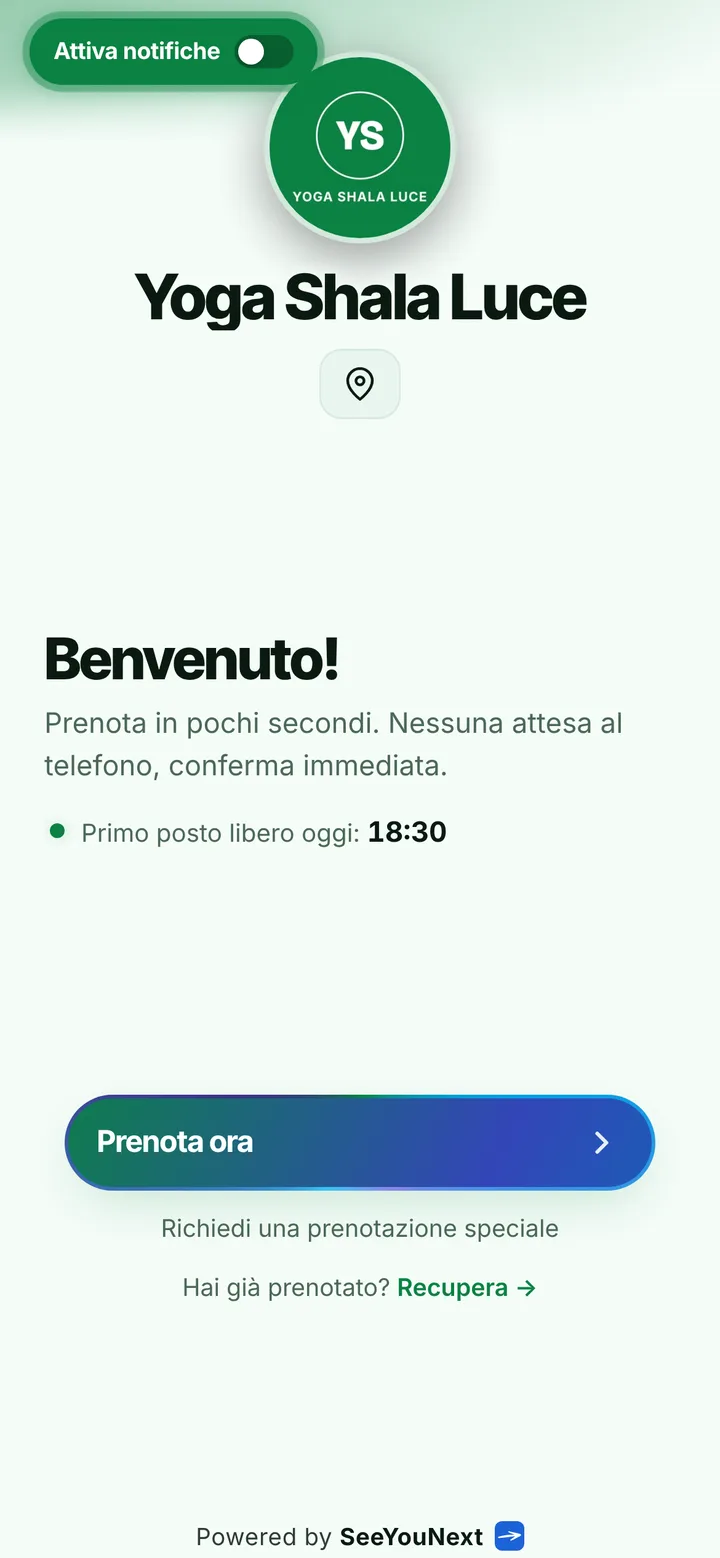
A yoga room fits the mats it fits: when Tuesday evening fills up, whoever shows up extra ends up standing by the door. And the texts asking if there’s still space land right while you’re guiding the final relaxation. Here is how you bring order to hatha, vinyasa and yin, starting from one link.
Hatha, vinyasa, yin: you write the classes
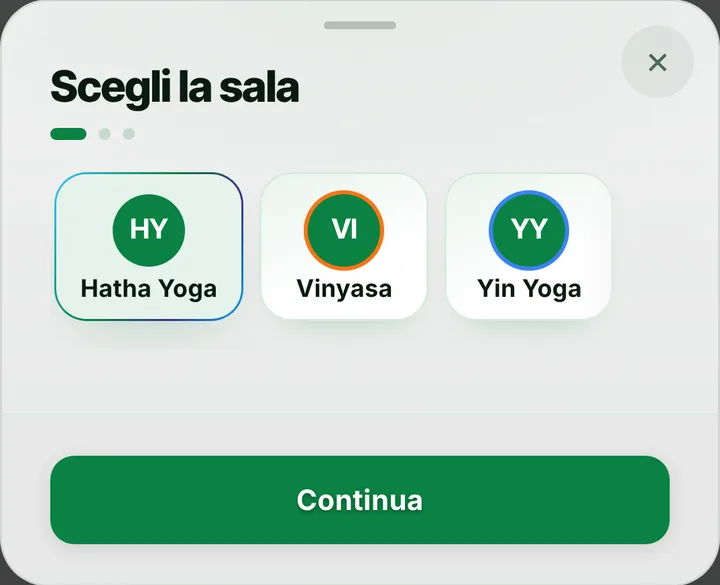
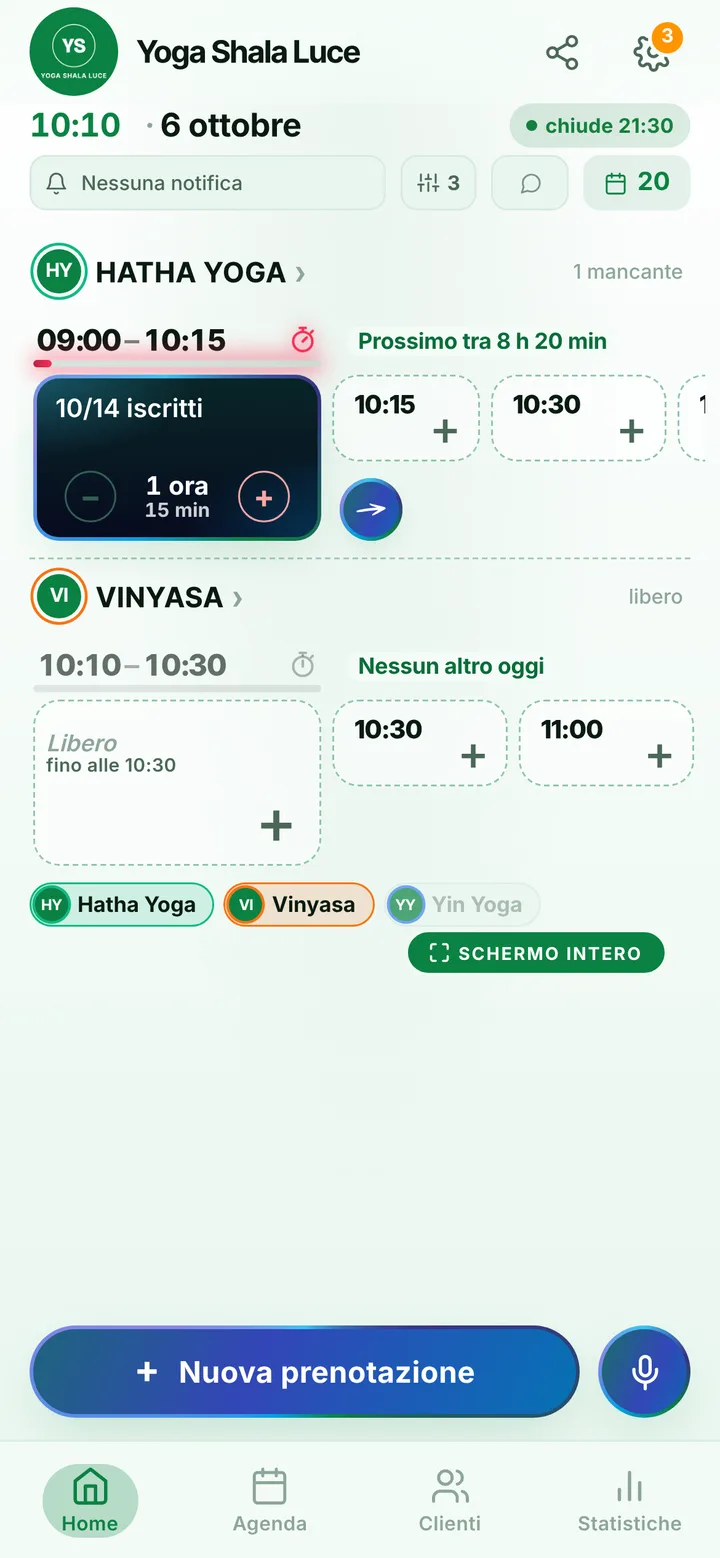
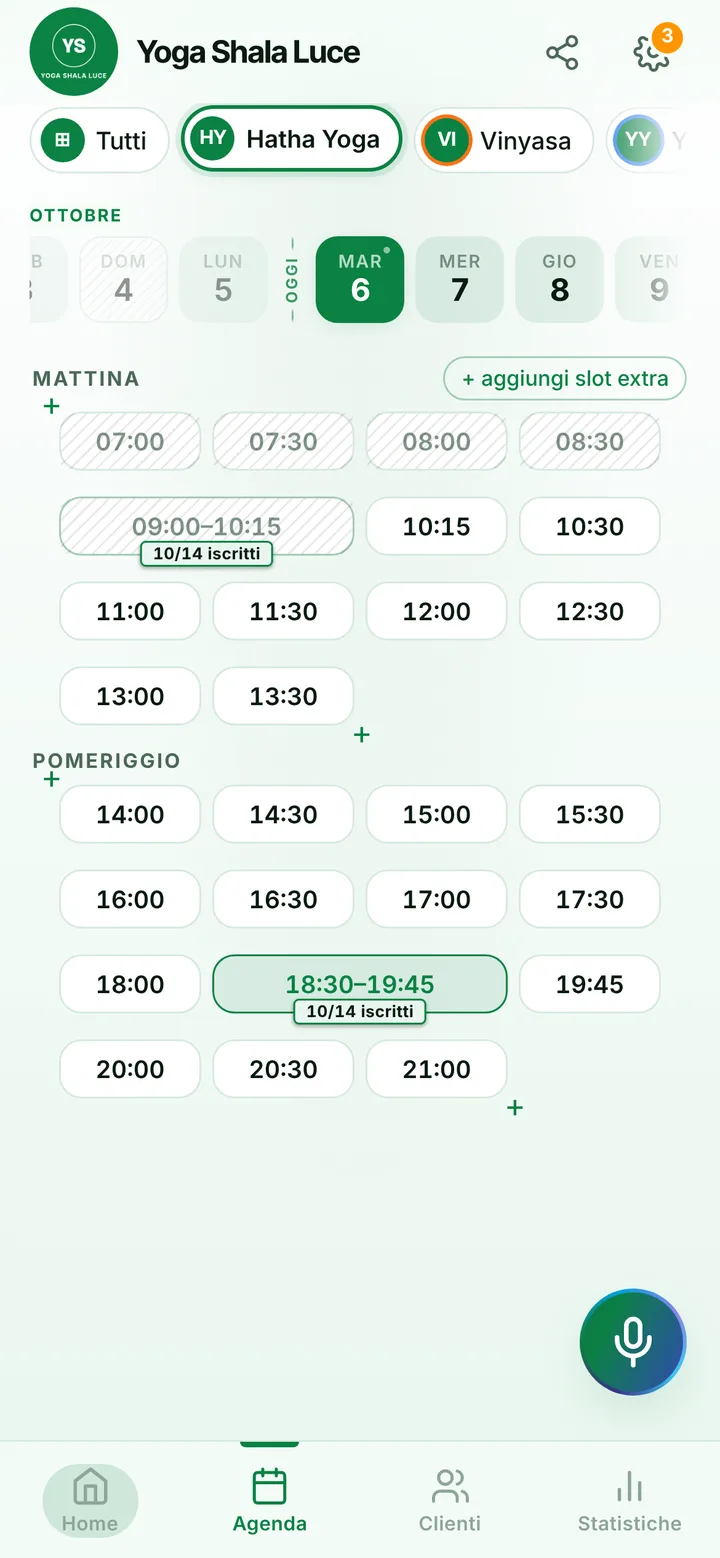
When you open your studio on SeeYouNext you start from the room, not from a ready-made list: you create the classes from its card, because nobody knows better than you whether Thursday is ashtanga or yin. Each class gets a length and a number of spots, which in yoga means the mats you can lay out without hands touching, up to 50. You can also pin the times day by day, say vinyasa on Monday at 7 pm and hatha on Saturday at 10: whoever opens the link finds only those sessions. Two rooms means two separate calendars.
A full class stops being your problem
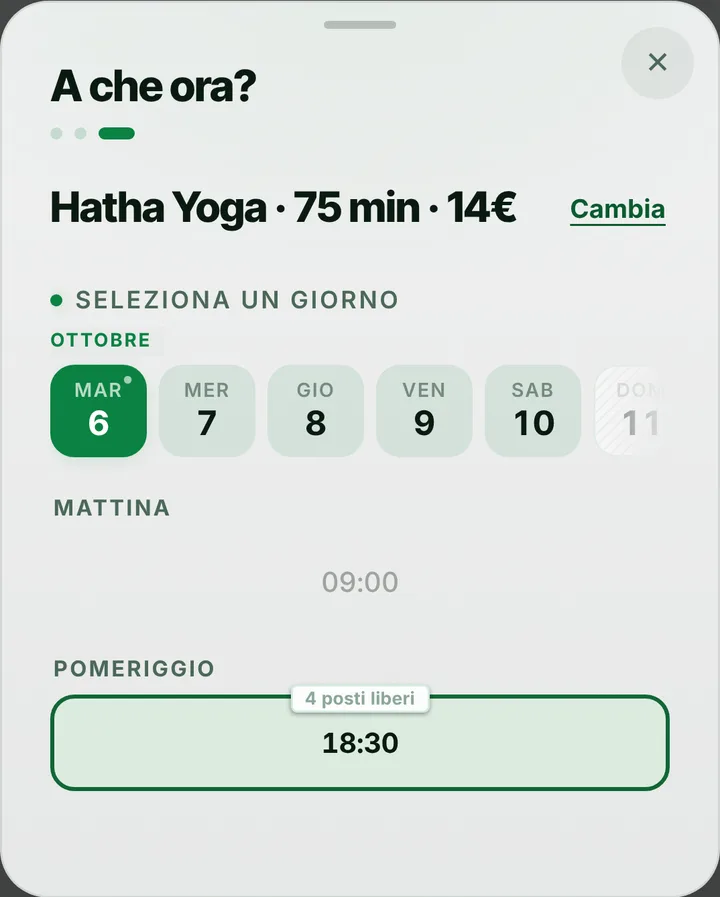
People booking see how many mats are left, and when only the last few remain the page says so. Once a class is full, students join the waiting list instead of texting you: as soon as someone drops out, whoever is waiting with notifications on gets an alert and can grab the spot. By default people cancel from their phone up to two hours before, enough time for someone else to turn up with a mat under their arm; you can move that limit anywhere from zero to forty-eight hours. Past it, the cancellation goes through you.
Gentle reminders, a quiet room
During practice phones stay out of reach, as they should. Students who turned on notifications get a reminder, by default the day before and two hours before, and with “I’ll be there” they let you know they’re coming. For the rest you send it yourself: tap the booking and WhatsApp opens with the message already written, from the studio’s number. If the previous class runs long, you flag the delay and whoever is on the way reads it before leaving home. Anyone who skips without a word you mark, and from then on their bookings wait for your yes.
What stays outside the app
SeeYouNext handles bookings and nothing else: it doesn’t sell class cards or memberships and doesn’t collect any money, so payments stay as they are today. Online each student can hold at most two active bookings at a time; if someone wants more, you add them from your calendar. Teachers who work with you join as collaborators, with the permissions you choose. On your page you put photos of the room and, when needed, a notice at the top, for instance about the spring workshop or the August closure.