In detail
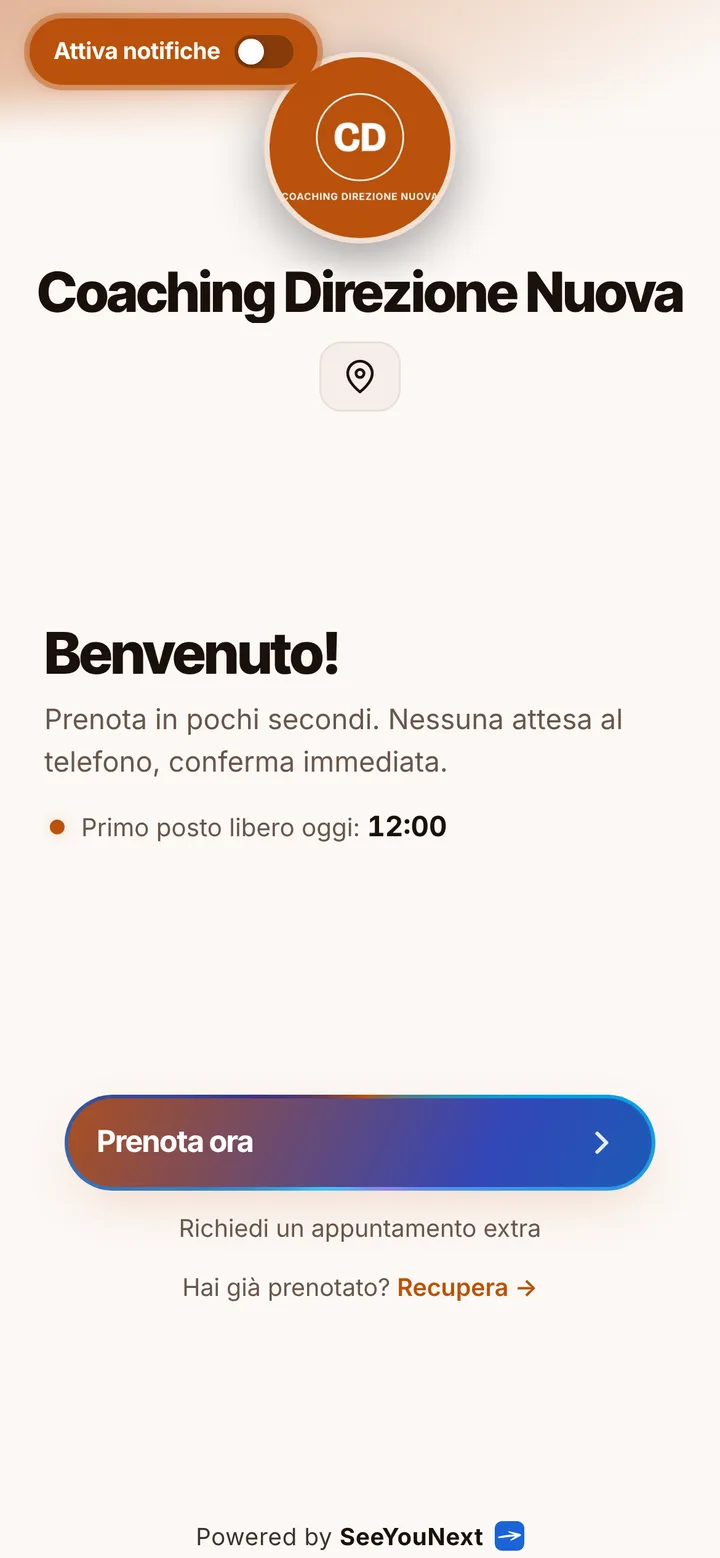
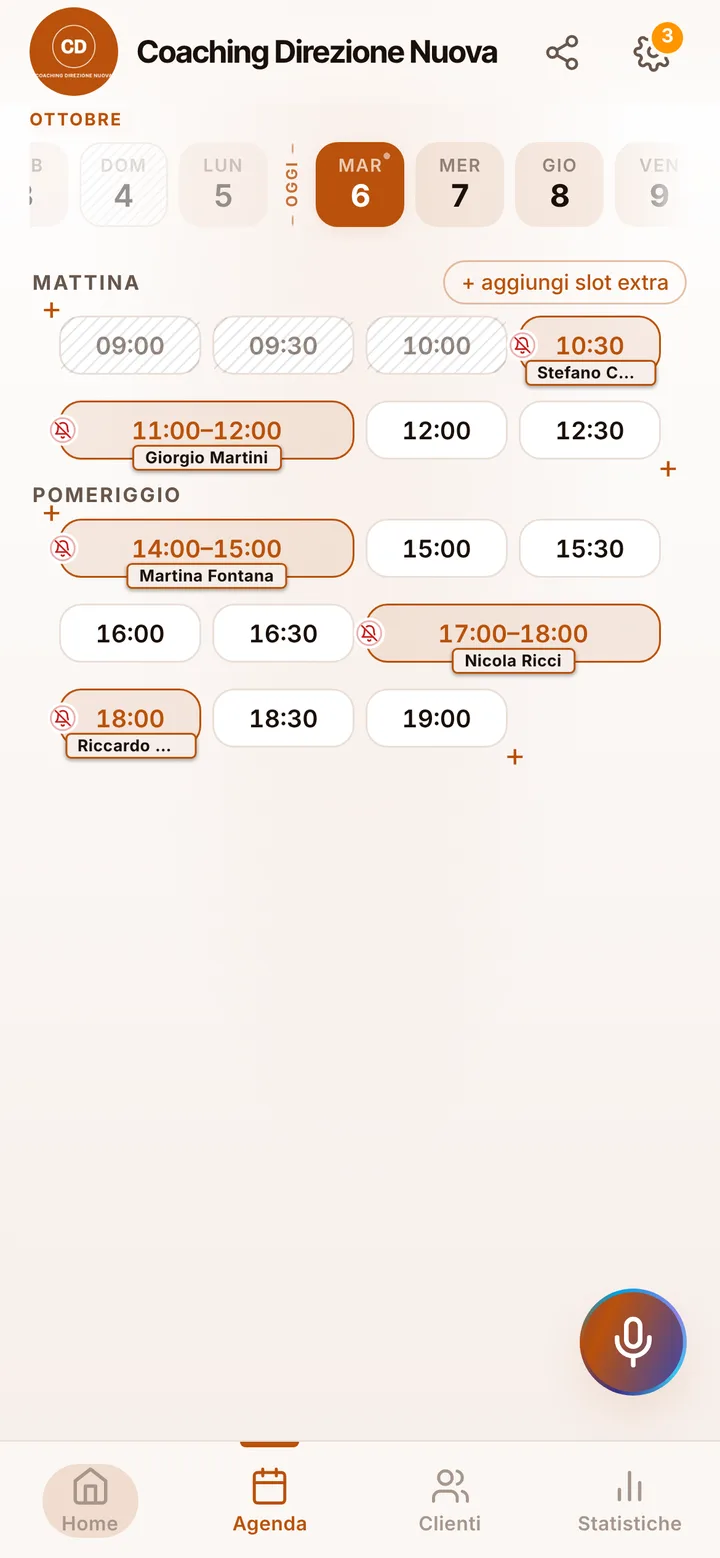
A coaching practice with sessions clients book from one link.
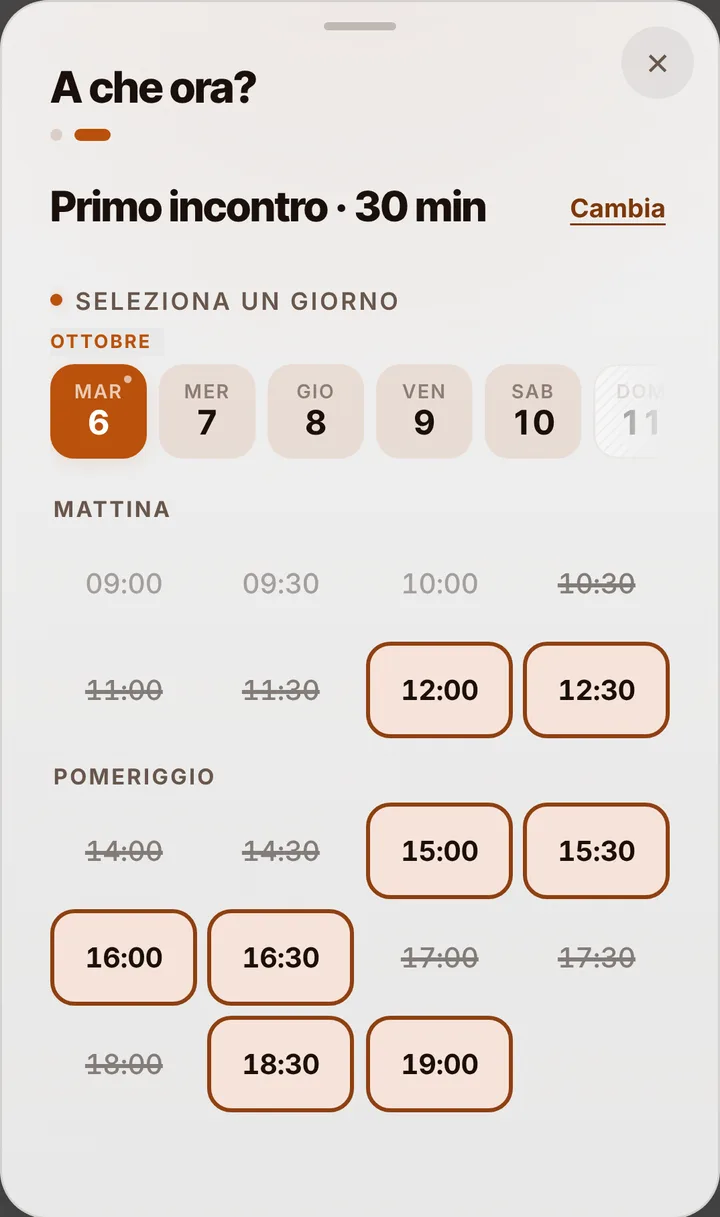
Coaching depends on continuity: miss one session and the thread is lost, postpone two and the client quietly drifts away. Here is how to keep the first meeting and regular sessions in a calendar clients check on their own, without a long back and forth to find a free hour.
First meeting and sessions
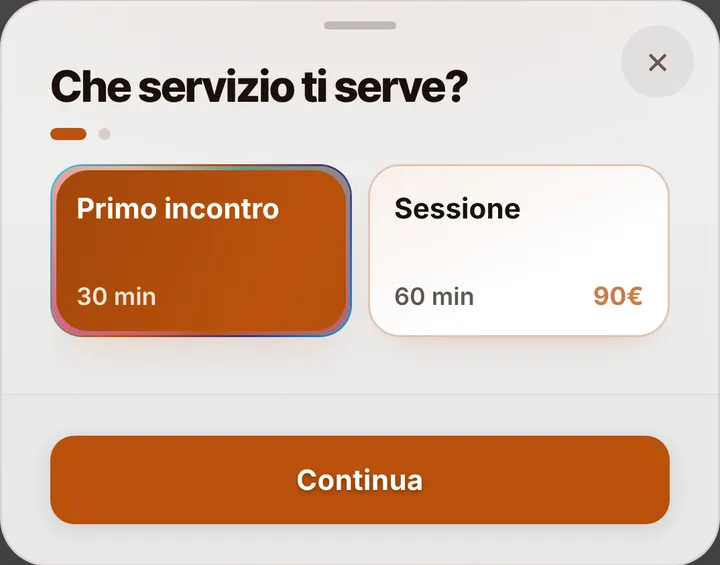
Your list starts with two services: a thirty minute first meeting, to see whether you want to work together, and a one hour session. Add team coaching, a closing review or a career session, each with its own length. People who find you on LinkedIn or through your Google profile open the link, read a few lines about you in the notice at the top of the page and book the first meeting at a free time. If you prefer newcomers to start there, say it right in that notice: every active service stays bookable, but you schedule the next session yourself at the end of the meeting.
Keeping the pace of the journey
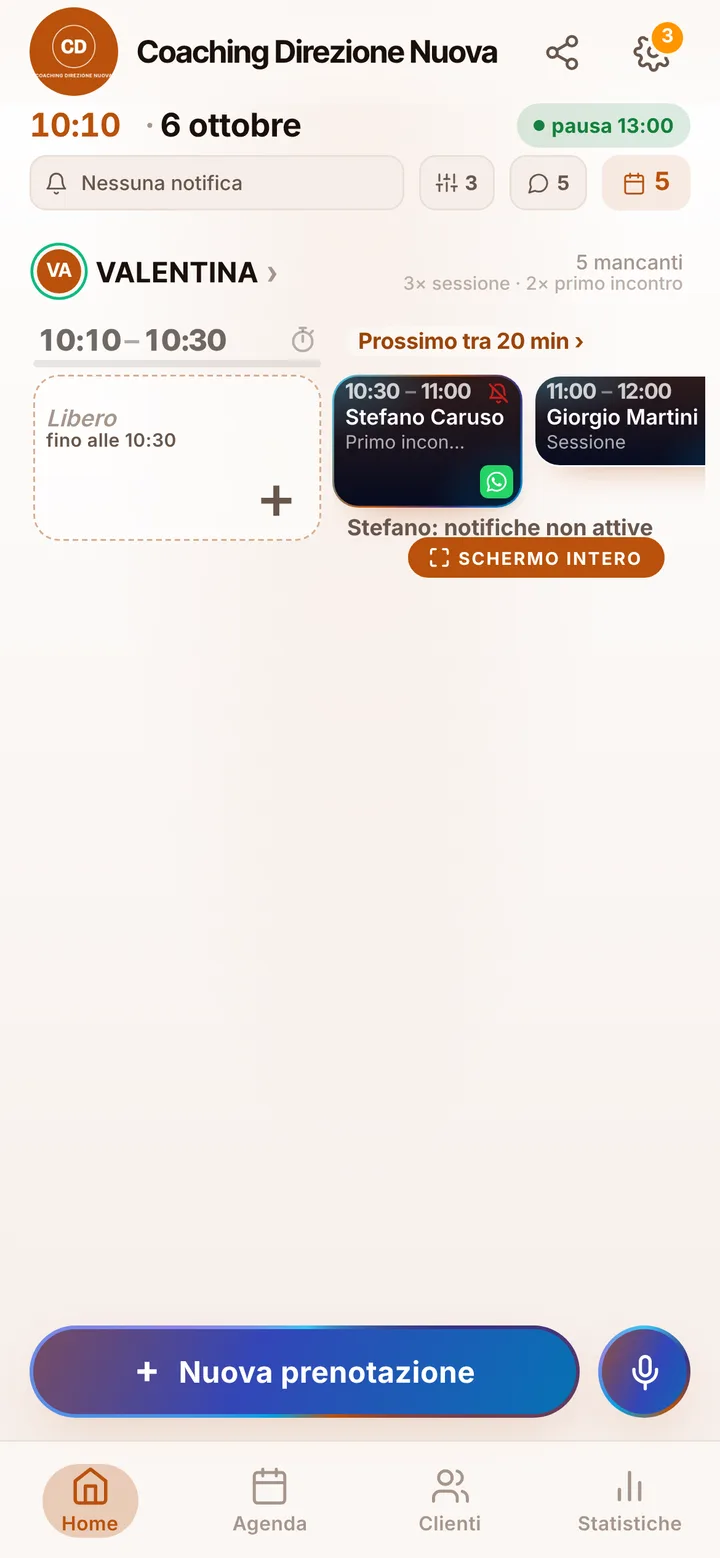
Online, a client can hold at most two active bookings, so a long program is never booked all at once: at the end of a session you open the calendar and set the next date, and the client finds it on their own page next to the others. If a week does not work, they ask from that page to move it, at least two hours ahead, and you accept with one tap. You also decide how many hours before a session online cancellation closes, from zero to forty-eight: after that the session stands and the client has to message you. The app does not count sessions in a bundle: if you need that number, keep track of it yourself.
In person or remote
If clients come to your office, the page shows the address and a map. If you also work remotely, note that the app does not create the call link or add it to the confirmation: you send it yourself, for example on WhatsApp or by email before the session. Reminders, on the other hand, need nothing from you: clients who turned notifications on get them automatically, by default the day before and two hours before, and can tap “I’ll be there”. For everyone else one tap on the appointment opens WhatsApp with the message already written, from your number.
Privacy: the calendar only knows the time
What a client tells you in a session does not belong in a calendar, and SeeYouNext never asks for it: a name and a phone number are enough to book. In the address book you write only practical notes, such as the time they prefer; files cannot be uploaded. If you share the practice with a colleague, each of you has a separate calendar and hours, up to 12 people in one account. When someone skips a session without warning, mark them as a no-show and from then on their bookings wait for your approval. Holiday weeks you close once, and the link never offers them to anyone.