In detail
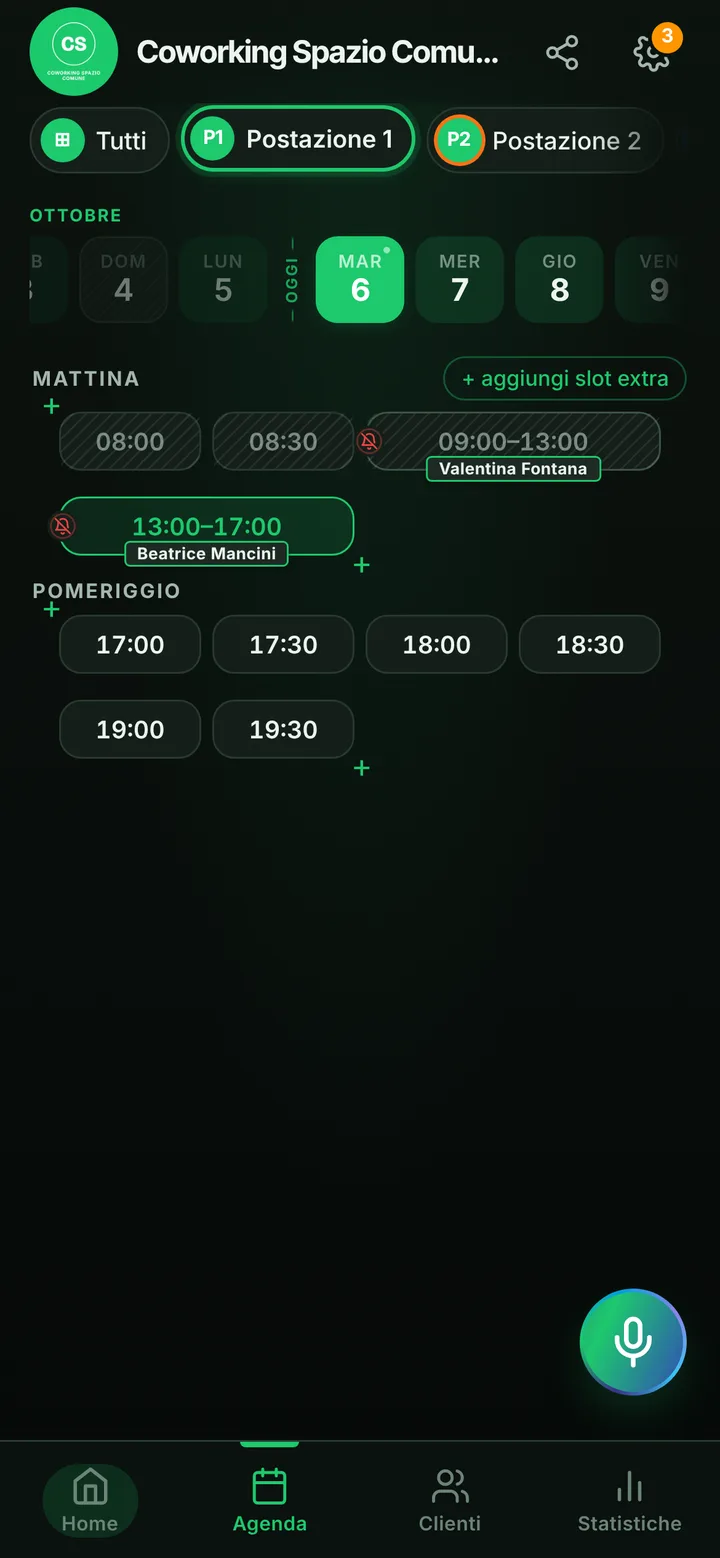
A coworking space booked by the hour, with desks in order.
In a coworking space some people come every morning, some drop in for a two-hour call and some want a quiet desk for half a day. A shared spreadsheet works until two freelancers sit down at the same desk. Here is how to run desks and small rooms from a link.
Desks, private offices and call booths
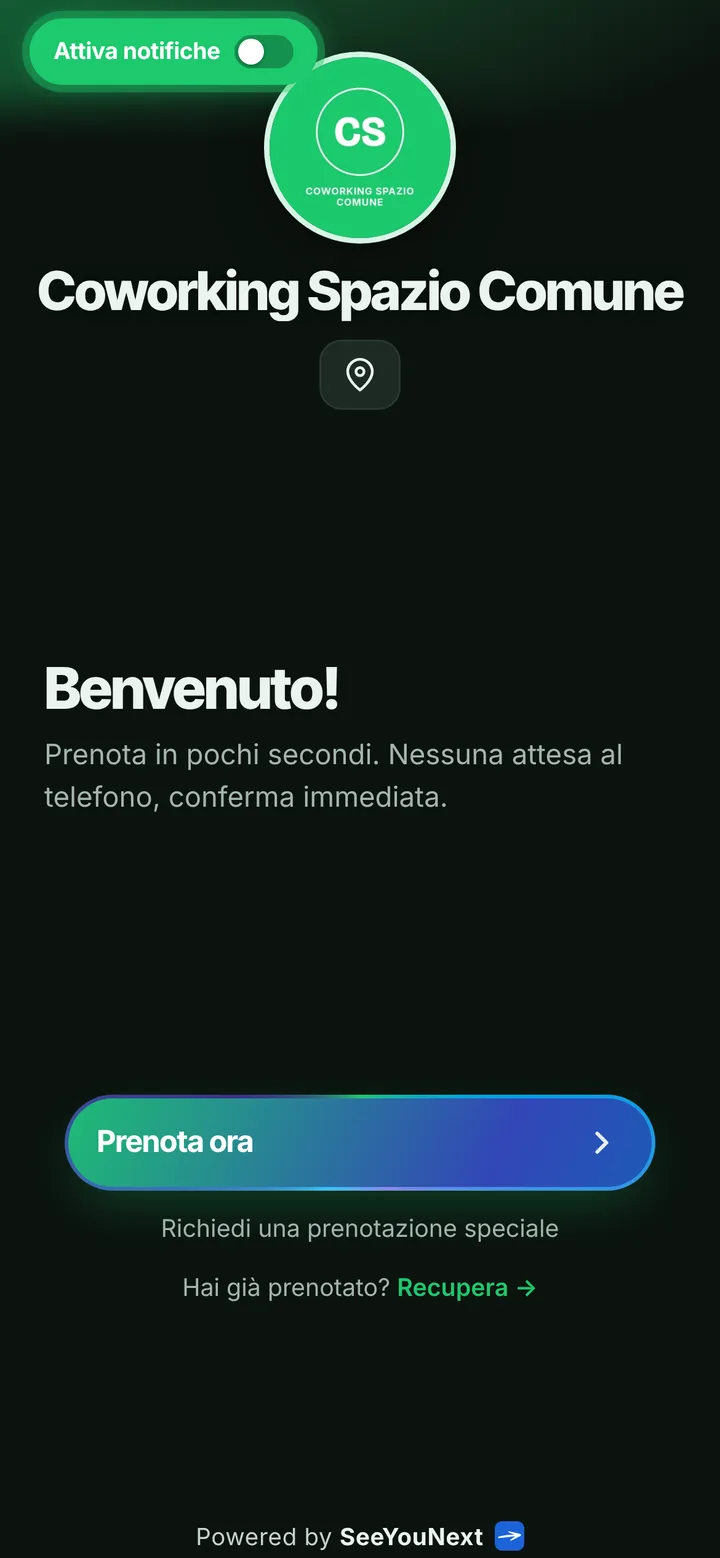
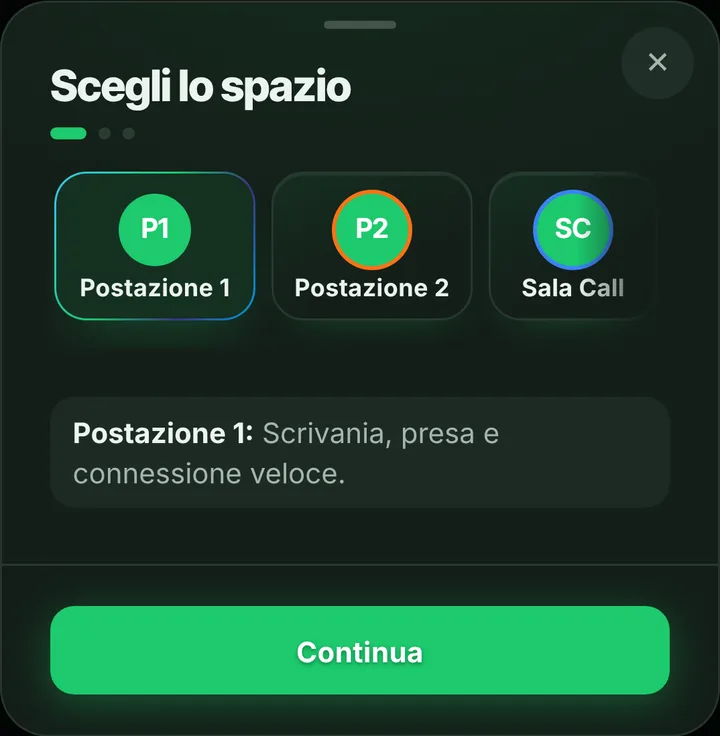
Everything that gets booked is a space: the desk by the window, the private office for a small team, the soundproof booth for video calls. Each has a photo and up to four lengths with their prices, for example two hours and a half day. If you have several identical desks you can give them the same name: whoever books sees a single item and gets the first one free. One account holds up to 12 spaces, so put in the app the desks you want bookable from the link.
Morning, afternoon and the four-hour limit
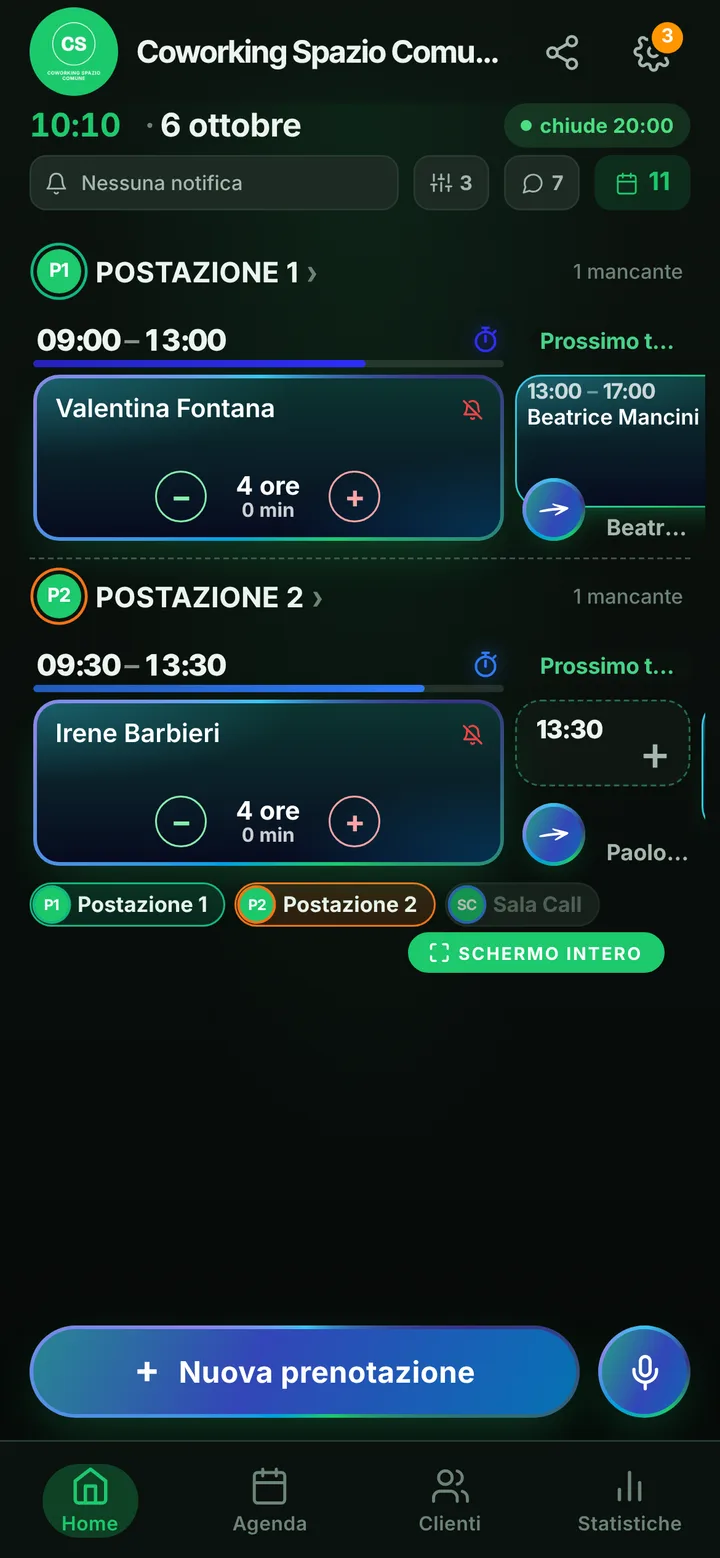
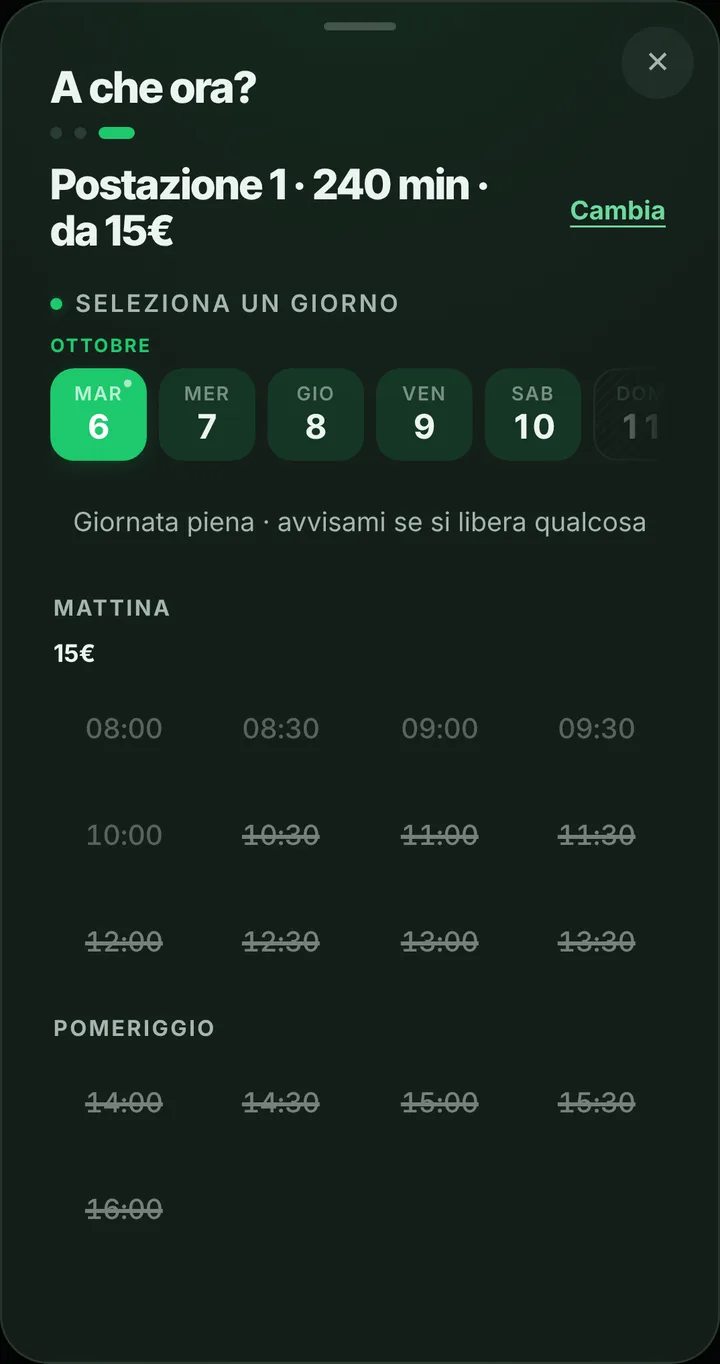
An item lasts four hours at most: a half day fits, a full day in a single booking doesn’t. Someone who wants to stay all day books the morning and the afternoon, or you add both halves yourself from the calendar. Online each person holds two active bookings at a time, so nobody locks up the whole week from the link. You choose the opening hours, with a break if there is one, and a desk under repair gets blocked in the calendar. With time-based pricing, mornings and afternoons can cost different amounts.
Meetings that start in the coworking
Whoever books the small room for a meeting can tap “Share with who’s coming” and send the others a ready-made message with space, day and time. Guests add their names to the “Who’s coming” list without seeing anyone’s phone, and at the door you know who to expect. If the booth is taken at the hour they want, they join the waitlist and, for people with notifications on, an alert arrives as soon as it frees up. A request outside opening hours reaches you with a note, and you decide.
Regulars, and people who never show
Regular members install your coworking app from the page, with your logo, and book in two taps. Contacts you already have go into the address book in one step, with a text note for each. The notification reminder goes out the day before and two hours before, to whoever turned it on; for the others you send it on WhatsApp with one tap. If someone books a desk and never appears, mark them as a no-show and their next bookings wait for your approval. The app doesn’t sell entry passes and takes no payments.