In detail
Laser tag games, booked by the groups themselves.
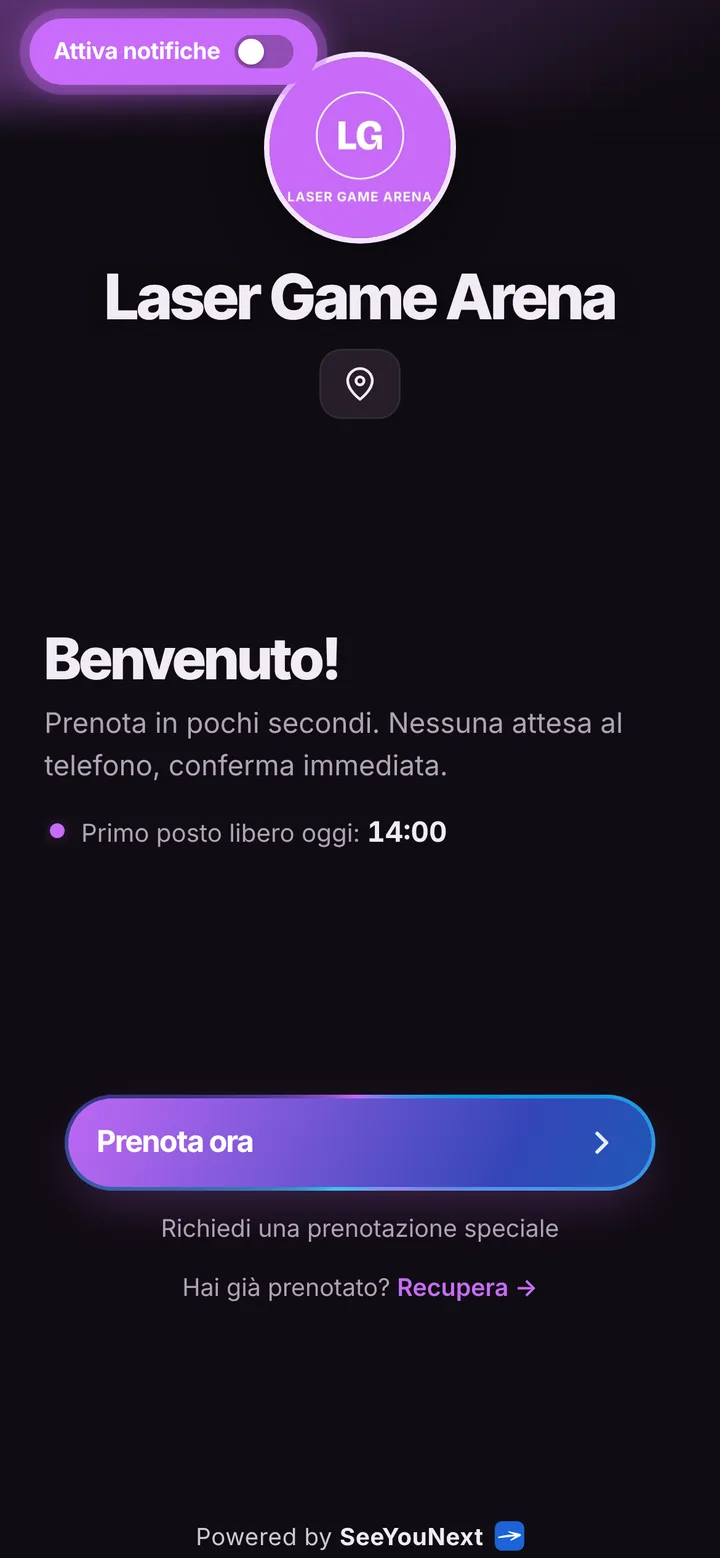
Laser tag lives on groups: kids’ parties, bachelor nights, coworkers out for the evening. Whoever organizes usually does not know yet how many will come, calls you three times to change the number and then shows up with two extra friends. Here is how you give them a link to book the arena and a list to count the players.
The arena, the sessions, the length
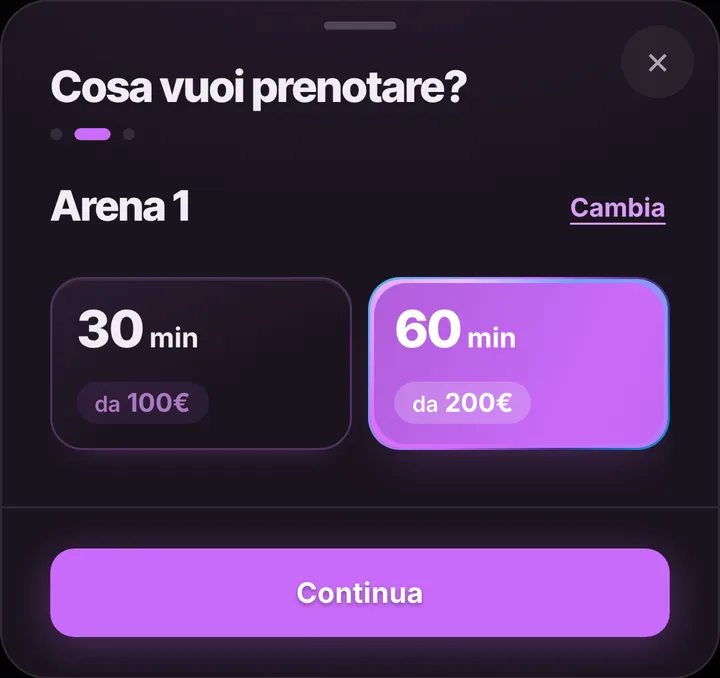
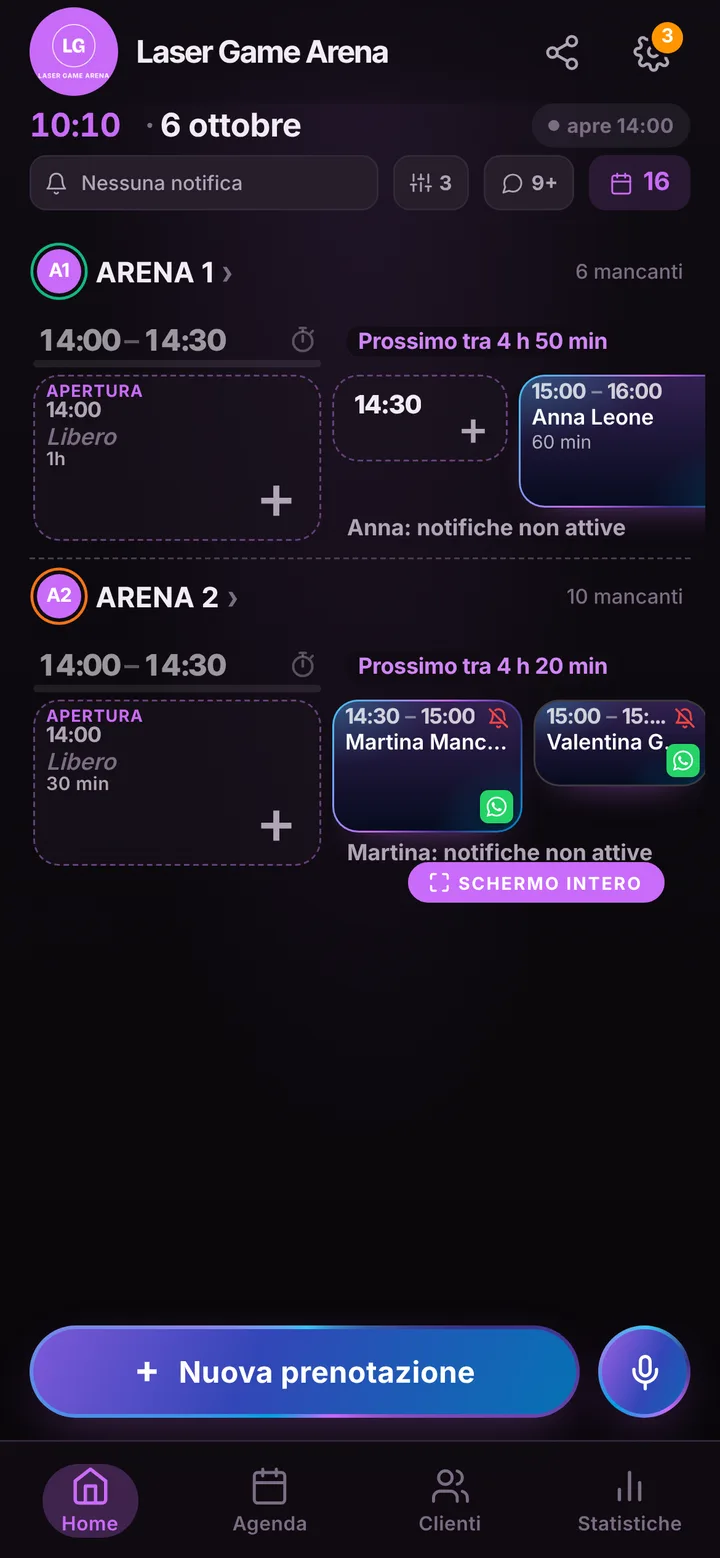
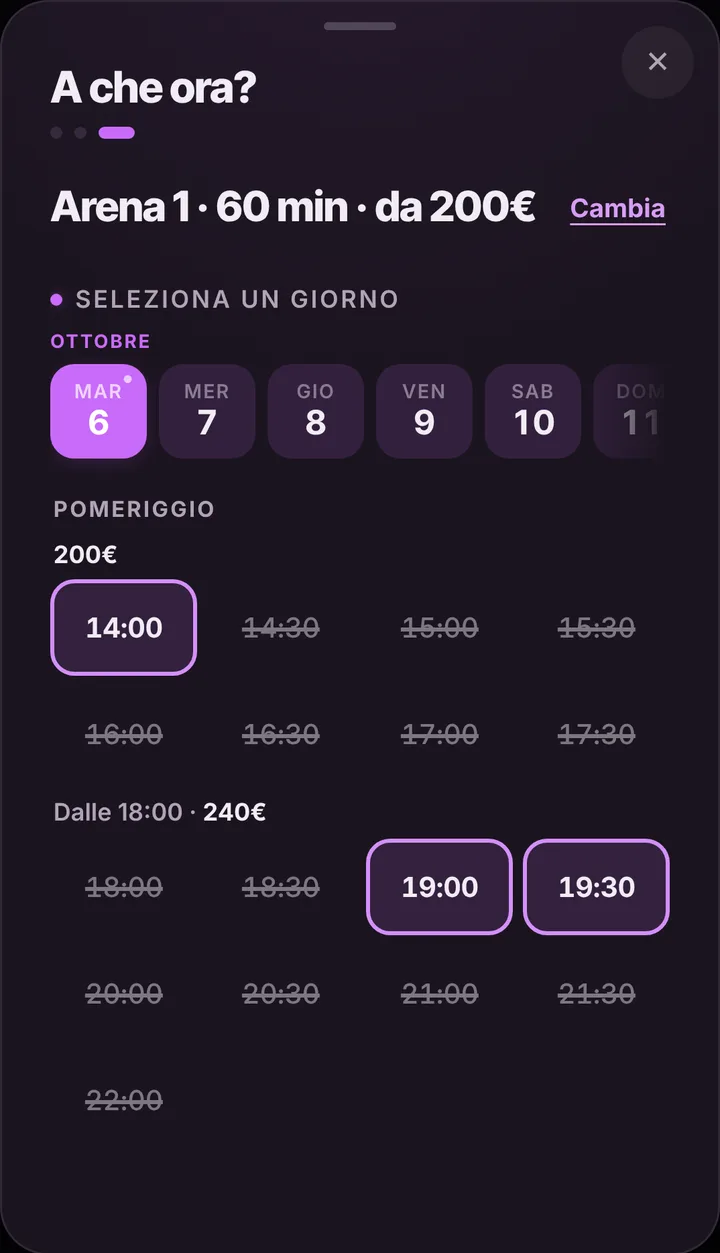
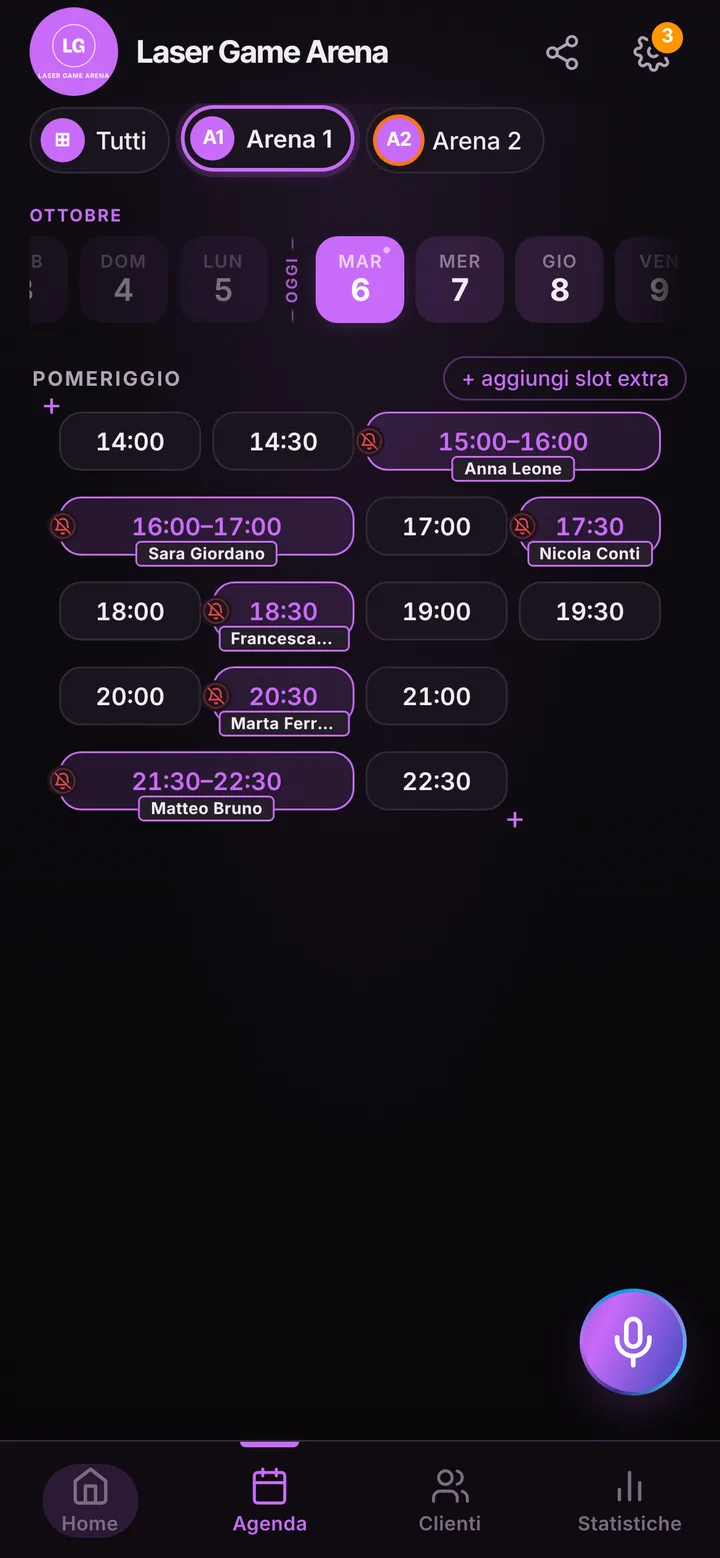
Each arena is a space in the app, with its name, a photo of the course and the length of a session: say forty minutes for briefing, suiting up and the game itself. If you have two, one indoors and one outdoors, each gets its own diary; in total you can have up to 12. Whoever books sees only free sessions and picks the one that suits them. You set opening hours once, close the days when the outdoor arena is shut and block the hours you keep for schools. Bookings taken by phone go into the diary in a few seconds.
How many are playing? The list tells you
After booking, the organizer taps “Share with who’s coming” and forwards the link to the group chat. Each person opens the page, sees arena, day and time and adds their name to the “Who’s coming” list, up to thirty people. The organizer answers “How many people are needed?” and the page shows how many are missing. Phone numbers and surnames never appear: just the first name and an initial. You open the booking and see the list, so you set out the vests and split the teams at the door without counting heads again.
Full sessions, delays and dropouts
Saturday afternoon sessions go fast. Whoever finds their time taken can join the waiting list: if a group cancels, an alert goes out to the people waiting, as long as they turned notifications on. When a session runs long because the briefing started late, mark the delay on the arena with one tap, and the next group reads the new time before leaving home. You decide the online cancellation window, from zero to forty-eight hours; by default there is none. If a group never shows, mark it, and their next bookings wait for your yes.
Reminders, prices and what it does not do
For anyone with notifications on, the reminder goes out by itself, by default twenty-four hours and two hours ahead; for those without, open the booking and send the ready text on WhatsApp from your center’s number. Weekends can be priced differently from weekdays: up to three bands per arena, shown only if you switch prices on. SeeYouNext collects no fees, deposits or party packages: payment stays at the counter. It does not ask for players’ ages or collect waivers either; if you need them, keep having them signed at the entrance.