In detail
Volleyball courts for rent, with both lineups sorted.
A rec volleyball team runs on group chats: who’s free Thursday, who brings the ball, whether the gym is open. The sports center part is the easiest piece to take off the table: the court hour comes from your link, and the players count themselves.
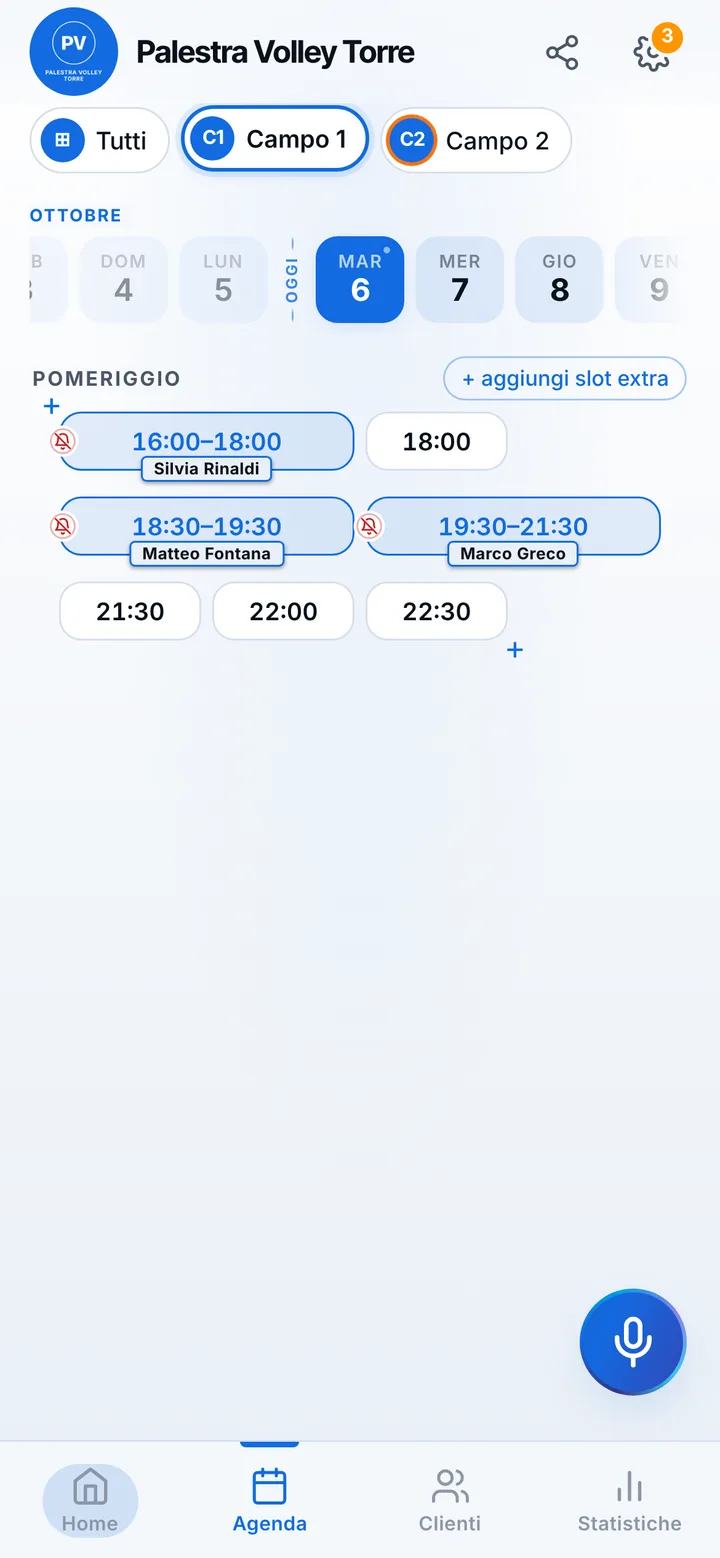
Gym, hall and outdoor court, each on its own calendar
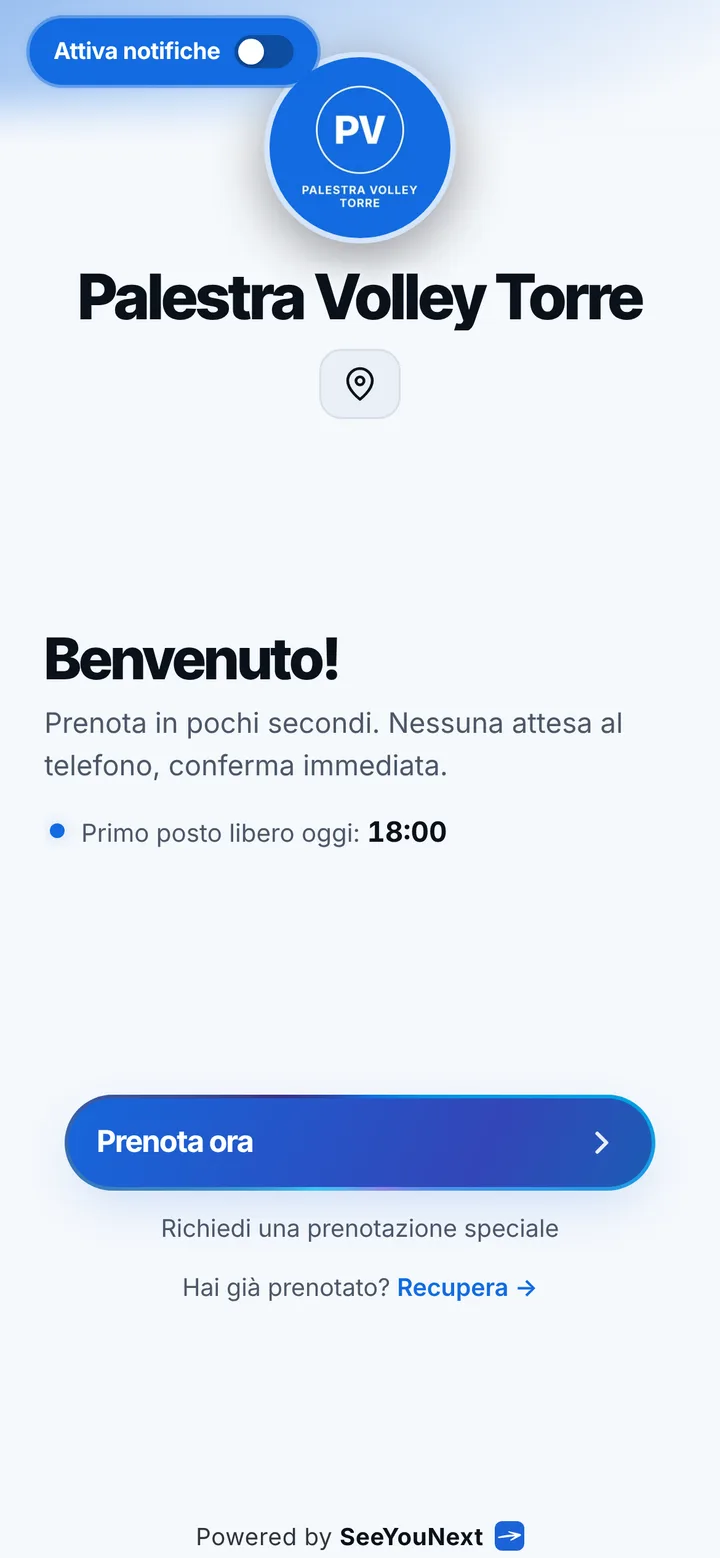
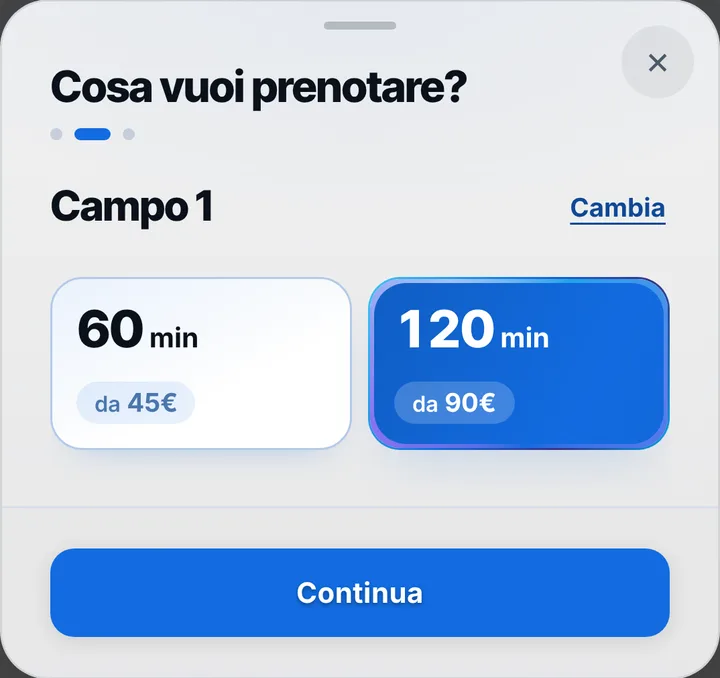
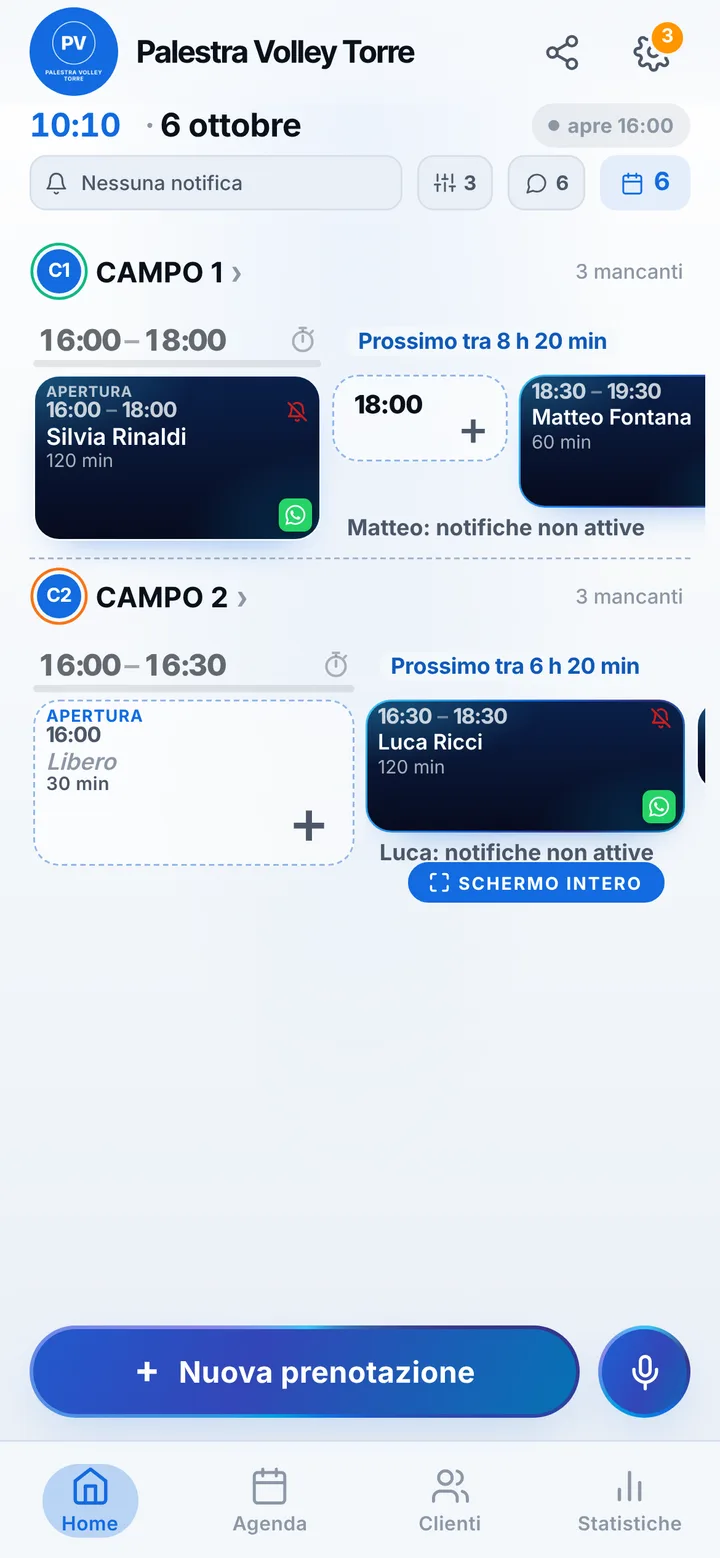
Every court becomes a card with a photo, a name and a length: “Big gym”, “Volleyball hall 2”, “Turf court”. One card can carry two lengths, an hour for a casual match and two hours for a team that warms up and plays full sets, and whoever books picks what they need. On the page each court shows up with its photo, and visitors see only the hours when the net is free. Up to 12 courts in one account; you scroll through everyone’s day from your phone, even from the sideline.
Both lineups on the game link
The captain books, sets how many players are needed, twelve for six on six, and forwards the link to the group. Whoever opens it answers with their name and, with two sides, joins the one they like; the person who booked can also split everyone who said yes at random, handy on coed nights. The count updates on its own, “10 of 12”, and the list shows a first name and initial, never a phone number. If someone calls the desk to join, you add them from the booking card.
Evening hours, packed gyms
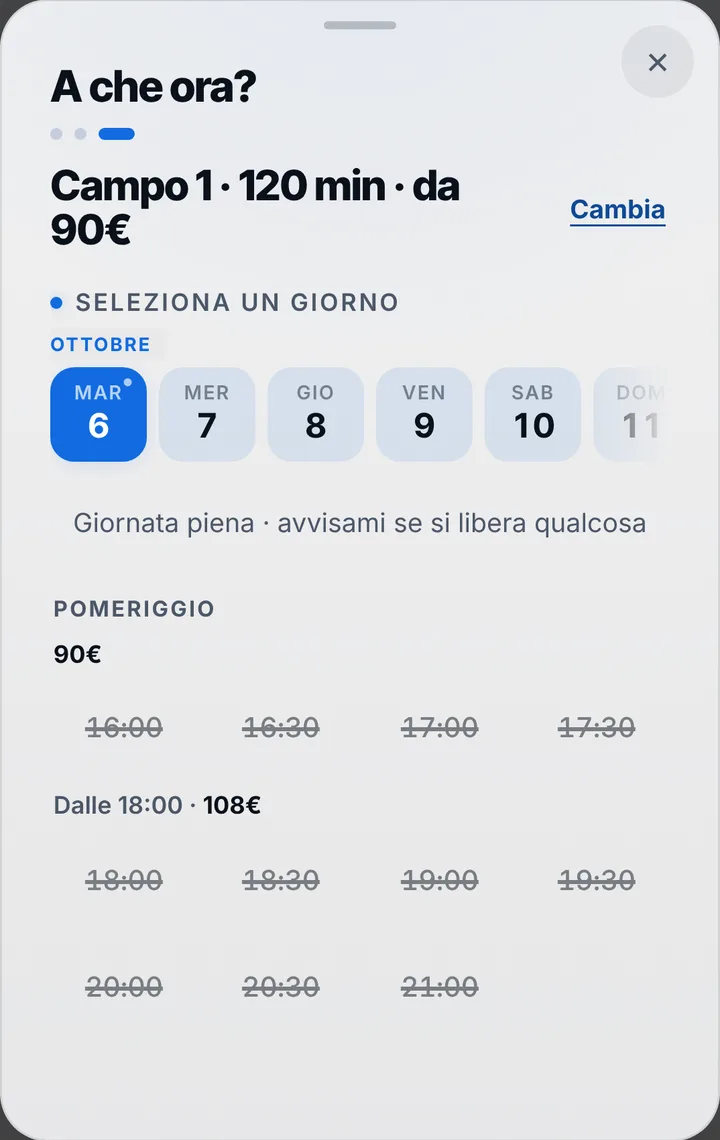
Gyms fill up after dinner, when workers and students are free. Give each court up to three price bands by day and hour, for example weeknights and weekends, and the right amount appears before confirming; it stays written on the booking even if you adjust rates later. Anyone who finds the hall full can join the waiting list for that hour: if someone cancels and they have notifications on, they get an alert and can grab it. Through the link a client keeps up to two active bookings; a team’s regular hours you enter yourself in the calendar.
Cancellations, delays and the team that never shows
For courts, cancelling from the phone starts at 24 hours ahead, and you can move that limit anywhere from zero to 48 hours. If the earlier practice runs over, flag the delay on the court and the next group sees the new time. Reminders go out as notifications to those who switched them on, by default the day before and two hours before; for everyone else there’s WhatsApp, from the center’s number, with the text ready. If a team doesn’t show, mark the booking as a no-show: future requests from whoever made it wait for your approval.