In detail
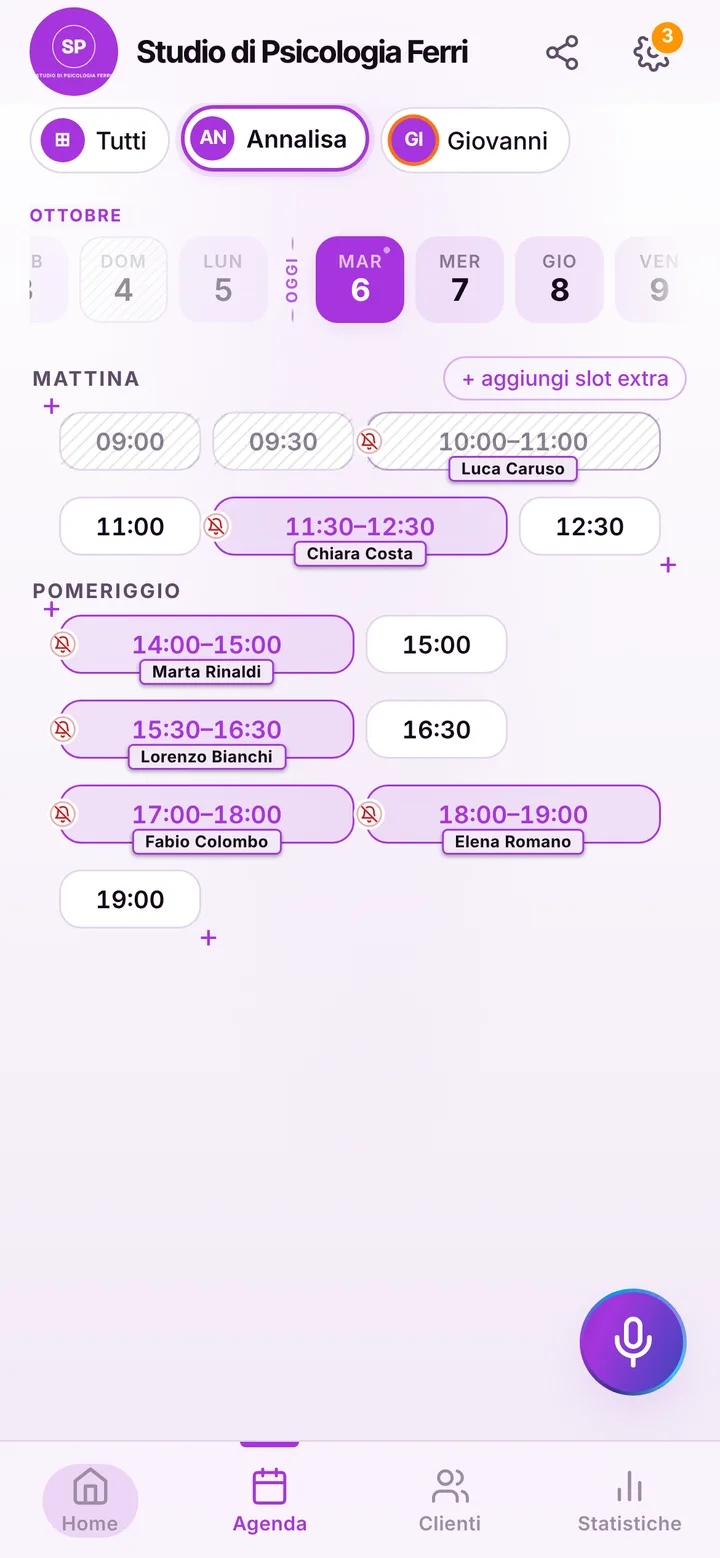
A psychology practice with a discreet online schedule.
In a psychologist’s office the phone is simply off limits during a session, and the messages that arrive in the evening ask for answers, changes and cancellations. On top of that, every detail about the person seeing you needs protecting. Here is how a booking app helps, and what it does not do.
Neutral names, starting with your list
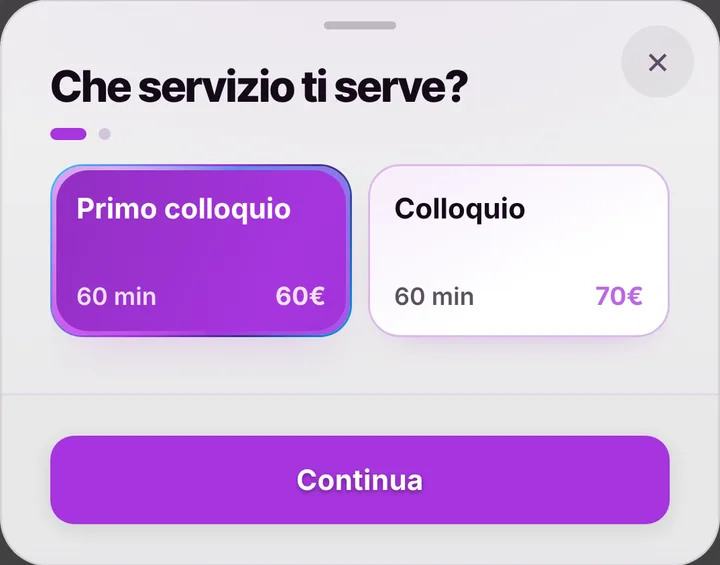
The starting list has just two items: first session and session, both sixty minutes. It is wise to leave them that way, with no words that hint at why someone is coming: the item name is what the patient sees on the practice page and in their booking. For the same reason, ask patients only for a name and a phone number, and keep notes to practical details such as the time of day they can come. Fees stay hidden unless you decide to show them.
The first session and the weekly rhythm
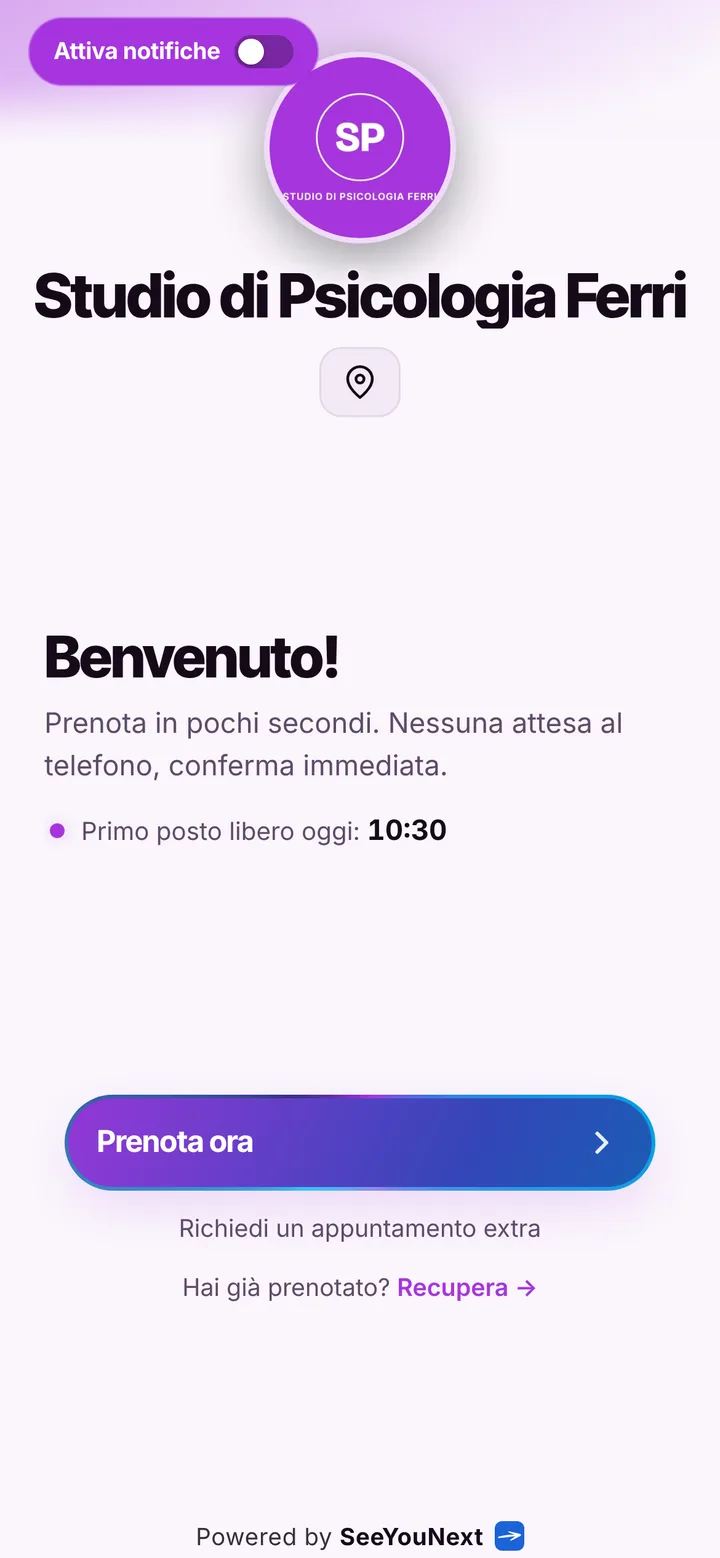
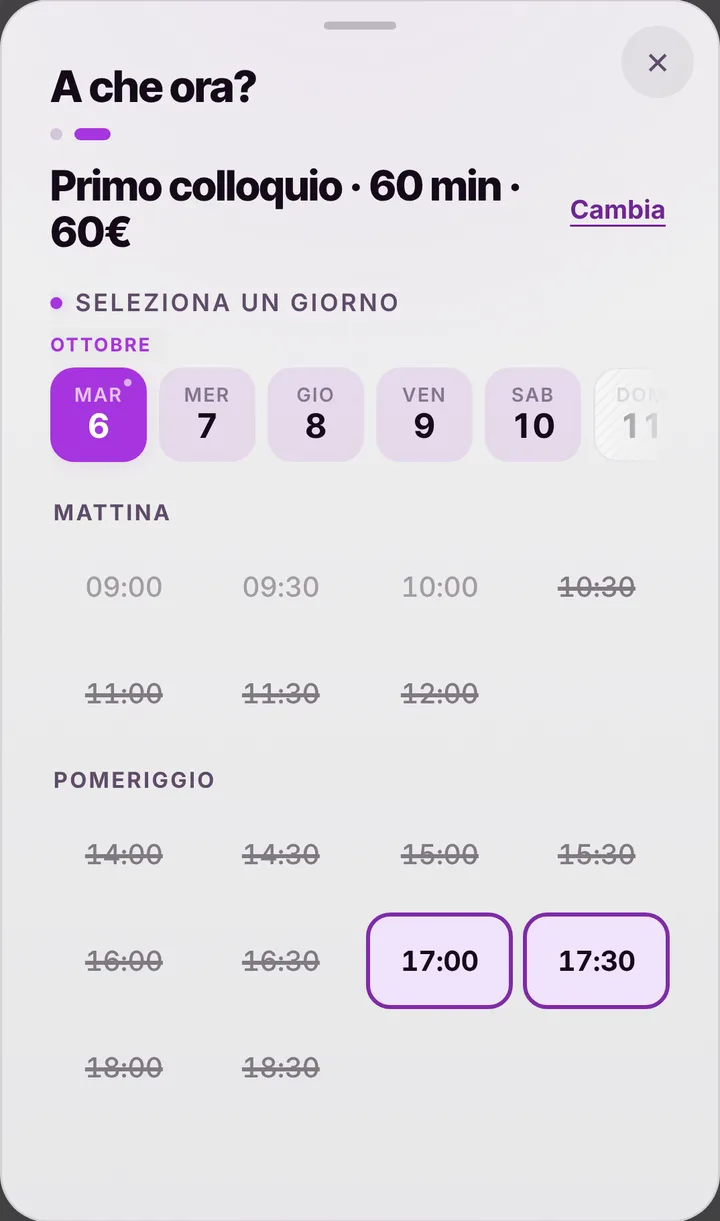
Someone looking for help for the first time opens the link, picks the first session and a free time, without having to explain anything on the phone. After that, sessions often settle into a fixed rhythm, same hour every week or every other week: you set them in the schedule at the end of a meeting, and the patient finds them on their personal page. On their own, online, they can keep at most two active bookings. Hours for supervision, training or writing are blocked once, and the page never offers them.
Cancellations and reminders on your terms
Your agreement with patients probably includes a cancellation rule: in SeeYouNext you set how many hours ahead people can cancel by themselves, from zero to forty-eight. Later than that they have to message or call you. Automatic reminders only reach those who turned on notifications, by default the day before and two hours before, and a locked phone shows the day, the time and the practice name, not the booked item. If you would rather write yourself, one tap opens WhatsApp with a ready text sent from your number: read it over and adjust it before sending. Mark a no-show, and their next requests wait for your go-ahead.
Shared practice, no clinical data
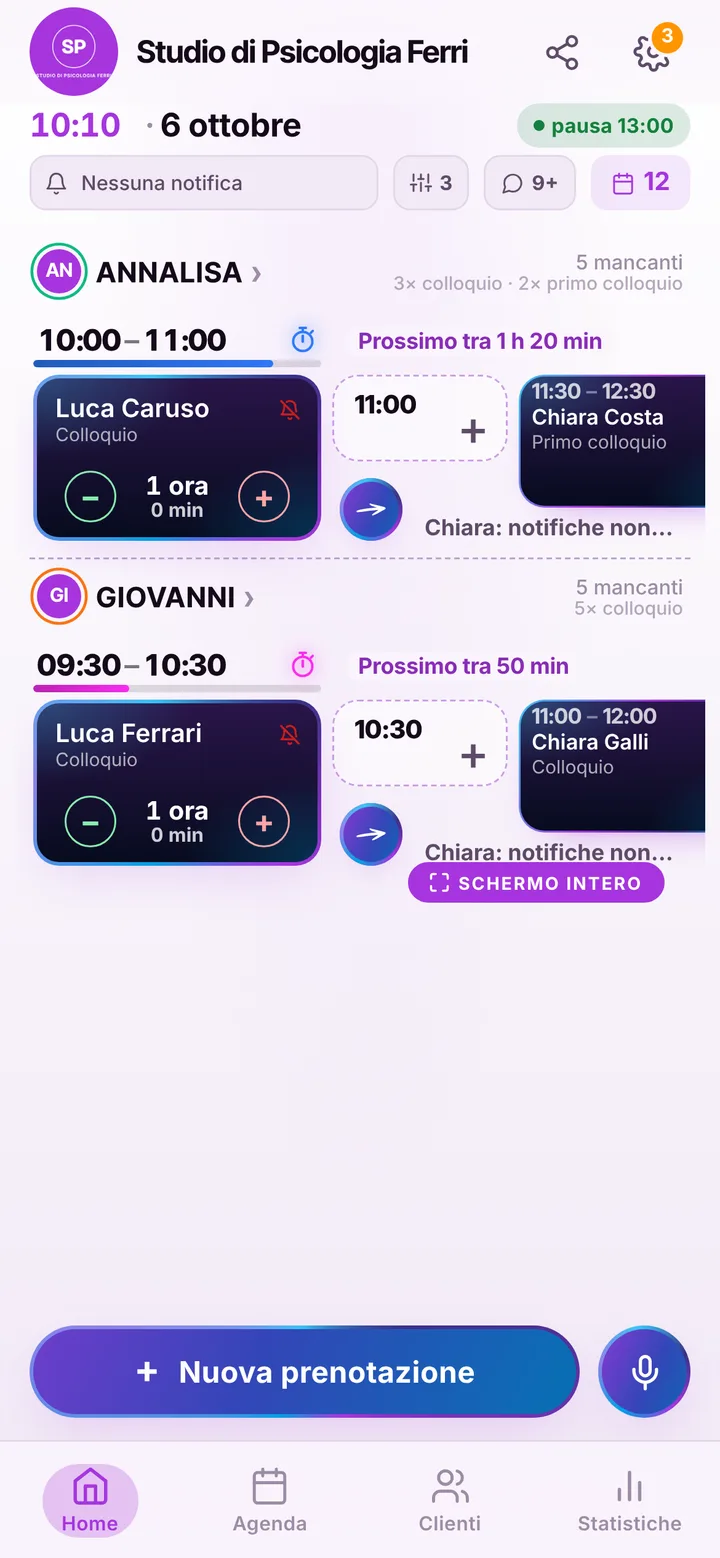
If you share the office with colleagues, each has a separate schedule, days and items, up to 12 people, and patients choose who to see; team members get the permissions you decide. SeeYouNext is not a clinical record: no history, tests, reports or session notes, no invoices and no health expense filing. It does not create video calls either: for remote sessions you send the link yourself, as you do now. Data is kept on Google Firebase under the GDPR, and no phone number is ever handed to anyone.