In detail
Aqua aerobics and pool classes, booked before anyone gets wet.
In a pool the space in the water is what it is: past a certain number of people the moves don’t work and the instructor on deck can’t see everyone. And sign-ups often come in at the desk or over the phone, from people who barely use a smartphone. Here is how you handle both.
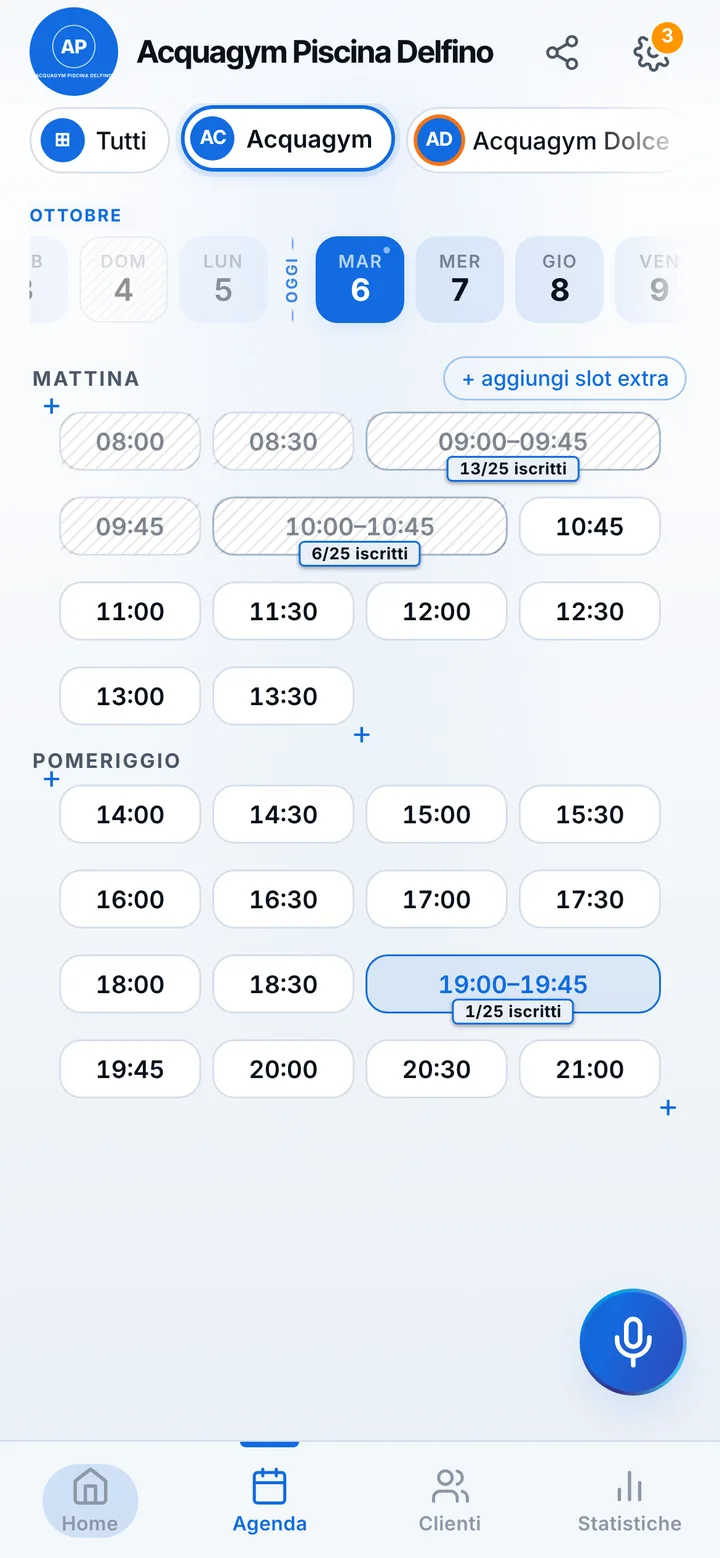
In the app, the class space is a room
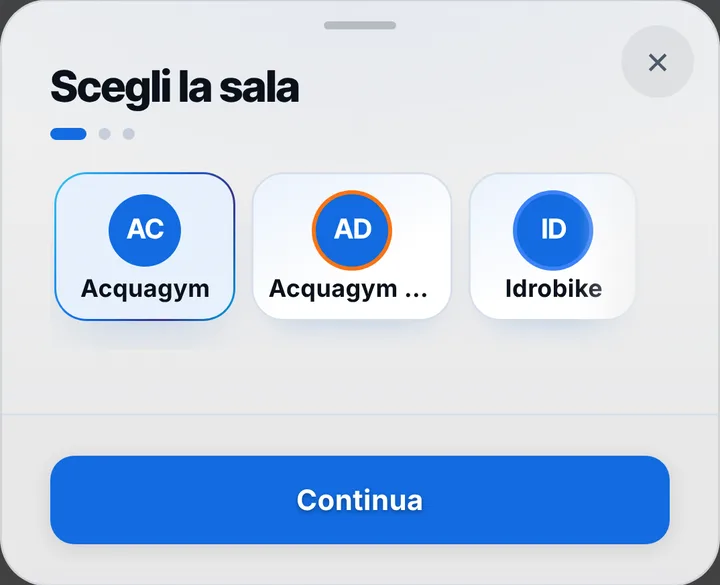
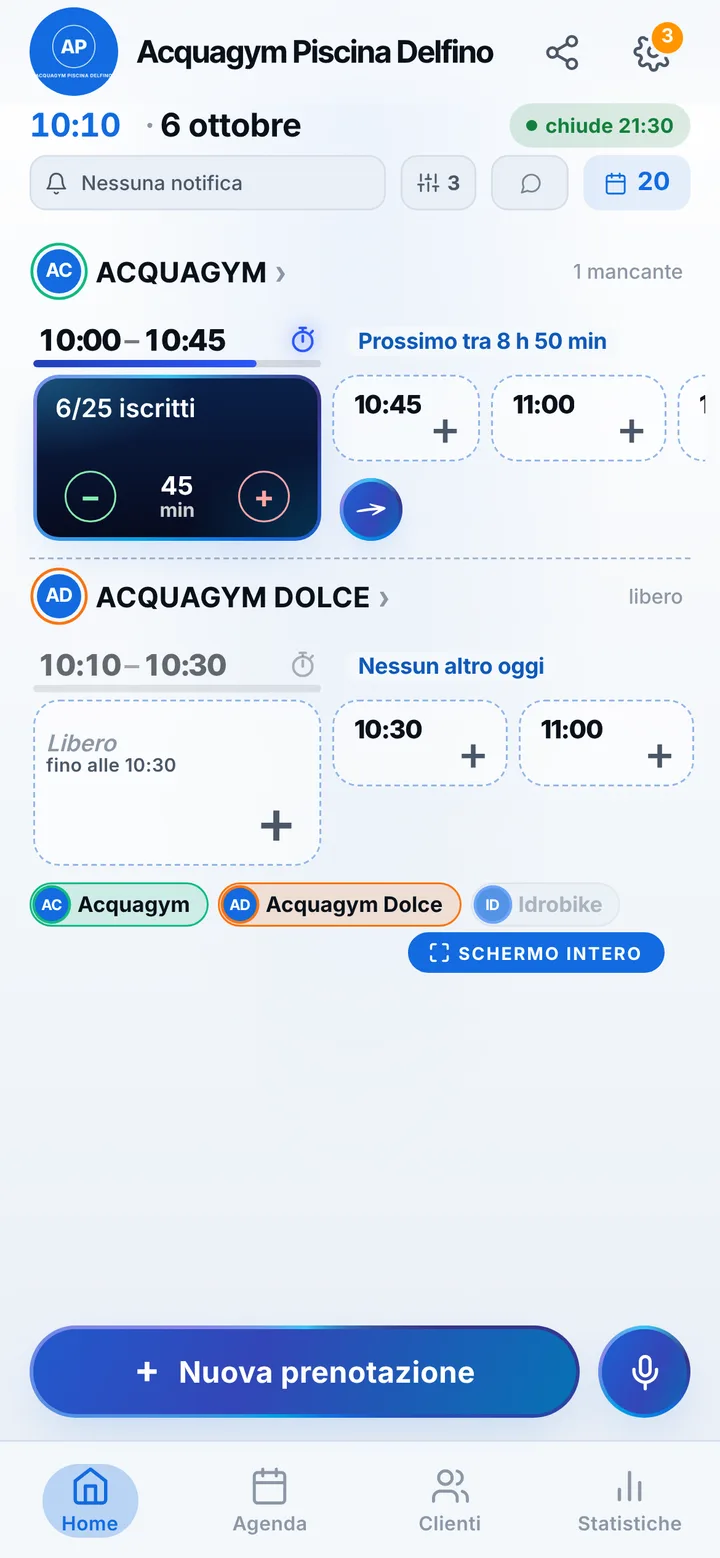
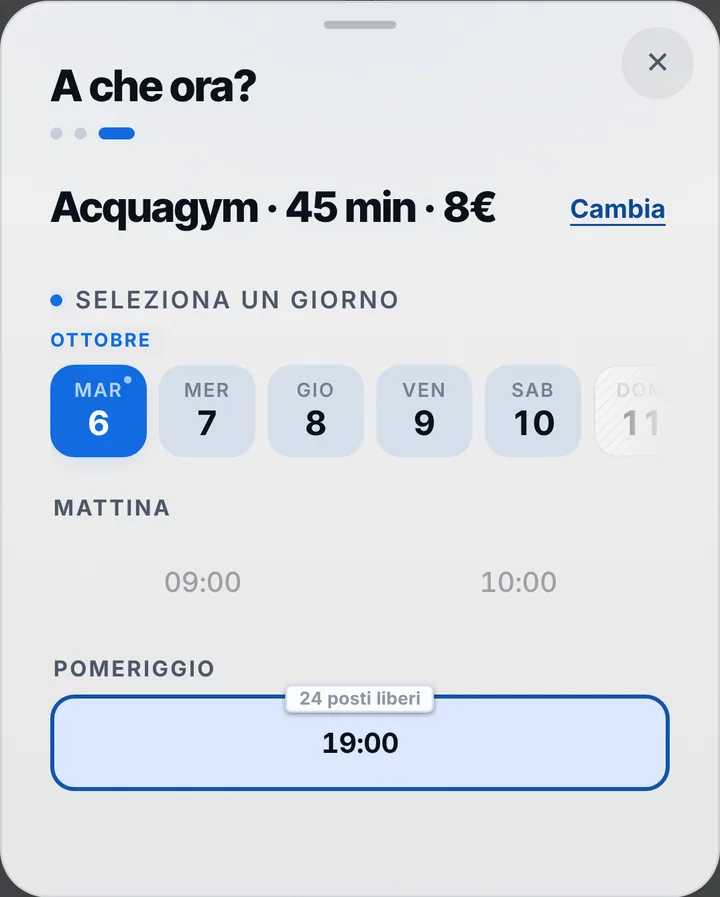
In SeeYouNext the place where a class happens is called a “Room”: you give it a name and a photo, and from its card you create the classes. Aqua aerobics, aqua bike, gentle water fitness, each with a length, spots and, if you want, set times for each weekday. Spots are the people who fit comfortably in the water, up to 50. If your pool has two separate areas, those are two rooms with two calendars, up to 12; at any time a room holds one class only.
People who book at the desk
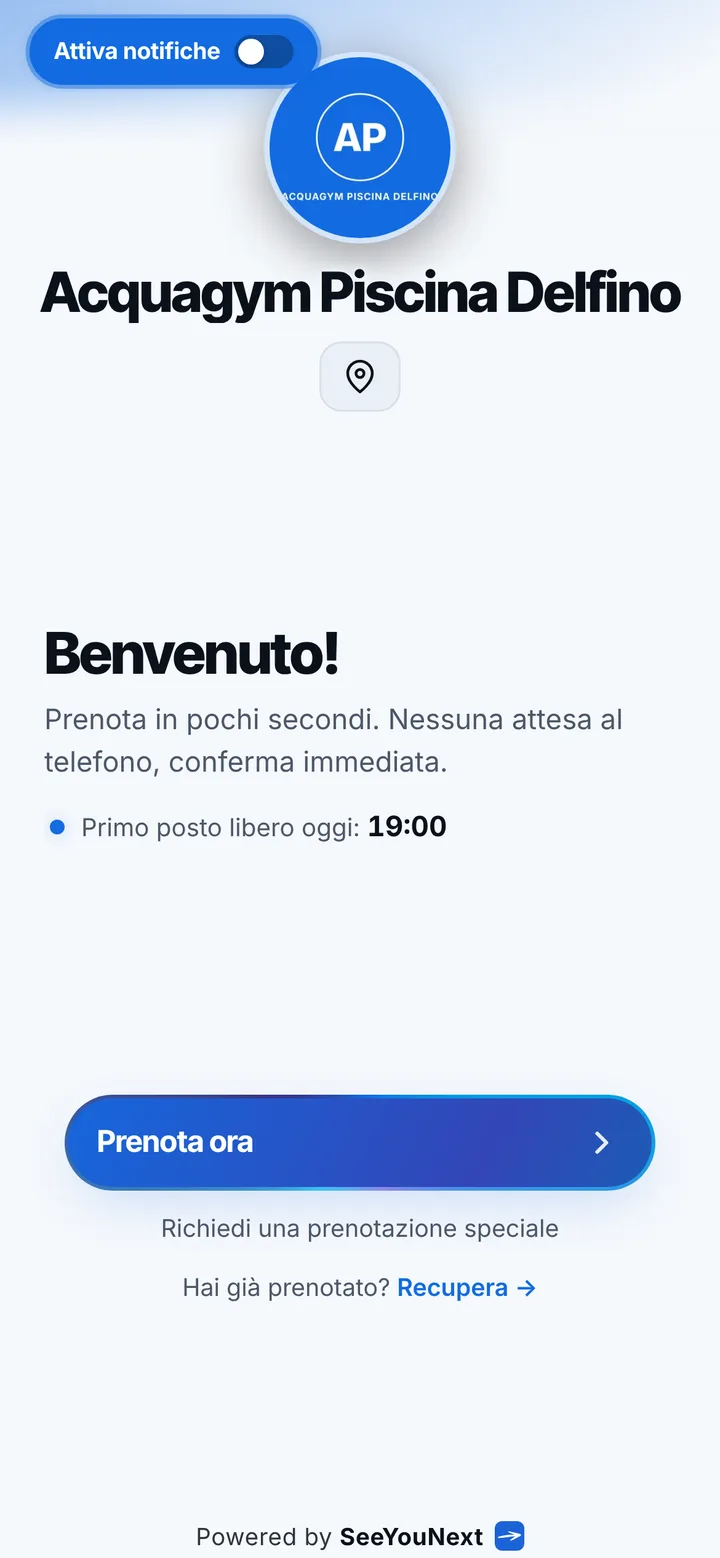
Not all your members book on their own. Whoever phones or walks up to the front desk you add to the calendar in seconds, even by voice, and the spot comes off the count just like a link booking. Those comfortable with their phone open the link without signing up and leave a name and number; regulars install the center’s app with your logo. Online everyone holds at most two active bookings, and you add the rest. In your client list you keep your own notes on each member, such as the time they prefer.
Reminders and spots that free up
Reminders arrive as a notification for those who turned them on, by default the day before and two hours before, showing day, time and the center’s name. For everyone else there’s a WhatsApp message already written, or a text, or a call: you send it with one tap, from the center’s number. Phone cancellation stays open until two hours before, and the limit is yours to choose. A freed spot goes to the waiting list, where people get an alert if notifications are on. Anyone who misses without warning you mark, and from then on their bookings wait for your confirmation.
When the pool is closed
Maintenance, club swim meets, the August shutdown: mark those days once and nobody books over them, while a notice at the top of your page explains why. If the instructor is running late or the class before runs over, you send a delay notice and whoever is already on the road sees it on their page. Instructors join as collaborators, with the permissions you pick. SeeYouNext doesn’t sell class packs and doesn’t take any payments: entry fees and payments stay at the front desk, as today.