In detail
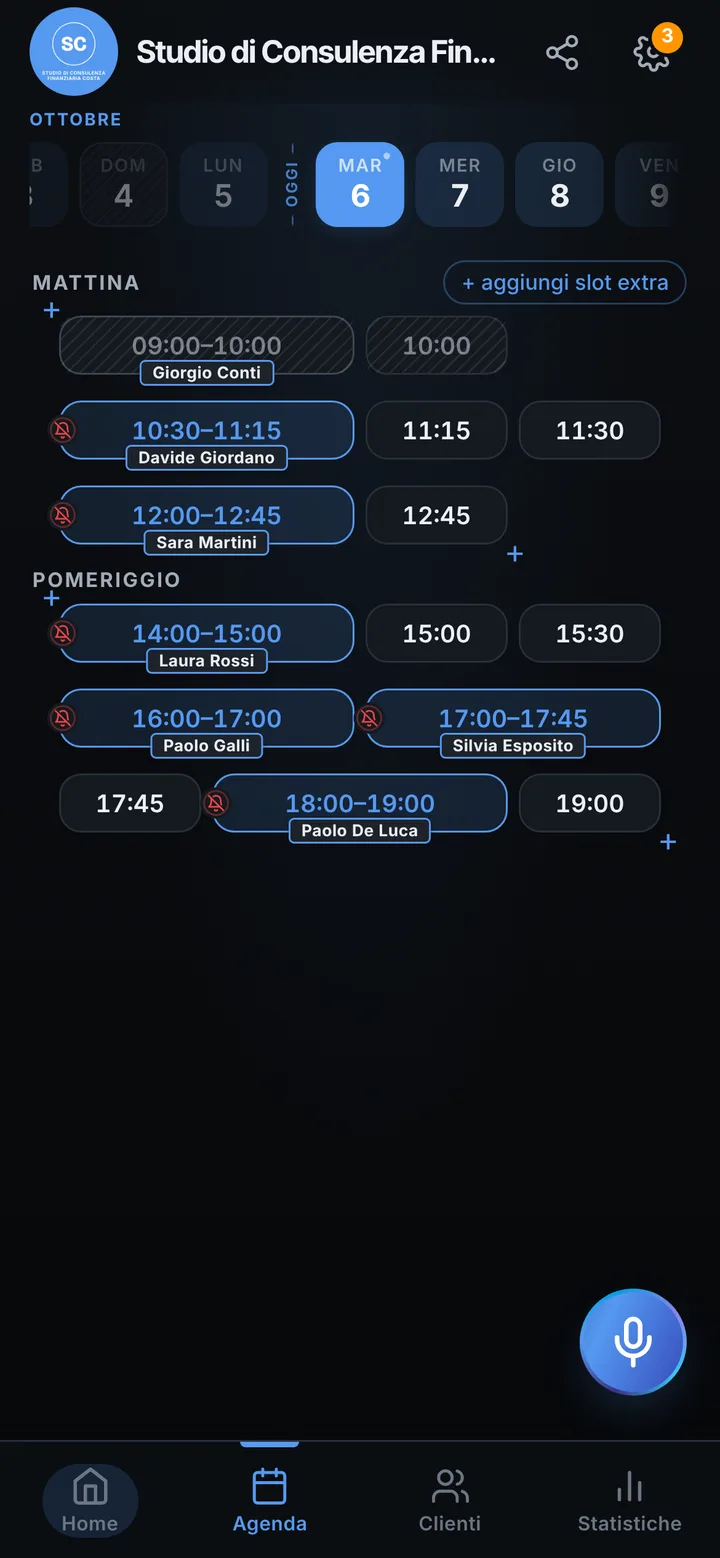
Financial advisor meetings, scheduled from one link.
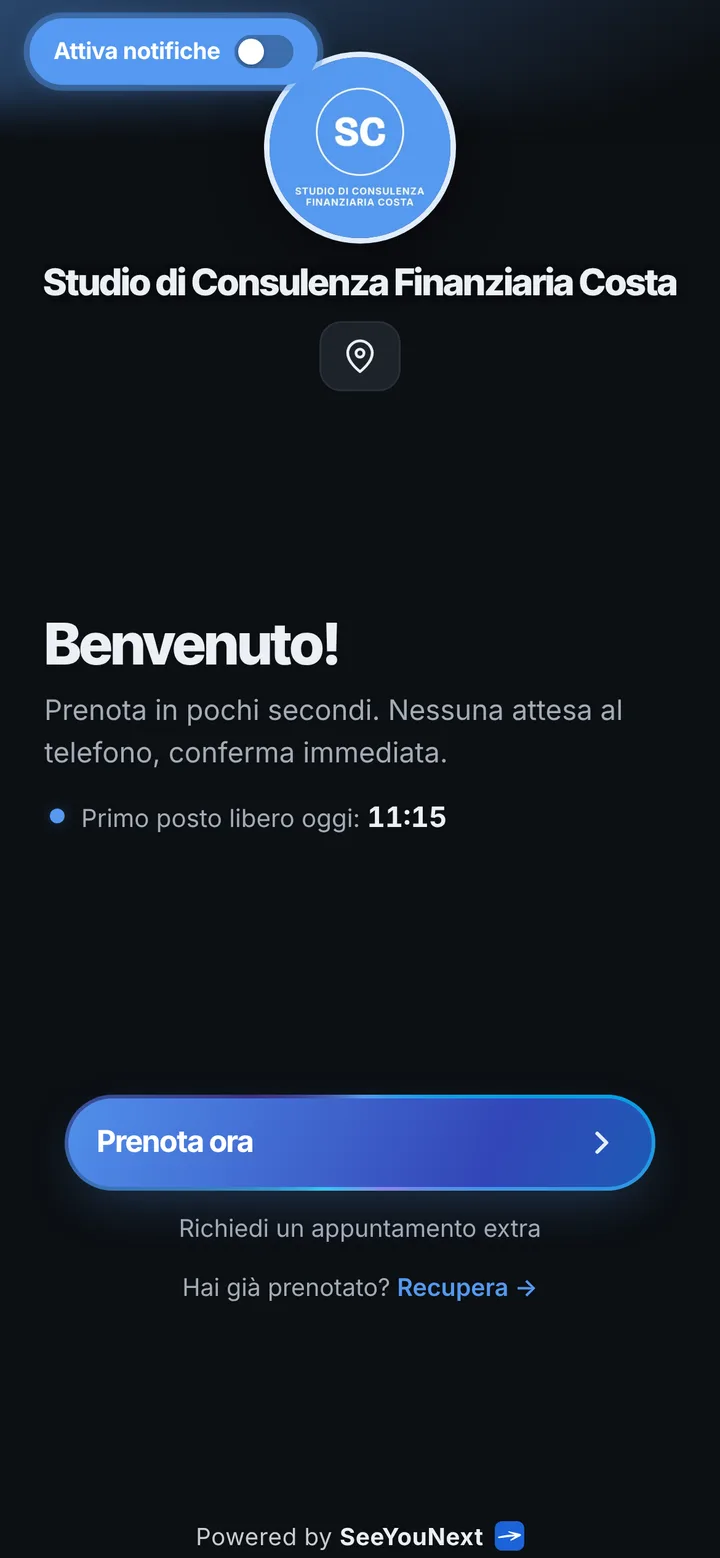
A financial advisor’s work runs on meetings: the first conversation to get to know each other, then reviews where you look together at how things stand. Clients have jobs too, and finding an hour that suits both of you often takes a chain of messages. Here is how you let them choose, inside the slots you open.
First meeting and review meeting
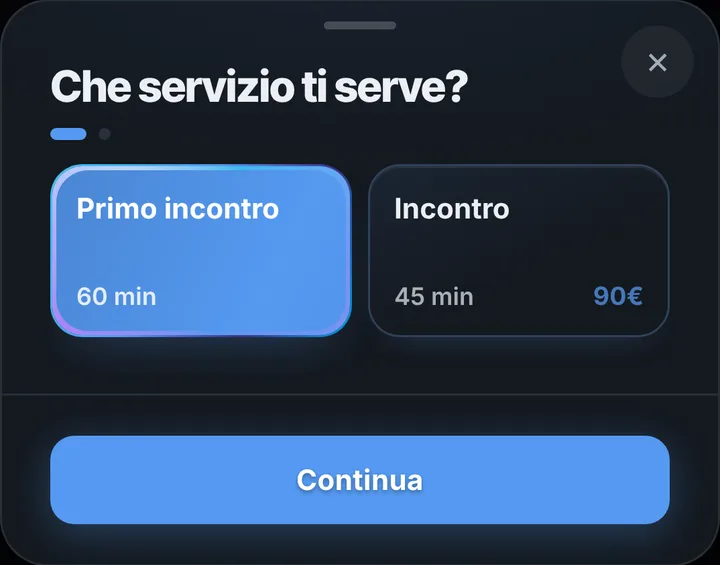
The starting list has two items: a one hour first meeting and a forty-five minute meeting. A new client books the first from your link, a long-standing one the second. They only see slots of the right length, and you arrive knowing how much time you have. Name items simply, with no reference to products or assets, because the name shows in the confirmation and in messages. SeeYouNext organizes the calendar and nothing more: it gives no investment guidance, shows no account or portfolio data and promises nothing to anyone on your behalf.
Evenings and Saturdays
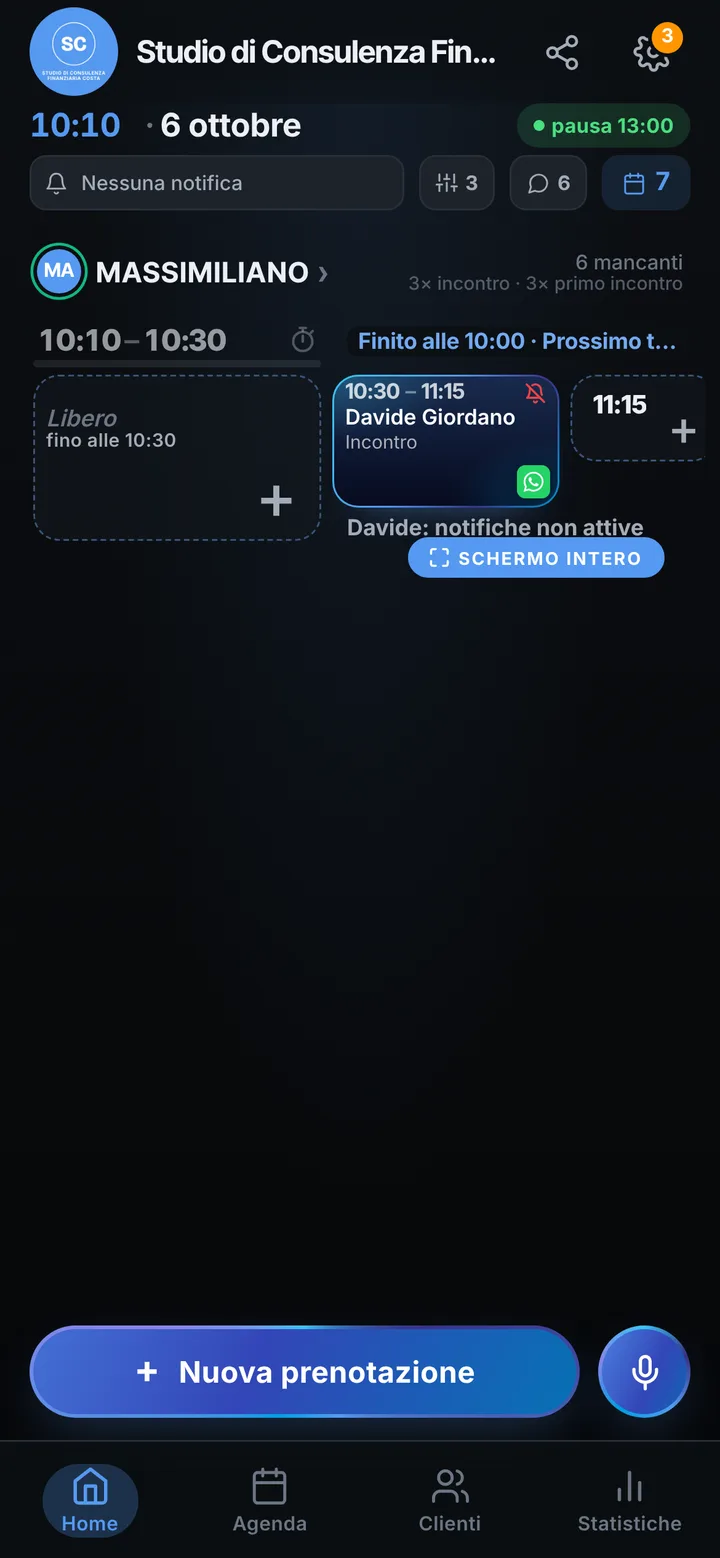
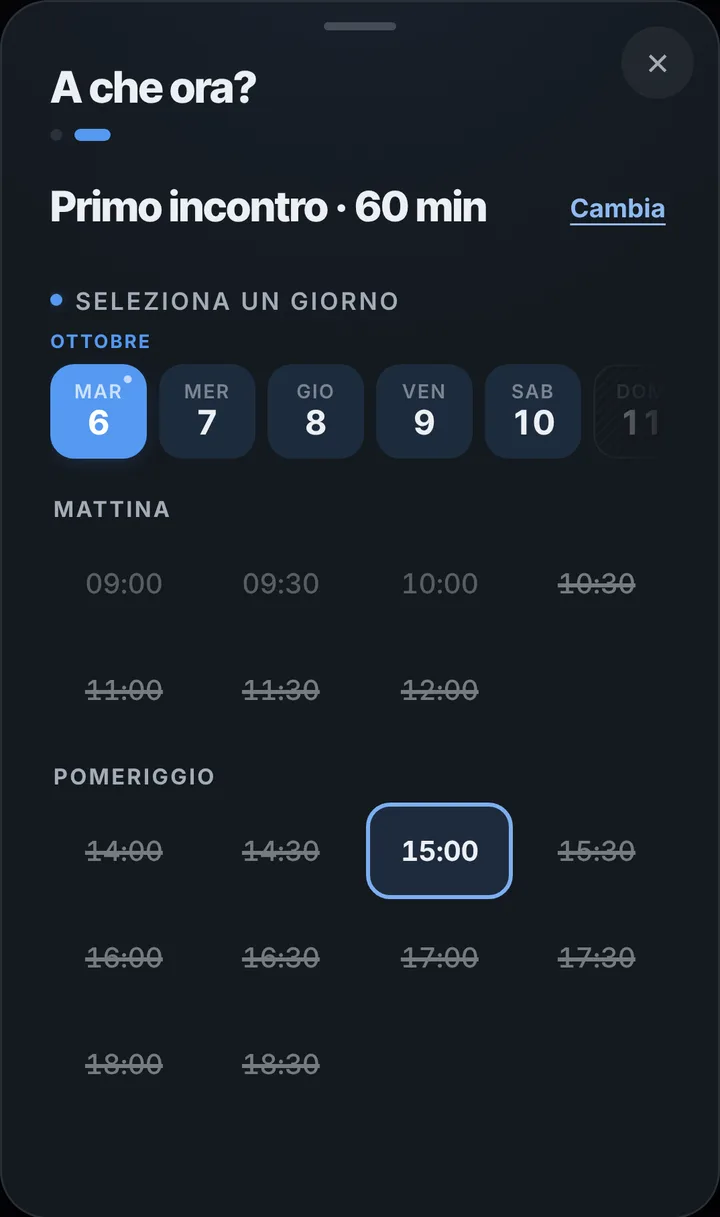
Many clients can only see you after work. Open two evenings a week and a few Saturday mornings, close the rest: the link only offers the times you left free. Days at head office or in training go in as blocks. If you also meet people away from your office, write the meeting address in the booking notes, which is a practical detail. After a review you set the next one from the diary, and the client finds it on their page; from there they can ask to move it up to two hours before, and you accept with one tap.
Reminders that say little
The notification reminder reaches clients who turned it on, the day before and two hours before, and shows only the day, the time and the office name; the client can reply «I’ll be there». Anyone who does not use notifications gets it on WhatsApp with one tap, from your number and with the text ready. In the client’s address book entry, notes are for things like the hour they prefer to be called or the name of the spouse coming along; financial situation and paperwork stay in your firm’s tools. If the meeting before theirs runs long, send them a delay alert.
On your own or in a shared office
If you work in an office with other advisors, each has their own diary, hours and items, up to 12 people, and your assistant joins through a link with the permissions you choose. Connect your Google Business Profile and anyone searching for you by name finds a button to book. Clients can install the app with your logo straight from your page. When a meeting is dropped at the last minute, whoever was on the waiting list is told. SeeYouNext collects no fees and sends no files: it gives, moves and reminds appointments.