In detail
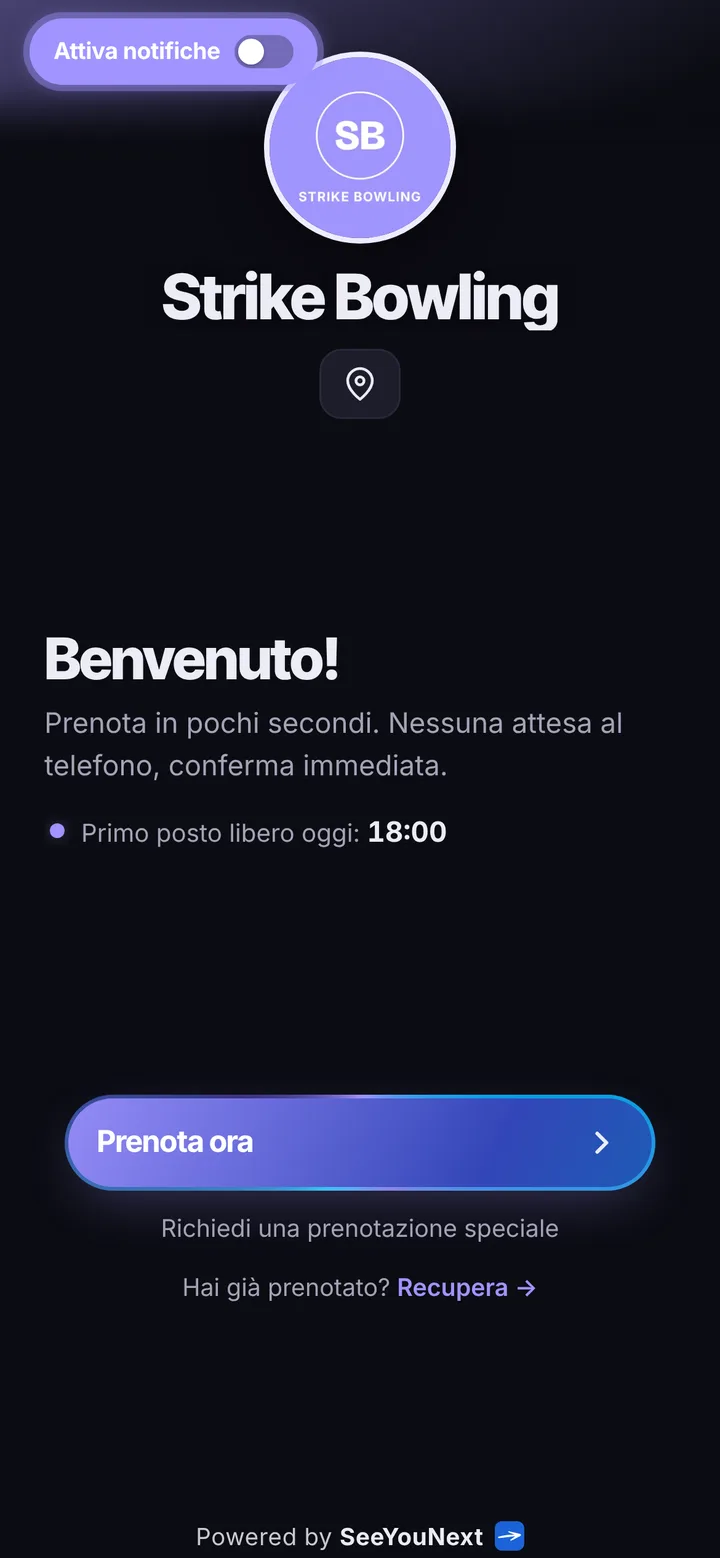
The lanes of your bowling center, bookable from a phone.
At a bowling center the phone question never changes: is there a lane free tonight for eight people? Answering while you hand out shoes and reset the scoreboard is awkward, and Friday nights fill up in a messy way. Here is how you put your lanes online and let groups book themselves.
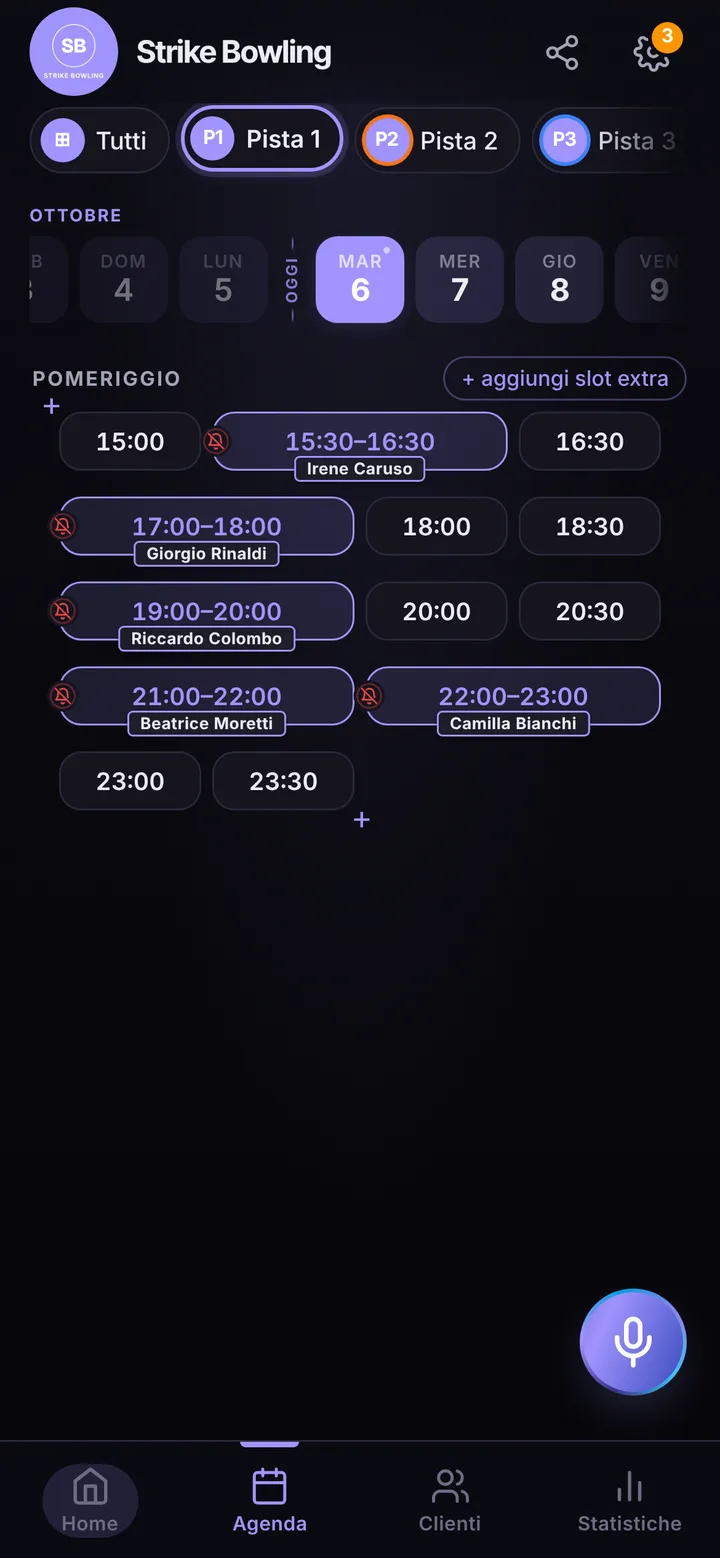
Every lane, its own diary
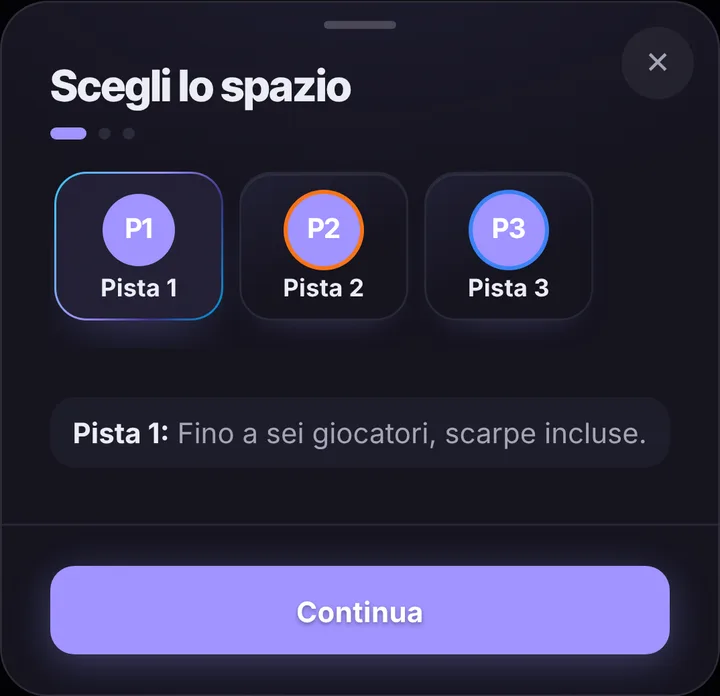
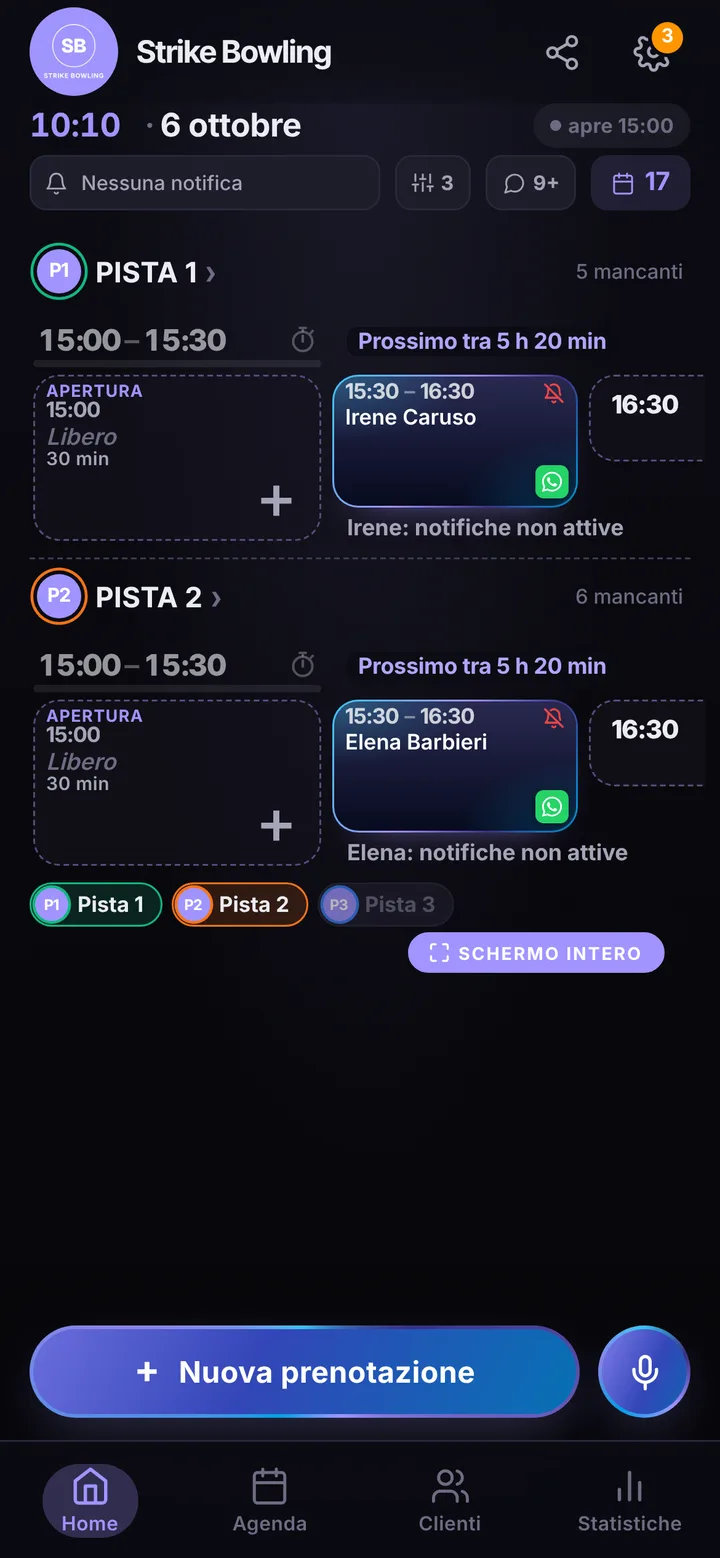
Each lane is a space in the app, with a name and a photo: “Lane 1”, “Lane 2” and so on. For each one you choose how long a booking lasts, say one hour, and you can add a second, longer length for people who want two relaxed games. Whoever books from your link sees which lanes are free at the time they want and picks one. One account holds up to 12 lanes. The lane with a broken pinsetter gets blocked in the diary for as long as the repair takes, so nobody books over it.
Friday night is not worth the same as Tuesday
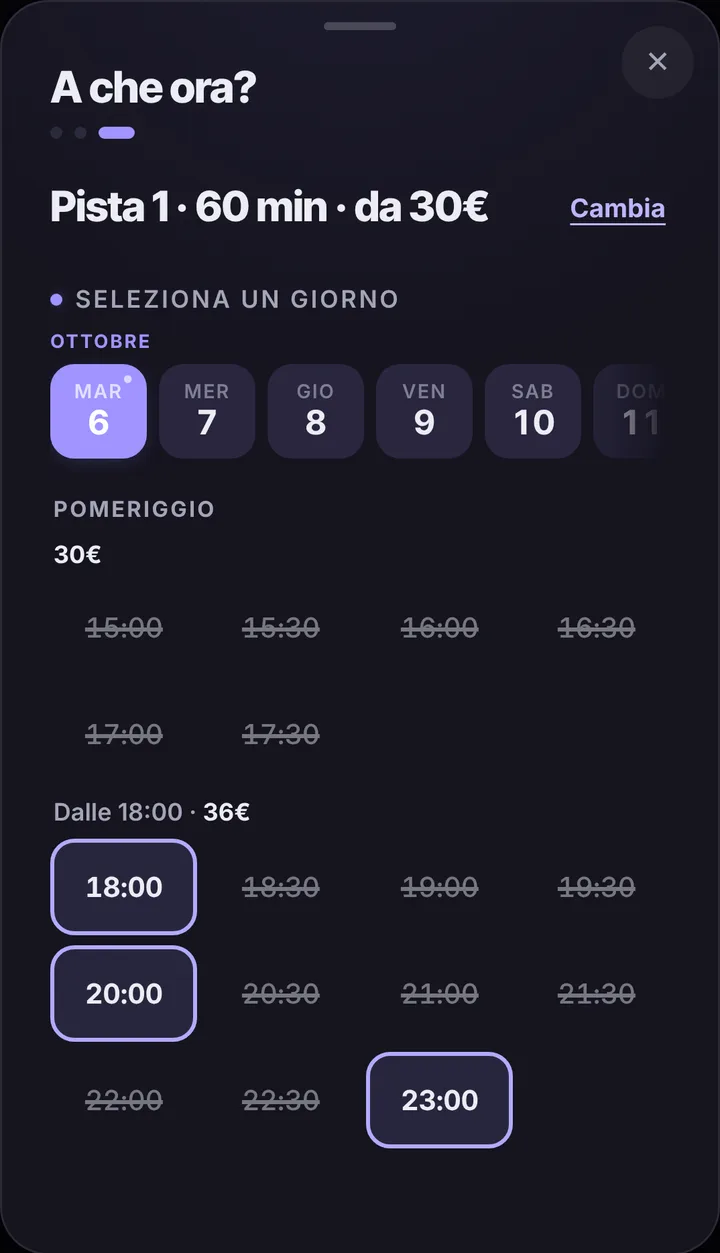
The hours after dinner and Sunday afternoons are the ones everyone wants; weekday mornings bring a school trip at most. For each lane you can set up to three price bands by day and hour, and whoever books reads the amount for their band before confirming. If you would rather quote prices at the desk, keep them hidden. When Saturday’s lanes are all taken, people looking for that hour join the waiting list: if a group drops out, the alert goes to whoever is waiting, as long as their notifications are on. Birthday parties and company nights, which are almost always agreed by phone, you add yourself from the diary, even by voice.
The group knows what time they play
Whoever books a lane for six friends taps “Share with who’s coming” and drops a ready-made message with lane, day and time into the chat. The others open the link, see the details and write their name in the list; if the booker sets how many people are needed, the page shows how many are still missing. Nobody sees the booker’s phone number. From the booking you know who is coming: useful for getting shoes ready and typing names into the scoring display.
Delays, cancellations, groups that never show
If the group before asks for one more game and the lane frees up late, mark the delay with one tap: whoever booked next sees the new time on their page and, with notifications on, also gets an alert. You decide how late people can cancel from their phone, from zero to forty-eight hours before; without your choice there is no cutoff. A group that never shows up gets marked as a no-show, and from then on their bookings wait for you to accept them. Automatic reminders arrive as notifications for whoever turned them on, the day before and two hours before unless you change it; for everyone else there is WhatsApp, from the bowling center number with a message ready. The app takes no money: games and shoes are paid at your place.