In detail
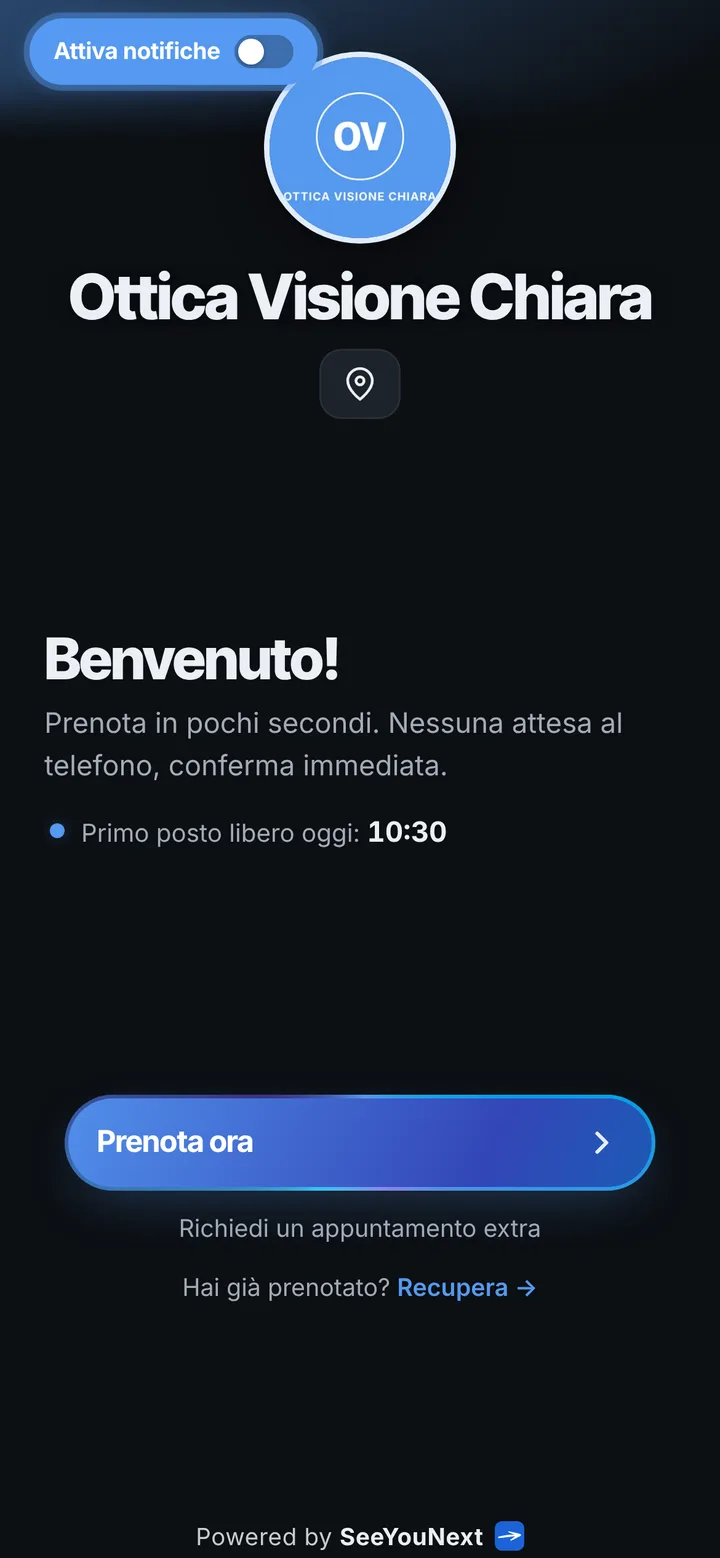
An optical store that runs on appointments, booked from one link.
Two rhythms share an optical store: people who drop in for a glasses cord or lens solution, and people who need half an hour in the exam room. When three of them show up together for an exam, someone ends up standing between the frame displays. Here is how a booking app lines up appointments without taking room away from the counter.
Exam, lens consultation, pickup: three different lengths
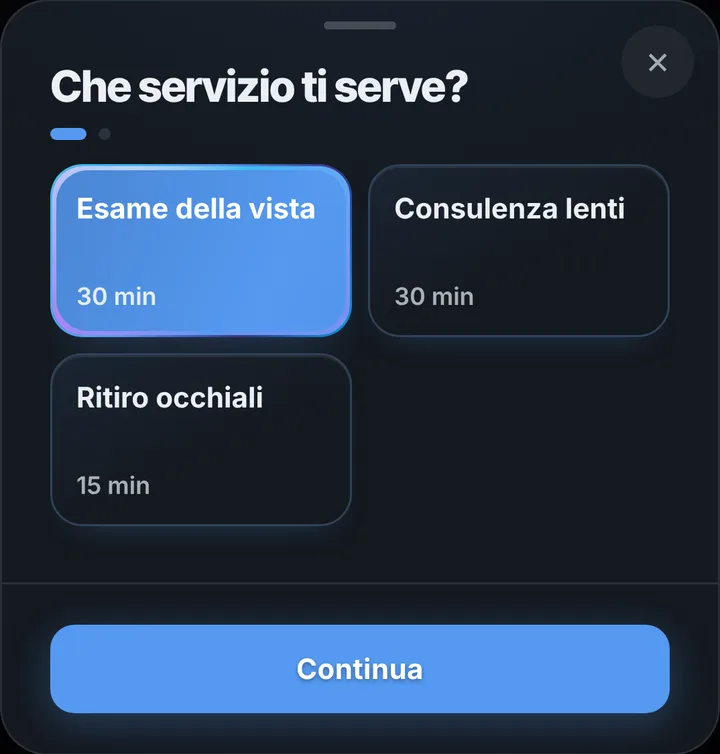
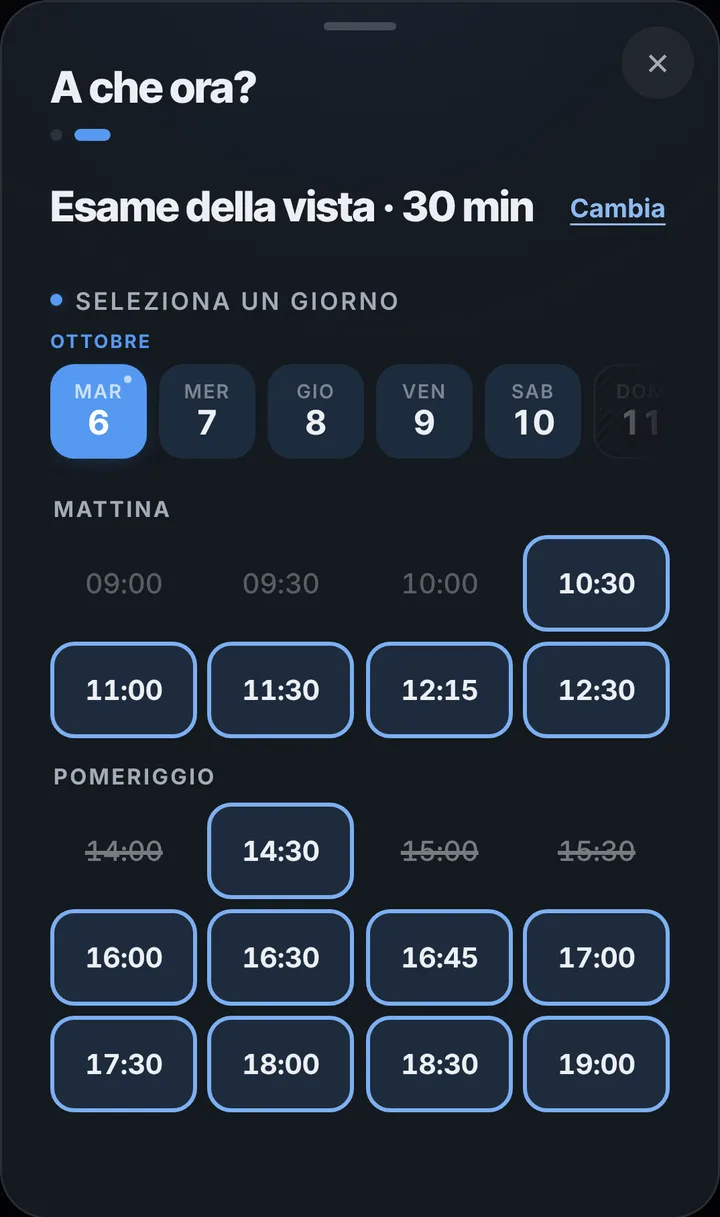
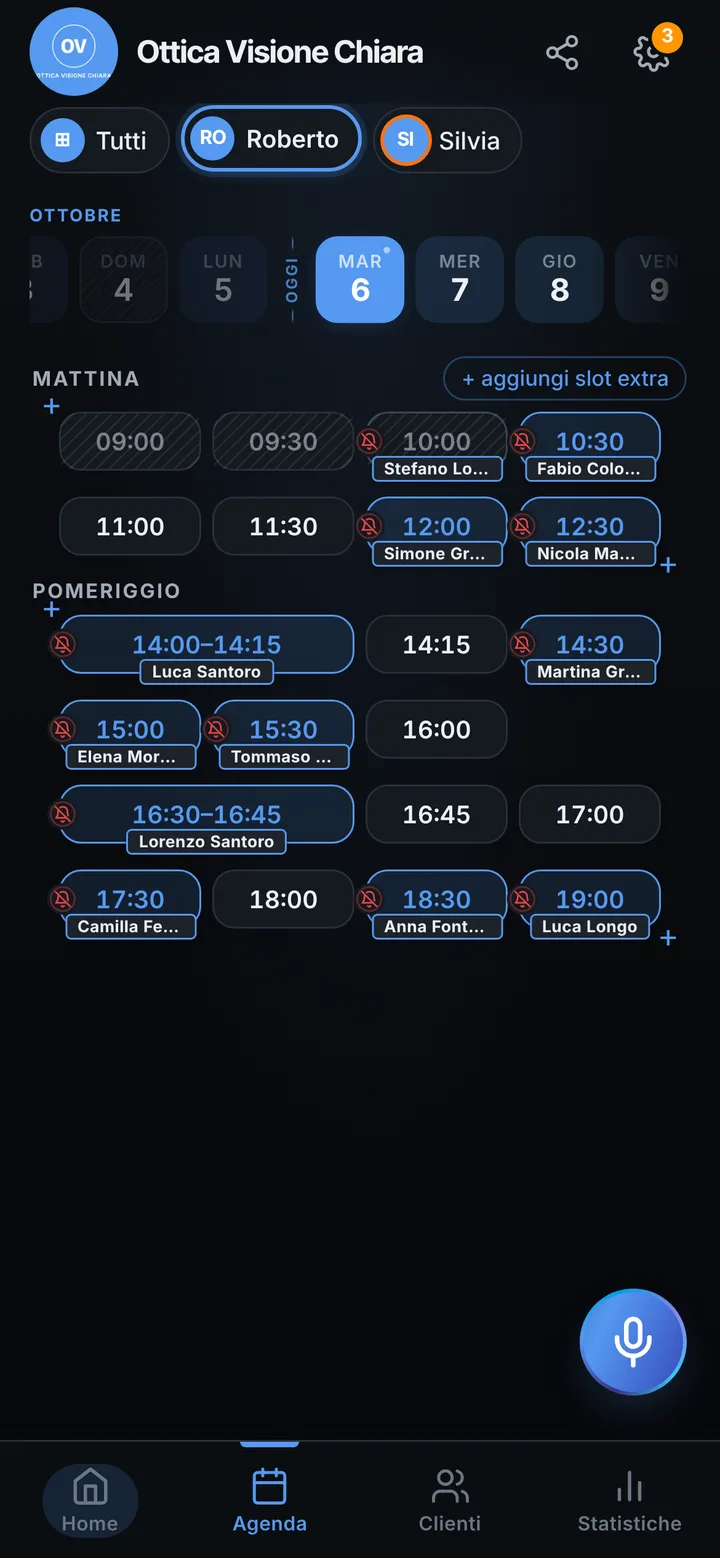
Start from a ready list: a thirty minute eye exam, a thirty minute lens consultation, a fifteen minute glasses pickup. Add contact lens fitting, frame selection or temple adjustments if you offer them. Clients open your link on their phone, choose what they need and only see the gaps that item fits into. That way the exam room never has two people booked at the same hour, and the counter stays free for walk-ins: those sales work exactly as they always have.
Glasses pickup, booked like any appointment
When you order the lenses, put the pickup in the calendar right away: fifteen minutes to fit the frame to the face and explain how to clean it. The client finds the date on their page and, if they turned on notifications, gets an alert the day before and two hours before, with the date, the time and the store name. If the lab delivers late, move the appointment in the calendar and let them know yourself; if they cannot make it, they choose another free time from their page and you get a request to accept. Today the app does not send a “your glasses are ready” alert the moment they arrive: pickup is set for a time.
Everyone in the store with their own calendar
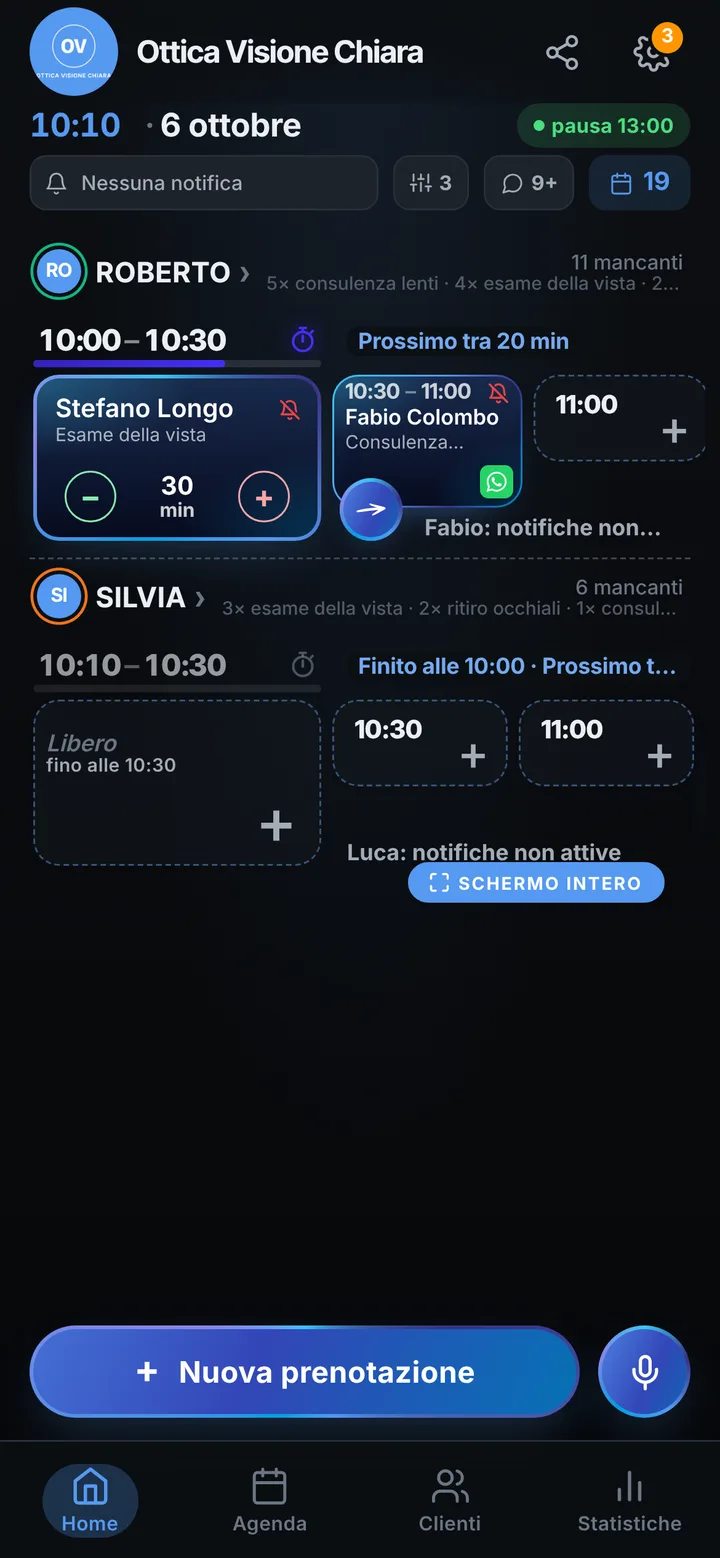
If only the optometrist does exams while a colleague at the counter also handles consultations, each person only receives the items they can do. Clients choose who to see or take the first free time. Up to 12 people per account, with vacations, breaks and half days set once. Give a colleague access with an invite link and the permissions you decide. On the store page add photos of the frames in your window, your address with a map and your social links; on your Google profile the Book button leads to the same link.
When someone does not show up
A missed exam is half an hour of an empty room, maybe on a Saturday morning. Clients with notifications on can tap “I’ll be there” from the reminder, so you know who is really coming; everyone else gets a pre-written WhatsApp message from the store number with one tap. Mark someone who misses without warning as a no-show and their later bookings stay pending until you approve them. When a person cancels, whoever joined the waitlist is alerted. And if the exam before runs over, mark the delay: the next client reads it on their page. SeeYouNext keeps no prescriptions or lens powers, so you keep your usual software for those.