In detail
Lessons and outings at sea, booked from a link on the beach.
At a surf or sailing school the wind sets the schedule: a good swell fills the morning, a flat calm empties it. Meanwhile visitors ask at the beach hut, by text, from under their umbrella. Here is how to gather lessons and outings from a link and keep them in order when the sea changes its mind.
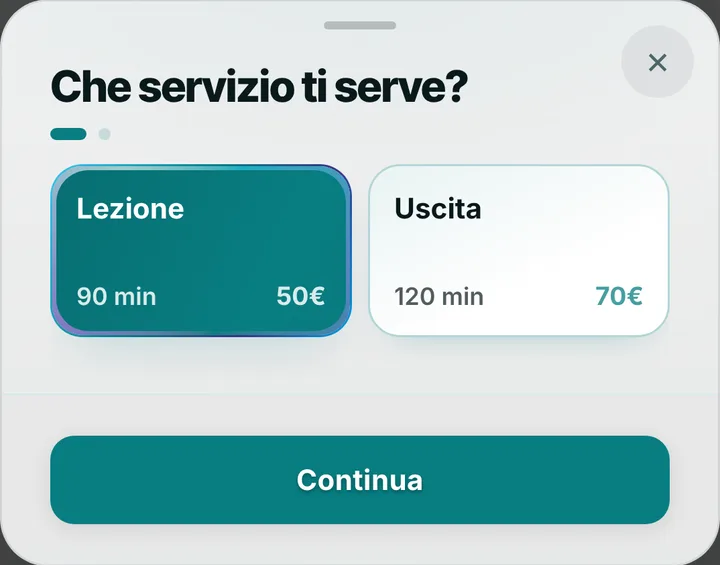
A ninety-minute lesson, a two-hour outing
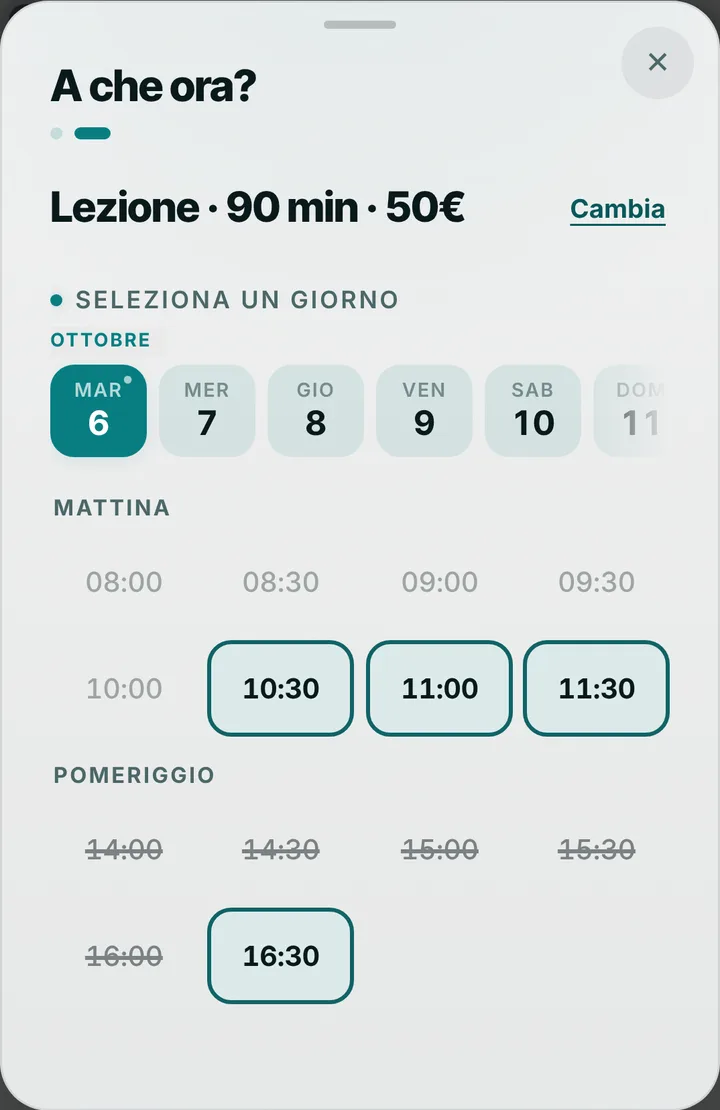
Your list starts with a ninety-minute lesson and a two-hour outing, and you shape it to your school: first time on a board, longboard, a dinghy sail, a catamaran trip, windsurfing for people who know the basics. Every item has its own length, so a long lesson never gets squeezed in just before sunset. A family or a group of friends books once, with one contact person who writes in the note how many they are, their level and, if needed, wetsuit sizes. If you like, give afternoon outings a different price, when the breeze is steadier; prices show only if you switch them on.
When the sea won’t play along
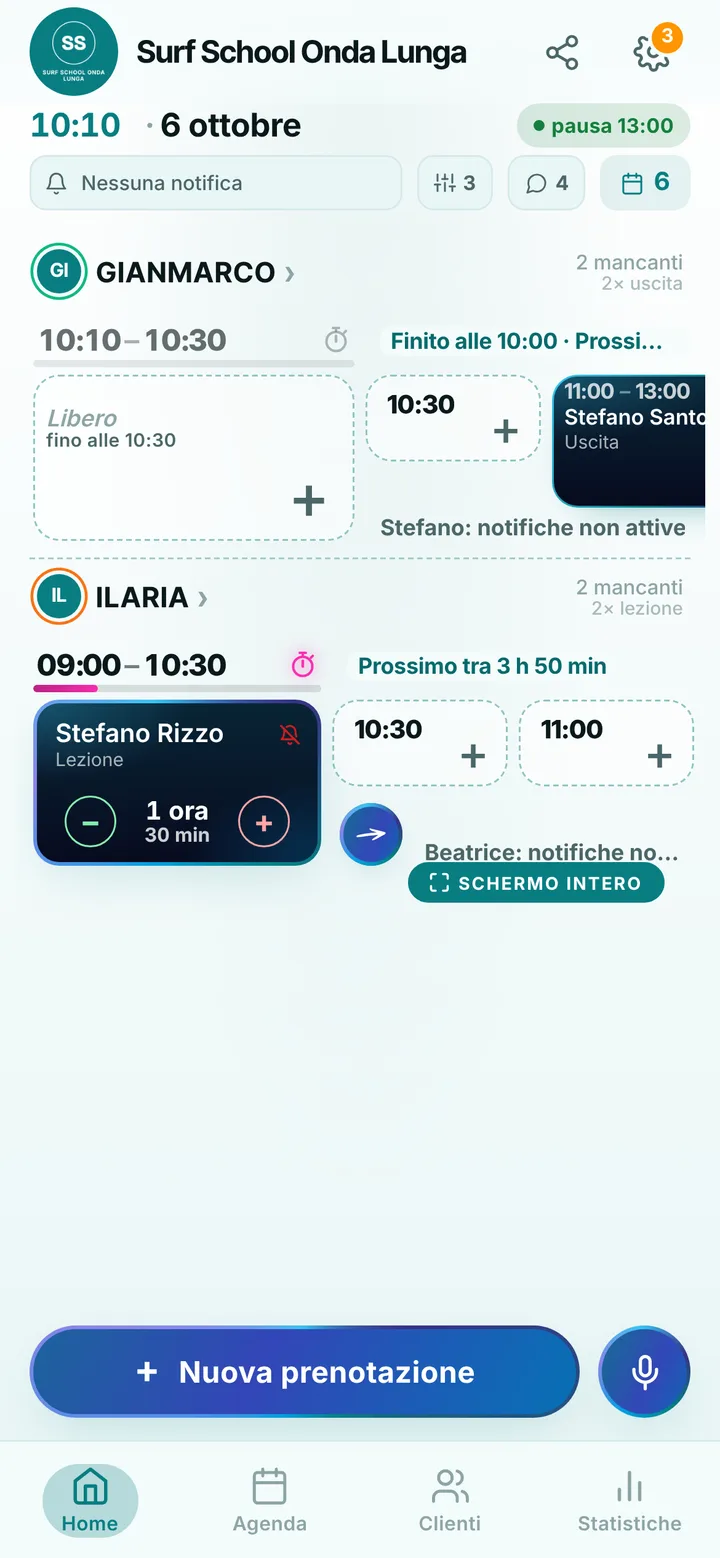
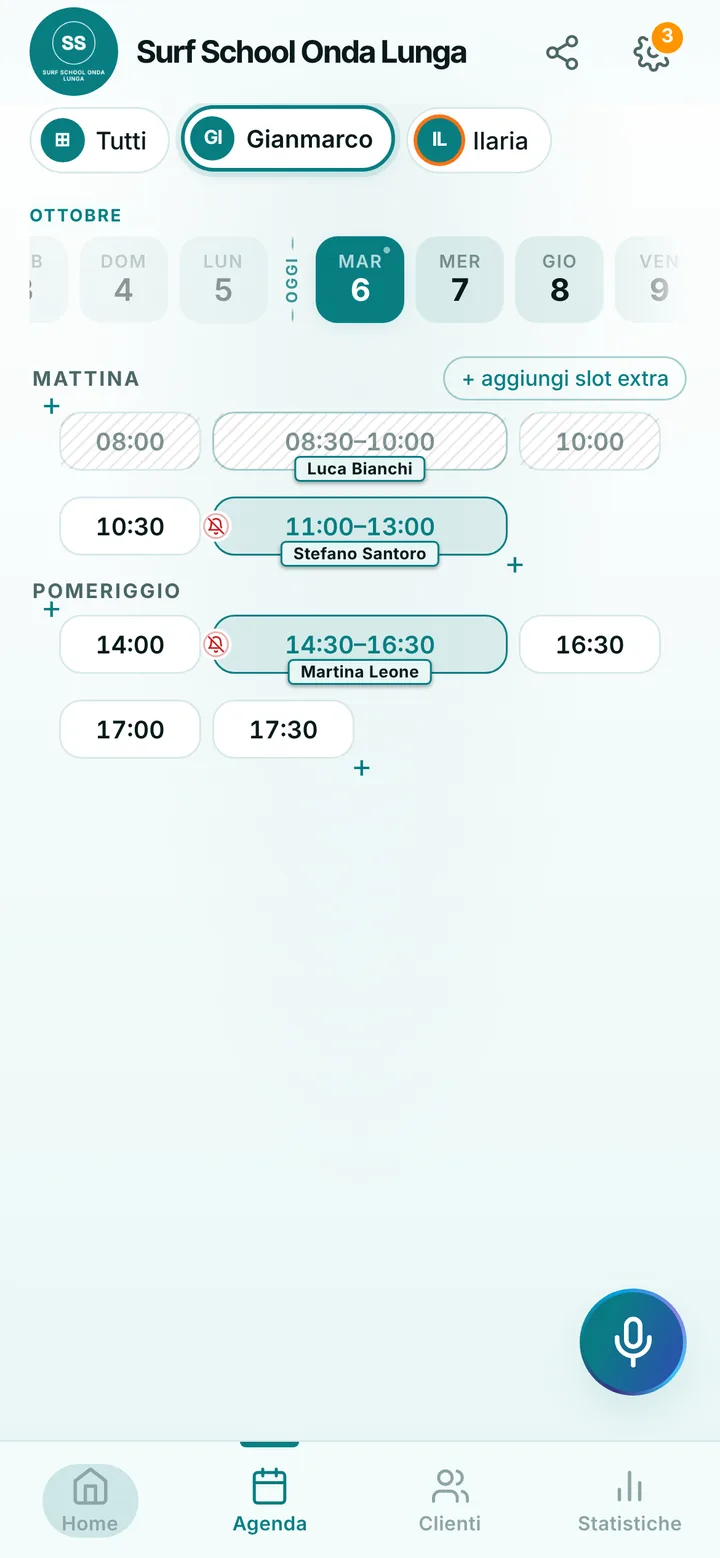
The app does not read forecasts and does not decide for you: you judge conditions from the shore. If the water is flat or too rough, move the lesson to another time or cancel it, and anyone with notifications on is told. If the wind arrives earlier than expected, send an early-start alert; if you need longer to rig the boats, send a delay one. Students can also ask to move an outing up to two hours before, picking a free time: the request comes to you and you accept with one tap. You set the cancellation limit, anywhere from zero to forty-eight hours.
Instructors, season and closures
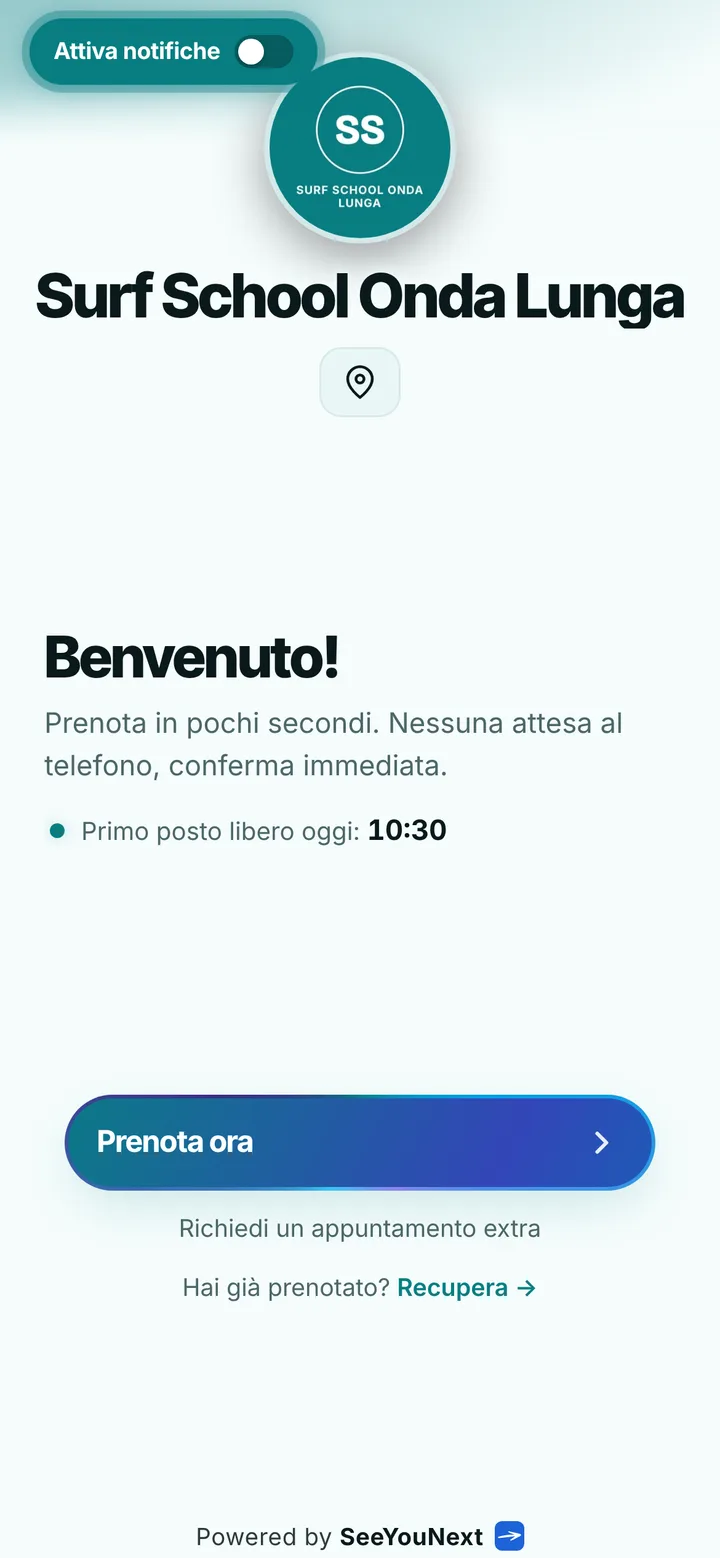
Every instructor has their own diary, days and lessons: whoever asks for sailing finds someone who goes out on a boat, whoever asks for surf finds someone in the water with a board. One account holds up to 12 people. At the end of summer you close the months when the school is shut and nobody books over them; in high season, when times are full, latecomers join the waiting list and get an alert if something opens up, if they have notifications on. Your page shows the meeting point address with a map, a few beach photos and a notice at the top about what to bring.
Kids, reminders and payment
For kids a parent books with their own number and writes in the note the name of whoever is going in the water: there is no separate profile for minors. Automatic reminders arrive as notifications for people who turned them on, by default the day before and two hours before. Everyone else hears from you: one tap on the booking opens WhatsApp with the text ready, from the school number. Online each client holds at most two active bookings; a whole week of outings you add from the diary. SeeYouNext sells no bundles and takes no payments: gear rental and lessons are paid the way they are now.