In detail
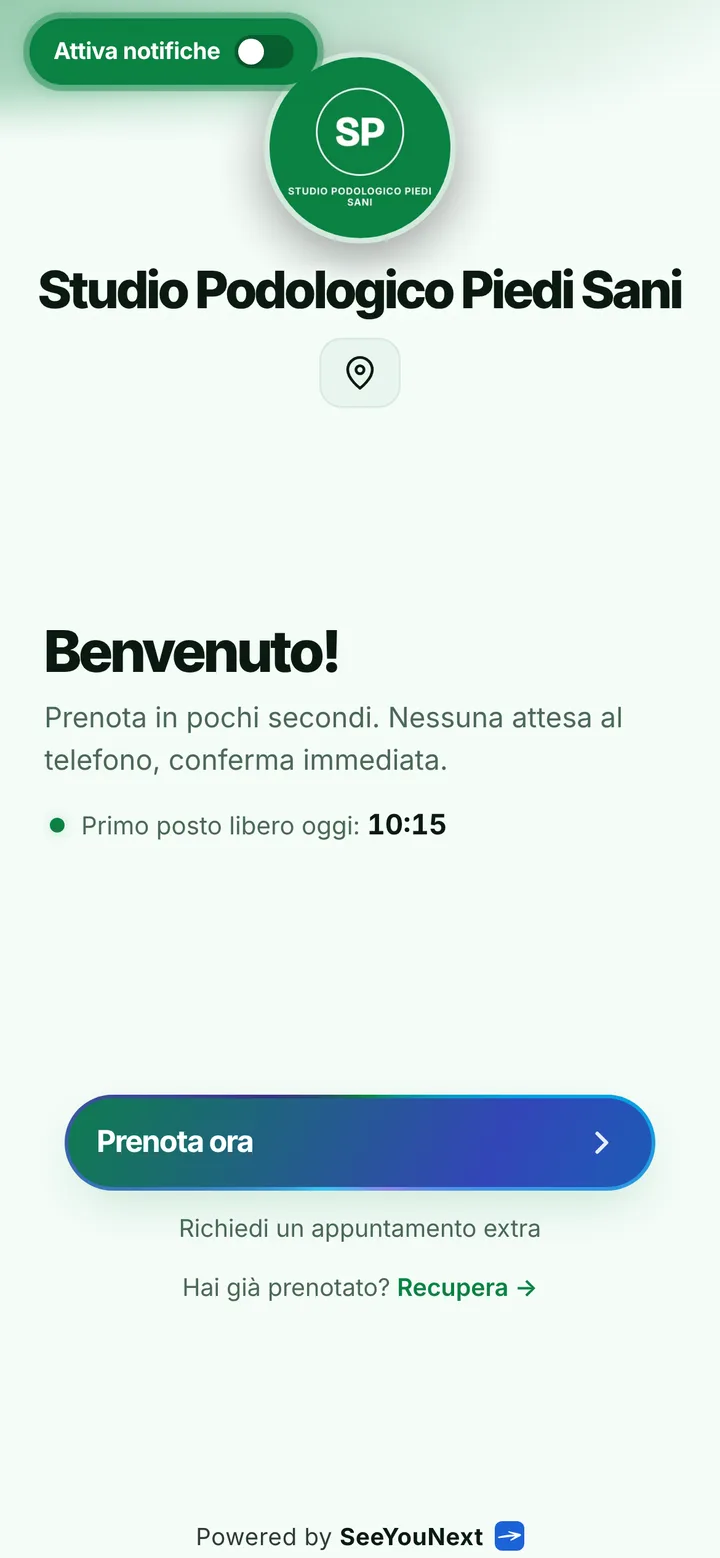
A podiatry practice for those who book online and those who call.
Podiatry patients come in every age: the runner who books from bed at eleven at night and the elderly lady who calls the office because she wants to hear a voice. A booking app only helps if it keeps both of them in the same schedule, without asking anyone to change their habits.
Quick visits and longer treatments
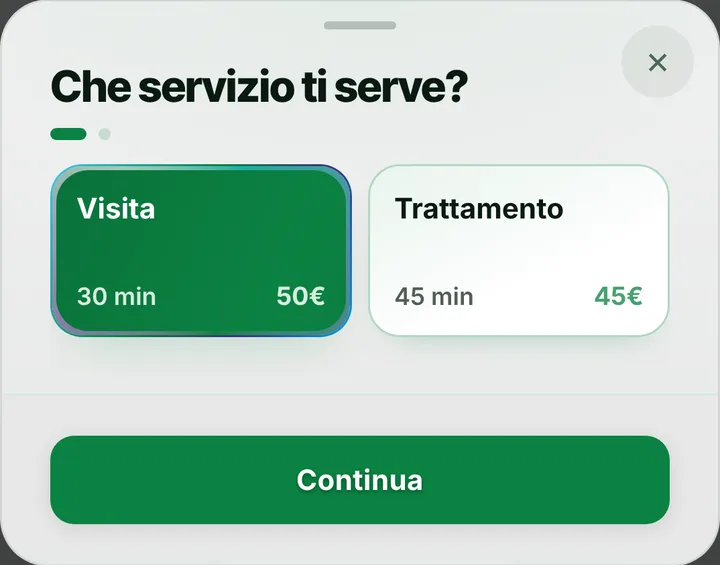
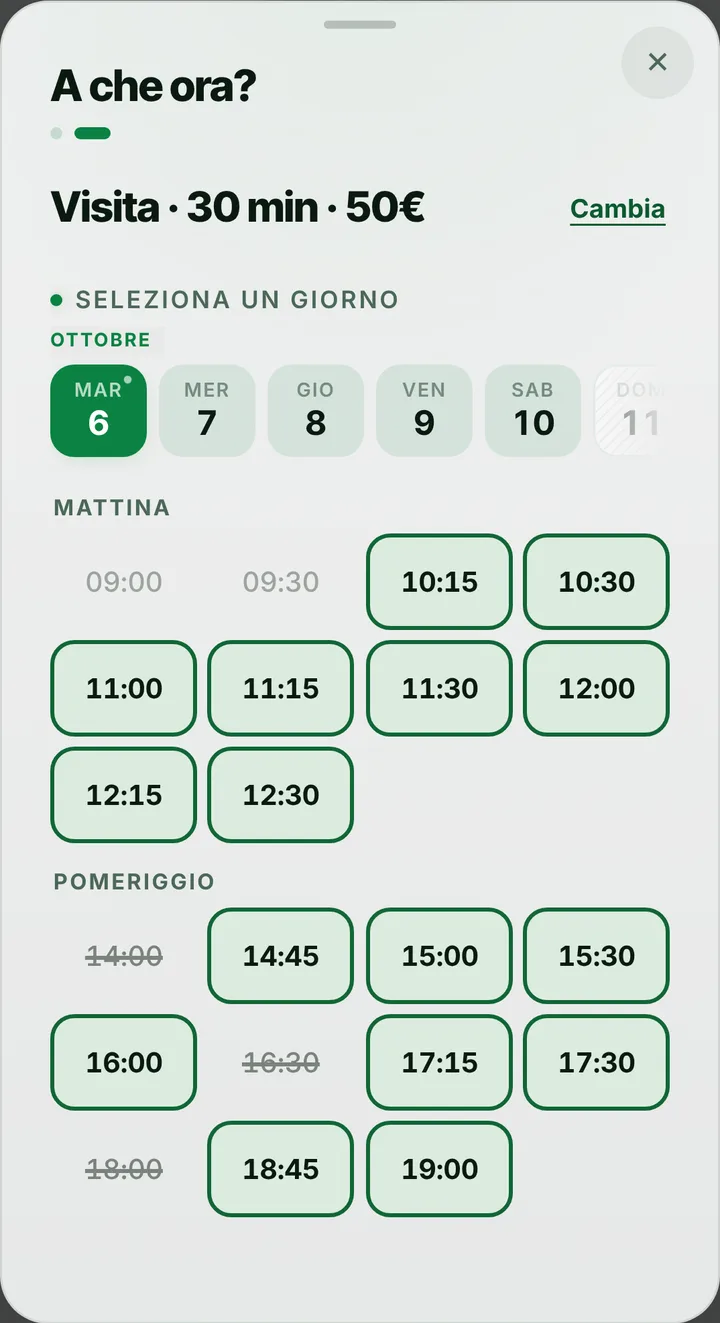
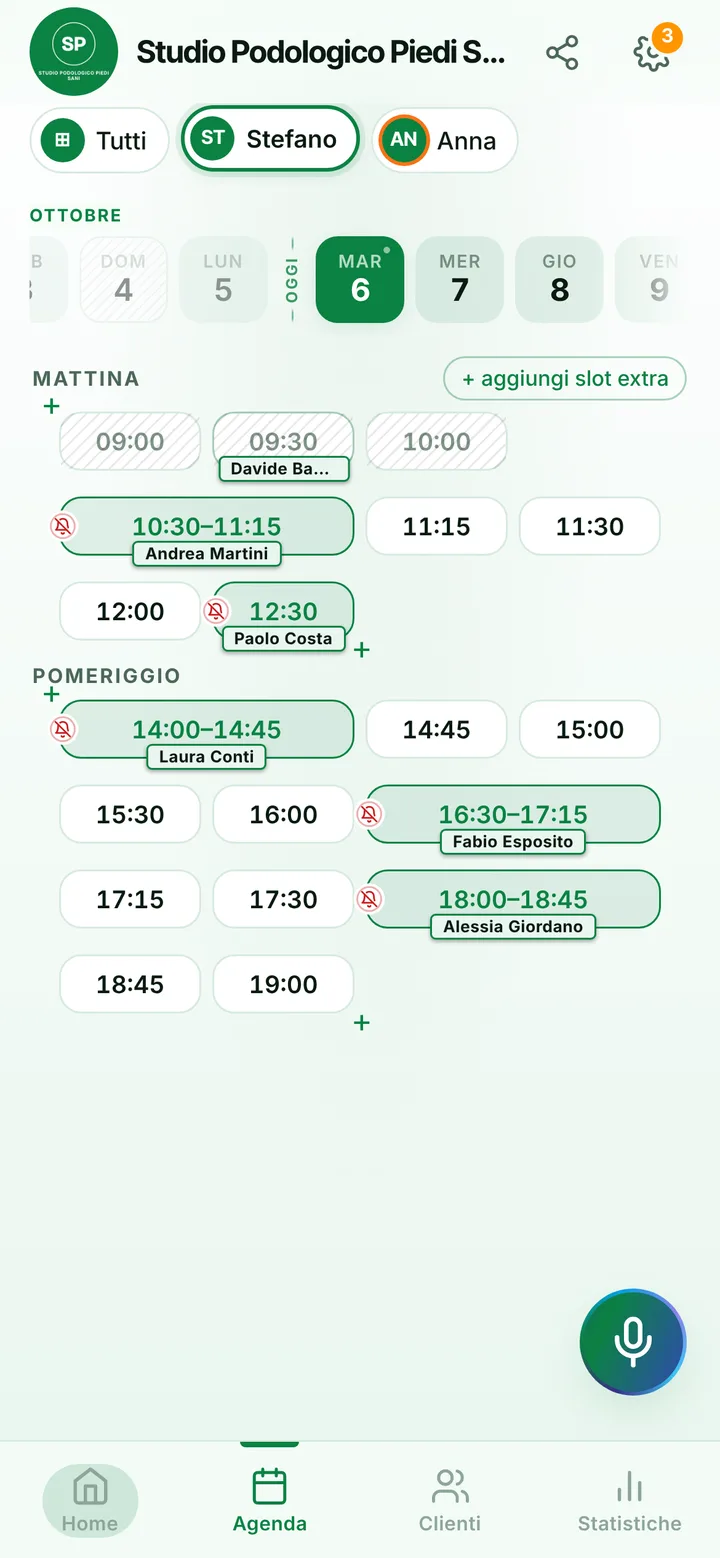
The list starts with a thirty minute visit and a forty-five minute treatment. Add the items your practice offers, such as an orthotics fitting or a dressing change, each with the time you need. People booking from the link pick an item and see when it fits, so a long treatment never ends up crammed in right before your break. Every active item can also be booked from the link: if you want to decide on some after seeing the foot, say so in the notice at the top of your page and add them from the schedule yourself.
Callers go into the schedule in seconds
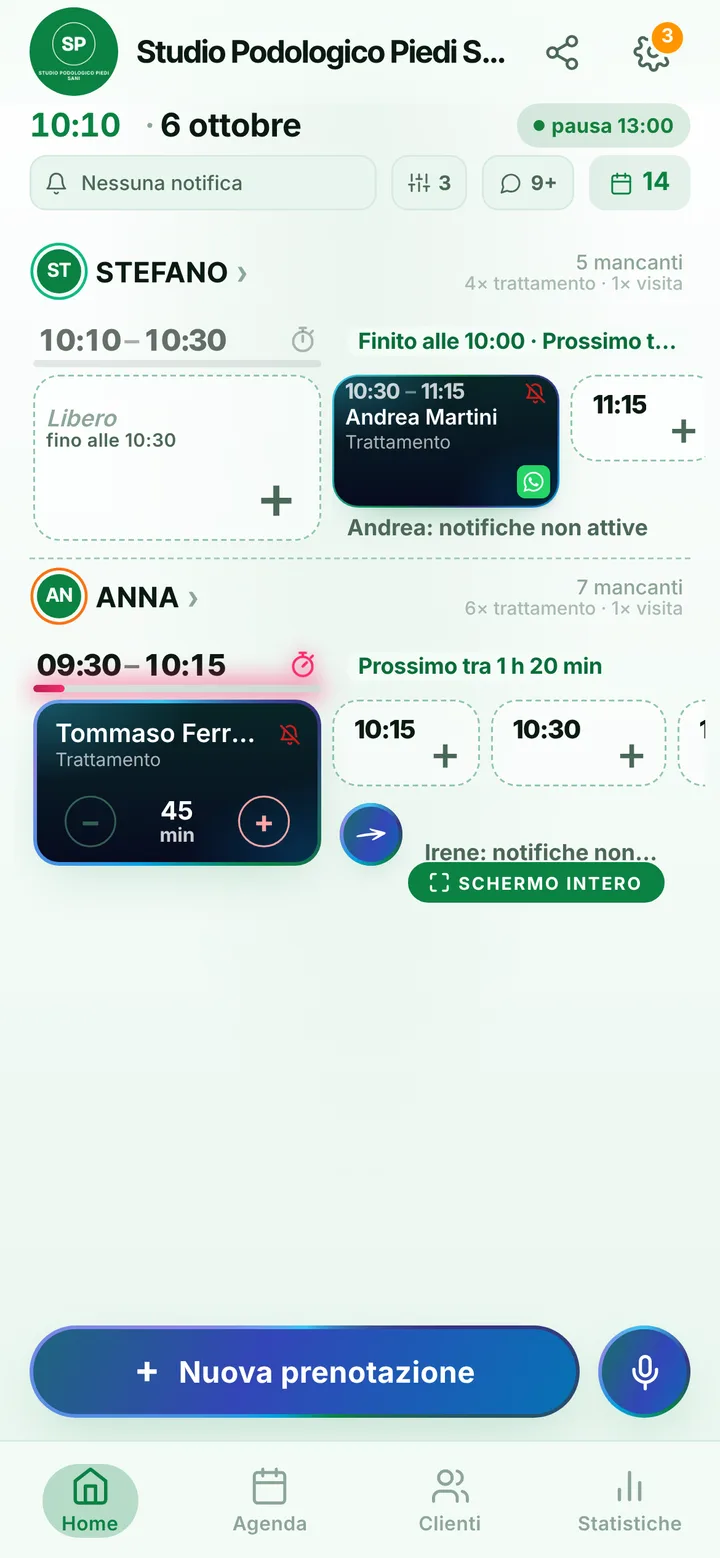
Many patients will never book on their own, and that is fine. When they call, open the schedule, pick a time and enter a name and number, even by voice while you have gloves on. If a patient returns a few weeks later for the next treatment, set it before they leave. The appointment also appears on their personal page, for anyone who uses it; people who book online by themselves can hold at most two active ones. If a patient cannot make your hours, they can request an extra appointment from your page.
Reminders for people without notifications
Automatic notifications reach those who turned them on, by default the day before and two hours before, and show only the day, the time and the practice name. For older patients, who often do not have them, choose from the booking how to remind them: a ready-made WhatsApp, a text message or a phone call, always with one tap from your phone. When a treatment takes ten minutes longer, mark the delay and the next person finds the new time on their page. Anyone who misses without notice, once marked, waits for your yes on future bookings.
One practice, several people, no charts
If several podiatrists share the practice, each has their own days, hours and treatments, up to 12 people in one account; the front desk can run everything with a team member login. Foot photos, tests and assessments stay out of the app: contacts hold a name, phone number, text notes and history, no files. SeeYouNext does not issue invoices or send expenses to the Italian health expense system: keep the software you already have.