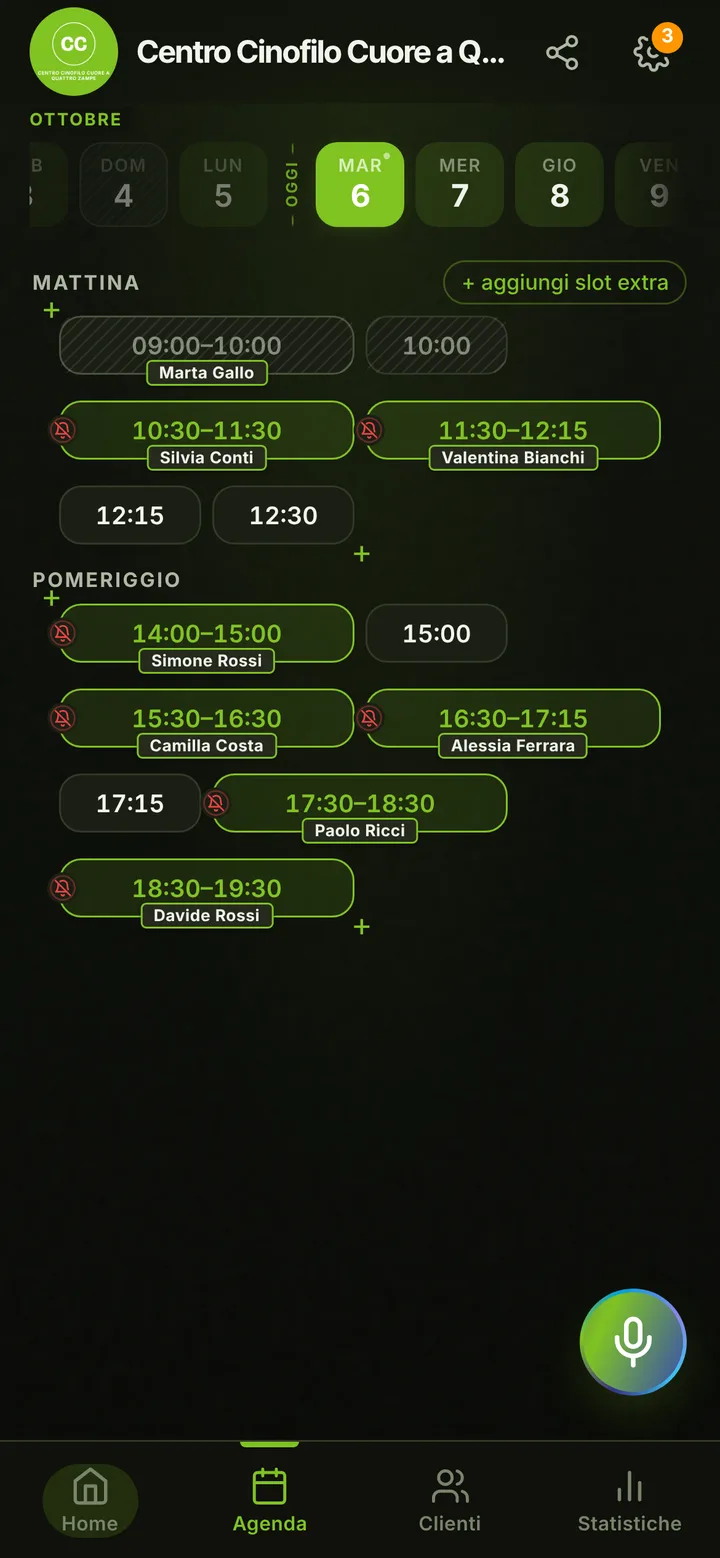
In detail
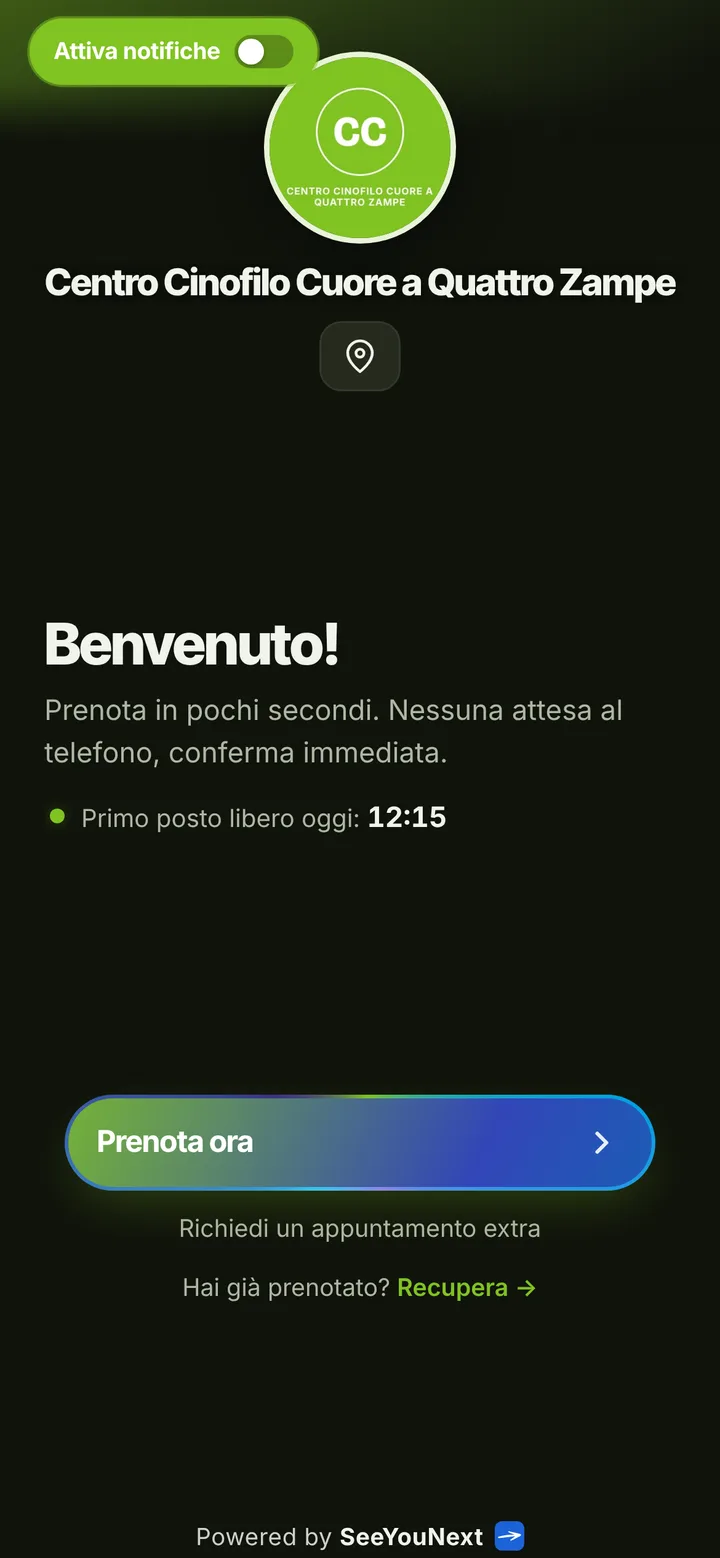
Assessments and dog training lessons, set from one link.
Dog training runs on consistency: recall, loose leash walking, the puppy that jumps on every guest. Progress is built week after week, yet owners keep changing their schedules and one rainy spell reshuffles half the calendar. Here is how you keep the field and your day in order.
It starts with an assessment
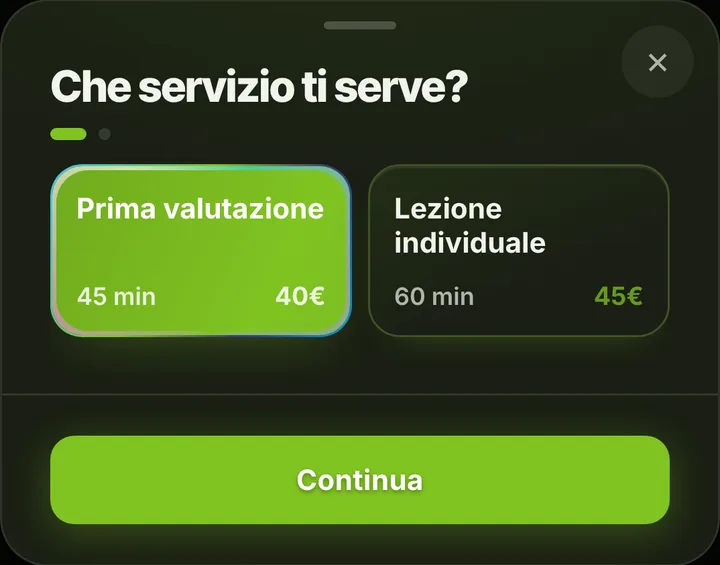
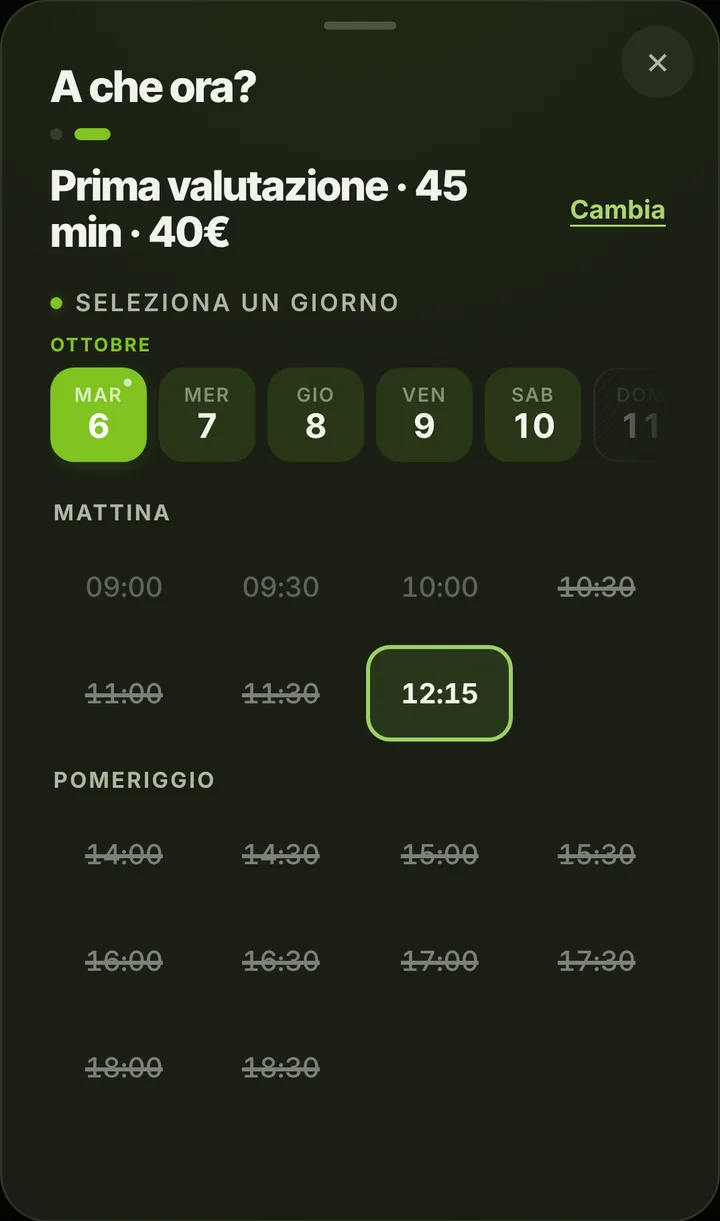
The starting list has two items: a forty-five minute first assessment and an hour long private lesson. The assessment is the first meeting, where you watch the dog, listen to the owner and figure out where to begin. Then you add your own items: lesson at the client’s home, puppy socialization, a city outing to get used to traffic, a consult for reactive dogs. Each item has its own length, and owners only see the times where it fits. If you want newcomers to start with the assessment, say so in the notice at the top of your page: any active item can be booked from the link.
The owner’s dog, in the notes
Bookings are in the owner’s name. The dog’s name, age, what you are working on and what to avoid all go in the text notes of your contacts, and you see them whenever you open one of their appointments. The app keeps no training logs, videos or progress charts, and it does not sell lesson bundles. Owners booking from the link can leave a note for the business, for instance that the dog pulls hard or that their son is coming along.
Field, weather and travel
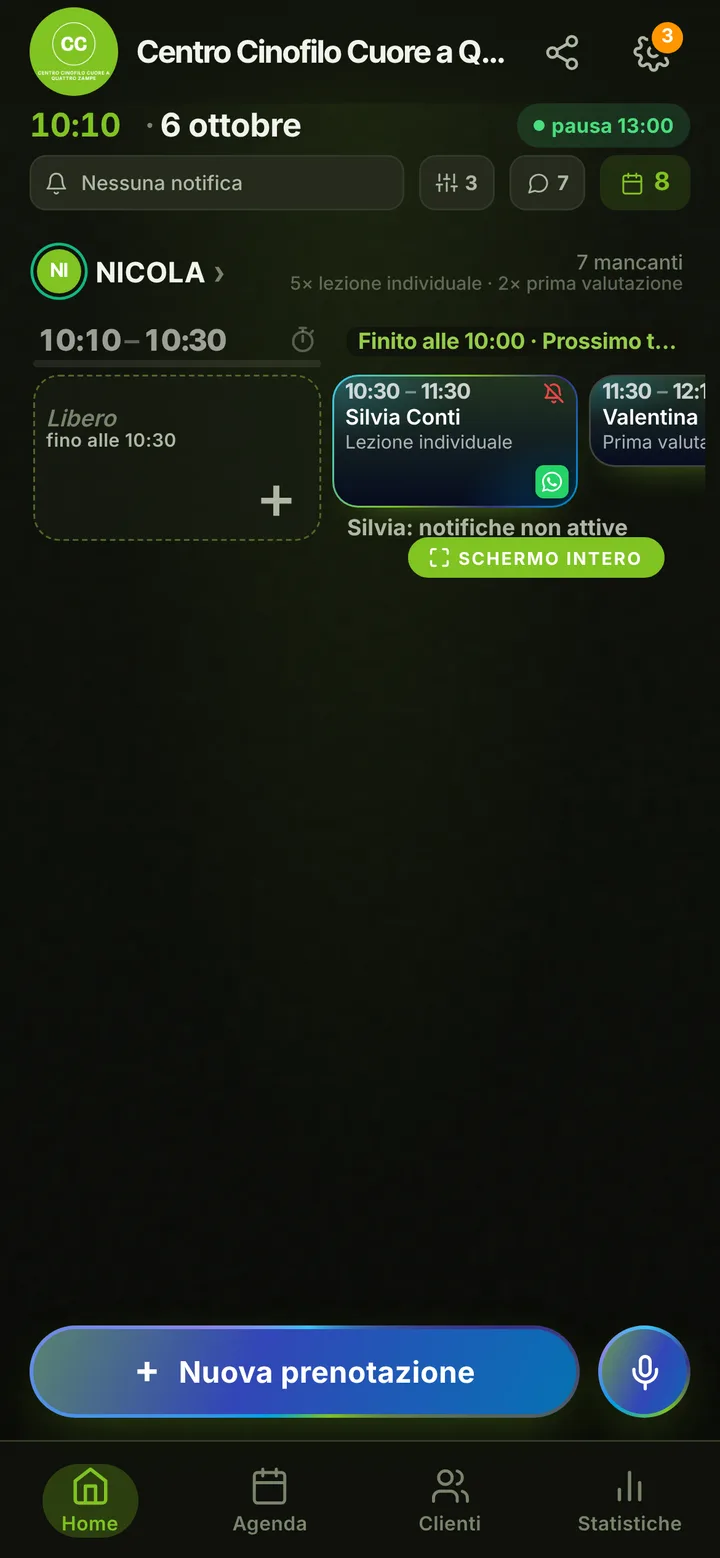
Competition days, seminars out of town and stormy afternoons get closed in the diary, and nobody books over those hours. When you have to rearrange everything at the last minute, the notice at the top of your page explains what is going on, and people who already booked get a WhatsApp message from your number with one tap. If your center has several trainers, each one has a diary and their own items, up to 12 people, and owners choose who to work with.
Next week, always in the diary
Training works when lessons do not get skipped. Owners who turned on notifications get a reminder the day before and two hours before; anyone who needs another time asks from their page and you accept with a tap. From the link each owner holds at most two active bookings, so at the end of a lesson you set the next one yourself while you are both still on the field. Mark a no-show, and that owner’s next requests wait for your approval.