In detail
From first meeting to check-ups: a dietitian’s schedule on one link.
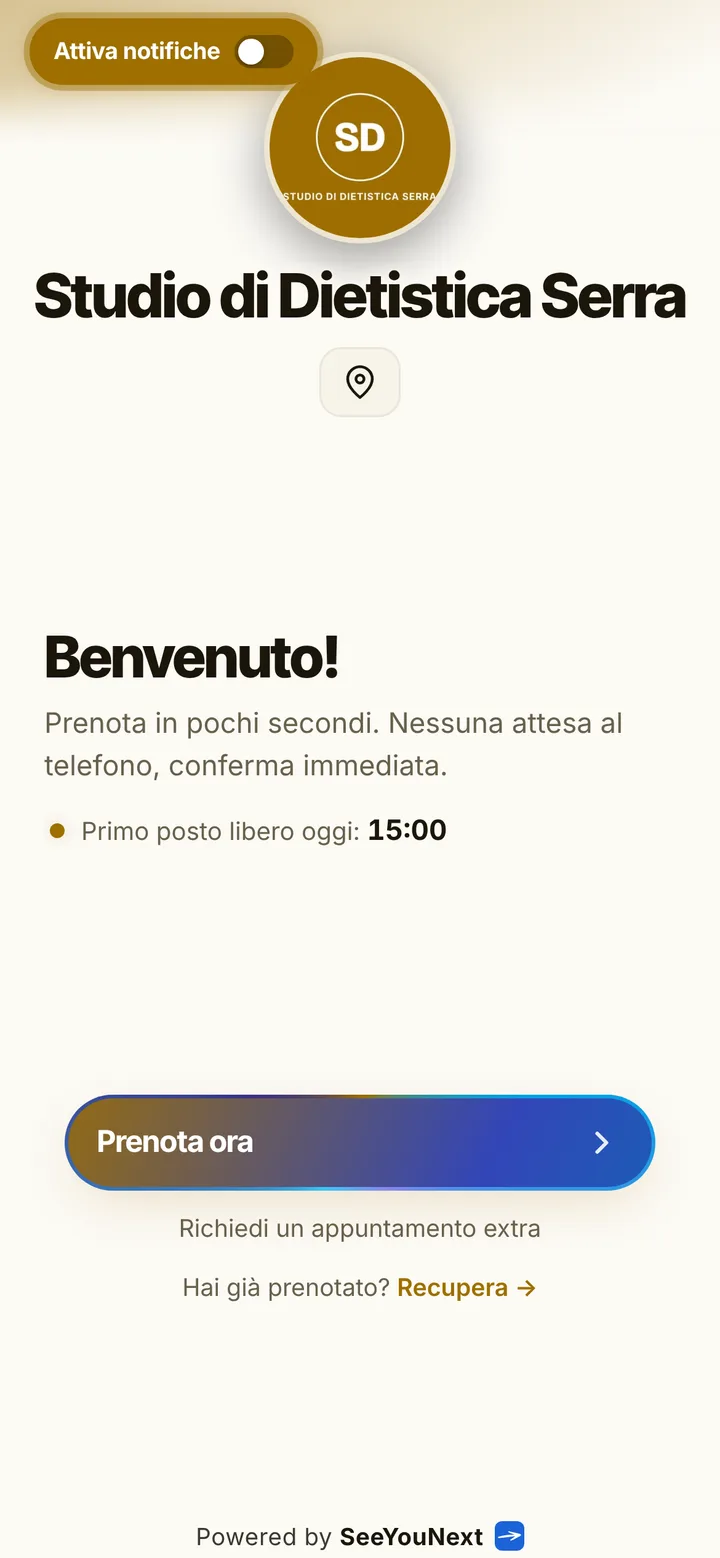
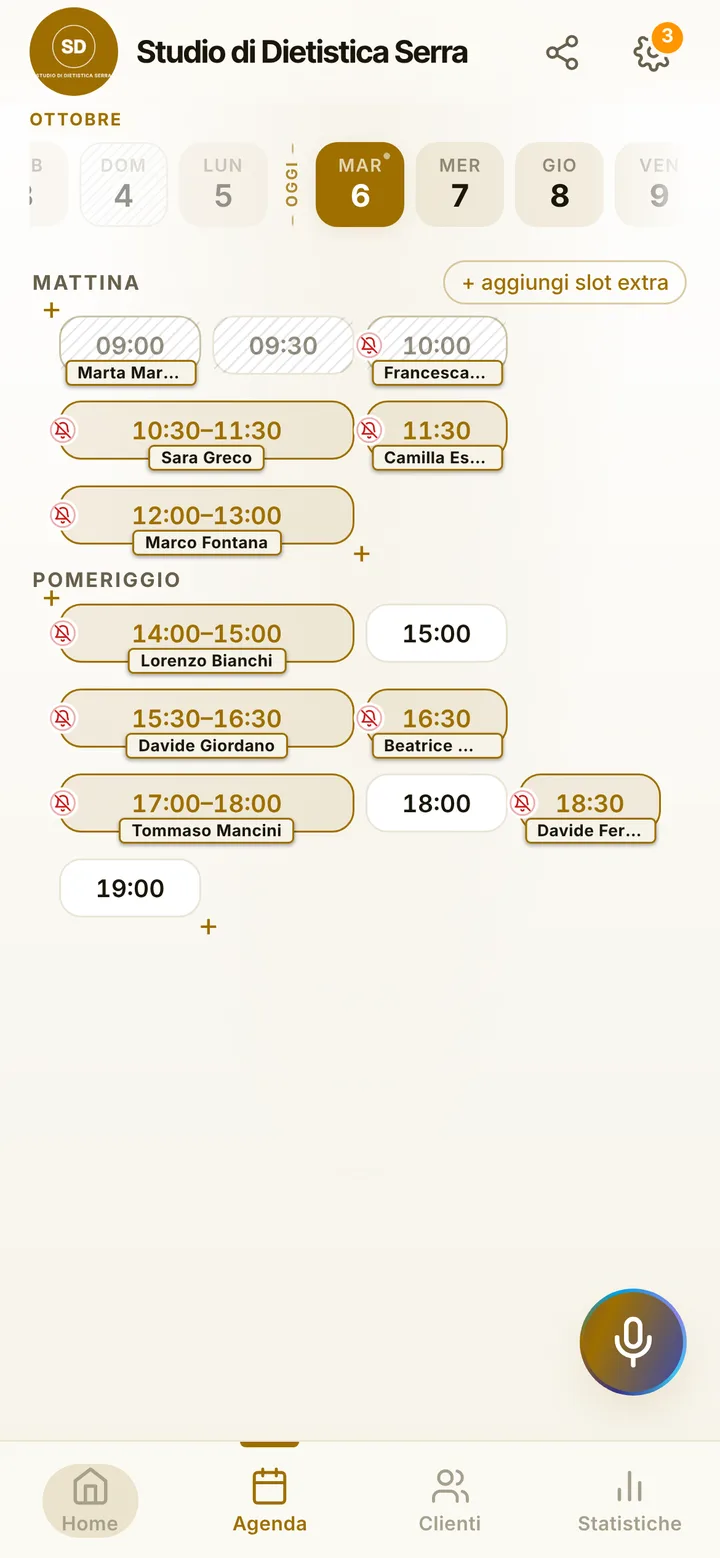
A dietitian’s schedule has a clear shape: a long first meeting, time to put the meal plan together, then a run of short check-ups to see how things are going. Here is how to organize it with a booking app, without putting any health or eating data about your patients on a phone.
A service list shaped around the meal plan
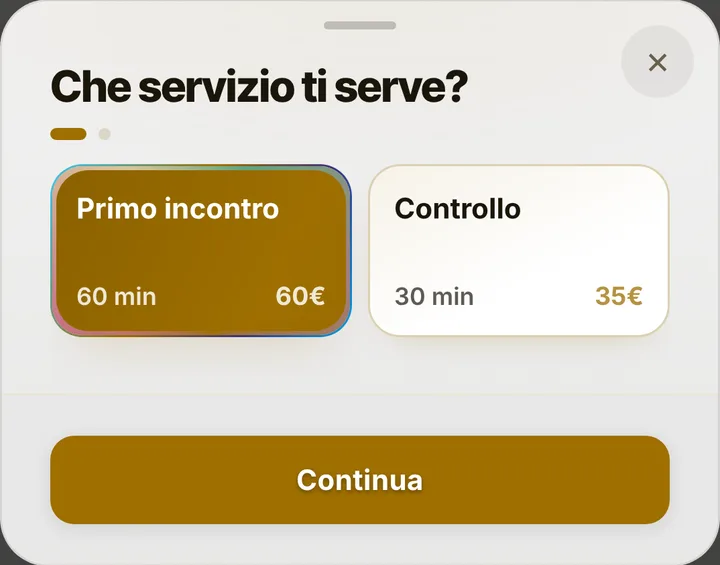
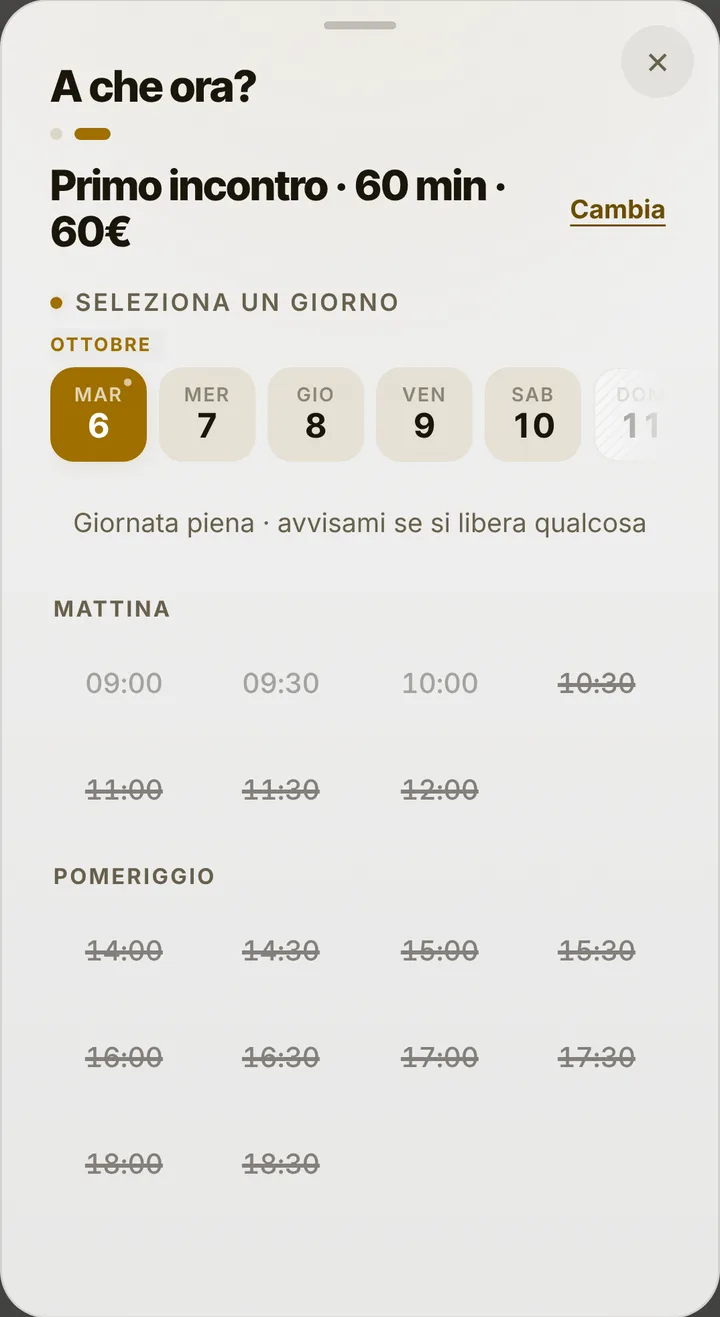
You start with a sixty minute first meeting and a thirty minute check-up. Many dietitians add a third item, the plan handover, twenty or thirty minutes long, set a few days after the first meeting once the plan is ready. Each item has its own length, and the online calendar only offers times where it fits whole. If you would rather set the handover yourself, say so in the notice at the top of your page («we book the plan handover together») and add it from the schedule when the writing is done.
Check-ups, the ones people skip
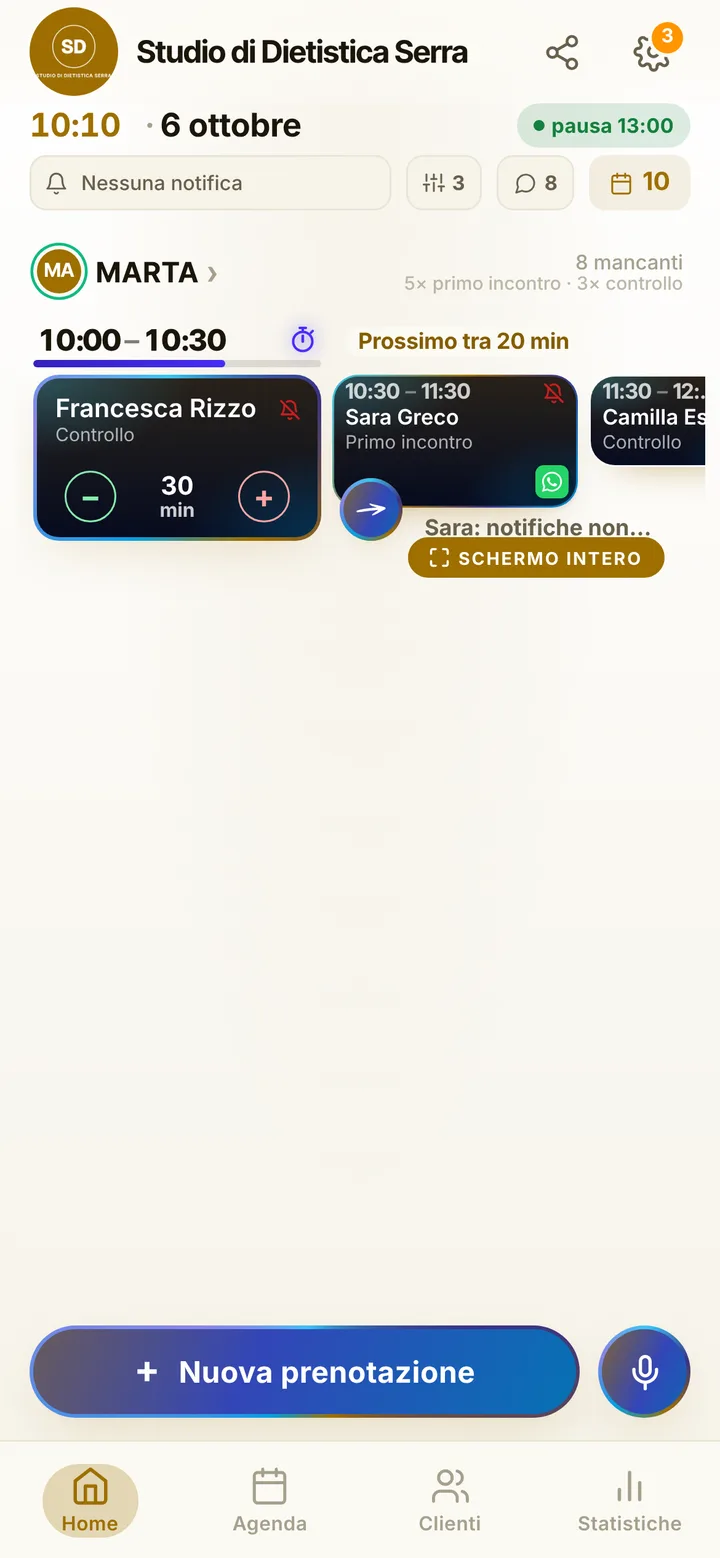
A meal plan works when the patient keeps coming to check-ups, and check-ups are the easiest appointments to forget. Automatic notifications go to anyone who turned them on, by default twenty-four hours and two hours before, and on a locked phone they show the day, the time and the practice name, not the reason. From the reminder the patient answers «I’ll be there», and you see it in the schedule. For people without notifications, one tap opens WhatsApp with the message written, sent from the practice number. Someone misses without a word? Mark it, and their next bookings wait for your approval.
Protecting your plan-writing time
Writing a plan takes desk hours, and those hours need defending. Block them in the schedule, say Wednesday mornings, and nobody books over them; the same goes for holidays and closed days. If you only see patients a few afternoons, the page only shows those. Callers can be added by you, even by voice, and when a check-up frees up at the last minute, whoever is on the waitlist gets an alert. Online, patients can hold at most two active appointments; later ones you set at the end of a check-up, choosing dates together.
Several dietitians in one practice, data outside the app
In a clinic or a shared practice, each professional has their own schedule and items, up to 12 people in one account; team members join through an invite link with the permissions you pick. Meal plans, measurements, lab results and eating habits stay out: SeeYouNext is not a clinical record, it does not issue invoices and it does not talk to the Italian health expense system. Booking needs a name and a phone number, and notes hold practical details only.