In detail
Tennis lessons in order, between one basket of balls and the next.
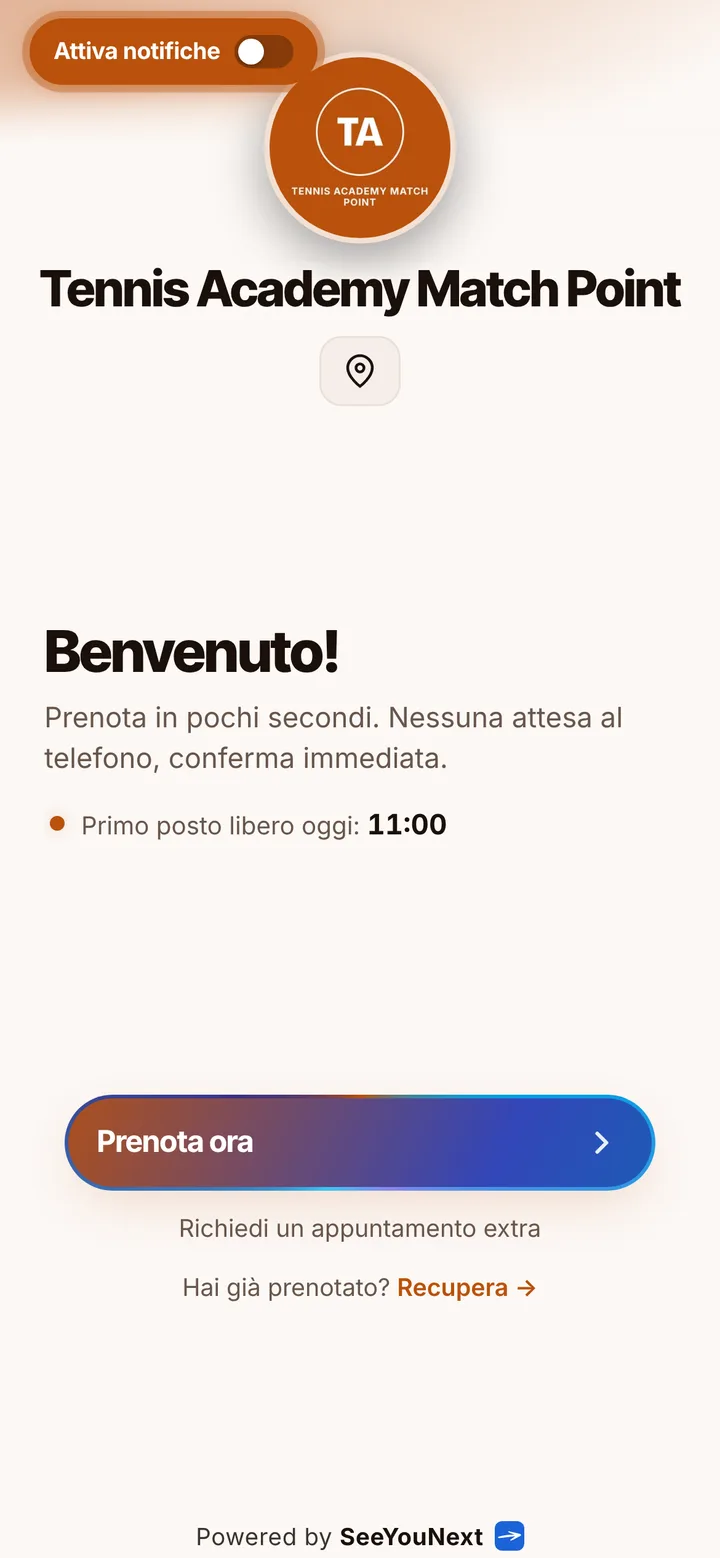
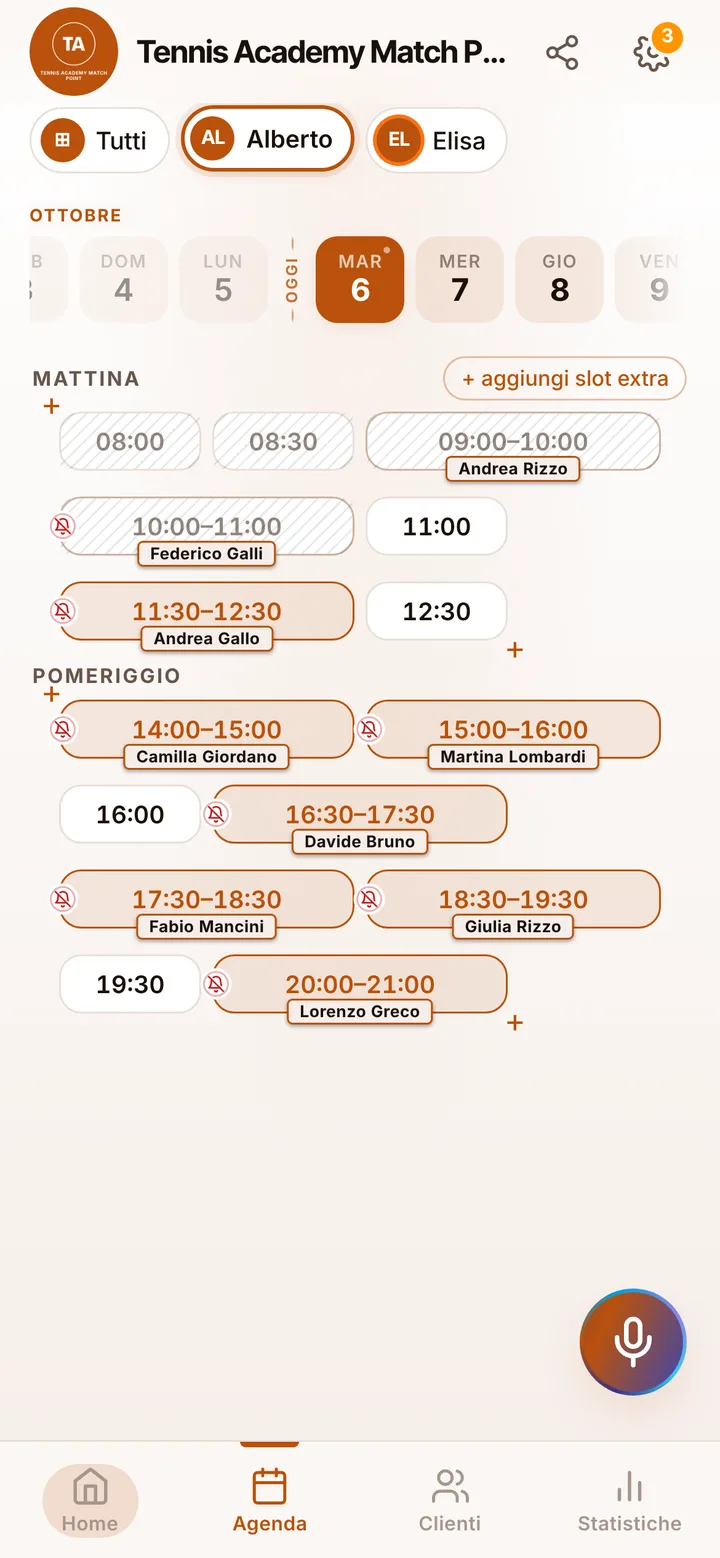
A tennis coach is on court from morning to night, and the texts asking to move Thursday’s lesson arrive right while you are feeding a forehand drill. Here is how you keep private and doubles lessons in order around your own hours, without chasing anyone on the phone.
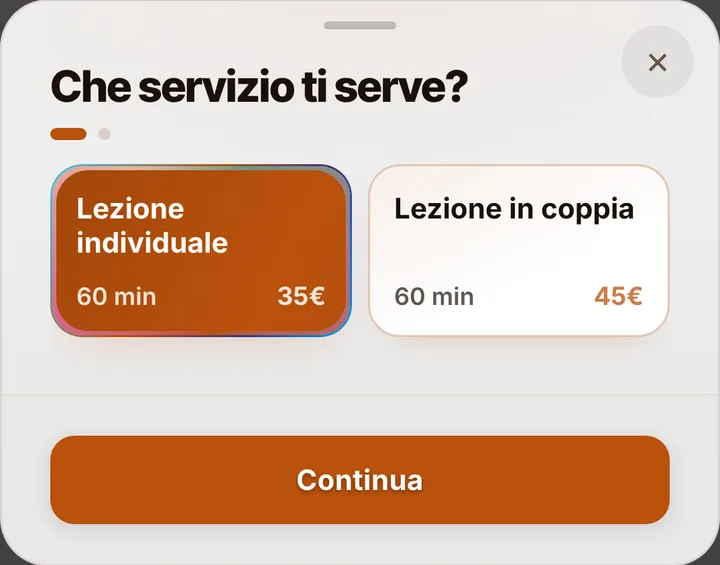
Private or for two, your hour on court
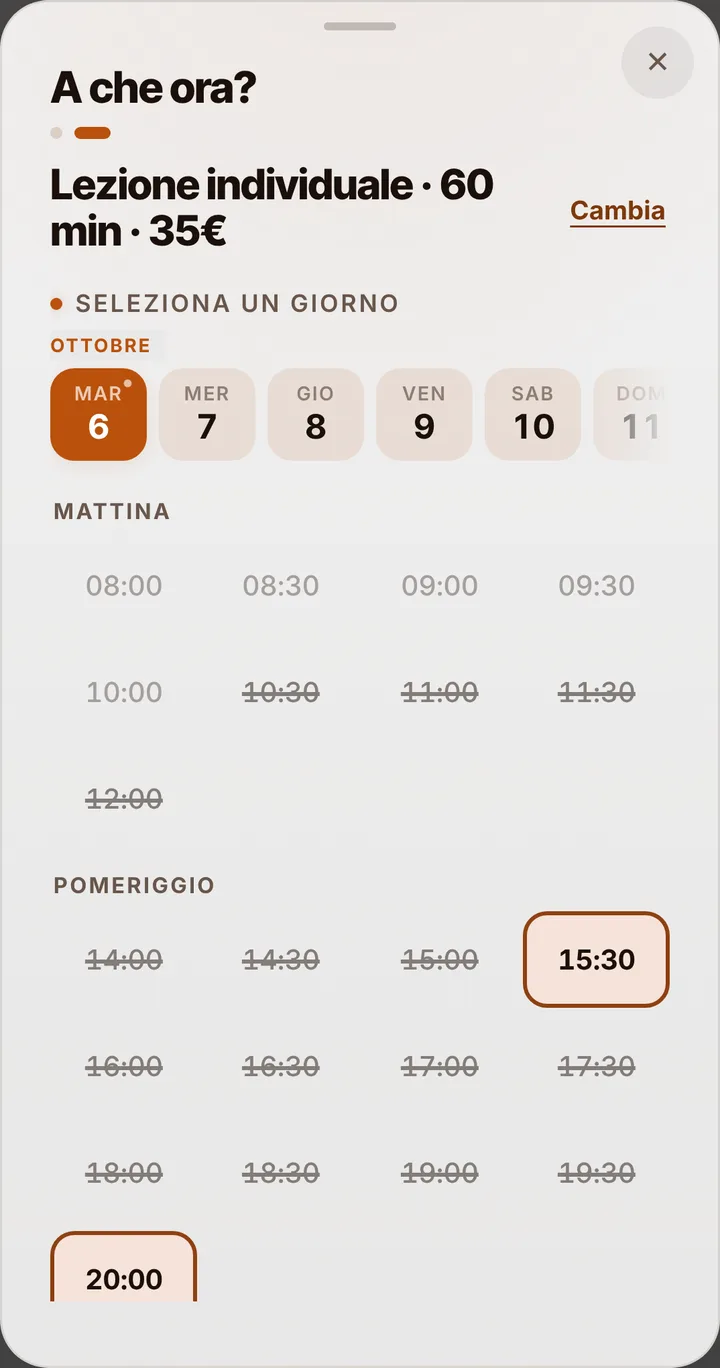
You start from two one-hour items, a private lesson and a lesson for two, and write the rest yourself: ninety minutes for competitive juniors, thirty for the little ones, a session just for the serve or the volley. Anyone opening the link only sees times where that length fits. A lesson for two is one booking, not two spots: one of the pair makes it and names their partner in the note. If evening hours under the lights are the most wanted, give them a different price from early afternoon, and decide whether to show it or keep it to yourself.
The court is a separate booking
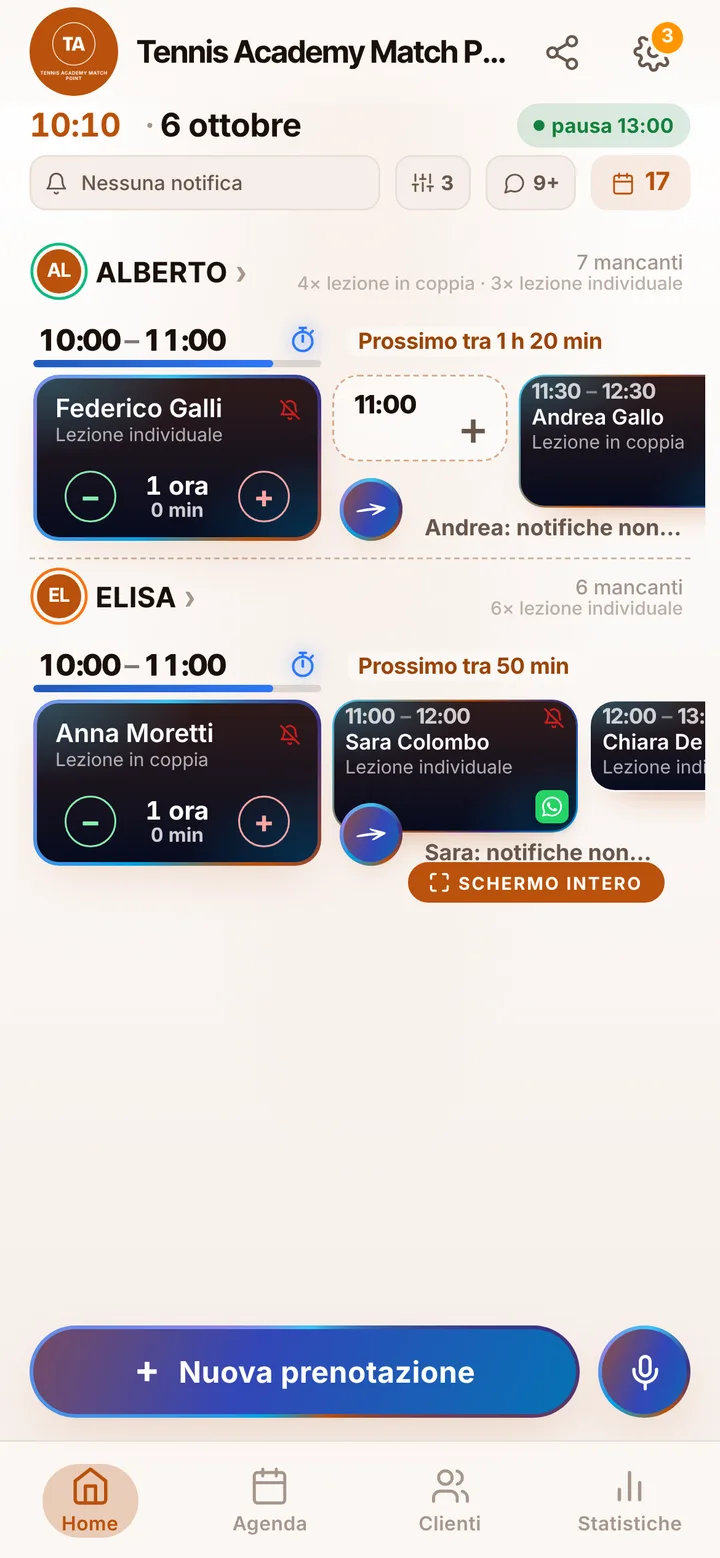
Here SeeYouNext keeps your diary as a coach, not the club’s: a lesson booked from your link does not take any court. If the club books courts with another system, or with SeeYouNext in a separate account, you reserve the court there as you already do. In your diary, set as working hours the times the club gives you a court, and block the ones when none is free, so nobody books an hour with no clay under their feet. If several coaches teach at the club, each one has a diary and lessons of their own, up to 12 people in one account.
Rain, moved lessons and delays
On an outdoor court one downpour is enough. The app does not check the forecast: you look at the sky and, when needed, move or cancel the lesson, and players with notifications on are told. Students can also ask to move it up to two hours before, picking a free time from their page: you accept with one tap. If the previous lesson runs long over one tiebreak too many, send a delay alert and the next player sees it before leaving home. When the hour someone wants is full, they join the waiting list and get an alert if it opens up, if they have notifications on.
Juniors, adults and the weekly slot
For juniors a parent books with their own number and puts the child’s name in the note: there is no separate profile for minors. From the link a student holds at most two active lessons; for someone who comes every week all season, you add the dates from the diary and they see them on their page. Reminders go out as notifications to players who turned them on, by default the day before and two hours before; everyone else gets them on WhatsApp with one tap, text ready, from your number. Mark anyone who skips without warning as a no-show. No payments and no lesson cards: people pay as always.