In detail
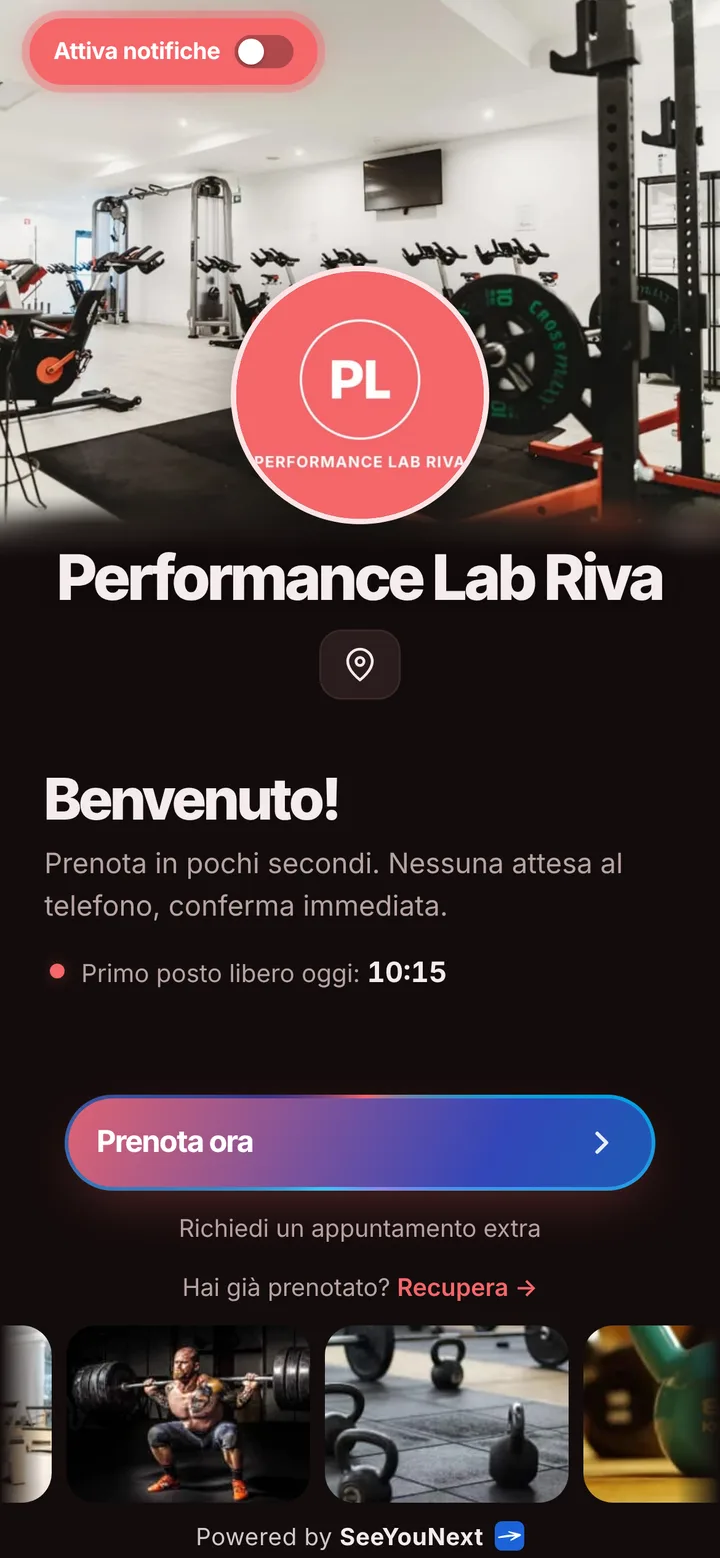
Strength and conditioning sessions, booked from one link.
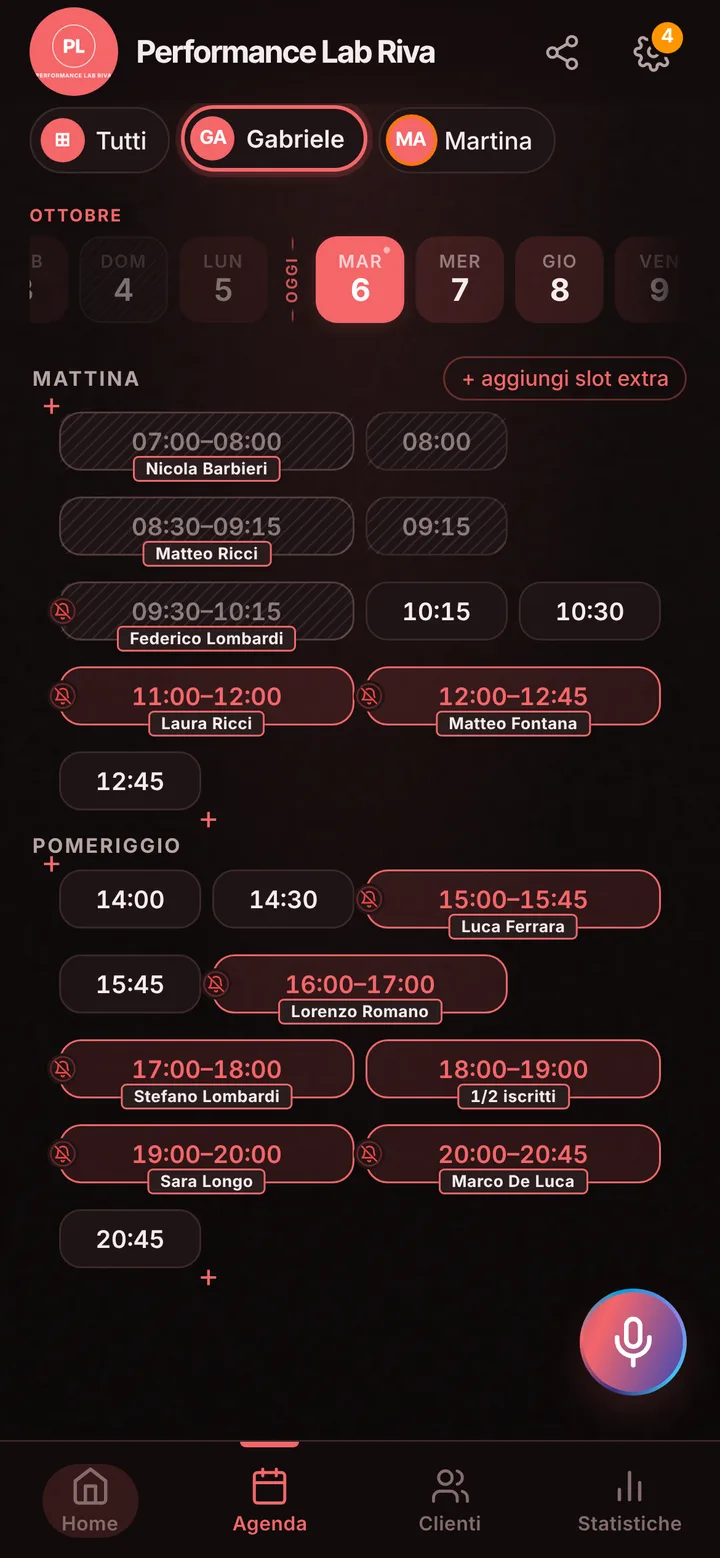
Coaching athletes runs in blocks: testing at the start, loading weeks, a check-in mid-season. Their hours keep moving around team practice and weekend games. Here’s how you keep your calendar in step with your athletes without chasing them by phone.
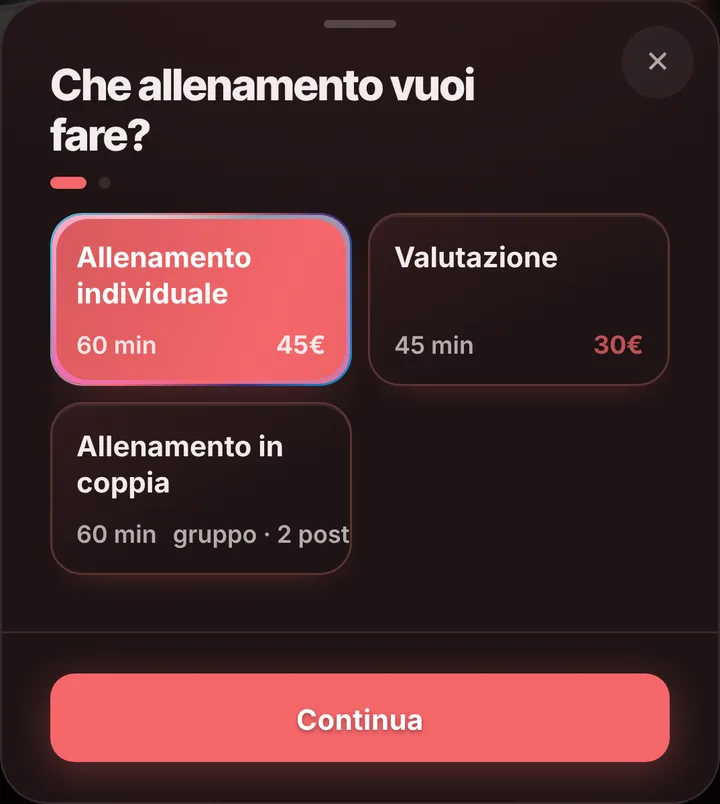
Assessment, solo and partner sessions
Your starting menu has three items: a one-hour individual session, a 45-minute assessment and a one-hour partner session with two spots. The assessment is where you run strength, jump or sprint testing before a block; the partner session suits two athletes in the same position who train side by side, each booking their own spot. When you schedule an individual session yourself and a teammate joins, add both names to the booking’s list of who’s training. Rename items or change lengths any time: some coaches add a 90-minute block for track work.
Hours that follow the season
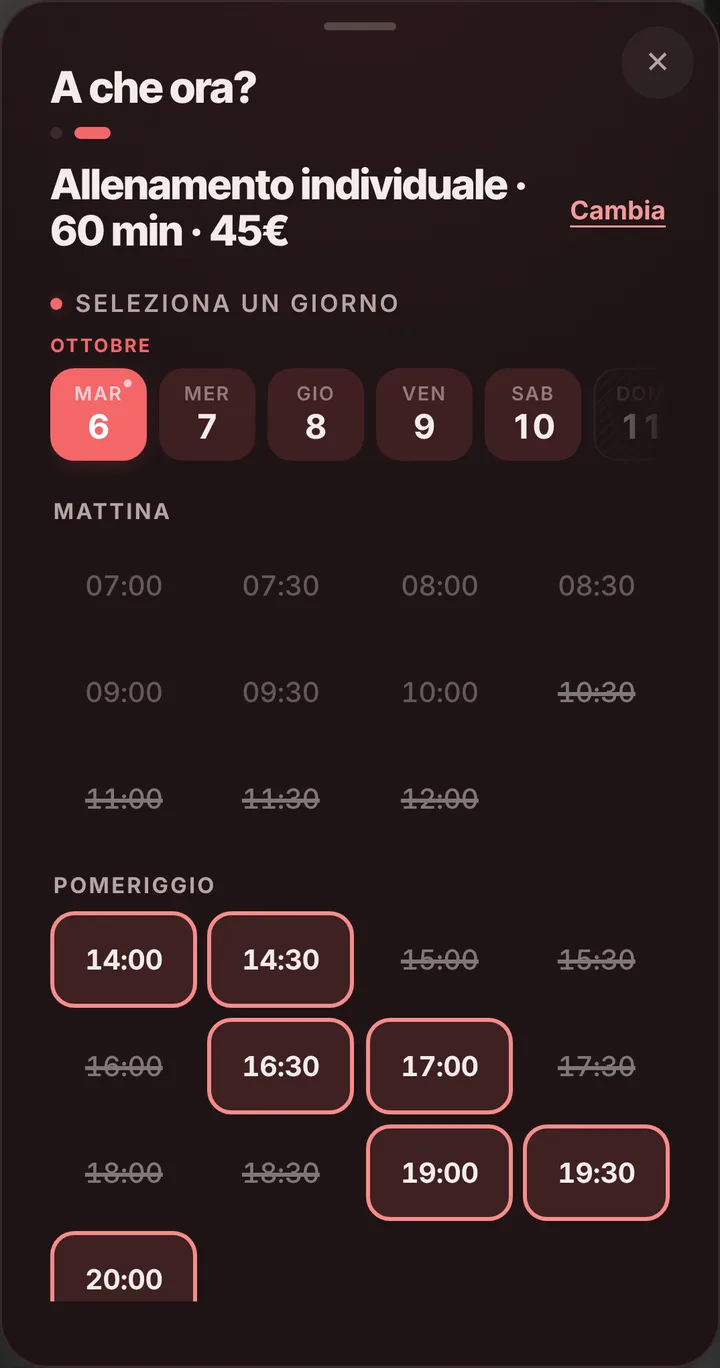
Athletes practice with their team in the afternoon and play on weekends, so your best hours are early mornings and recovery days. Open only those windows, close Saturdays when you travel to games, and block off training-camp weeks. Anyone booking from your link sees only open times and can’t grab an hour you kept for yourself. Clients can cancel from their phone up to 24 hours ahead by default; move that anywhere from zero to 48. If an athlete skips without a word, mark them as a no-show and their next requests wait for your approval.
A coaching staff, not just you
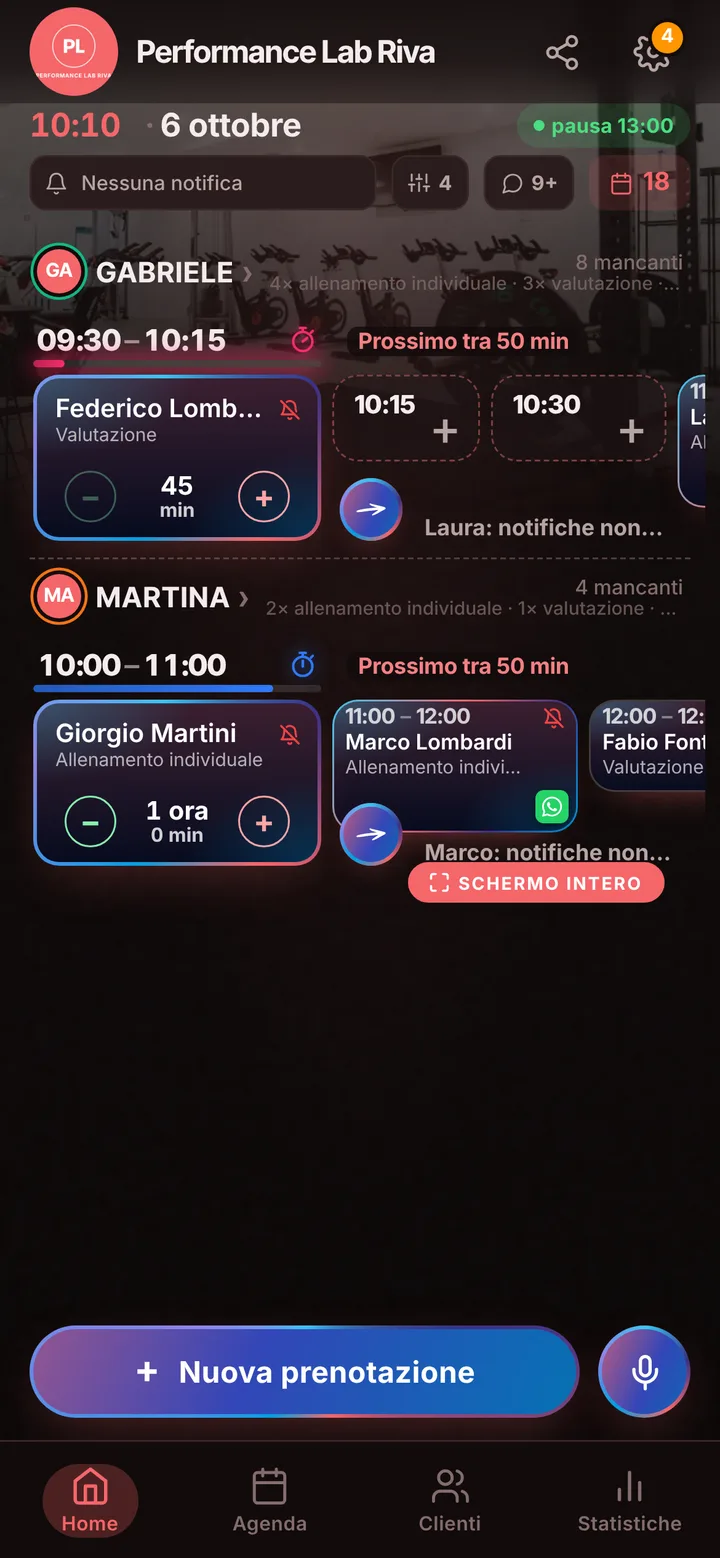
If several of you work together, one on strength, one on speed, one on return to play, each person gets their own calendar and only the sessions they actually run, up to 12 people. Invite staff with a link and decide what each one can change. Athletes pick who they train with or take the first open time with anyone. Requests that come from a team manager or in the locker room you add yourself, even by voice, while you’re still on the field.
What stays outside the app
SeeYouNext handles bookings, not programming: no training logs, saved test results or progress charts, and no session bundles or payments collected. Your spreadsheets stay where they are; in the client list you can keep plain-text notes, like an athlete’s position or team schedule. From the link each athlete holds at most two upcoming bookings, and you add the weeks after that from your calendar. Reminders go out as notifications to anyone who turned them on, by default the day before and two hours before; everyone else gets a ready-made WhatsApp message you send with one tap from your own number.