In detail
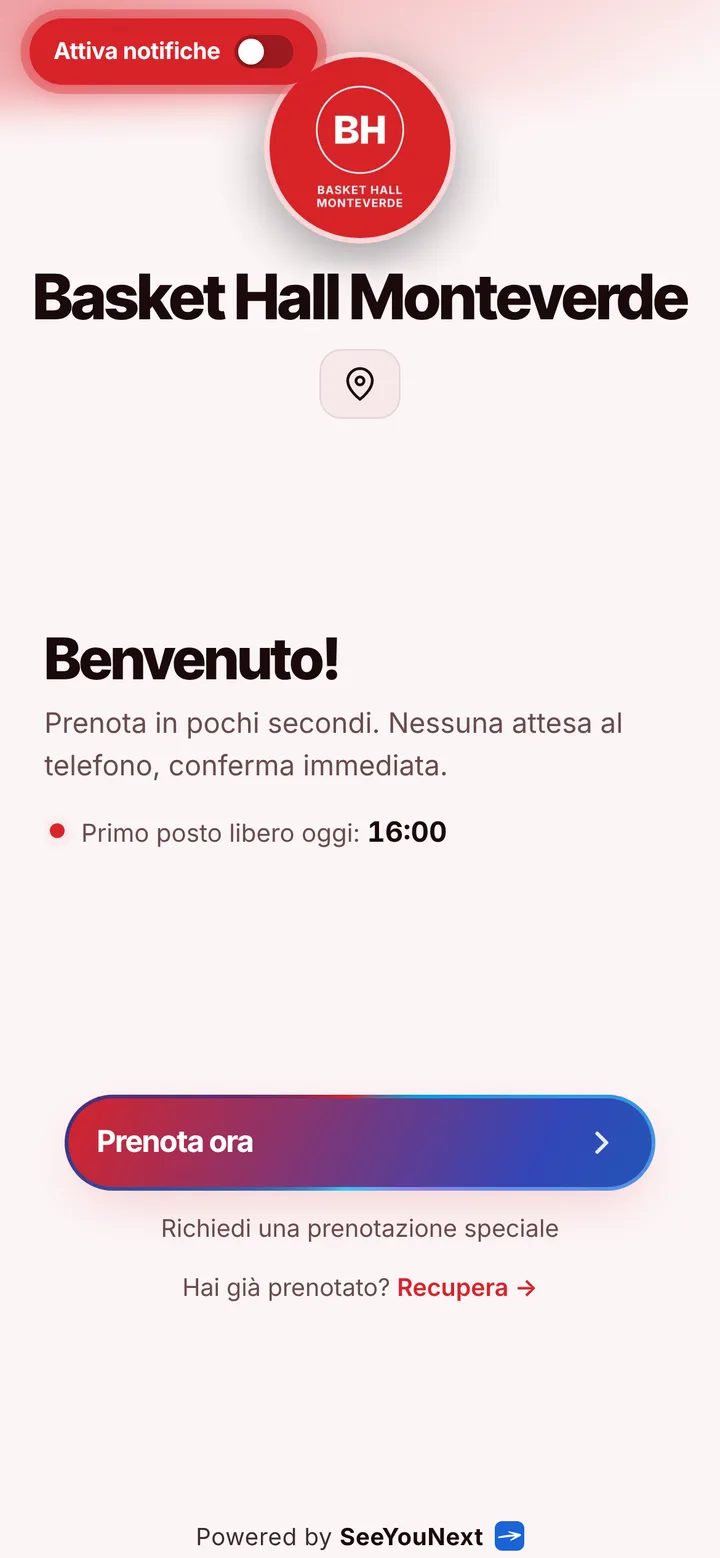
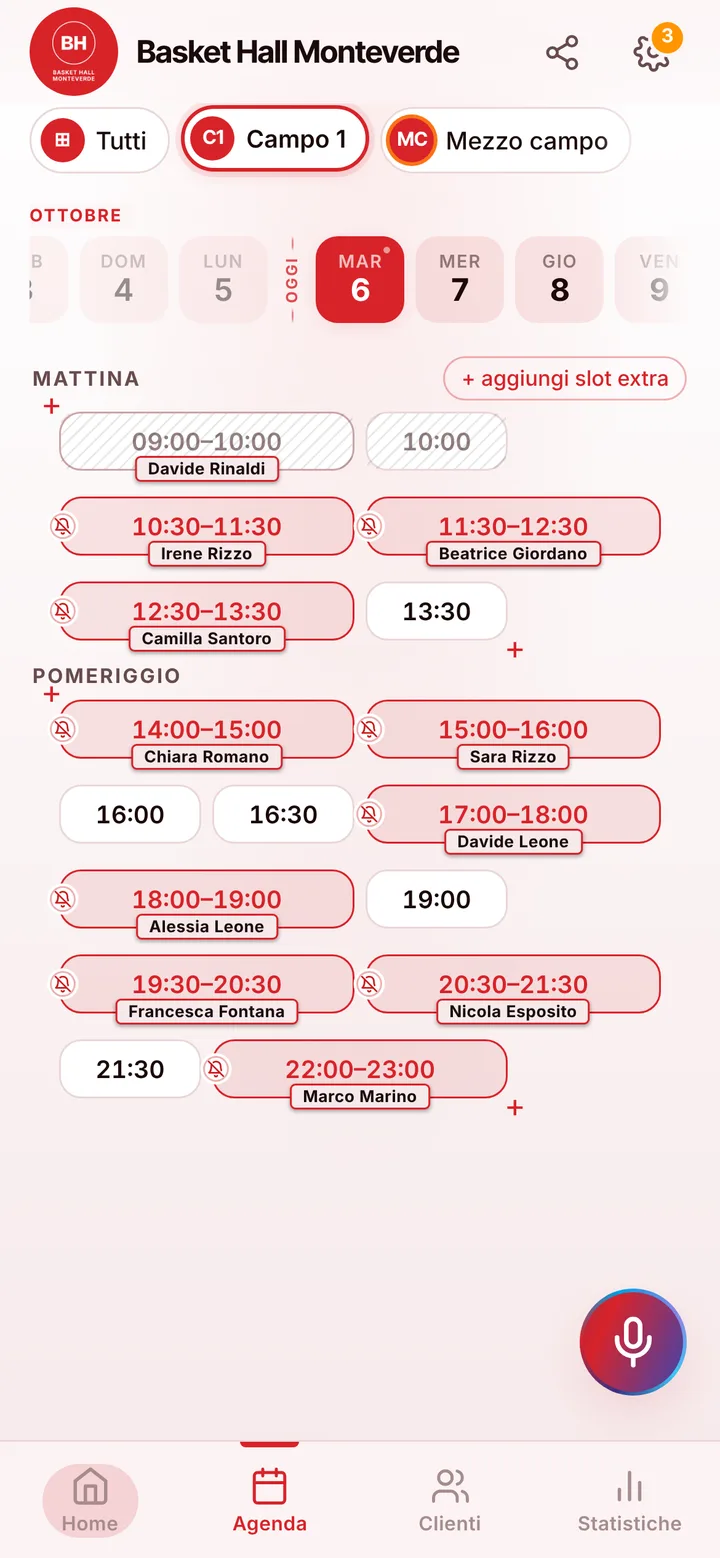
Basketball courts booked from a link, with the team already on the list.
A five-on-five pickup game needs ten people free on the same night, and whoever calls your sports center usually has seven of them lined up. With SeeYouNext the court gets booked from your link, and the missing players get rounded up there, not through your phone.
Indoor hardwood and outdoor blacktop
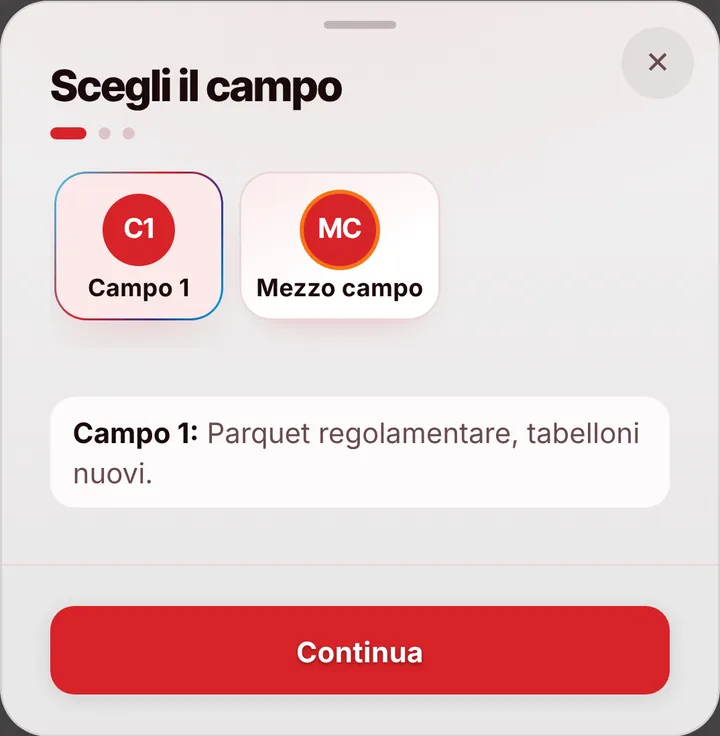
Create one card per court, with a photo, the name you actually use (“Main gym”, “Outdoor court”, “Court 2”) and the rental length: an hour for a pickup game, ninety minutes for an adult league team’s practice. Your booking page builds its list from these cards, so whoever opens the link picks a court and finds only the times still open. One account holds up to 12 courts; if the center also has volleyball or five-a-side, each keeps its own calendar. Teams that walk up to the front desk you add yourself, by typing or by voice.
Who’s playing: ten names without the group-chat shuffle
Whoever booked drops the game link into the team chat. Each player opens it, answers “I’m in” or “I’m out” with their name, and picks a side if the captain set up two, say Shirts versus Skins. The list keeps count (“8 of 10”, “2 players missing”) and shows only a first name and last initial, so nobody’s phone number gets passed around. From the booking card you see how many said yes, and you can add by hand anyone who called asking to join.
Evenings cost more than mid-afternoon
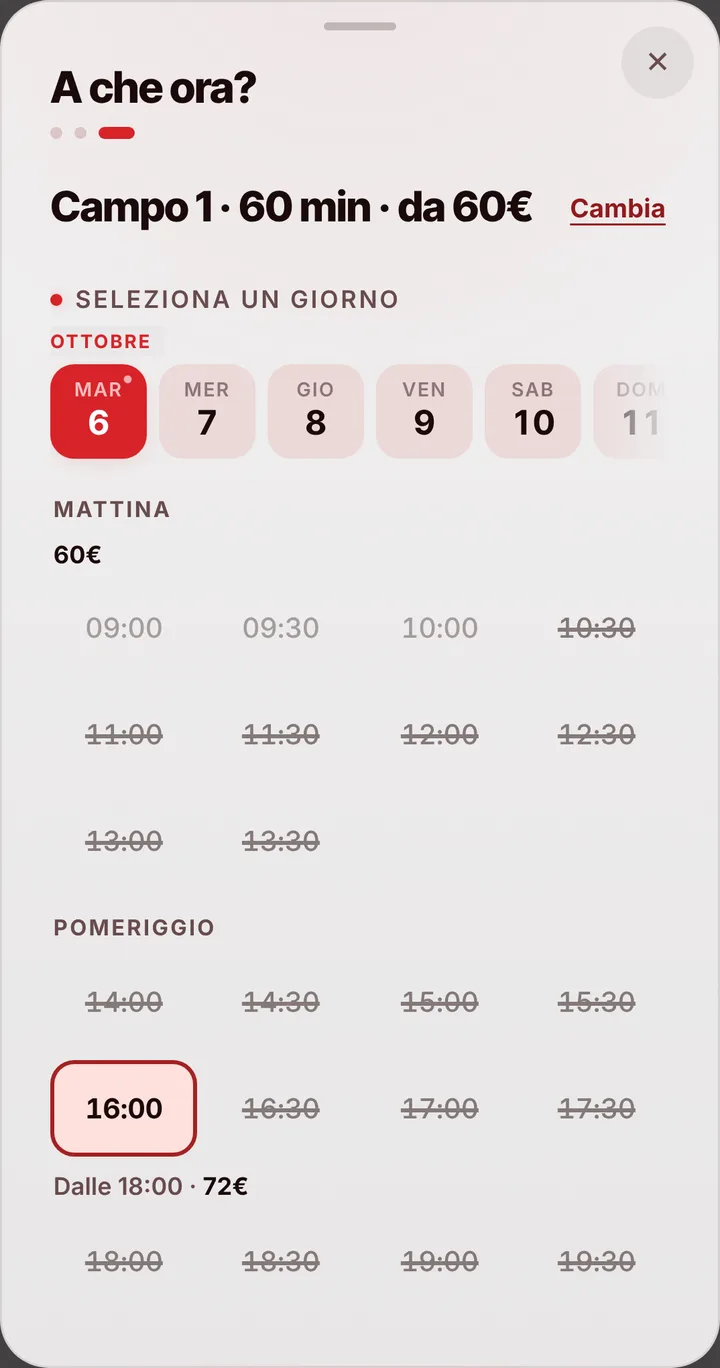
Everyone wants the gym at 9 p.m.; at 3 p.m. on a Tuesday, almost no one. Each court takes up to three price bands by day and time, like weeknights after 7 p.m. or Saturdays, and the person booking reads the right amount before confirming. That price stays locked on the booking even if you update your rates in January. If teams pay per game and you’d rather not post numbers, keep prices hidden and quote them at the door. Payment stays at your desk: SeeYouNext doesn’t collect money or take a cut.
When the game before runs long, or someone cancels
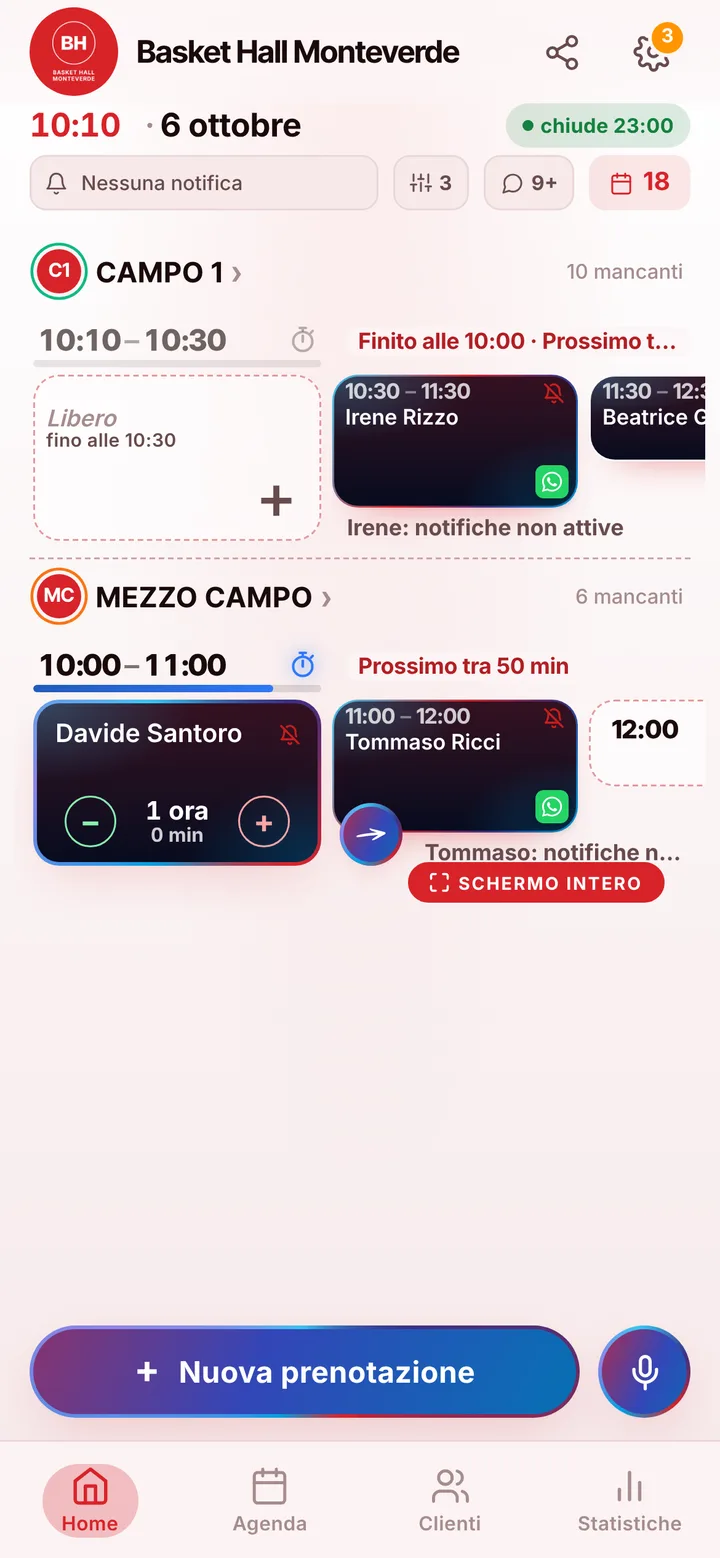
Overtime happens even among friends. If the earlier game runs late, mark the delay on the court and the next team sees the new start on their page; anyone with notifications on also gets an alert. By default, cancelling from the phone is allowed up to 24 hours ahead, and you can change that cutoff. A freed-up court goes to whoever joined the waiting list for that time, with an alert if their notifications are on. For people who keep them off, one tap on the booking opens a WhatsApp message, already written, from the center’s own number.