In detail
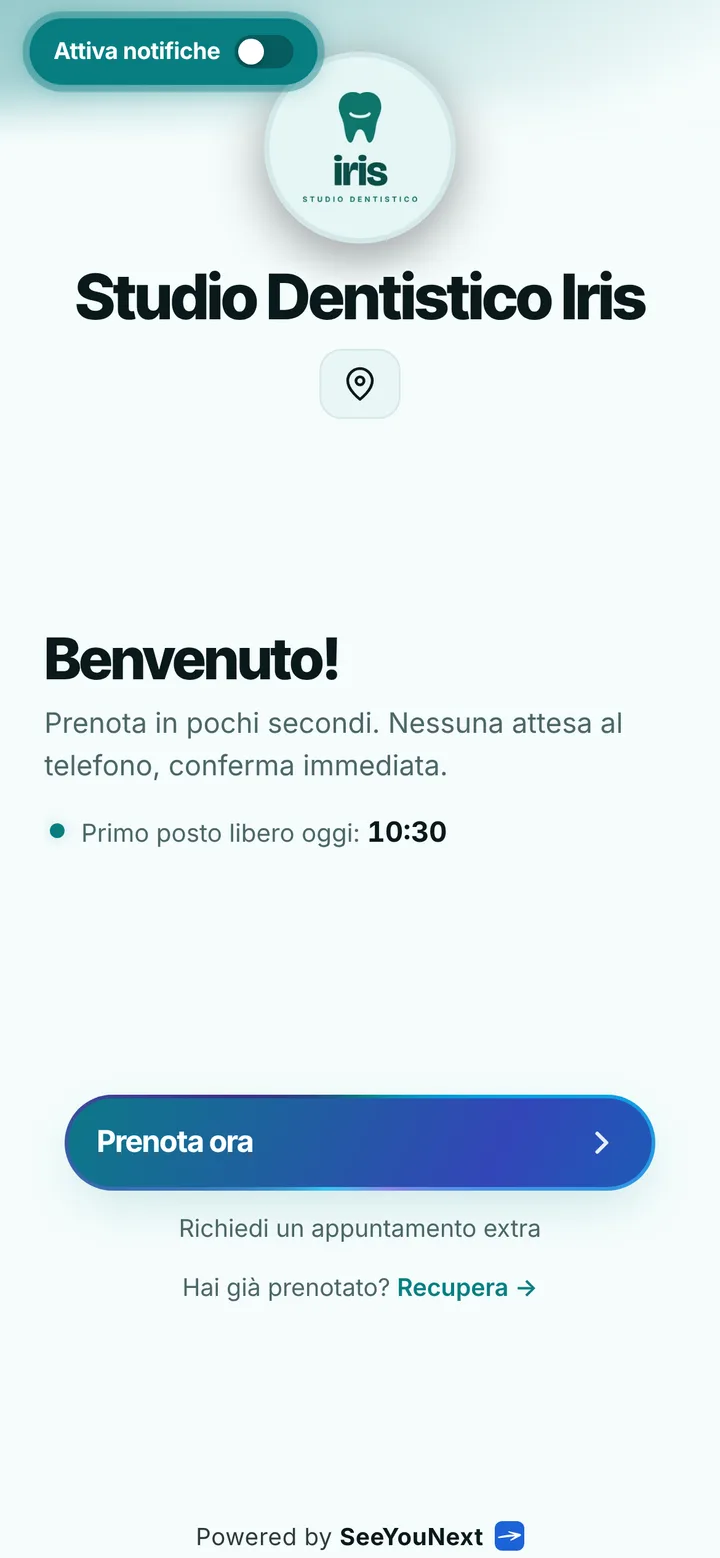
A dental practice patients can book from one link.
In a dental practice the phone rings just as you sit down at the chair, and every gap in the diary is an hour of an empty surgery. Here is how a booking app keeps first visits, hygiene and check-ups in order without turning into a clinical record.
Every treatment with its own length
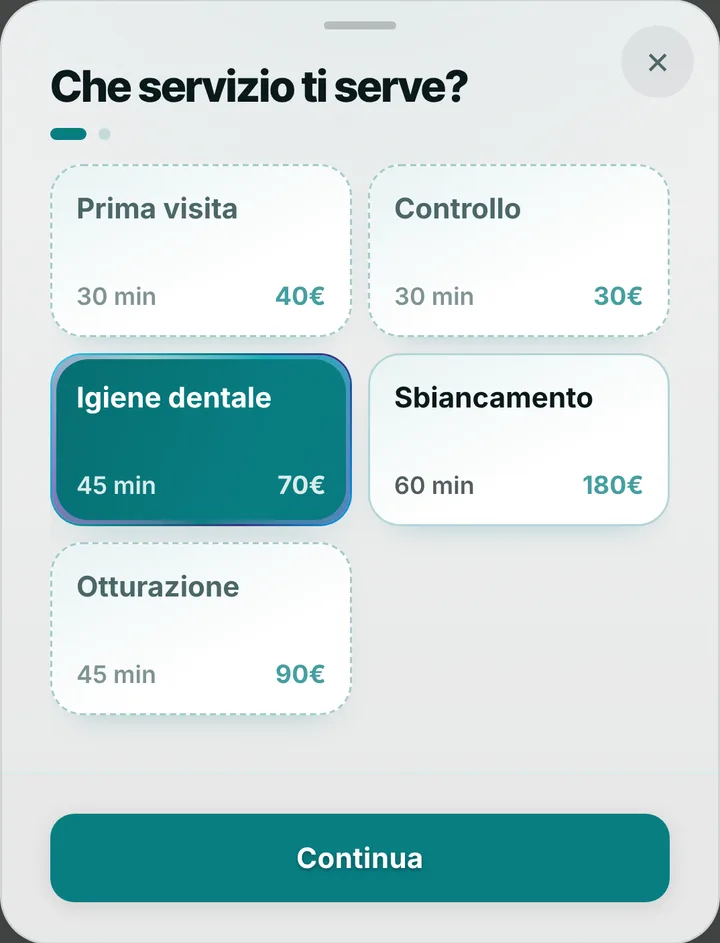
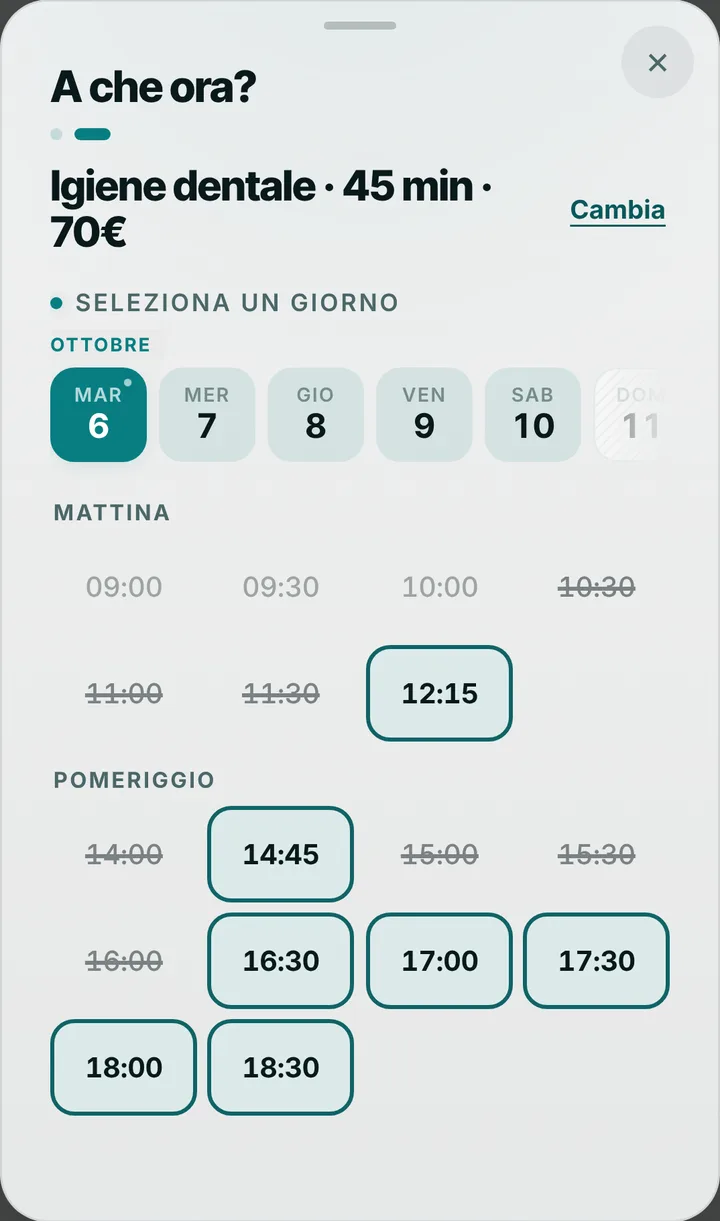
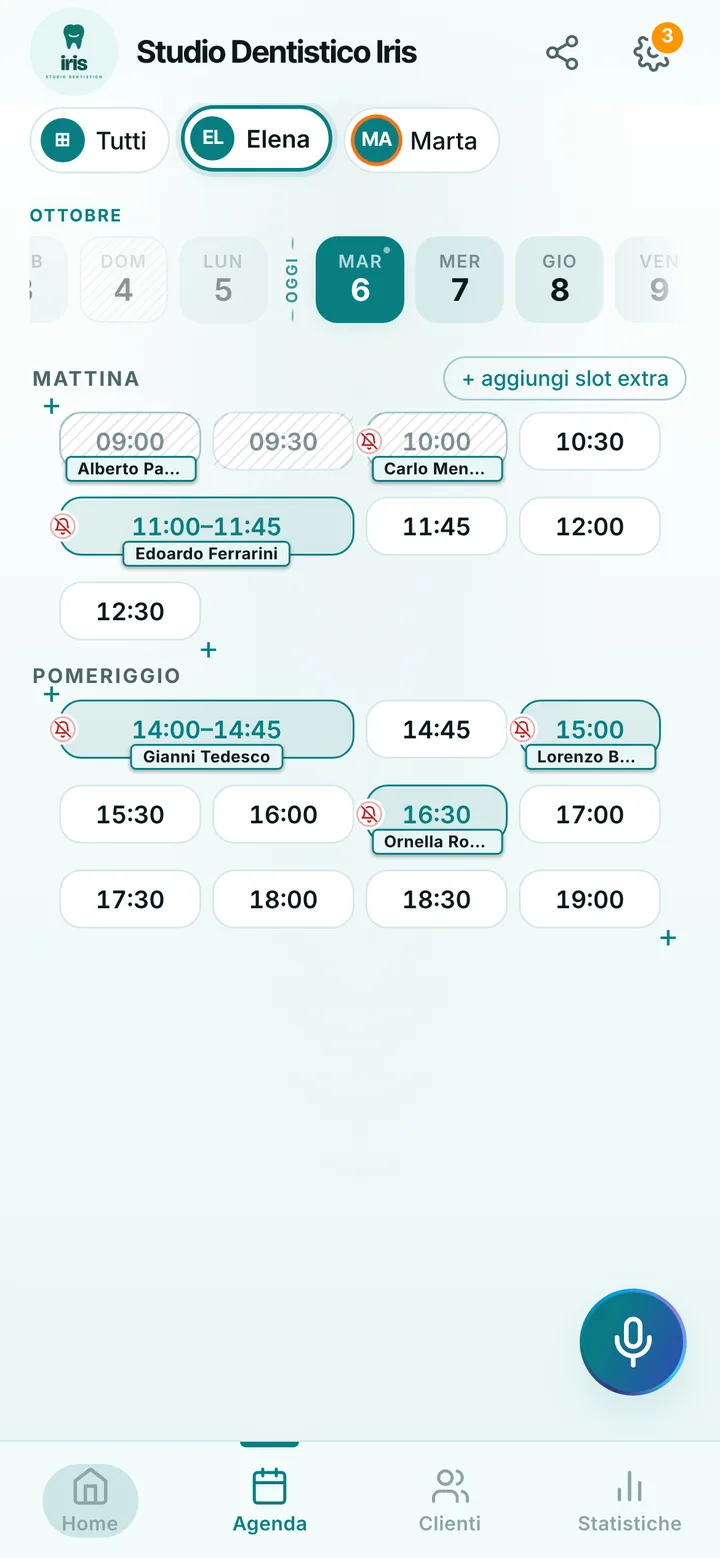
You write your price list once: first visit, check-up, dental hygiene, whitening, each one with its length. Patients book from your link and only see the times when that treatment really fits, so a forty-five minute hygiene session never lands in a twenty minute gap. If you only want first visits from outside, say so in the notice at the top of your page, and add the following treatments to the diary yourself after the visit. Prices only show if you choose to display them.
Dentist and hygienist, each with a diary
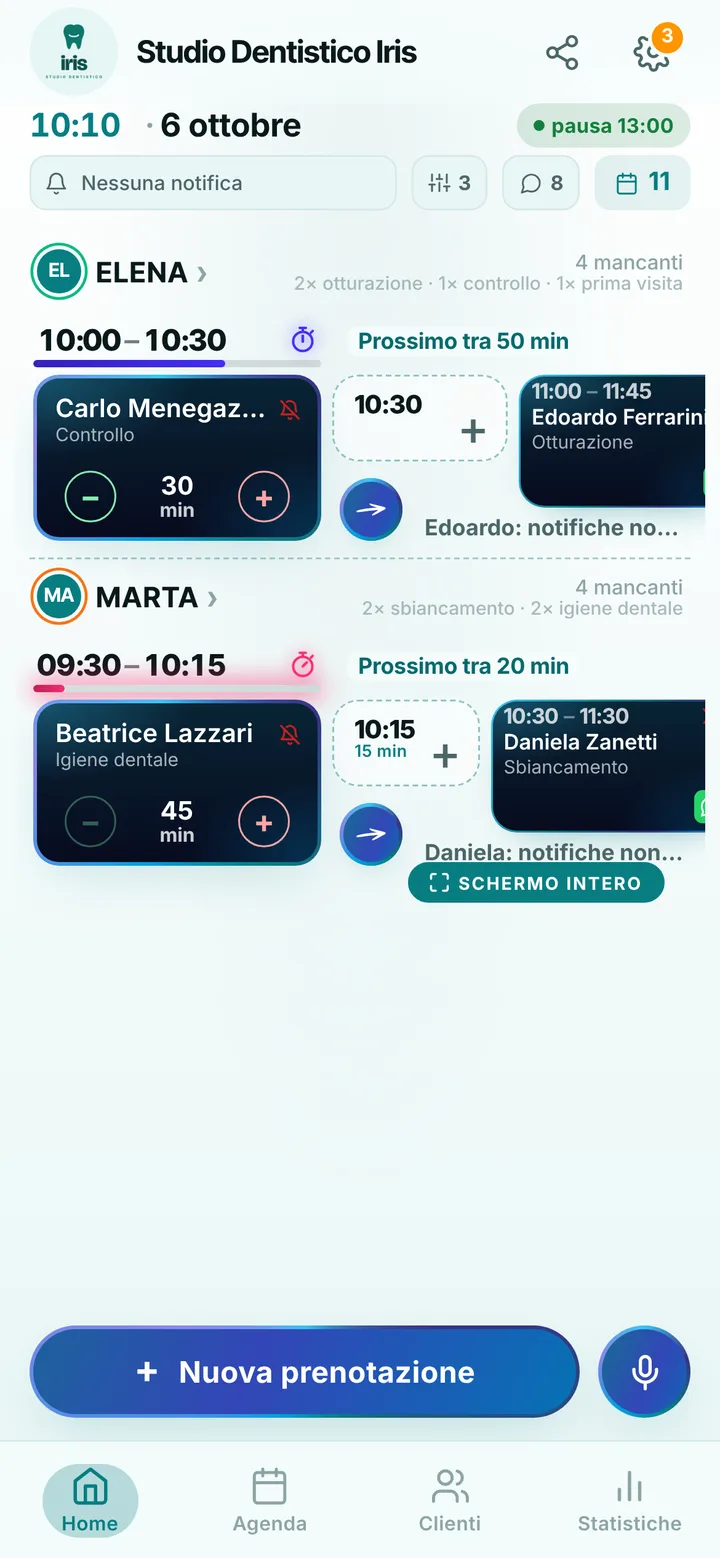
Everyone at the practice has their own diary, hours and treatments: whoever books hygiene finds the hygienist, whoever books a visit finds the dentist. Patients choose who to see, or take the first free slot. Breaks, holidays and closed days are set once and nobody books over them. One account holds up to 12 people, and you see the whole day on your phone or on the front desk computer. A patient who calls goes into the diary in a few seconds, even by voice.
Discreet reminders, fewer empty chairs
A forgotten appointment is an empty chair. Automatic reminders arrive as notifications to patients who turned them on, by default the day before and two hours before, and on a locked phone they show the day, the time and the practice name, never the treatment. For patients without notifications there is WhatsApp: one tap on the booking opens a ready-made message sent from the practice number. At the end of a visit you put the next check-up in the diary yourself, and the patient finds it on their page with every other appointment.
A diary, not a clinical record
SeeYouNext is for giving, moving and reminding appointments: it is not clinical software. It keeps no medical history, reports or treatment plans, it does not issue invoices and it does not file expenses with the Italian health system, so you keep the software you already use for that. Notes are for practical details only, such as preferred times or the number to call. If you are running late with the patient before, mark the delay with one tap and the next one sees the new time. Mark a no-show, and their next bookings wait for your approval.