In detail
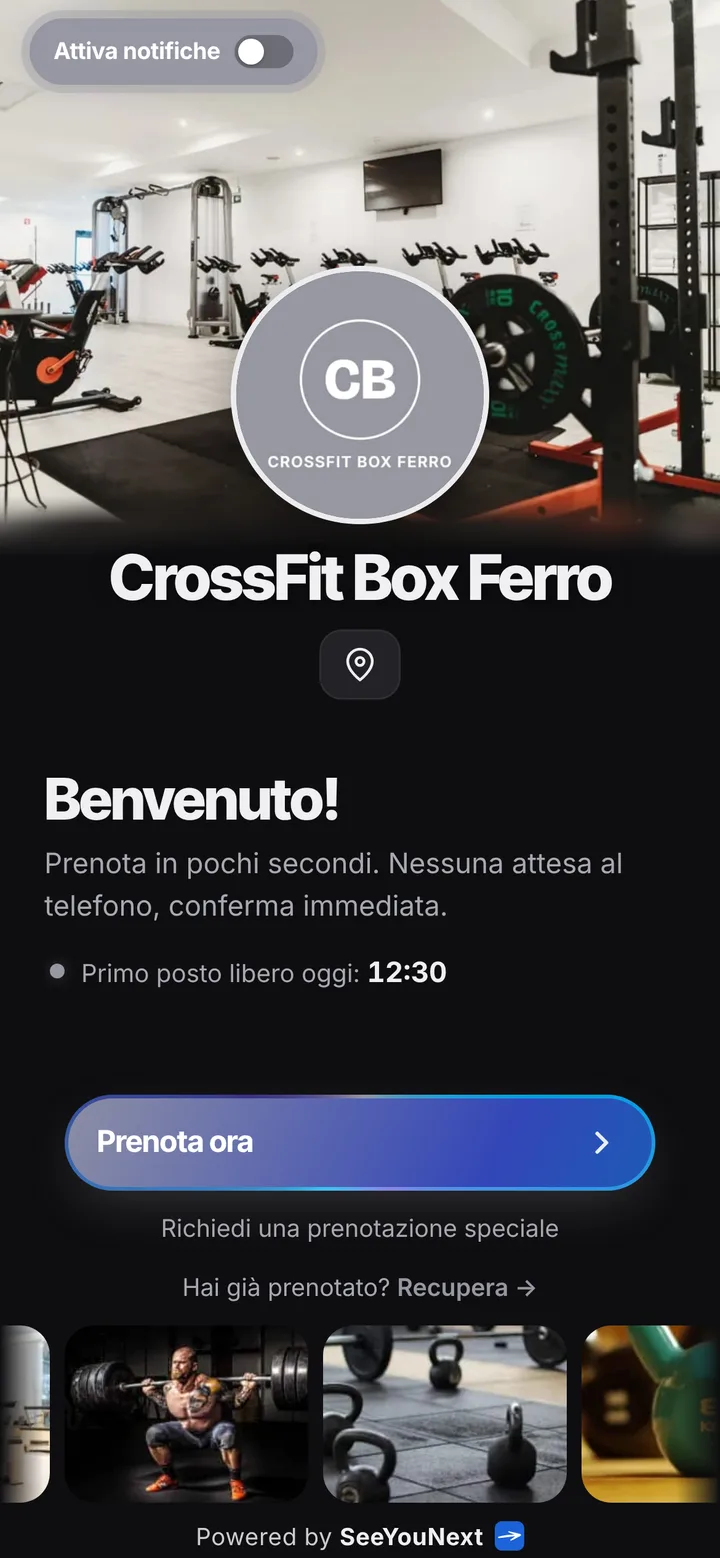
Your CrossFit box’s classes, booked from a phone.
A box has two rush hours: before work and after six. Almost everyone wants one of them, and your coach needs to know the headcount to set out barbells, rowers and kettlebells. Here’s how you run your WODs without a group chat blowing up at eleven at night.
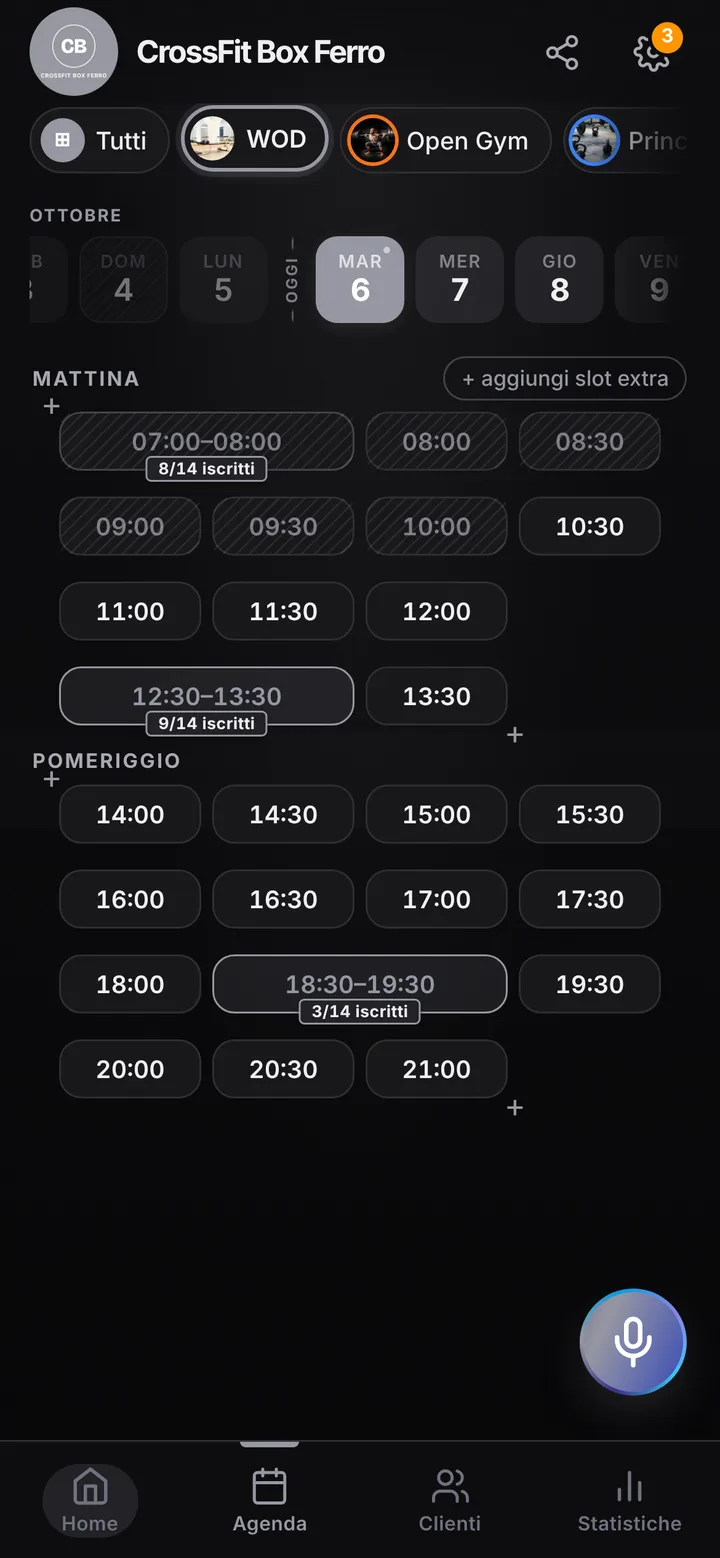
The room, the WODs, the spots
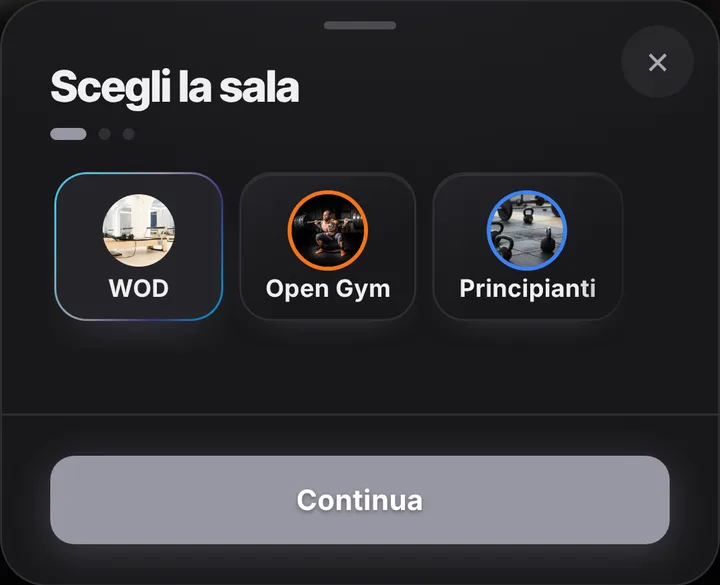
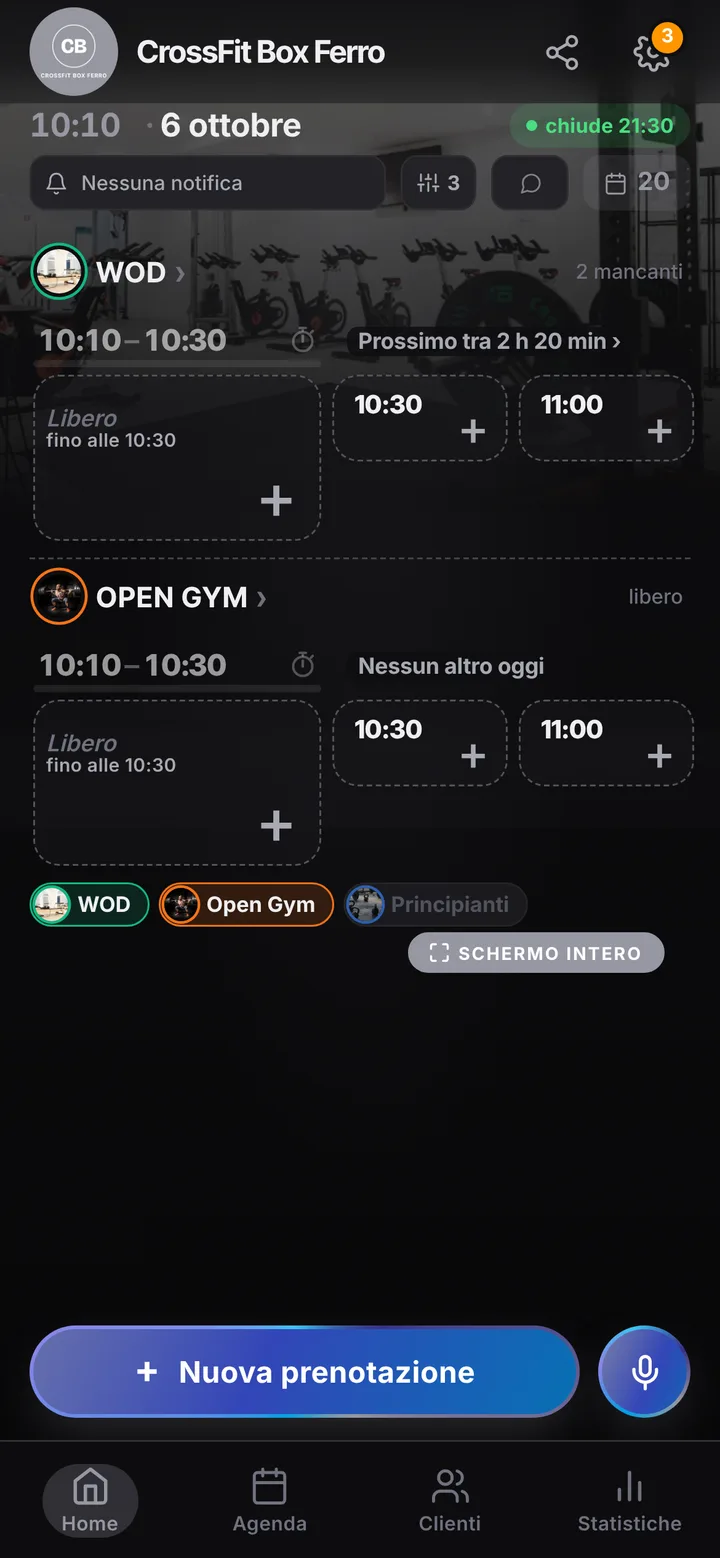
In the app your training floor is a room, and from its page you create the classes you run: WOD, Olympic lifting, gymnastics, open gym. Give each one a length and a spot count, up to 50: if you have twelve racks, the WOD has twelve spots and not one more. Each time slot holds one class only, so open gym never lands on top of the 7 p.m. WOD. Got a separate area for fundamentals? Add it as another room with its own calendar, up to 12.
When the WOD fills up
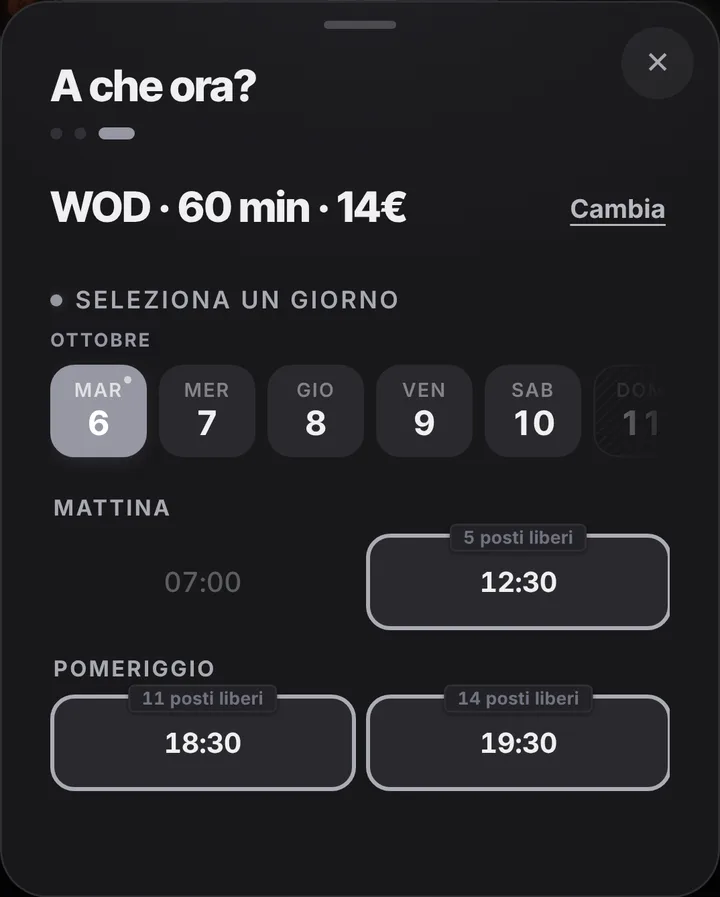
Members open the link, pick a day and see how many spots are left; when only a few remain, the page says so. A full class offers the waitlist: as soon as someone drops out, an alert goes to whoever is waiting, if they have notifications on, and the rack gets used. Cancellation from the phone closes two hours ahead by default, so a spot freed after lunch still finds a taker for the evening. You lengthen or shorten that window for the whole box.
Coaches, closures and special days
Each coach can sign in with their own access and the permissions you choose: today’s classes, who booked, and room to add someone who asks in person. Block the Saturday team workout or the August shutdown on the calendar, and use the notice at the top of your page to tell everyone what changes. Mark anyone who books and never shows up: their next bookings wait for your approval, so the rack doesn’t sit empty twice. If the class before runs over, post the delay and members see it on their page.
Two bookings at a time, no dues
From the link each member holds two upcoming bookings at most: to cover the week, they book the first two and then the next ones as those go by. If needed, you place extra spots for them from the calendar. SeeYouNext doesn’t sell class packs or collect monthly dues; you keep handling those as you do now. Reminders arrive as notifications for anyone who enabled them; for the rest you send a pre-written WhatsApp with one tap from the box’s number. Daily regulars install your box’s app with your logo and book in seconds.