In detail
Meeting rooms booked by the hour, without email back and forth.
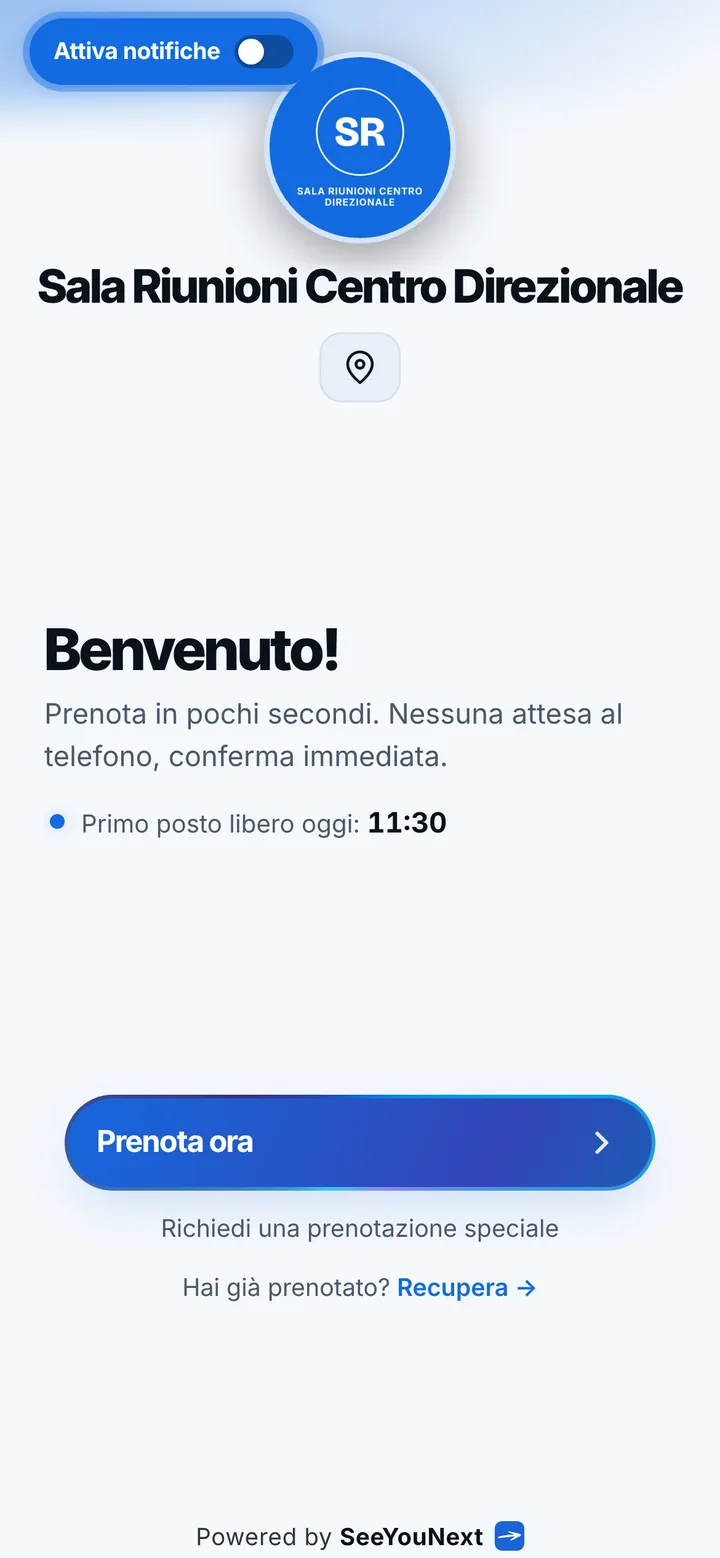
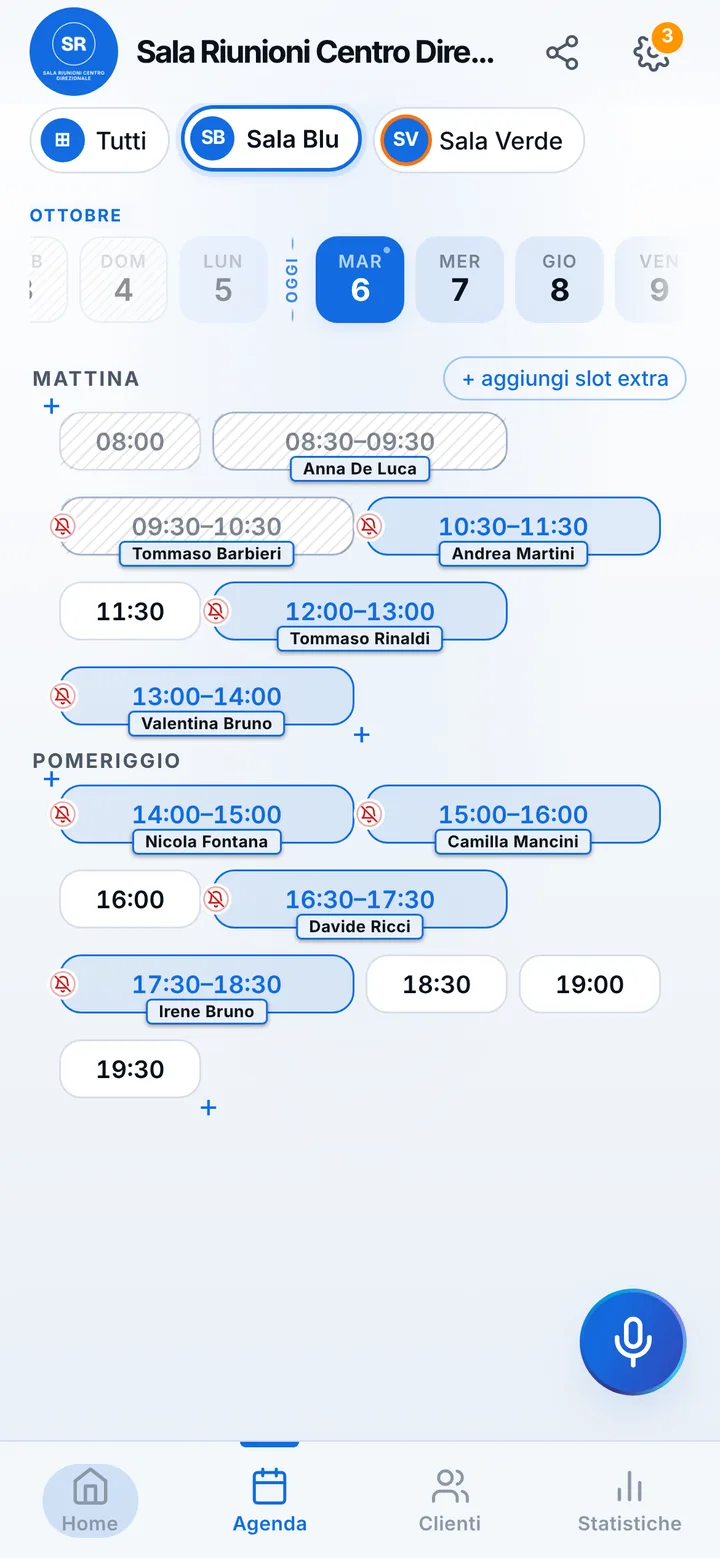
People looking for a meeting room are usually in a hurry: a supplier meeting tomorrow morning, a job interview, a training session for the team. If they have to write to you and wait just to learn whether the room is free, they look elsewhere. With your link they see the rooms, pick a length and the meeting is already on the calendar.
Small room, large room, classroom
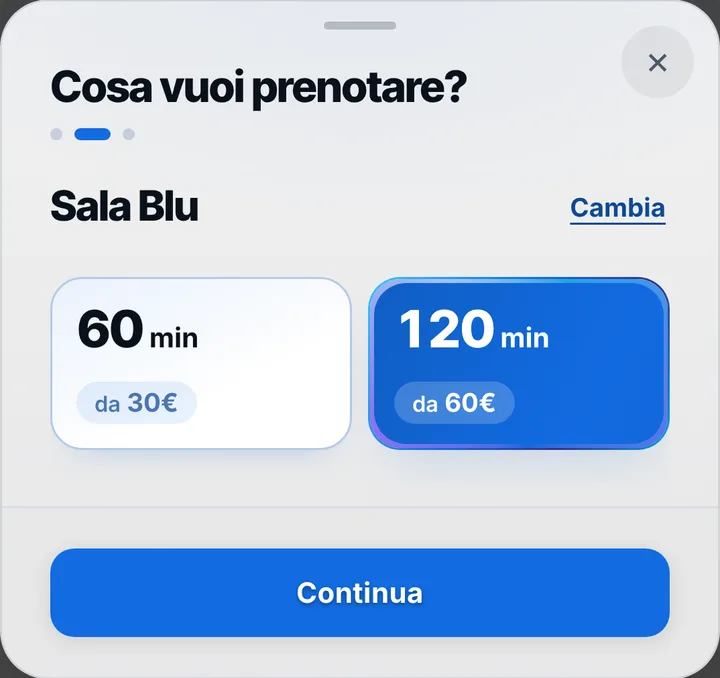
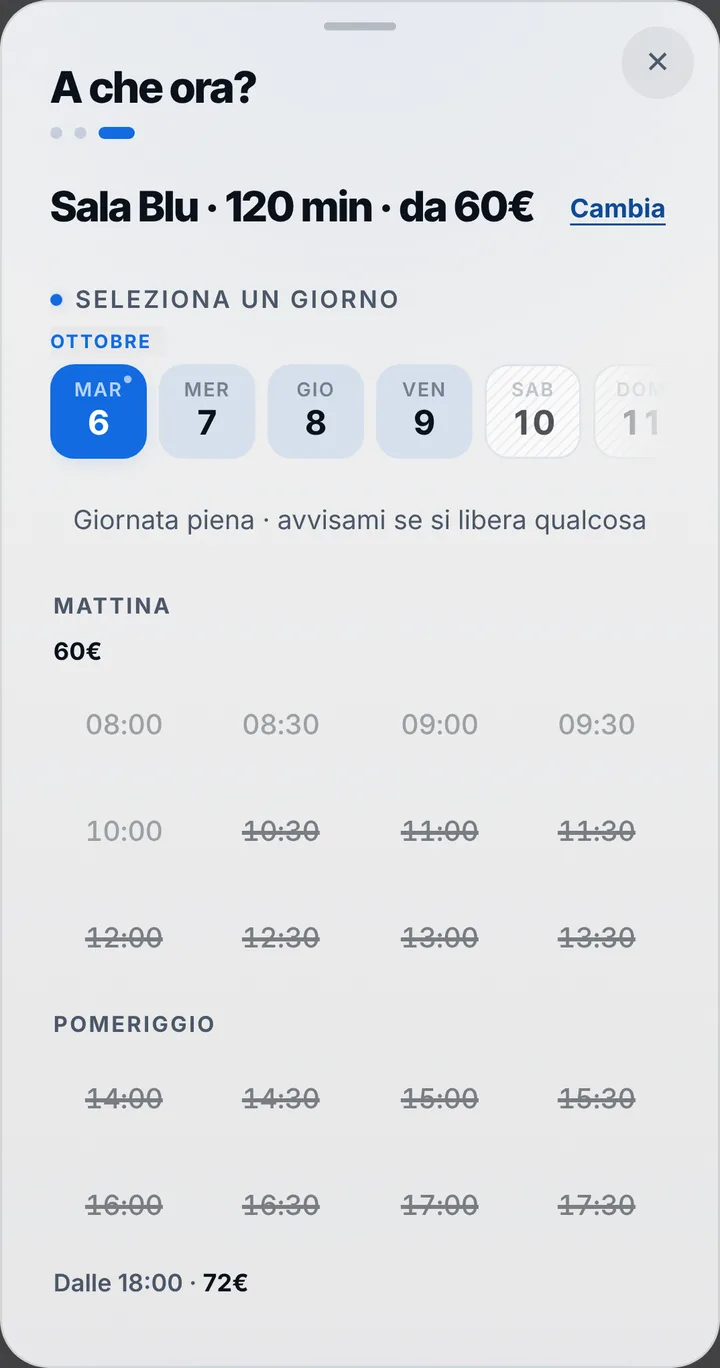
Every room is a space with its own name and photo: the two-seat room for interviews, the room with the long table and the screen, the classroom for training. Items come from the spaces: each one gets up to four lengths, say one hour, two hours and a four-hour half day, each with its own price. Whoever books picks the room by its photo, then the length, and only sees the times when it stays free the whole time. You can add up to 12 of them in one account.
Morning and afternoon at different prices
Weekday mornings the rooms go fast, Friday afternoon much less. Time-based pricing gives each band of days and hours its own price, and if you choose to show prices the page displays the starting figure. Holidays, closed days and the hours when you need the room yourself are set once. If two rooms are identical and you give both the same name, whoever books sees a single item and is assigned whichever is free.
Attendees know where and when
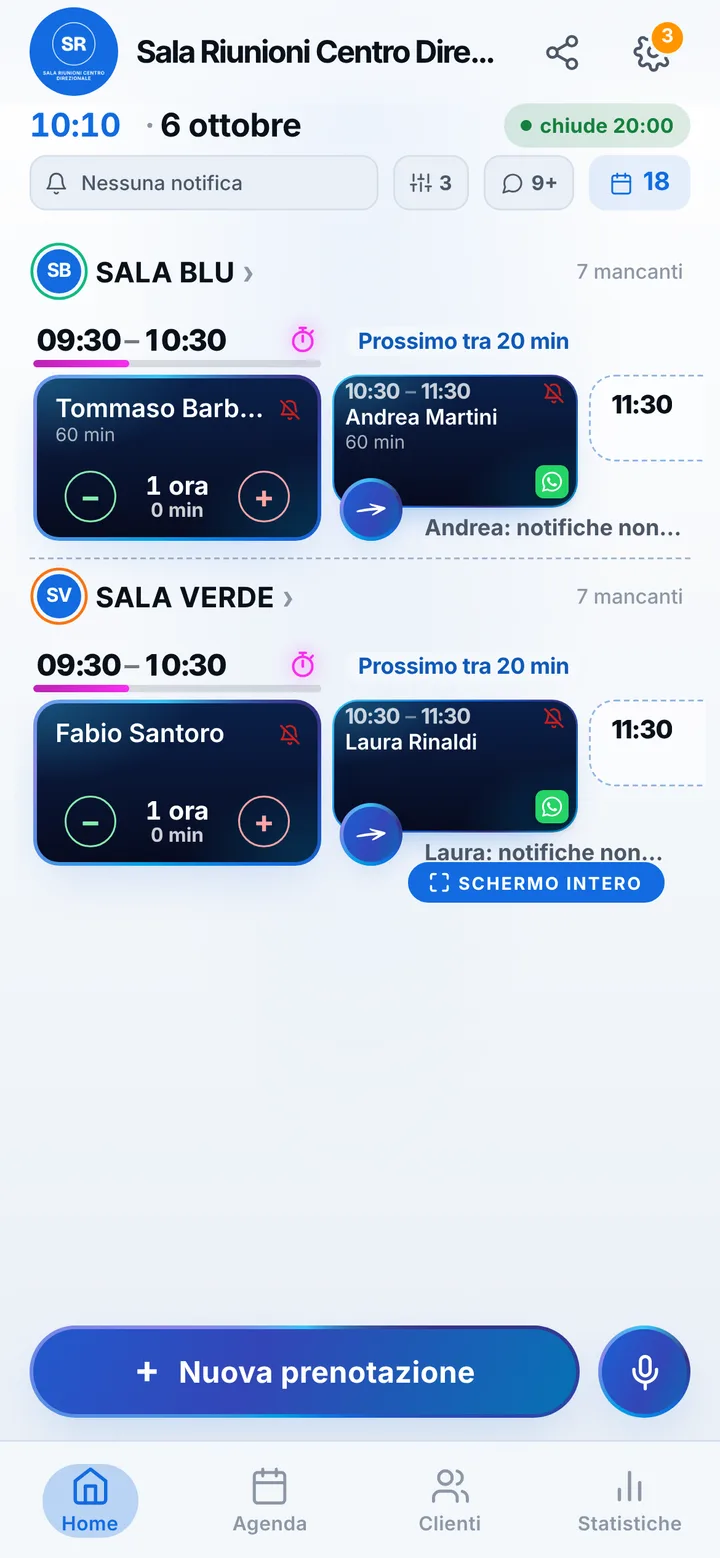
The organizer taps “Share with who’s coming” and sends attendees a ready-made message with room, day and time; your address, with the map, is on the page. Whoever opens the link adds themselves to the “Who’s coming” list, up to thirty names, without seeing anyone’s contacts, and you find the names in the booking card: you know who to welcome at the door. If the meeting before runs over, mark the delay and whoever is next, with notifications on, gets the alert. At reception, whoever helps you joins as a collaborator and sees the calendar with the permissions you give.
A clean calendar, meetings on time
Companies often book on behalf of someone else, and sometimes the meeting falls through without anyone telling you. The notification reminder arrives the day before and two hours before for anyone who turned them on, and with “I’ll be there” the confirmation reaches you by itself; for the others, one tap sends a WhatsApp from the center number. If the meeting moves, whoever booked proposes another free time from their page and you accept. SeeYouNext issues no invoices and takes no payments: the admin side stays where you keep it today.