In detail
Full sets, fills and lifts: a calendar built around lashes.
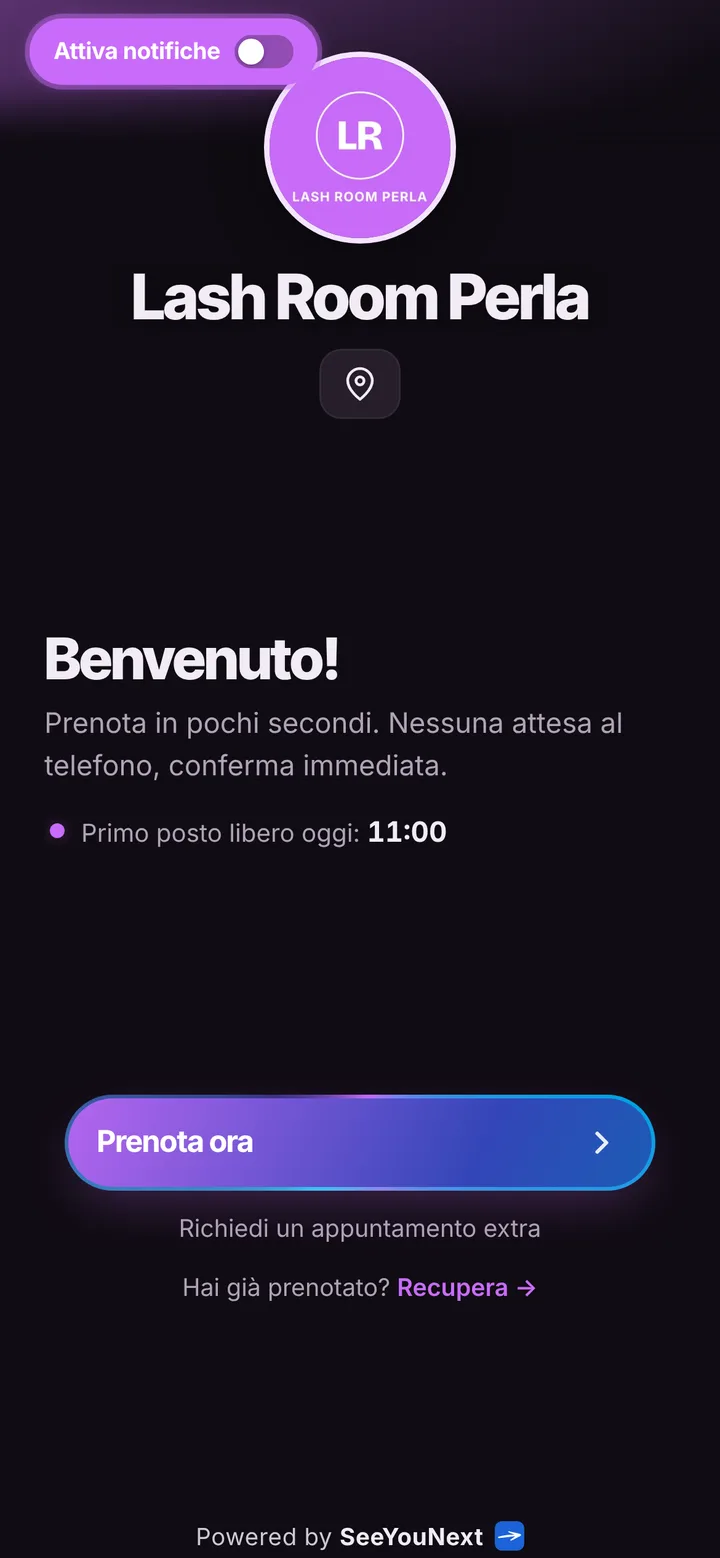
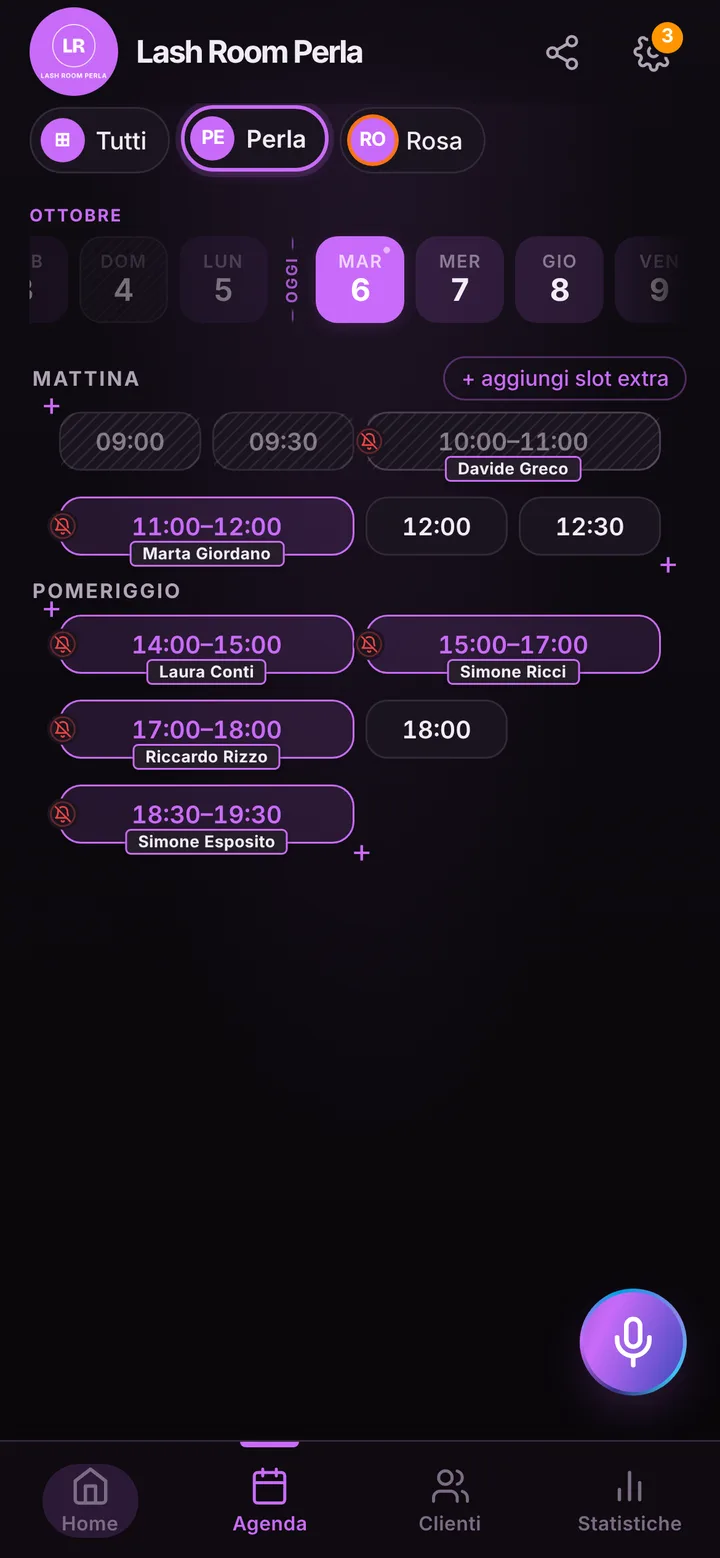
A full set of extensions keeps the client lying still and you bent over her eyes for two hours, tweezers in hand. Your phone can buzz all it wants: you are not picking it up. Messages pile up, and in the evening you spend half an hour squeezing fills into whatever gaps are left. A booking link takes that job off your plate.
Two hours for a set, one for a fill
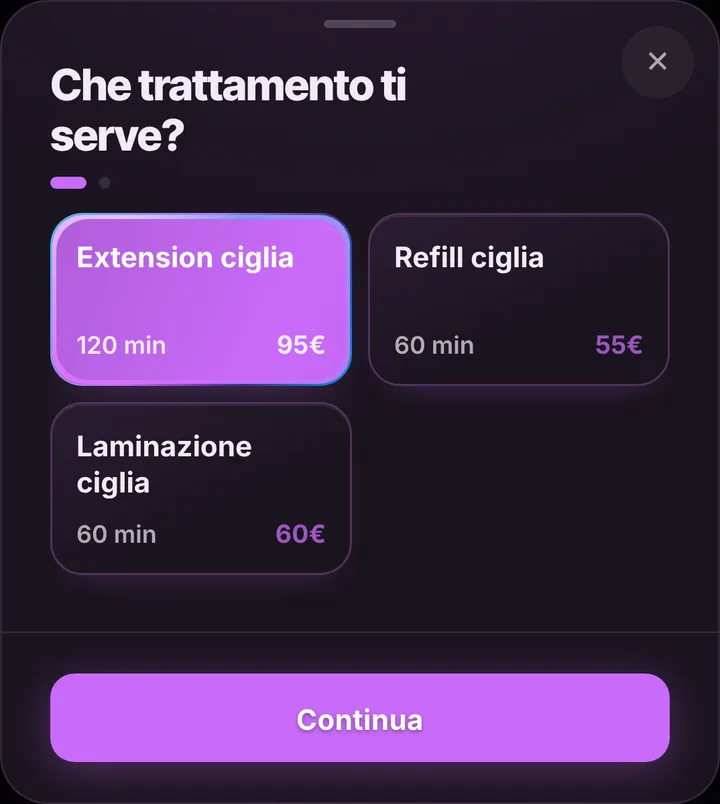
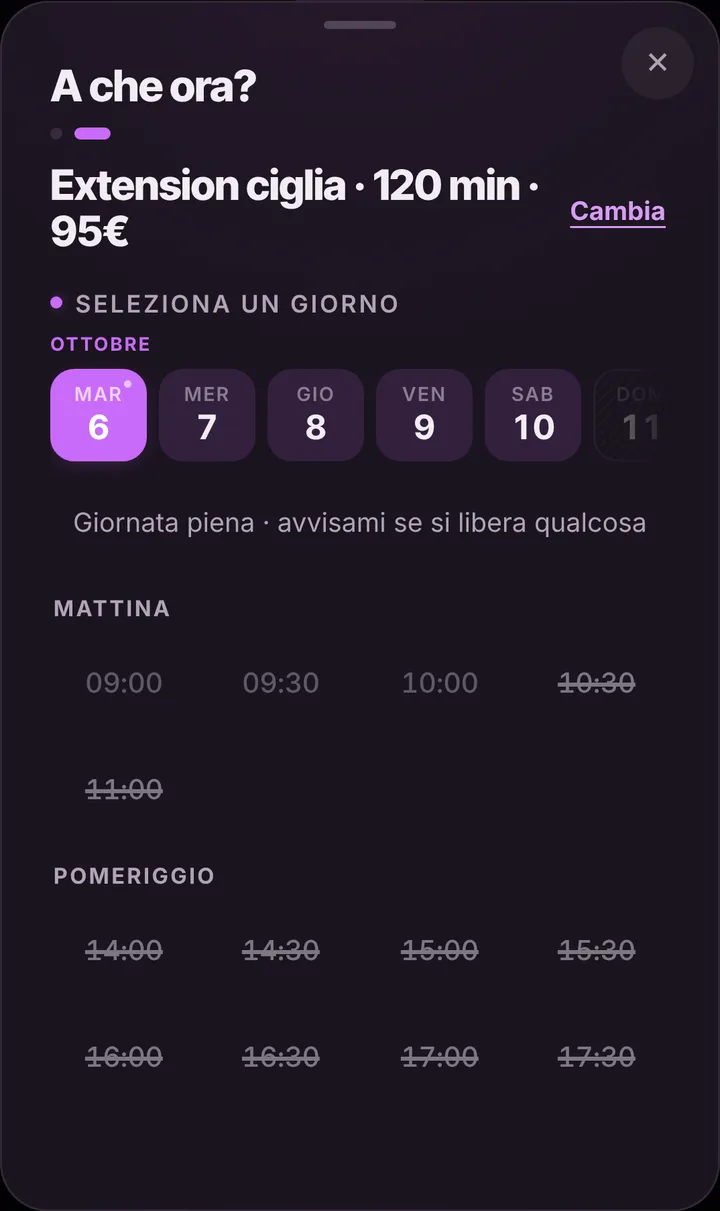
Your starting price list has lash extensions at two hours, lash fills at one hour and lash lifts at one hour. You change the lengths yourself: if Russian volume takes you longer, the service says so and your page only offers windows long enough for it. A full set never lands in the free hour between two fills, and nobody asks you to rush. Add a lash tint or an extension removal, each with its own minutes, and delete what you do not offer. Prices stay hidden until you flip the switch.
Fills that do not slip
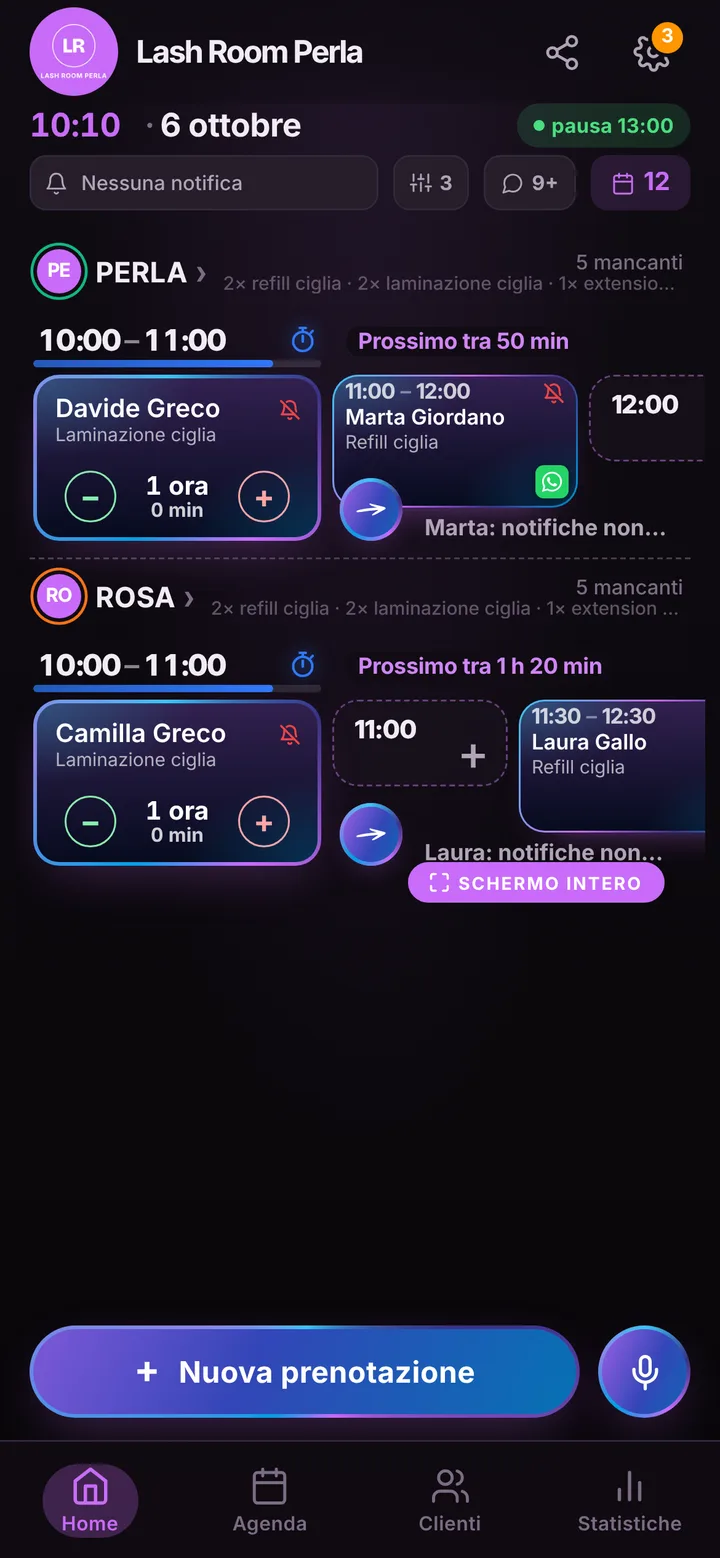
Extensions hold for a few weeks, then she needs a fill; wait too long and you are starting from scratch, and your week gets thrown off. The easiest fix is to book it before she gets off the bed: you add it in a few seconds, even by voice, and she finds it on her page. Clients who prefer to choose on their own do it from the link whenever they have their calendar handy; online, each client can hold two active bookings at most, and you add anything beyond that. If her plans change, she asks to move it from her page and you accept with one tap.
Packed Saturdays and the waitlist
Saturday mornings go fast. Clients who cannot find a spot can join the waitlist: when someone cancels, the next person in line gets an alert and grabs the freed slot before it sits empty. If you want, time-based pricing lets you charge differently for the most popular hours. To cut last-minute cancellations, choose how many hours ahead a client can still cancel from her phone; after that, she has to message you. A client who skips without a word gets marked as a no-show, and from then on her requests wait for your approval.
Reminders go out, you keep working
Clients who turned on notifications get their reminder automatically, by default the day before and two hours before, and can answer that they will be there. For those who do not use them, one tap opens WhatsApp with the message ready, sent from your studio number. If a set runs long, mark the delay and the next client sees the new time before she leaves home. Fill the gallery on your page with your sets and put the link in your Instagram bio: someone who falls for a volume look goes straight to a free slot.