In detail
A dance school in order, from the littlest ones to adults.
A dance school lives on packed afternoons: pre-ballet, ballet, modern, hip hop, one class after another in the same room, plus a flood of messages from parents. Here is how you keep classes on the calendar with their spots, without becoming the front office for every family.
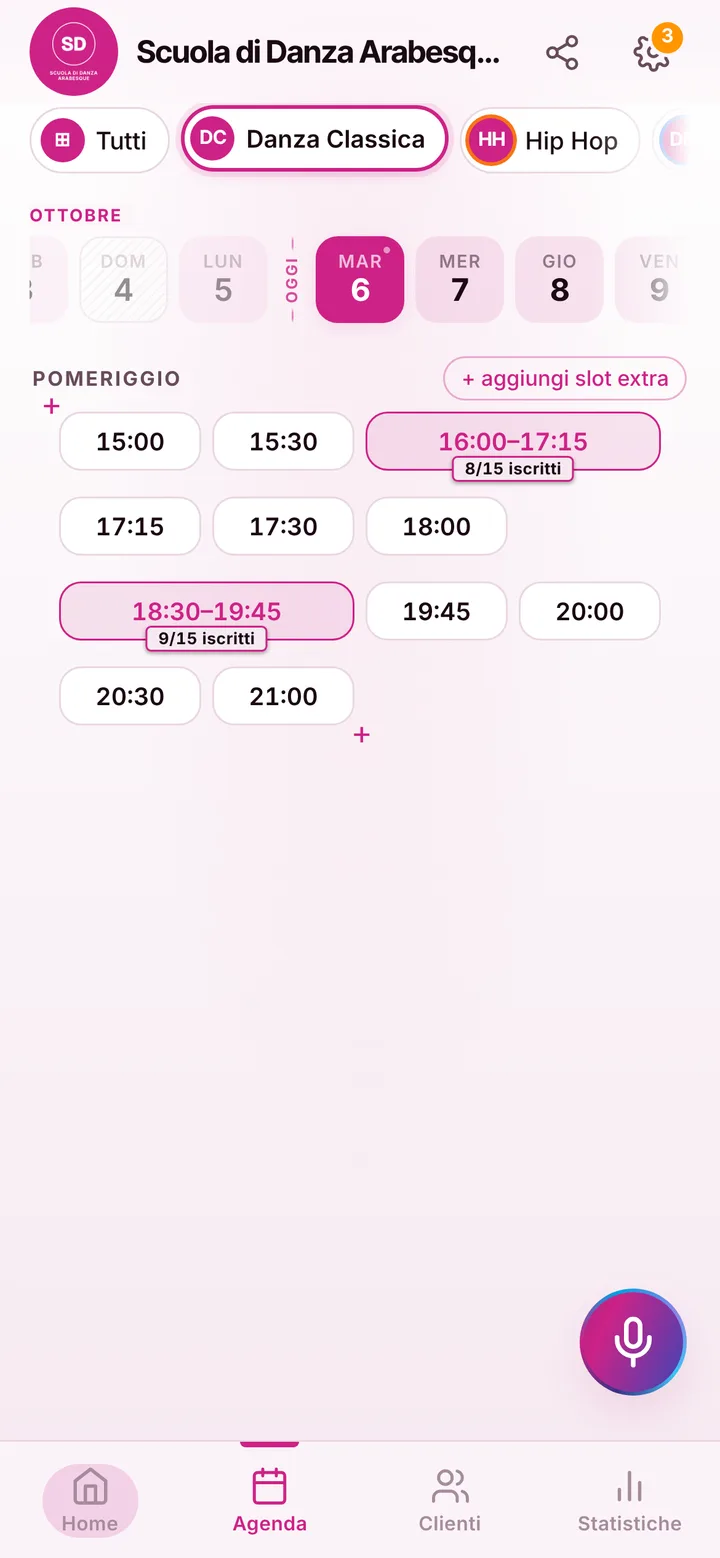
Each room with its own classes
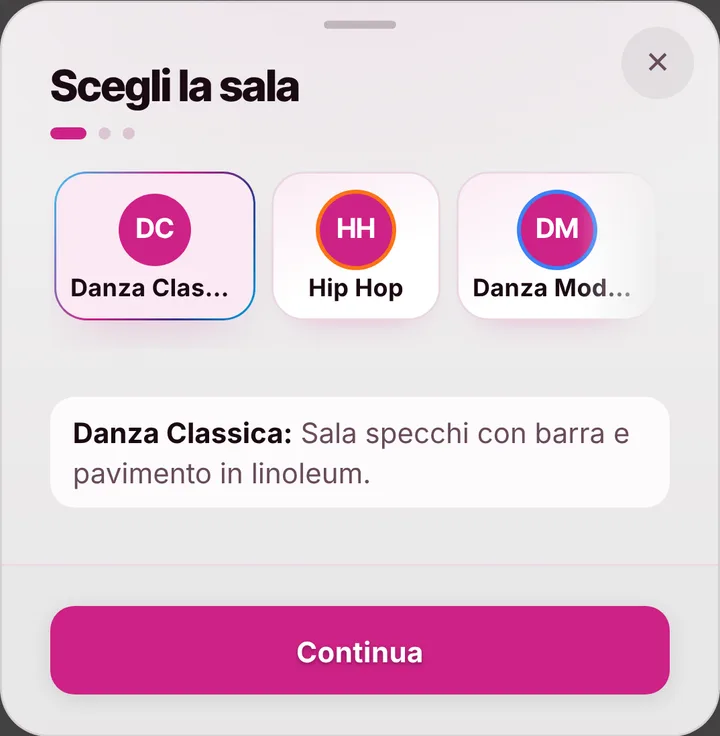
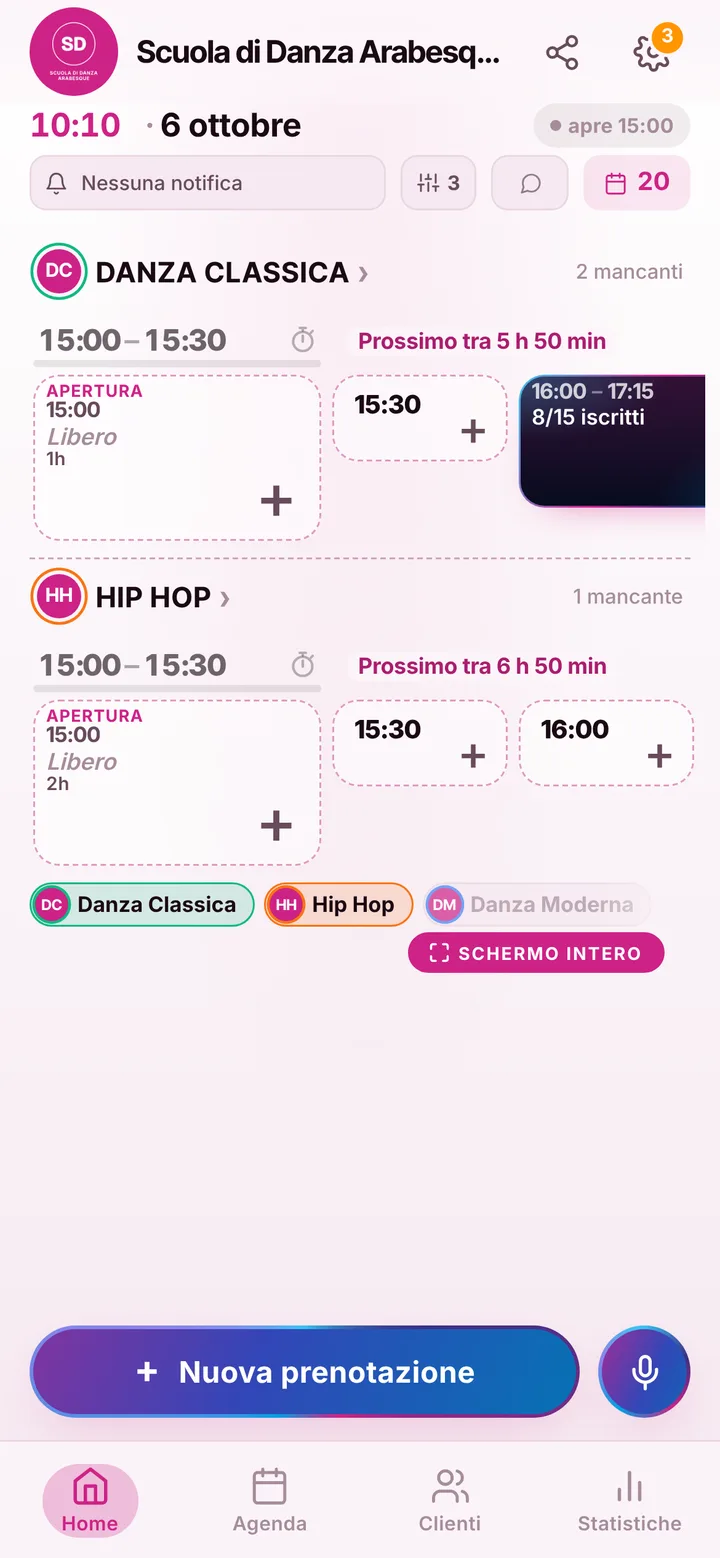
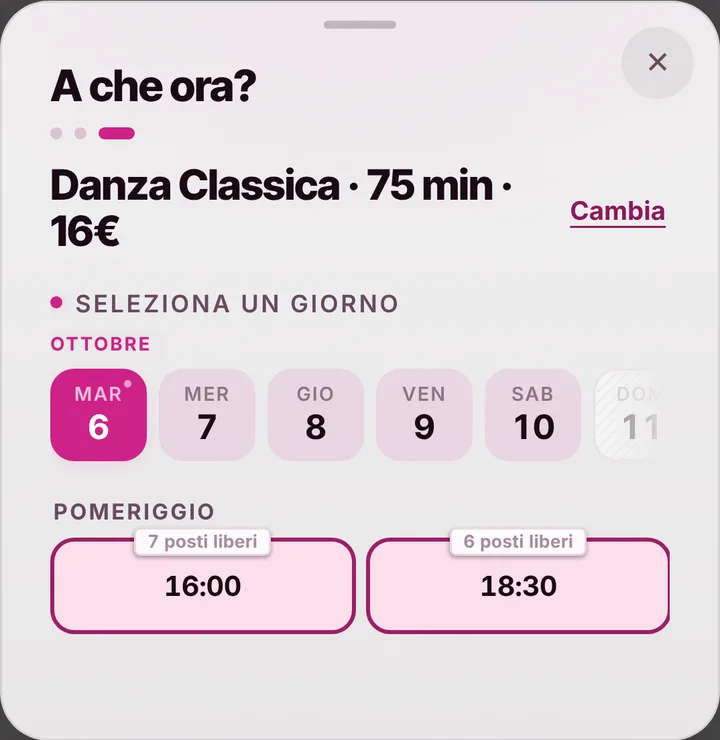
The room is where everything starts: from its card you create the classes you teach, with length, spots and set times for each weekday. Pre-ballet on Monday and Wednesday at 5 pm, intermediate ballet at 6, contemporary for adults at 8:30: whoever opens the link sees only those sessions, with the spots left. A big mirrored room and a small one for repertoire? Those are two separate calendars, up to 12, and at any time each holds one class only, so the hip hop group never finds its room taken.
When the parent is the one booking
Many students are kids and teenagers: the parent books, from their own phone and under their own name. A booking has no field for the child’s name; if you need to remember who is who, you write it yourself in the client notes, next to the parent’s number. Online each person holds at most two active bookings at a time: two children in two different classes fit, and any extra sessions you add from the calendar. Reminders go to the parent, if they turned notifications on.
Absences, cancellations and open spots
A fever on Tuesday morning and that spot in the room would sit empty. By default cancelling from the phone works up to two hours before class, and you set the limit: the moment someone cancels, the spot reopens and whoever is on the waiting list with notifications on gets an alert. The notification reminder goes out the day before and two hours before; anyone who doesn’t get it, you message on WhatsApp with one tap, from the school’s number with the text ready. If the older group runs over, you flag the delay and the families of the little ones see it before setting off.
Teachers, the recital and payments
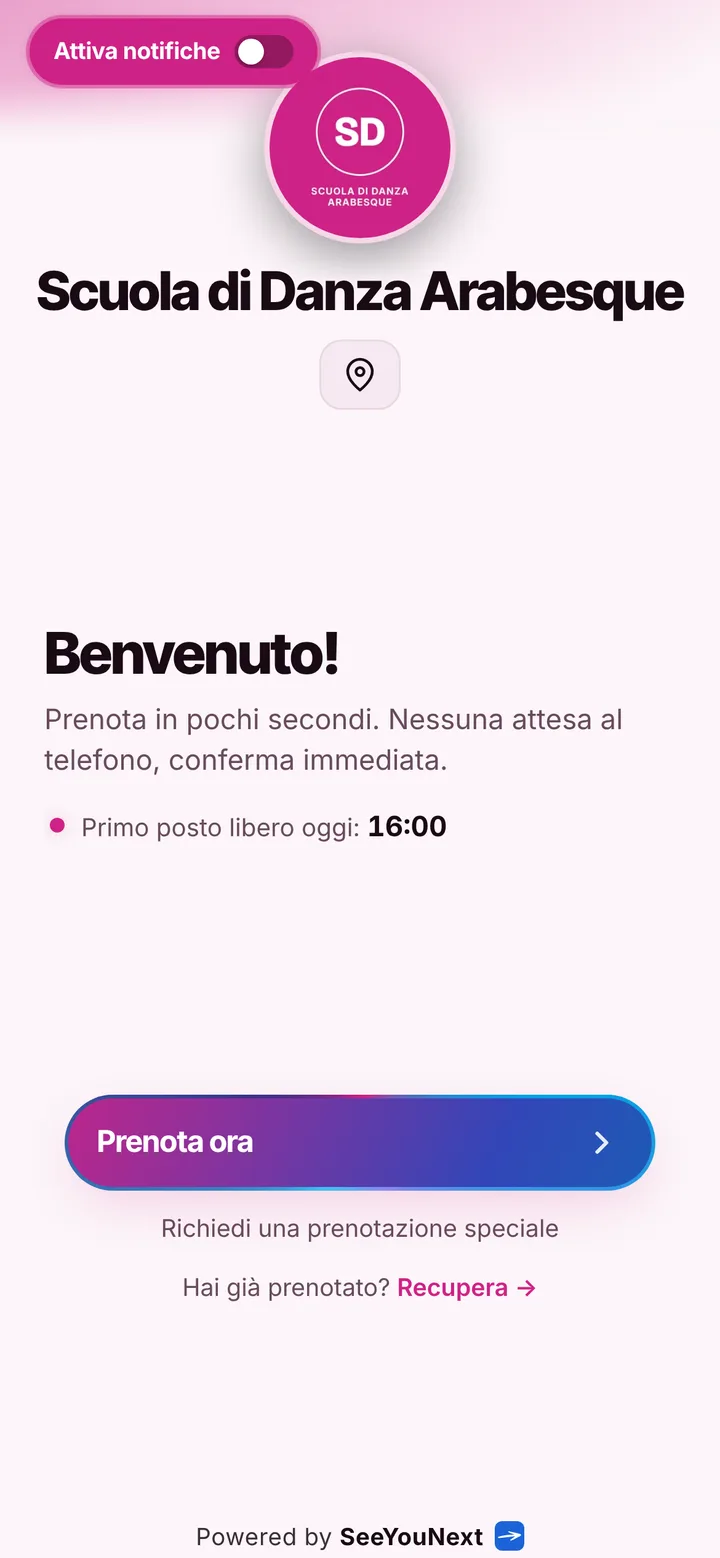
Teachers join as collaborators, with the permissions you pick, and see their classes on their phone. Winter break and the summer pause you mark once, and nobody books those days. For the end-of-year recital you put a notice at the top of your page with date and venue, and photos of the school in the gallery. SeeYouNext doesn’t take payments and doesn’t track yearly enrollment or tuition: those stay in your own records. It handles class bookings and lets you know each time a new one comes in.