In detail
Your guided tours bookable from one link, guide by guide.
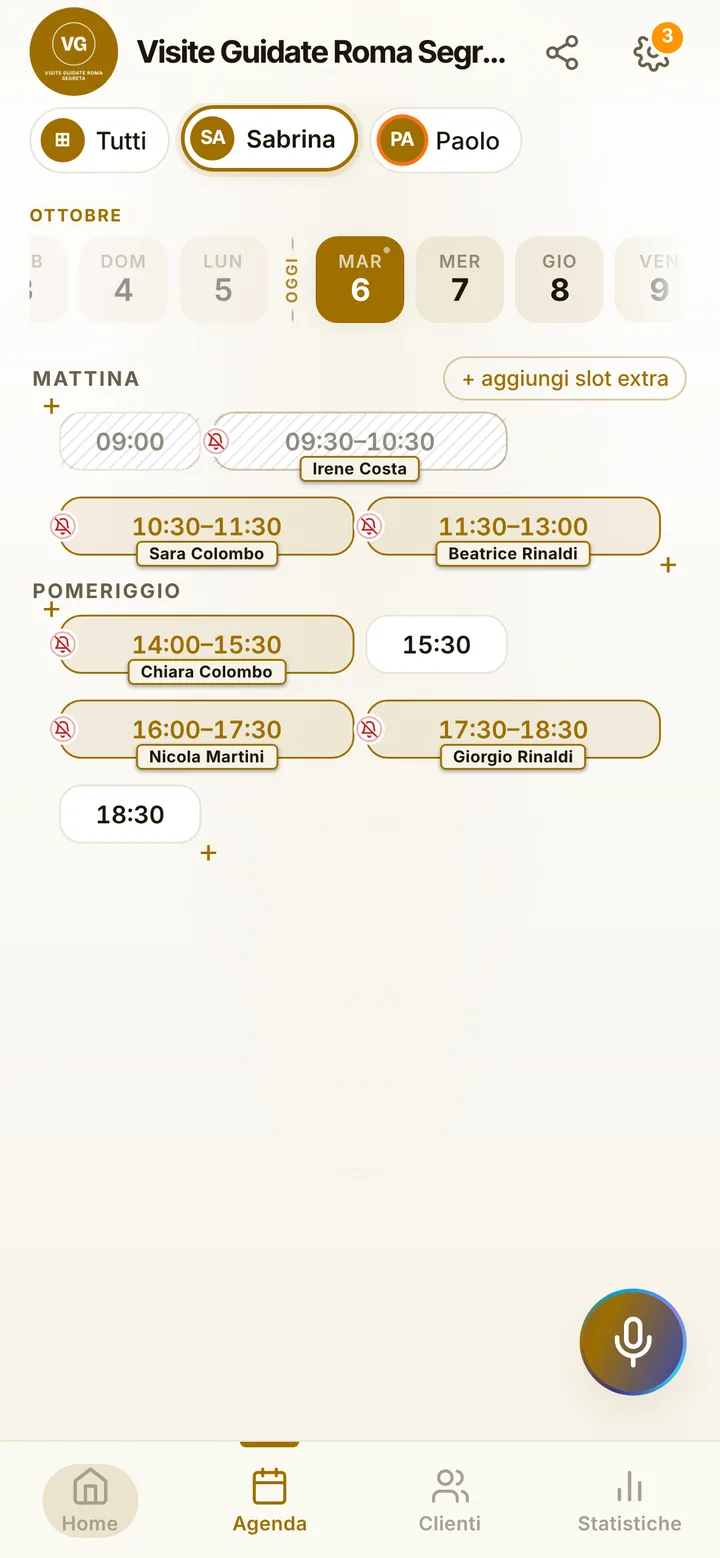
A tour guide spends the day walking and talking, not answering messages. Yet that is exactly when requests come in: from the hotel, from someone who read the sign, from the couple who want the afternoon walk. Here is how you sort out the week’s itineraries and let visitors book on their own.
The long walk and the short one
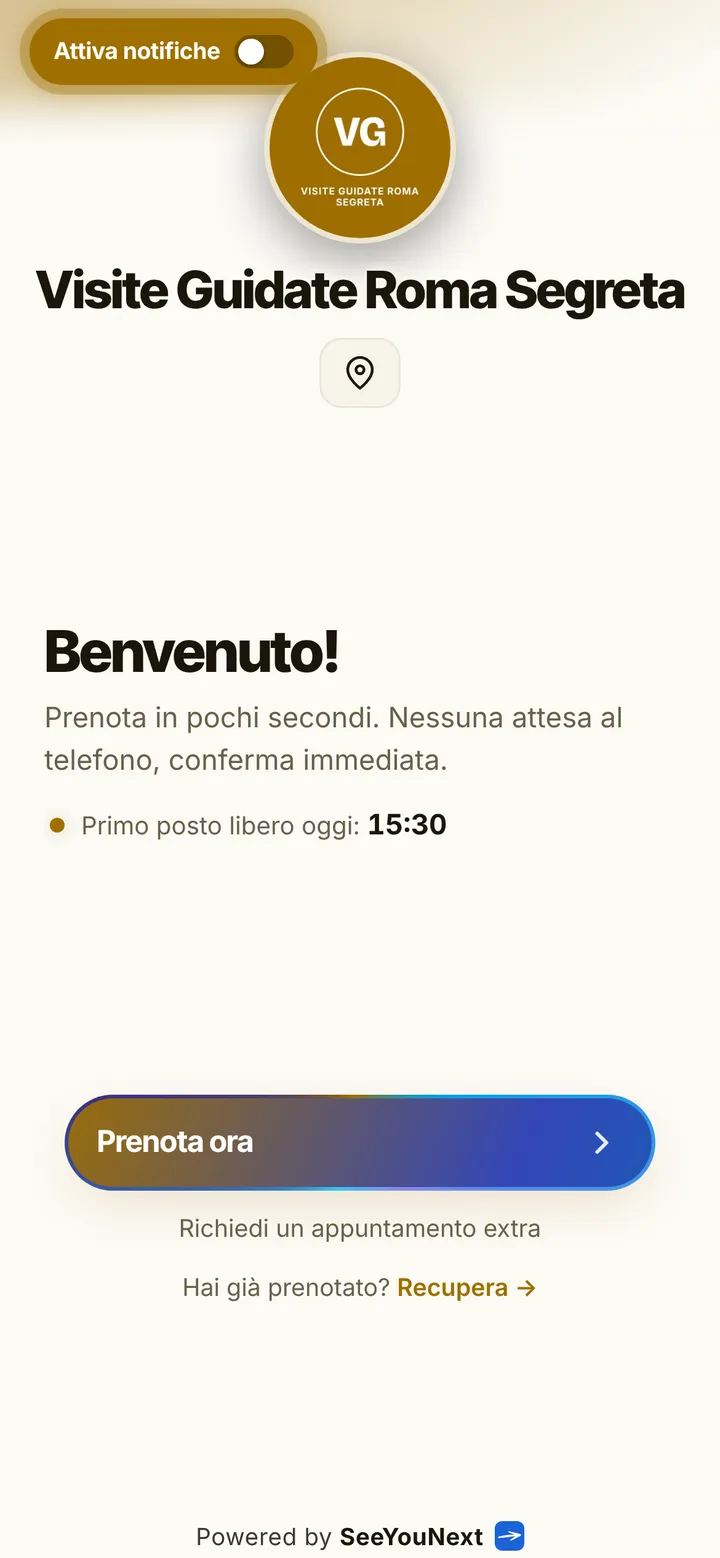
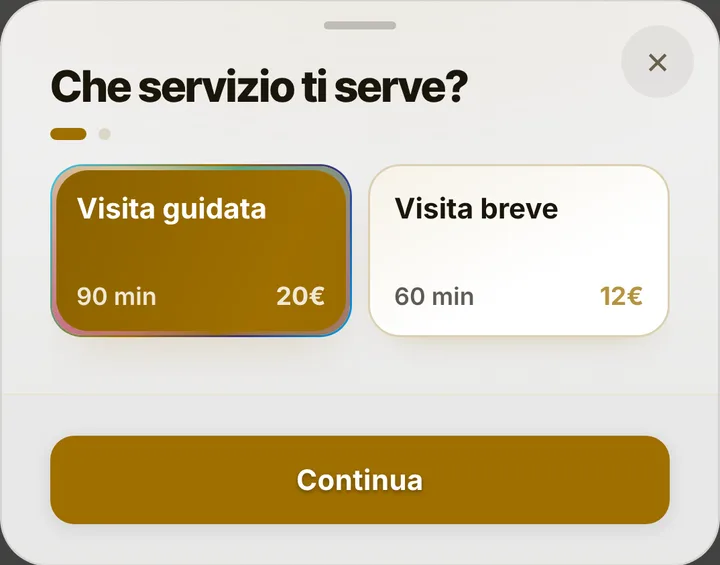
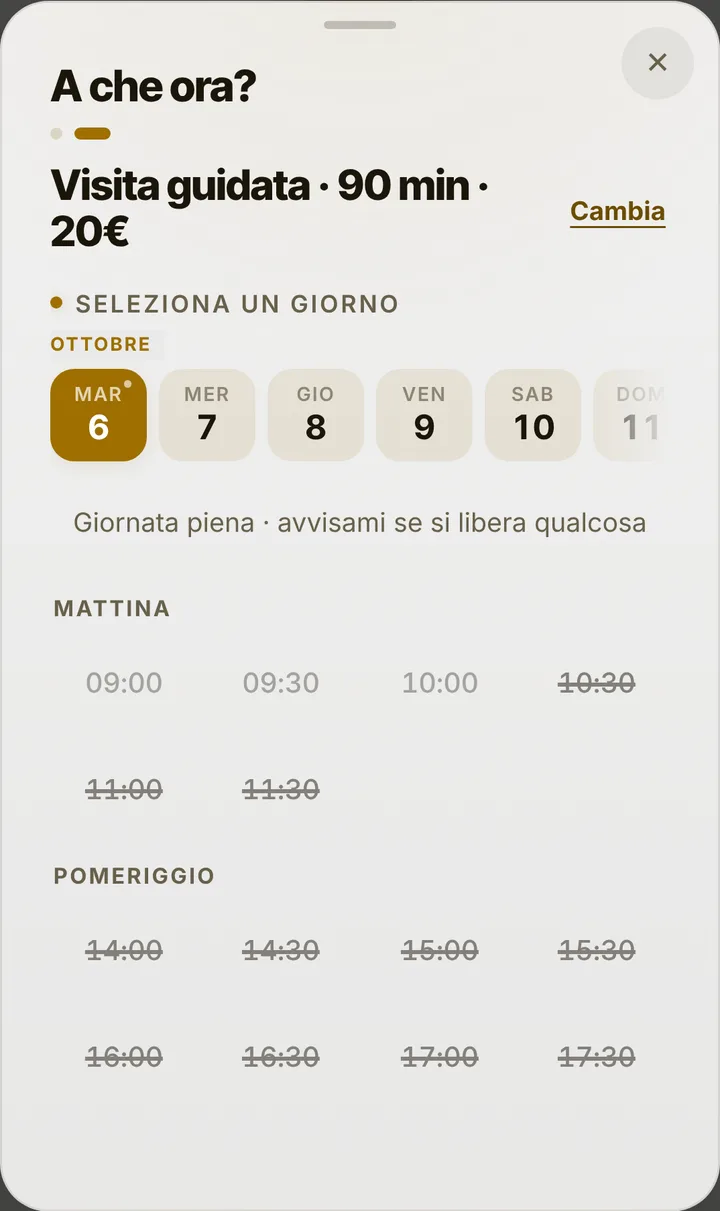
The starting list holds “Guided tour” at ninety minutes and “Short tour” at one hour. Give each one the name of its itinerary, “Cathedral and cloisters” or “Underground city”, and add the rest: the evening walk, the museum, the route designed for families. Whoever books picks an itinerary and sees the departure times still free. The meeting point goes in the notice at the top of the page, where anyone who opens the link reads it; if you have an office or ticket desk, your address appears with a Maps link.
A booking is a group
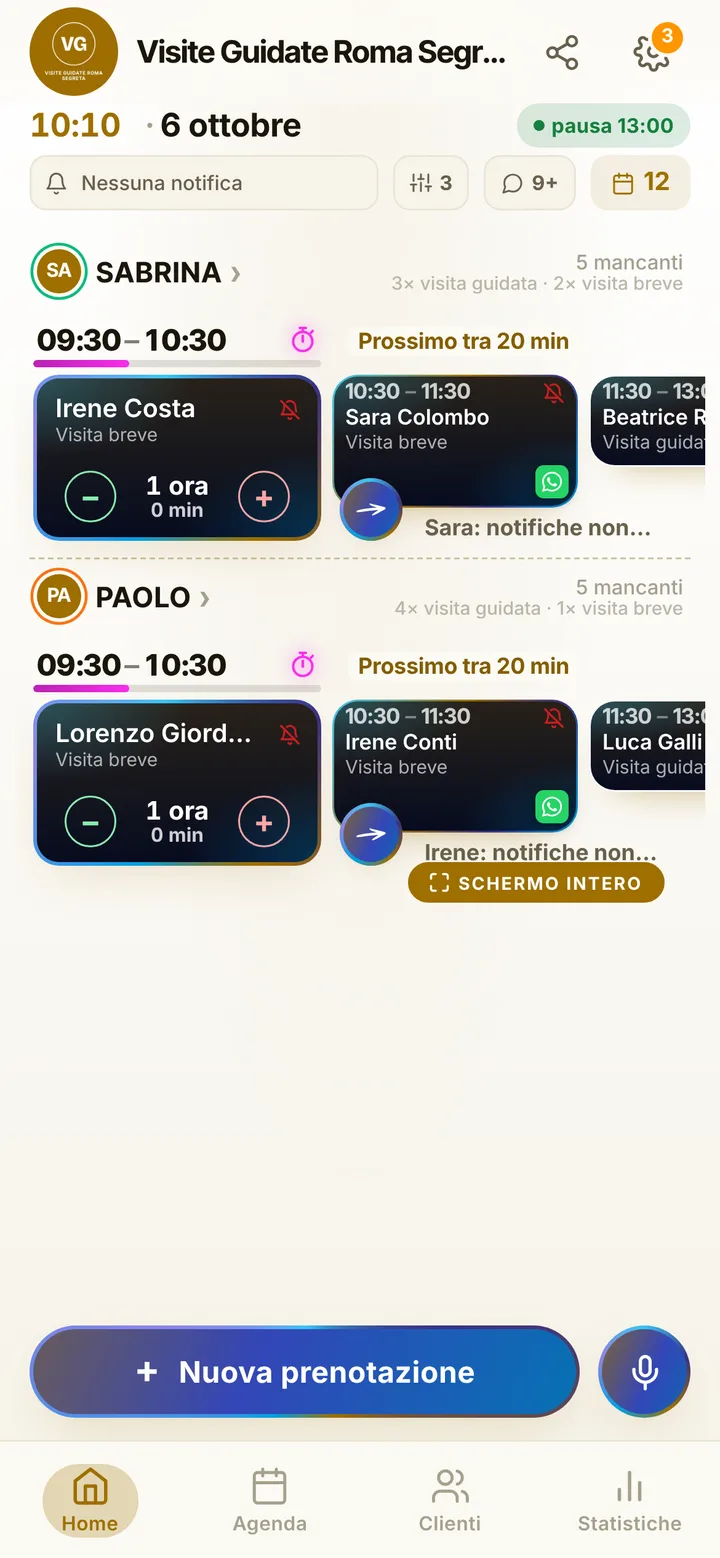
Today the app does not split a tour into single places: each booking takes the time slot for one group, whether a couple or a school class. There are no fields yet for headcount or language, so use the notice to ask people to write them in the note for the business. If several guides work with you, each has a diary, hours and the itineraries they know; the visitor chooses a guide or takes the first one free, and several groups can set off at the same time. One account holds up to 12 people.
High season and quiet months
From April to October you lead walks every day, in winter only at weekends: change your hours when the season changes, and mark holiday closures just once. When Saturday morning’s tour is already taken, whoever wanted it joins the waiting list and gets an alert if it frees up, as long as their notifications are on. Requests from agencies and hotels you put in the diary yourself, even dictating them between one stop and the next. Online each visitor holds at most two active bookings: for a school group that wants three walks, you set the third one yourself.
Reminders and delays without chasing anyone
Tourists forget, change plans, turn up at the wrong spot. The reminder goes as a notification to whoever turned them on, by default the day before and two hours before; everyone else gets it on WhatsApp from your number, with the text already written. If the ten o’clock walk ends late, mark the delay and the next group sees the updated time on their page. You decide how many hours ahead people can cancel from their phone, up to forty-eight. Mark anyone who never shows up, and their next requests wait for your approval. Tickets and tips are paid as today: SeeYouNext collects nothing.