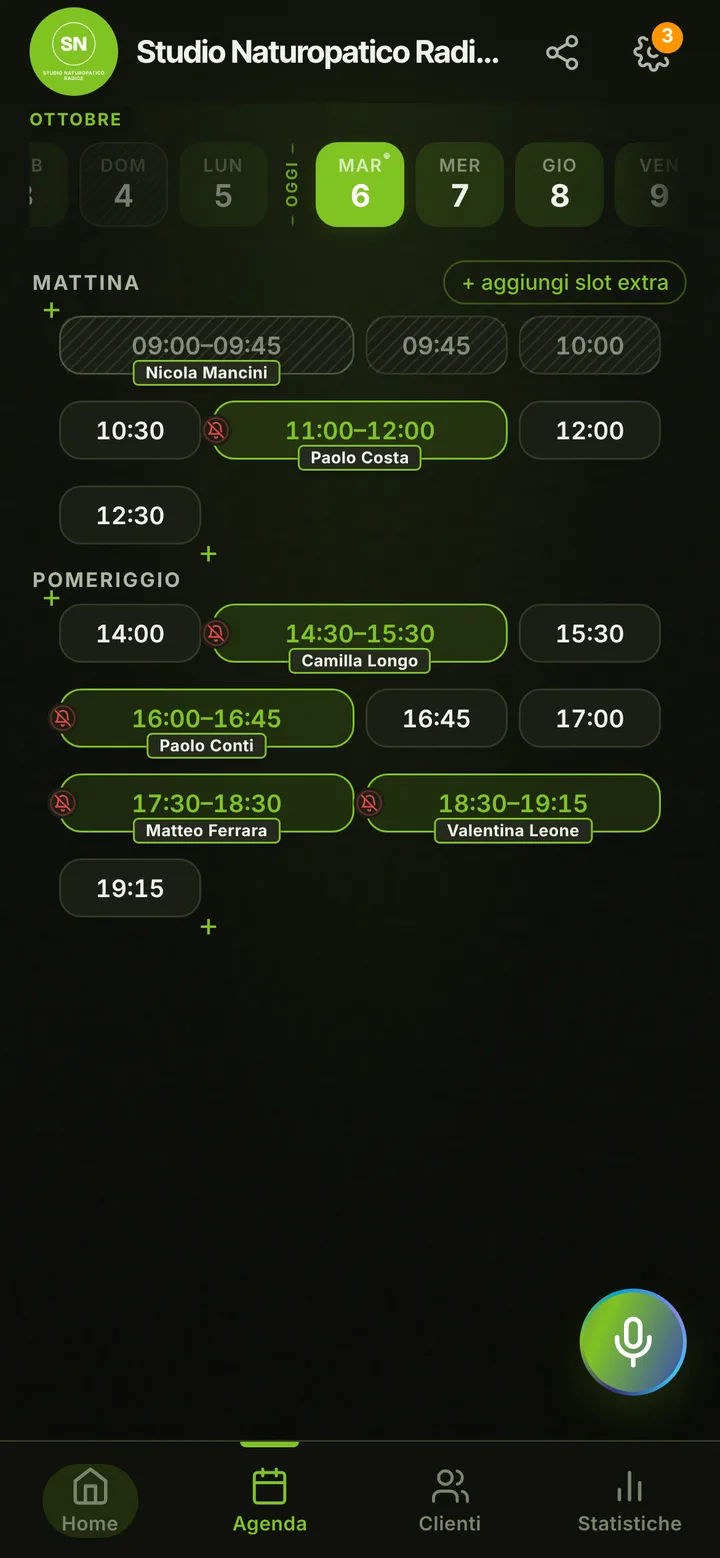
In detail
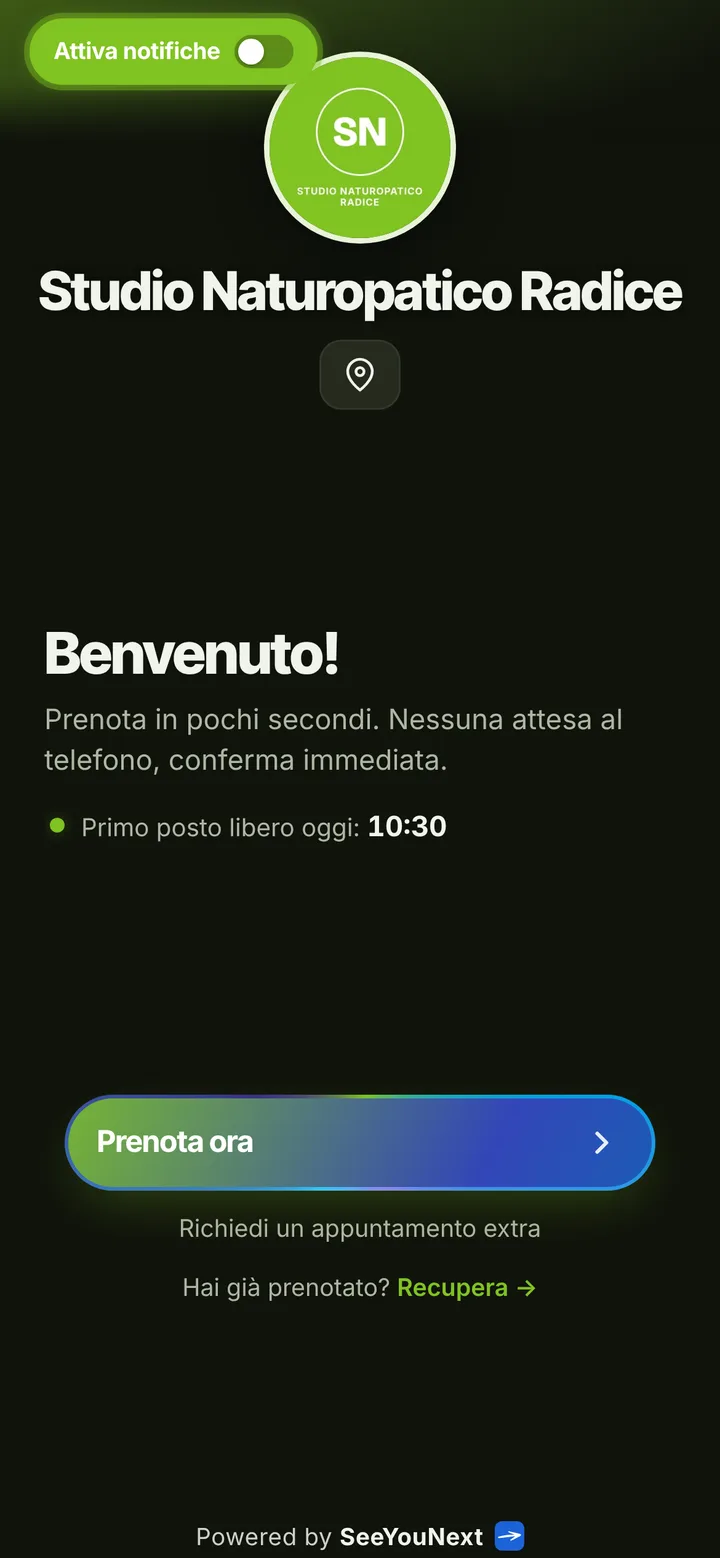
A naturopath’s office with consultations set from a link.
Naturopaths often see people only a few days a week, sometimes in a room shared with other professionals, and spend evenings answering messages to find a time. A first consultation runs long, later ones are shorter. Here is how a booking app brings order to your office days, without getting into the work you do with the people you see.
A few office days, all of them clear
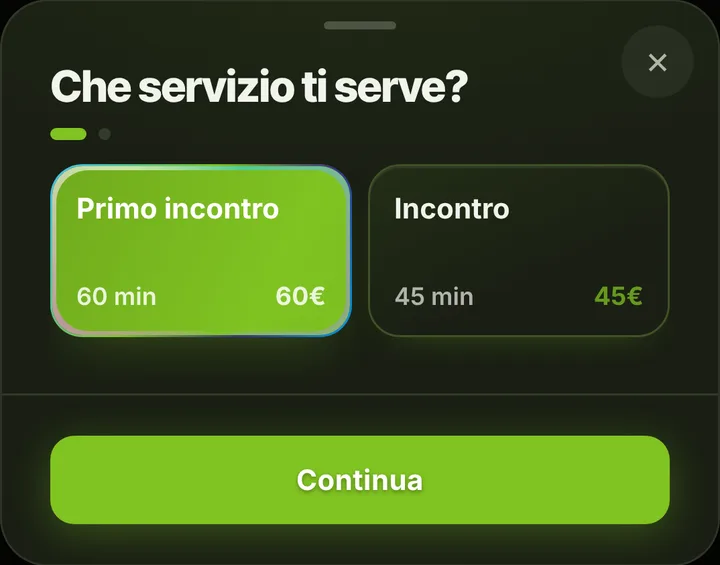
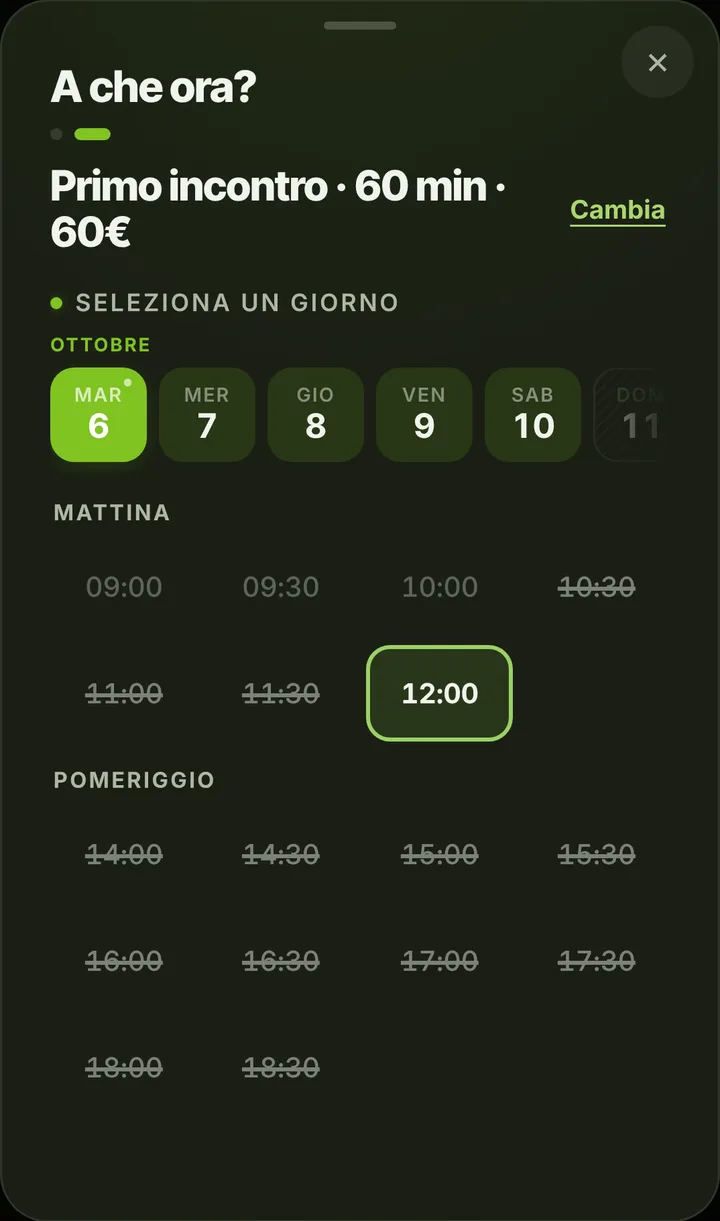
Set hours only on the days you see people: Tuesday afternoon, all of Thursday, Saturday morning. Outside those, nobody books, and the weeks you are away get closed once. The list starts with a one hour first consultation and a forty-five minute follow-up; add a shorter check-in or a session for couples. Whoever opens your link sees the open days right away and chooses, with no evening back-and-forth. If you see someone outside your hours one day, add an extra slot to the calendar yourself.
No more evening messages
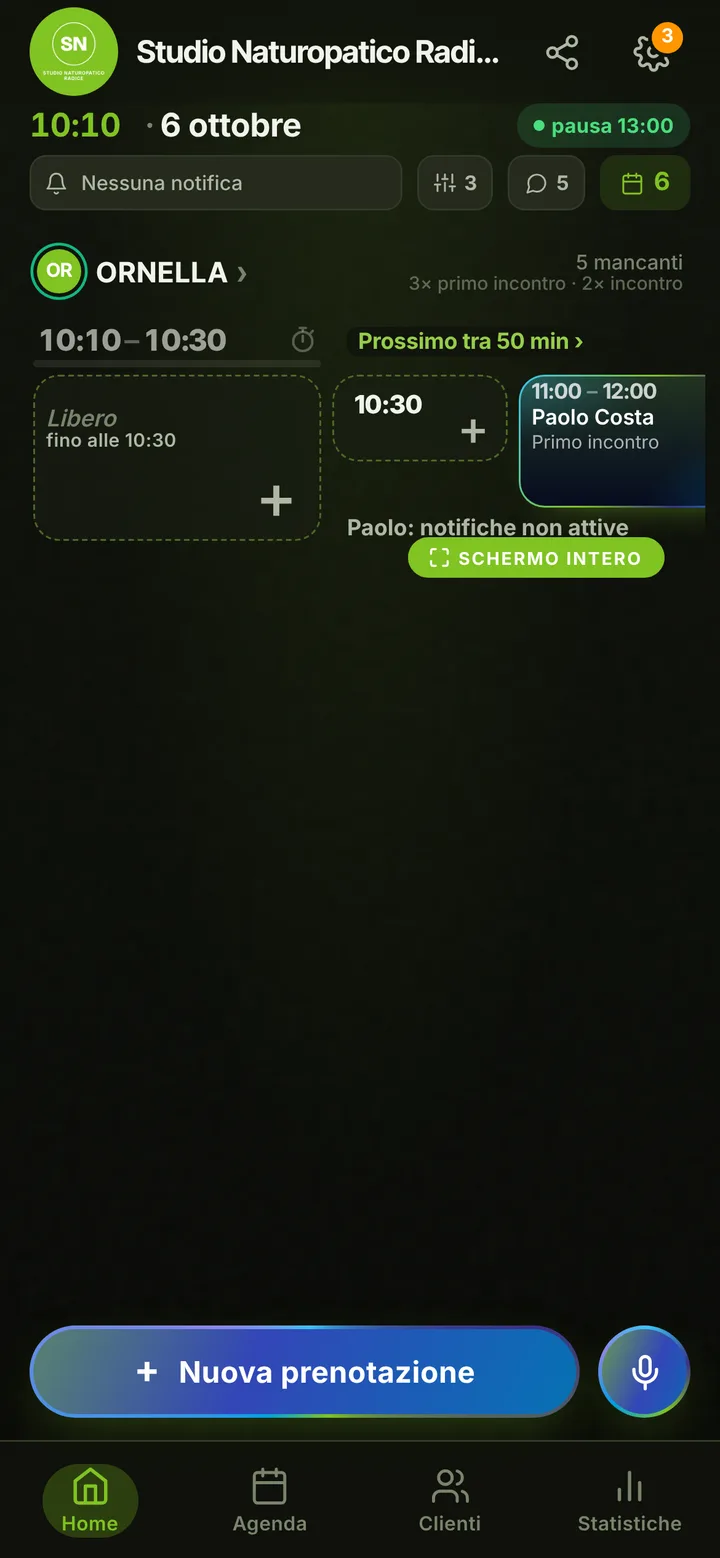
The person types a name and number and the booking is done: you get an alert, they find the appointment on their page, where they can also ask to change it by choosing another free time at least two hours ahead. You accept with one tap. When the week is full, they join the waitlist and hear about it if someone drops out. Anyone after a day that is not offered can send you a request for an extra appointment with a note, and you decide whether to open it. Follow-ups you set yourself at the end of each consultation: online each person holds at most two active ones.
Reminders that tell nothing
Why someone comes to you stays between the two of you. The notification reminder reaches people who turned it on, the day before and two hours before, and shows only the day, the time and the office name. For people without notifications, one tap on the booking opens WhatsApp with the message ready, sent from your number. Mark someone who neither shows up nor warns you as a no-show: from then on their new bookings wait for your approval. You can also set a cutoff after which online cancellation is no longer possible.
What SeeYouNext does not do
SeeYouNext is not a tool for following someone’s path: it keeps no intake forms, questionnaires, recommended supplements or food diaries, and it should not. It issues no invoices and sells no bundles of consultations. Contact notes are for practical details, like the buzzer name or a preferred time. If you share the office with other professionals, each can have a calendar in the same account, up to 12 people, with their own items and days; whoever books chooses who to see, or the first free time. On your page add photos of the office, the address with a map and your social links, so first-timers find the right door.