In detail
A party room booked from a link, from birthdays to evening events.
A party room fills up by date: Saturday birthdays, Friday evenings, Sundays with christenings and first communions. Requests arrive all at once, often at night, and keeping track of taken dates in a notebook sooner or later leads to a double booking. Here is how a link keeps it straight.
The main hall, the small room, the garden
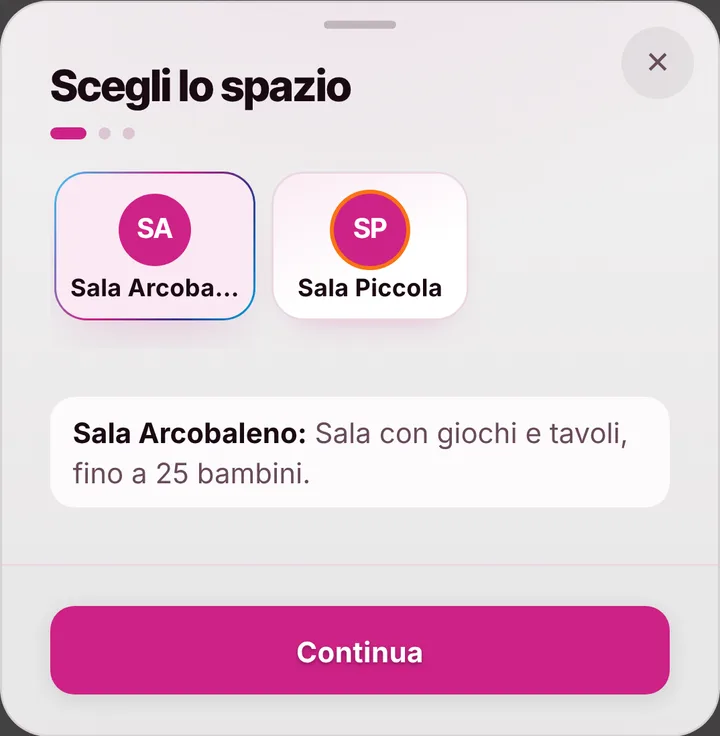
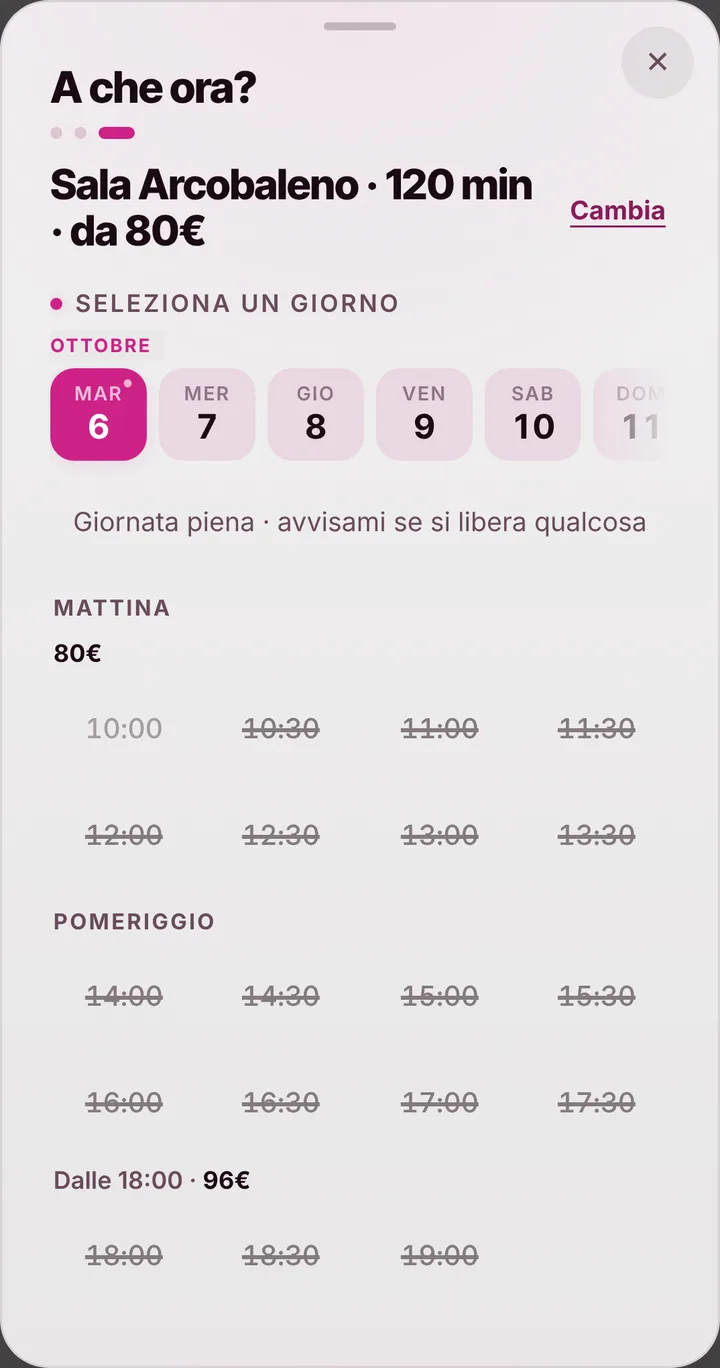
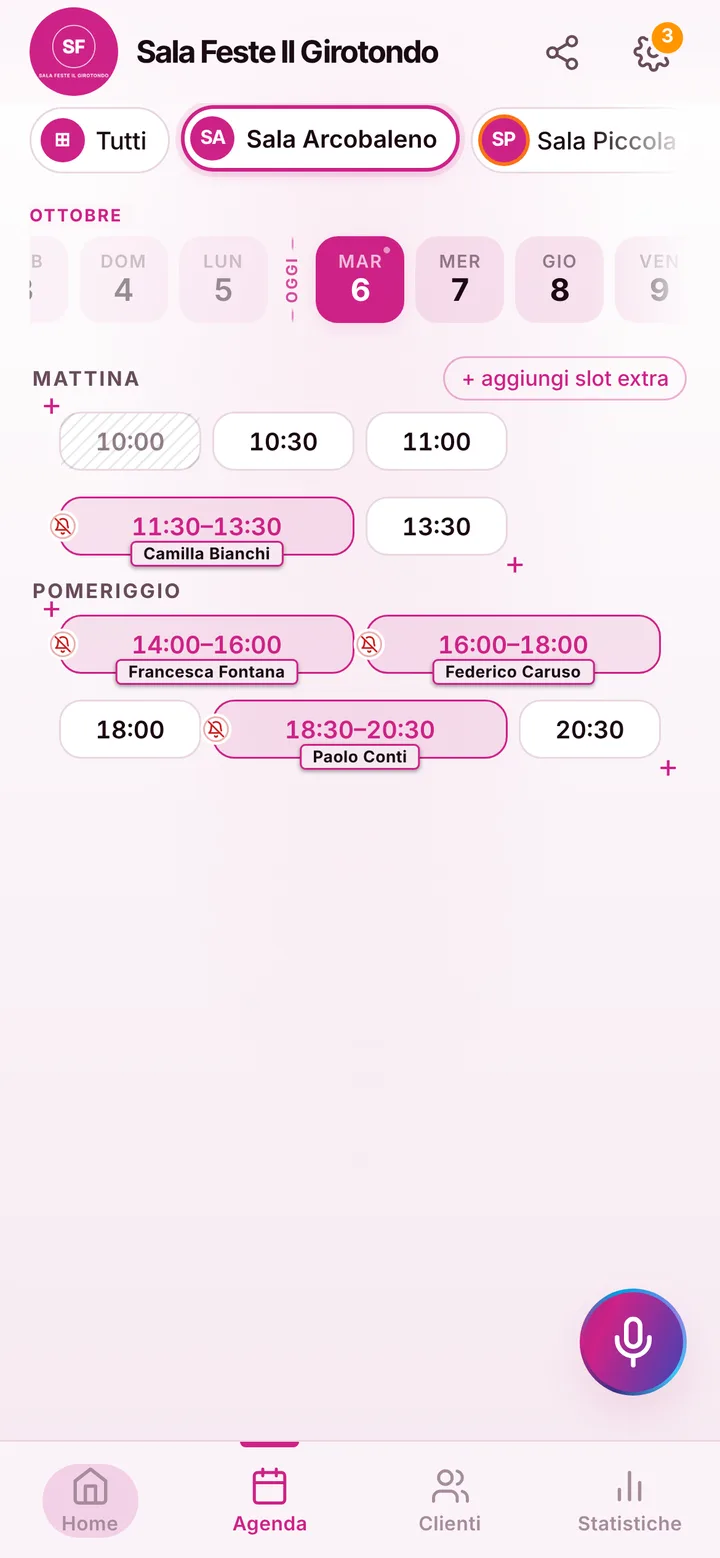
Every area you rent is a space with a name and a photo: the main hall with the stage, the small room for little kids’ birthdays, the garden in summer. Each space gets up to four lengths with their prices, for example a two-hour party, a three-hour one and a four-hour evening, which is the longest an item can last. Organizers look at the photos and choose, and the page only offers start times where the party ends before closing. You can keep up to 12 spaces.
Evenings past midnight
For evening parties, closing time can run past midnight: if you close at one in the morning, a four-hour evening can start as late as nine. Days when the hall is already taken for an event of yours, or closed for a deep clean, get blocked in the calendar. With time-based pricing weekends cost more than weekdays, and the page shows the starting figure only if you choose to display prices. A family wanting a time that isn’t offered sends you a request with a note.
The organizer and the helpers
Whoever books the birthday can tap “Share with who’s coming” and pass a ready-made message with room, day and time to the people helping out: grandparents, friends, the entertainer. Each adds their name to the “Who’s coming” list, which holds up to thirty names: it isn’t the guest list of a big party, but it’s enough for the organizers. Nobody sees anyone else’s phone. The address with the map is on your page, and in the notice at the top you write the house rules: music, decorations, cleanup, exit time.
Safe dates, no payments
A party gets booked well ahead, and whoever booked it may mix up the time. The reminder arrives as a notification for those who turned them on, by default the day before and two hours before; for those who don’t use them, you send it on WhatsApp with one tap and the text ready. You can require cancellations from the phone to come at least forty-eight hours ahead. If a date is taken, people join the waitlist and get alerted if it frees up. SeeYouNext takes no deposits: those remain agreements between you and whoever books.