In detail
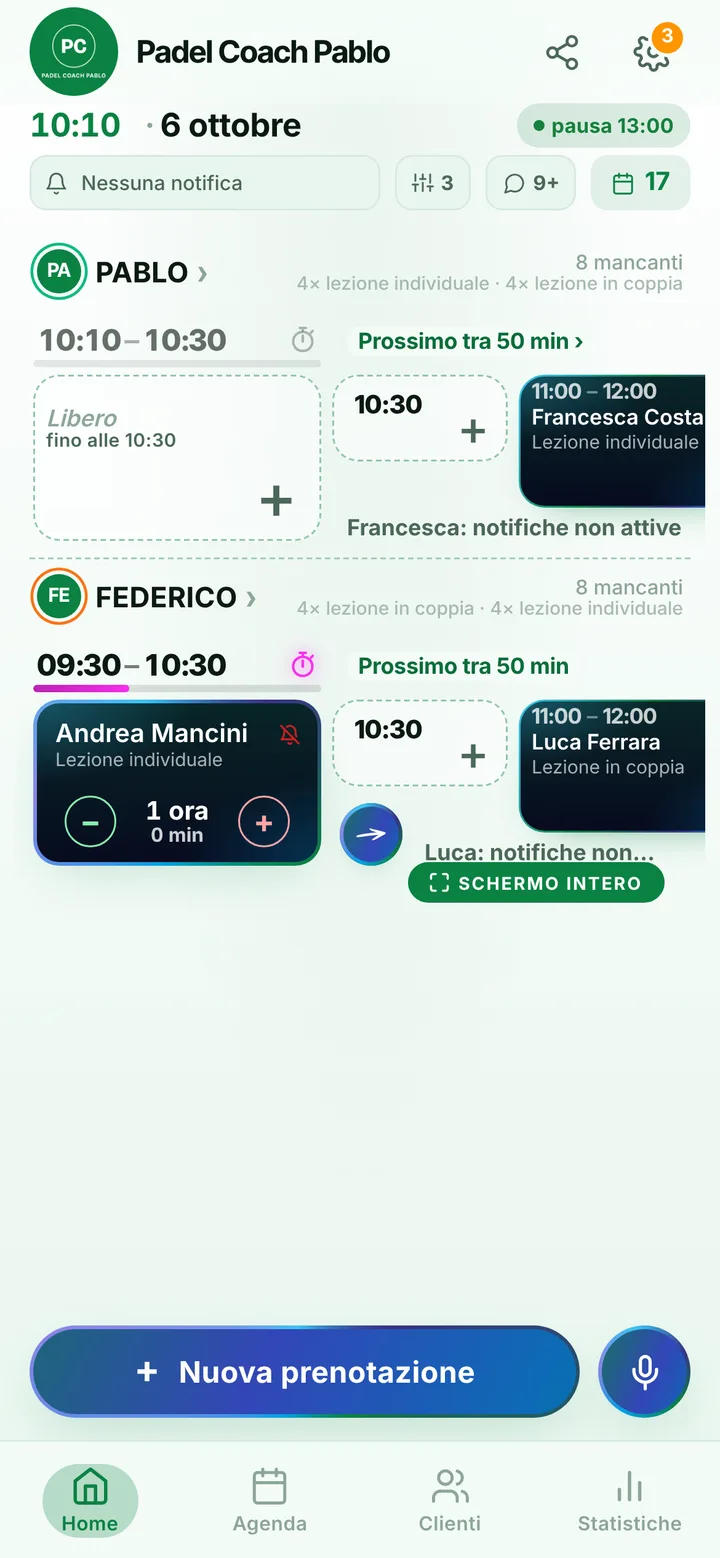
A padel coach whose diary is always up to date.
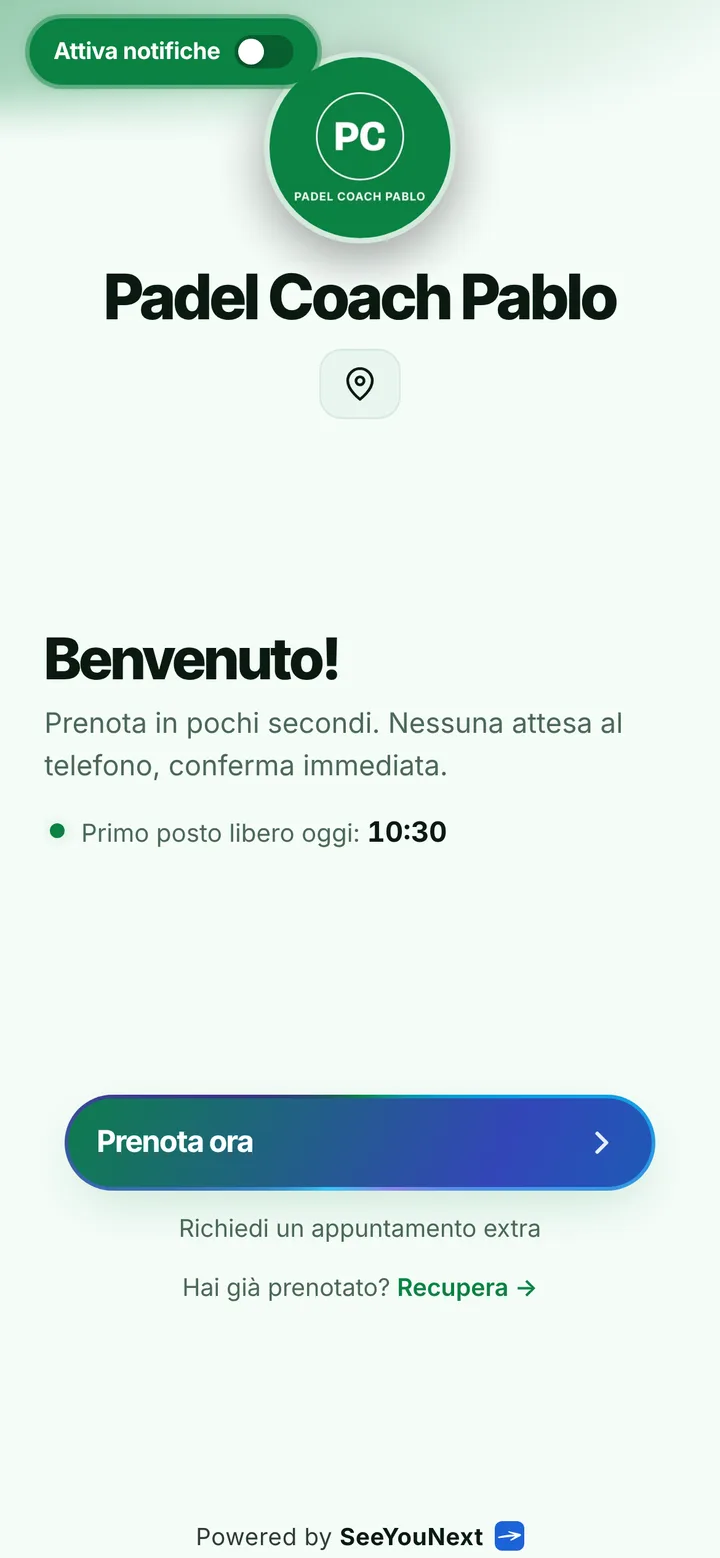
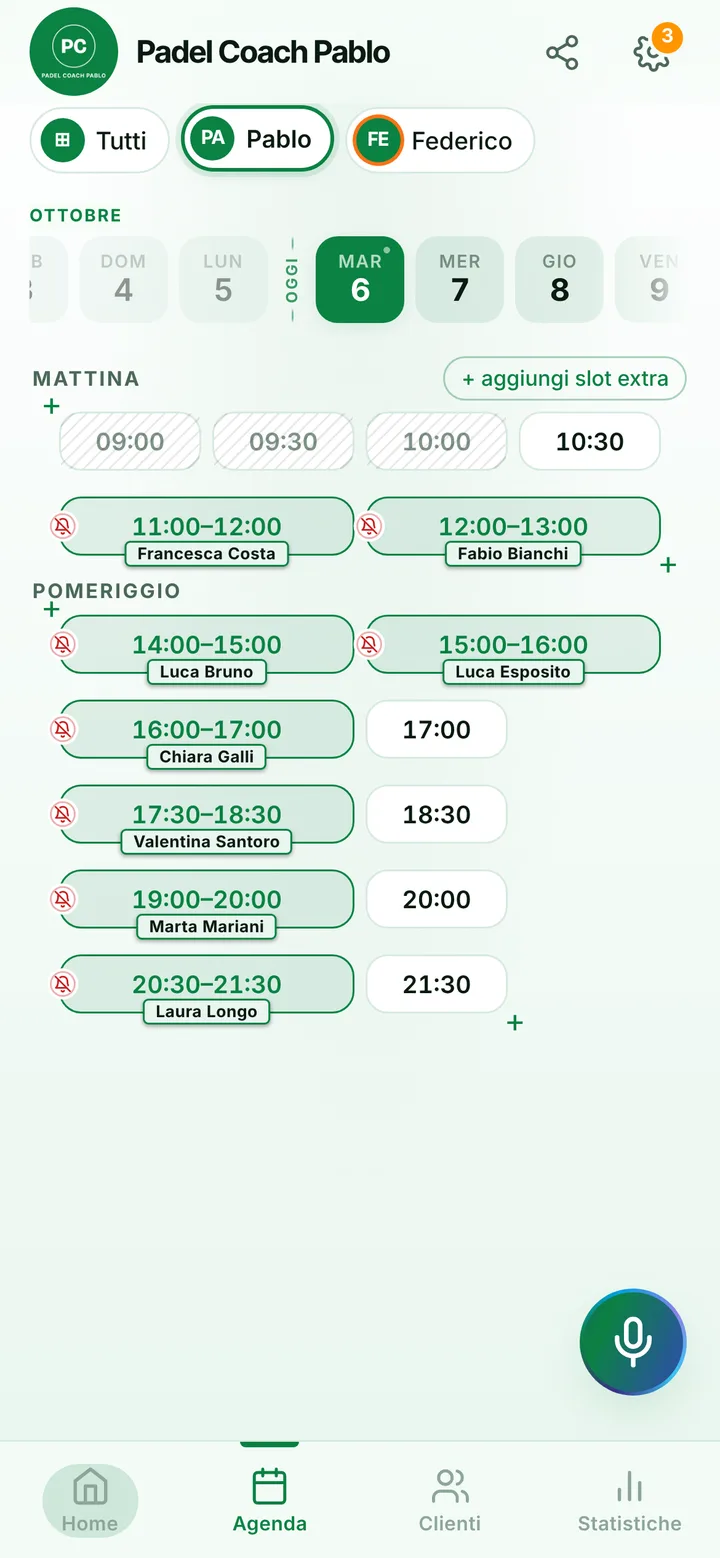
Plenty of people discover padel playing with friends, and after a few matches they want to learn how to come off the back glass or finish at the net. Requests arrive all at once and almost all for the same hours, after work. Here is how to handle them from a link, without spending your lunch break replying.
From first swing to bandeja
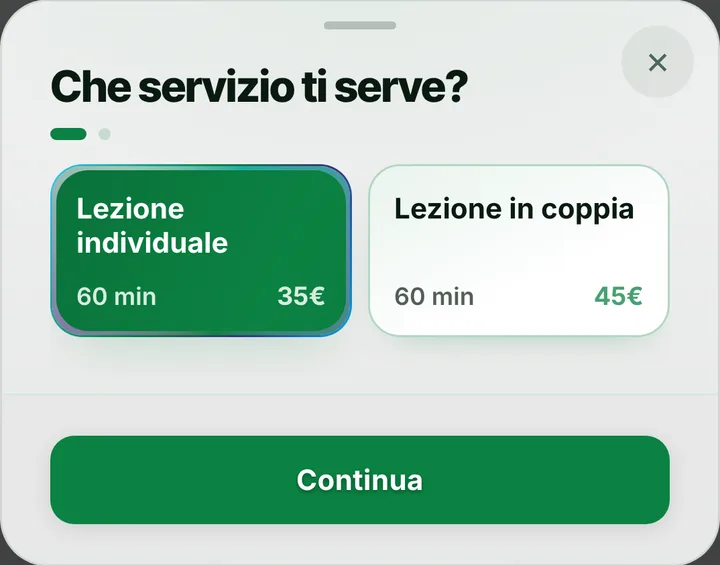
The starting items are a private lesson and a lesson for two, one hour each. Then add what you really teach: an hour for people who have never held a paddle, work off the glass, the bandeja and the víbora, getting ready for a club competition. Every item has the length you choose and only appears at times where it fits whole. A pair books once, with one person as the contact who writes the other in the note; if four turn up for a lesson, same thing: one booking, with everyone listed in the note.
From six to ten in the evening
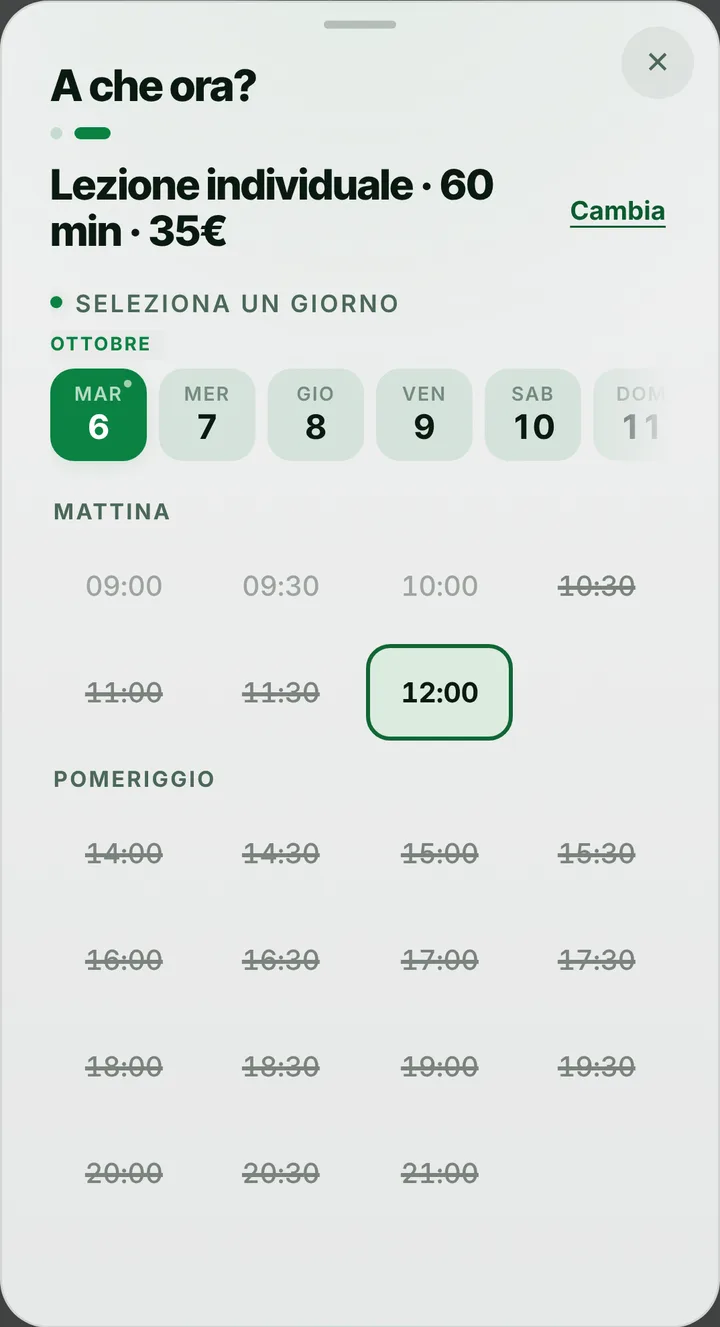
In padel the hours everyone wants are few and always the same. You can give evening bands a different price from mornings, and choose whether to show it on your page. When the time someone wants is taken, they join the waiting list: if somebody cancels, whoever is waiting with notifications on gets an alert and can take it. Anyone who finds nothing in your hours can use «Request an extra appointment» and suggest a moment outside them: you decide whether to open it. Online each student holds at most two active lessons at a time; any more you add from the diary yourself.
Coach and court, two separate diaries
A lesson booked from your link takes your hour, not a court: the two bookings stay apart. You reserve the court as you do today, with the center’s system or a separate account, and in your diary you block the hours when no court is free. In a center with several coaches each has their own hours and lessons, up to 12 people, and whoever coordinates sees everyone’s day from a phone. Colleagues join as staff with the permissions you pick, without sharing your password.
The right message at the right moment
Reminders arrive as notifications for players who turned them on, by default the day before and two hours before, and from the reminder the student answers «I’ll be there». For anyone without them, send it on WhatsApp: tap the lesson and a ready-made message opens, from your center’s number. If the hour before went to a third set, send a delay alert and the next player sees it before setting off. Mark a no-show, and from then on every booking of theirs waits for your approval. For juniors a parent books, with the child’s name in the note. SeeYouNext takes no payments and sells no bundles: you handle payment yourself.