In detail
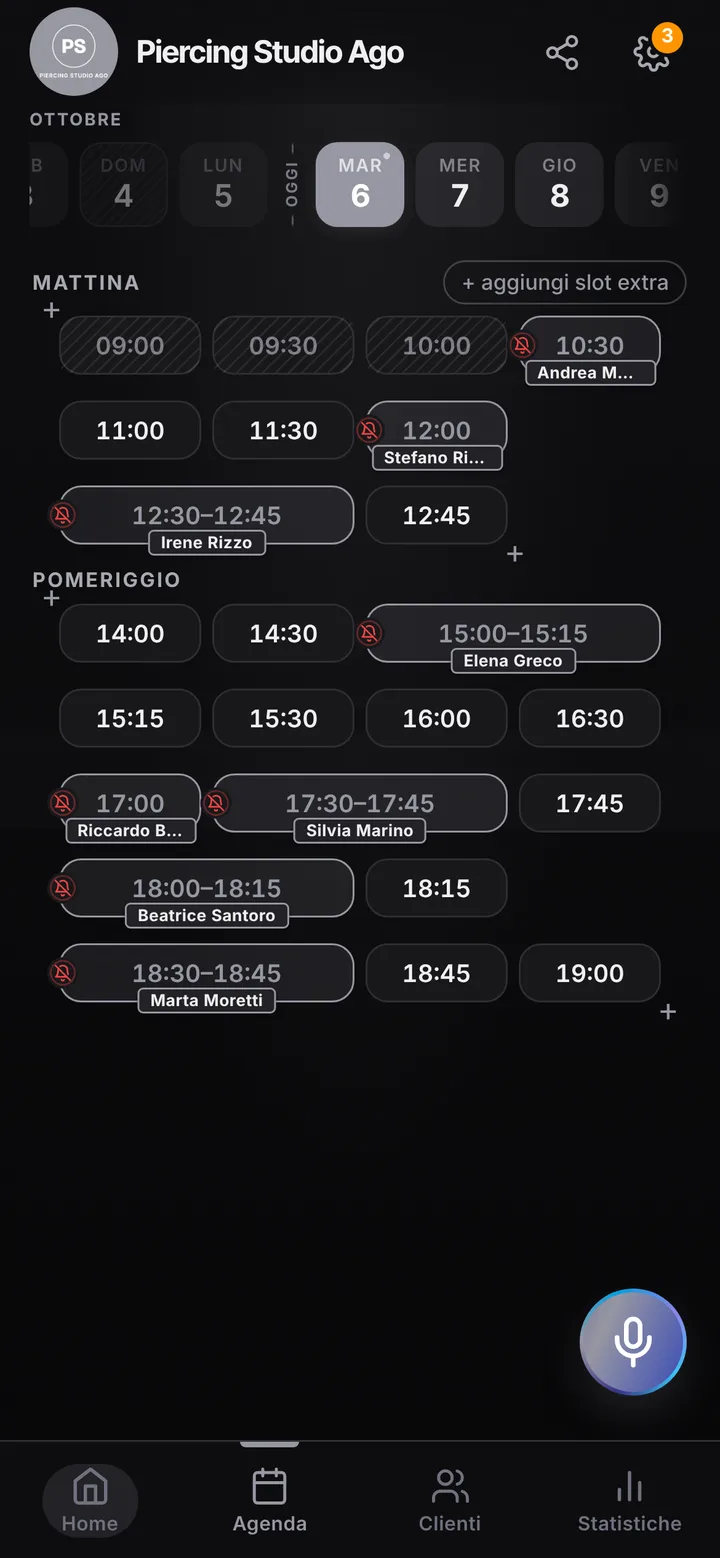
A piercer’s appointments in short slots, without phone calls.
Piercing appointments are short and frequent: a lobe, a helix, a jewelry swap once healing is done. On Saturday afternoons groups of friends show up along with people who saw your window. Here is how you keep quick piercings and more delicate work in order, while giving passersby a way to book on their own.
Lobe, cartilage and jewelry change
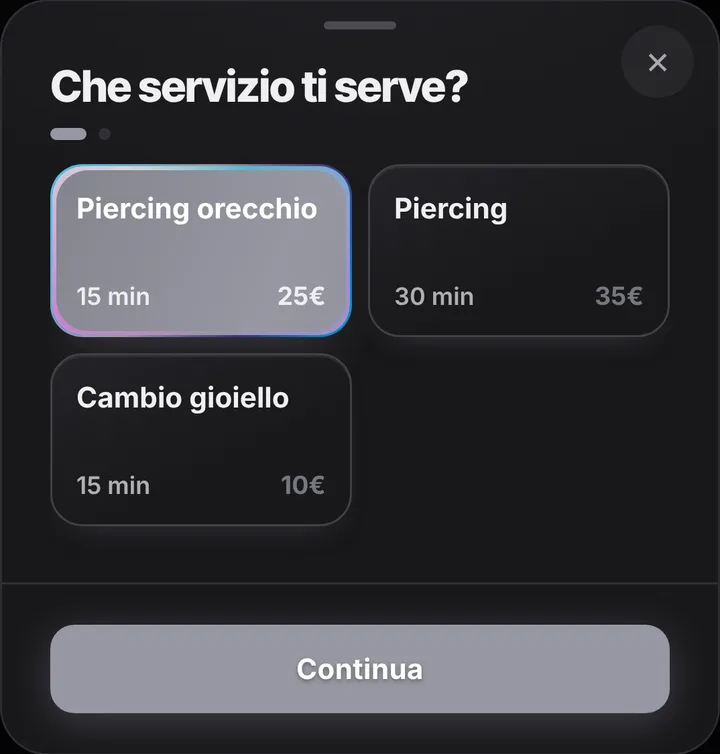
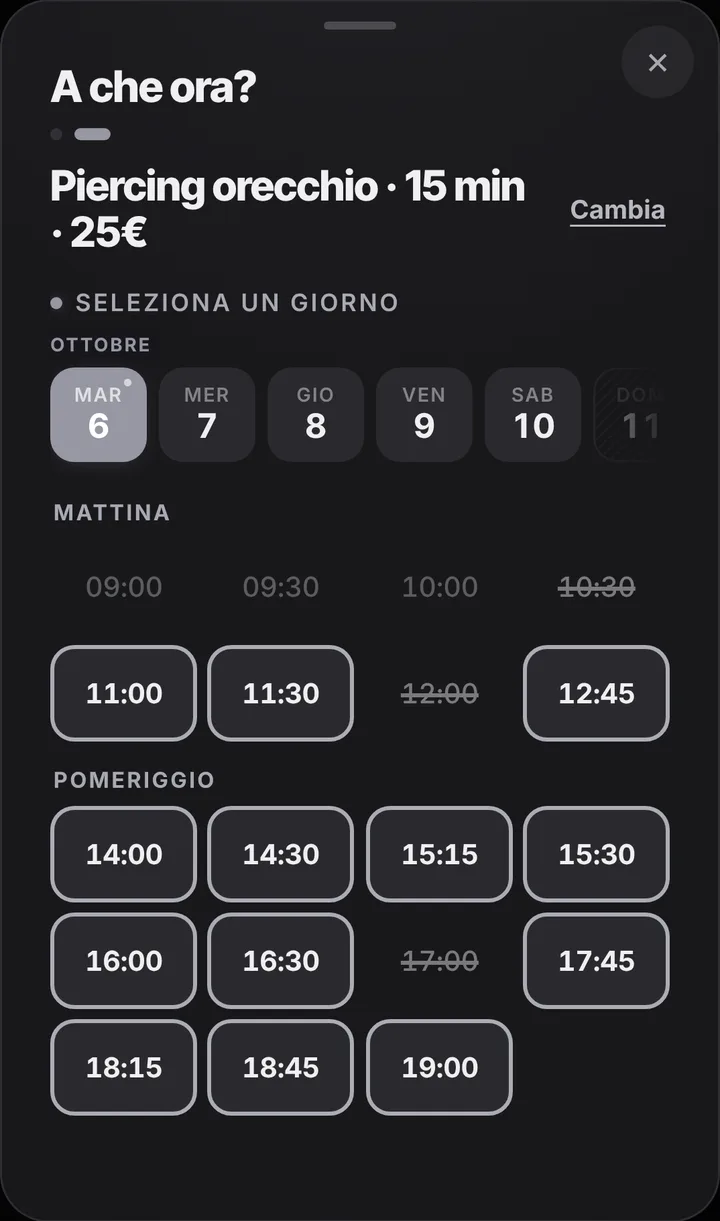
The starting list is as short as the work: a fifteen minute ear piercing, a thirty minute piercing for nose, lip, navel or cartilage, and a fifteen minute jewelry change. Edit it however you like, for example splitting out septum or industrial if they need more time. Clients booking from the link pick the item and see only the times where that length fits, so quarter hours never overlap. If you only want jewelry changes in the evening, close the hours you do not want to open and say so in the notice at the top of your page.
Busy Saturdays and walk-ins
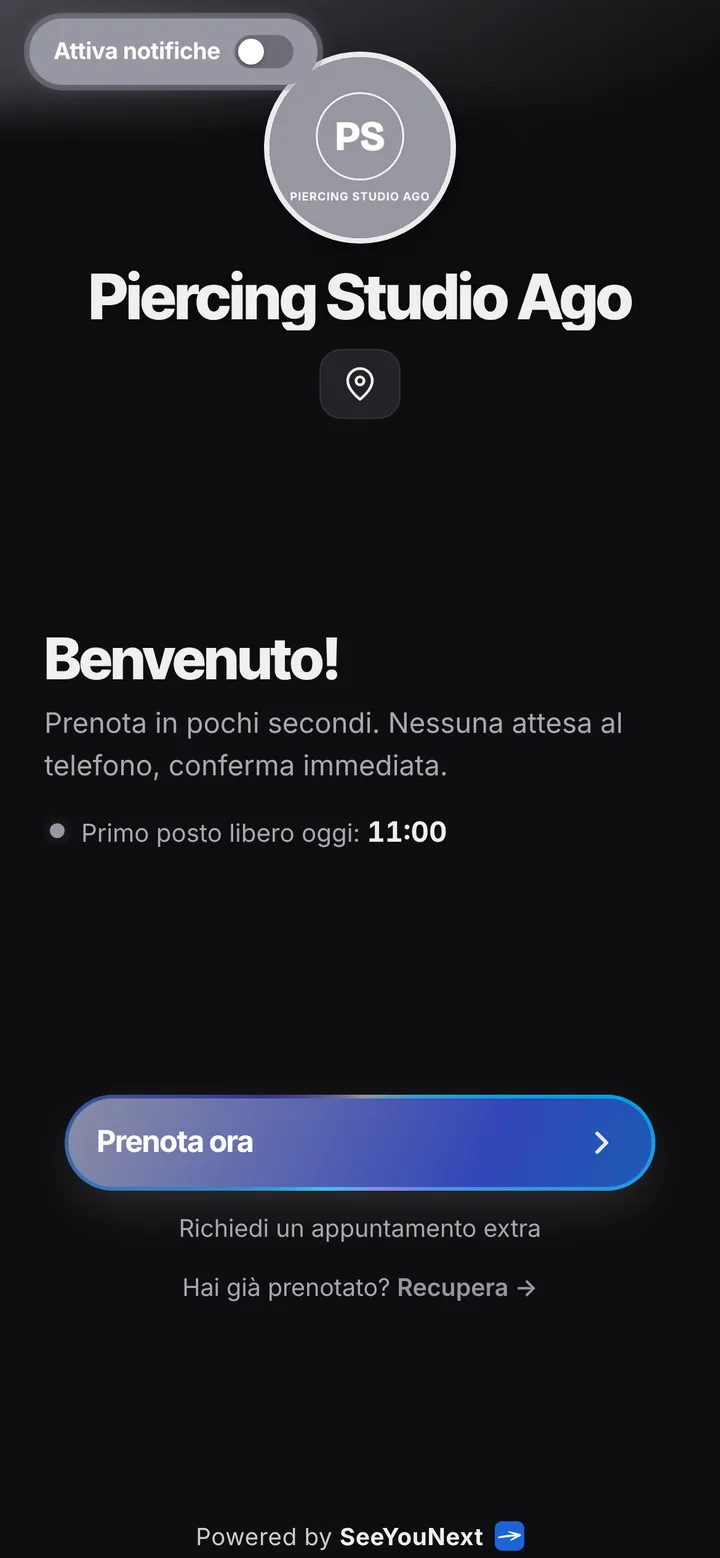
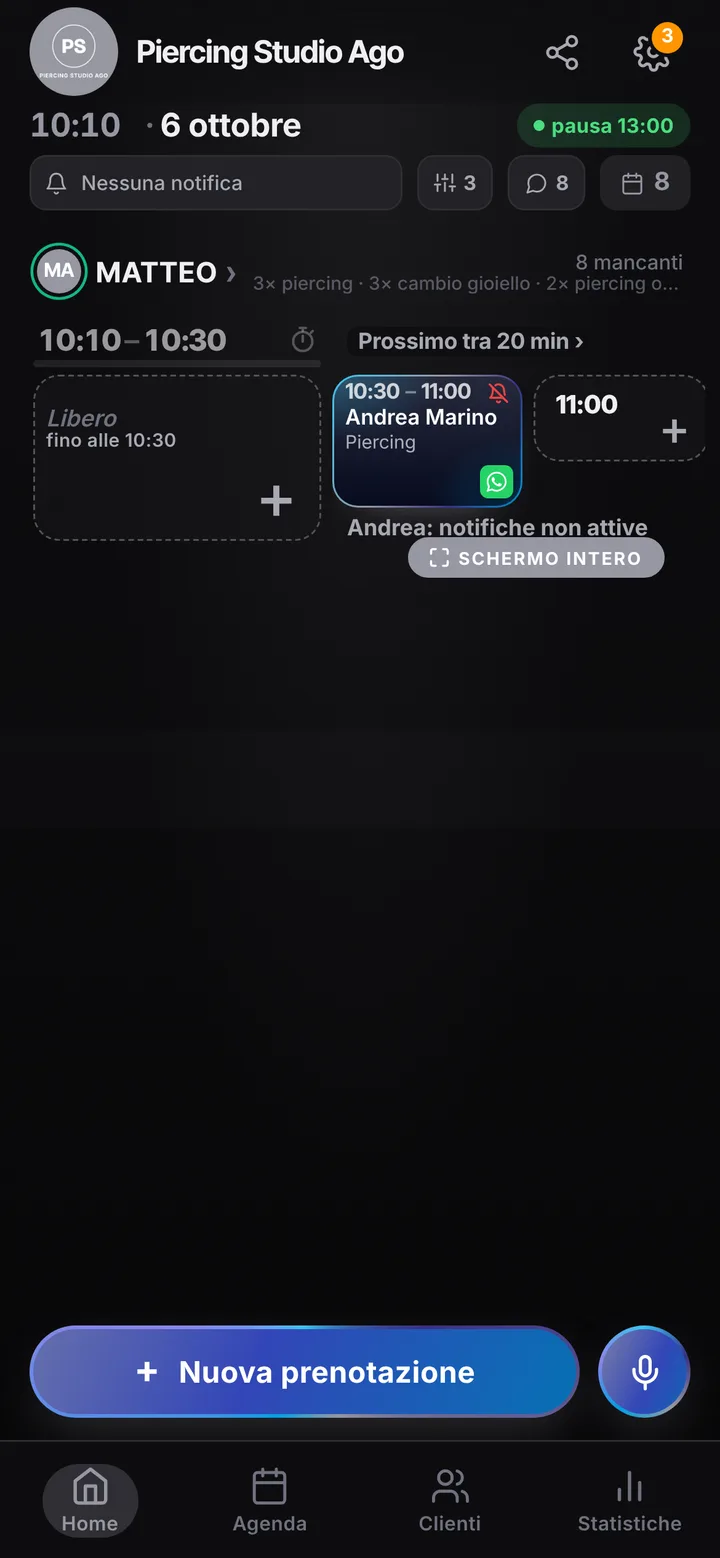
When three friends all want their lobes done the same afternoon, each one books her own quarter hour and you see the queue already built. Someone who walks in goes into the calendar in a few seconds, even by voice, in the first free gap. When everything is full, visitors can join the waiting list on your page and get an alert as soon as a time opens up, if they have notifications on. In the waiting area you can turn on the full screen display for people waiting, so whoever is seated knows how long is left without asking every five minutes.
Two piercers, two calendars
If two of you work in the studio, maybe one also tattooing, each has their own hours and only the items they do: whoever does not do microdermals gets no bookings for them. Clients choose who to see, or take whoever is free first. Holidays, conventions and closed days are set once. One account holds up to 12 people, and you invite a colleague with a link and only the permissions they need. On the page you add photos of jewelry and finished work, your address with a map and links to your profiles.
Check-ups and minors: what the app does not do
After healing the client comes back for a check or to put in the final jewelry: you set that appointment at the end of the visit and they find it on their page. Clients who turned on notifications get the reminder automatically; for the rest you send it with one tap on WhatsApp, from the studio number, with the text already written. SeeYouNext is a calendar: it does not collect consent forms, IDs or signatures and has no fields for parents of minors. Forms and age checks stay on paper, as today; notes are for practical details only, such as jewelry size.