In detail
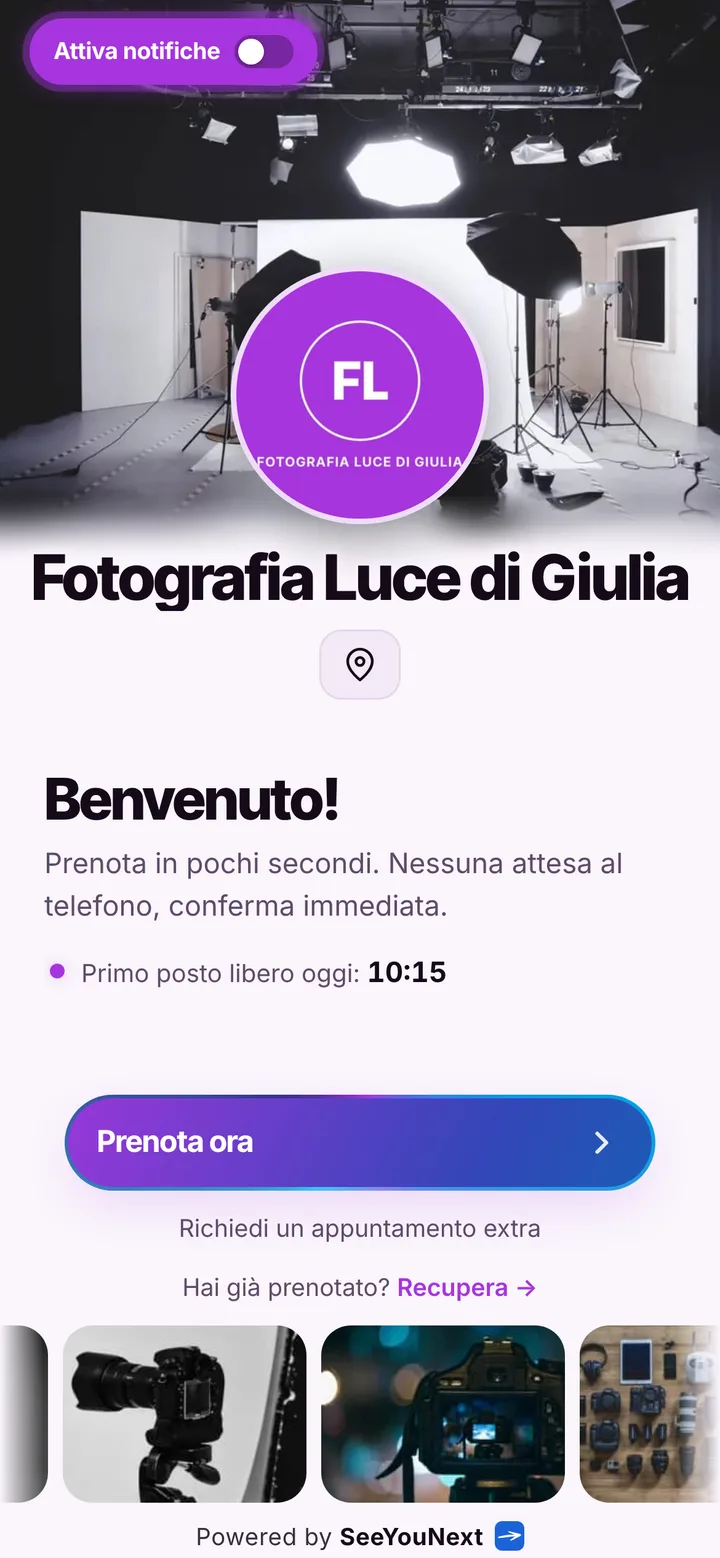
A photo studio clients book from one link, from portraits to passport photos.
As a photographer you spend half the day behind the viewfinder and the other half answering messages like “any space on Saturday for a family portrait?”. Here is how to organize studio shoots, portraits and passport photos with a link, leaving you only the dates that really need a phone call.
Shoots, portraits and passport photos, each with its own length
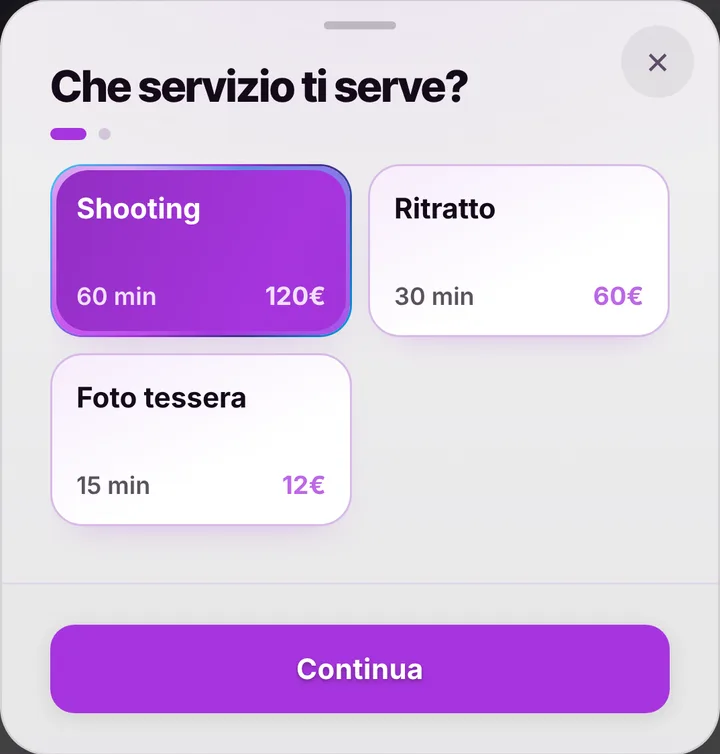
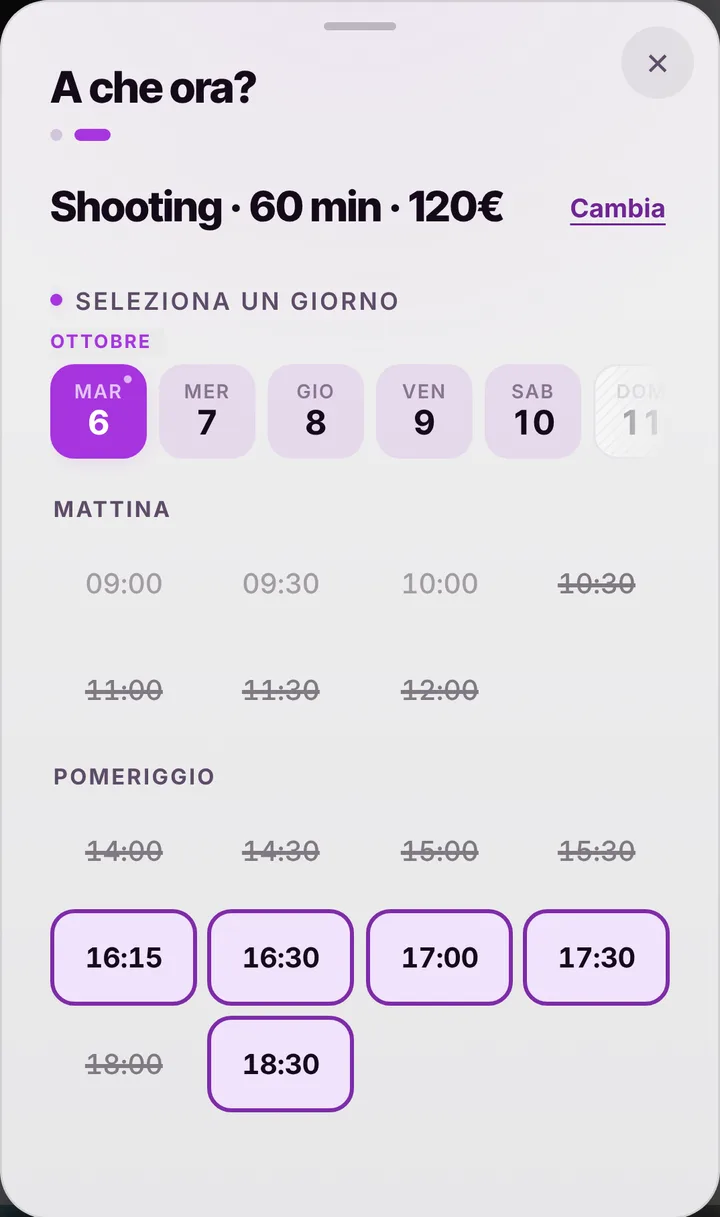
Your list starts with three services: a one hour shoot, a thirty minute portrait and a fifteen minute passport photo. Rename them and change the lengths to match how you work, then add a headshot session for actors, a couples portrait or product shots for a local maker. Whoever opens the link picks a service and only sees the gaps where it fits: a passport photo slips in between two sets, and a full shoot never runs into closing time. If you like, switch prices on and charge differently on Saturdays or in the best light of the day, with time based prices.
The gallery works as your portfolio
Upload photos to the gallery on your booking page: a few portraits, a product set, the studio backdrop. People arriving from Instagram or your Google profile see your style at once and book without asking for a portfolio first. Next to it sit the address, the map and links to your social profiles, and at the top a notice you write yourself: for instance that location work and weddings are agreed by phone first, while portraits and passport photos can be booked straight away. Anyone who wants can install the studio app with your logo on their phone.
When you are out on a job
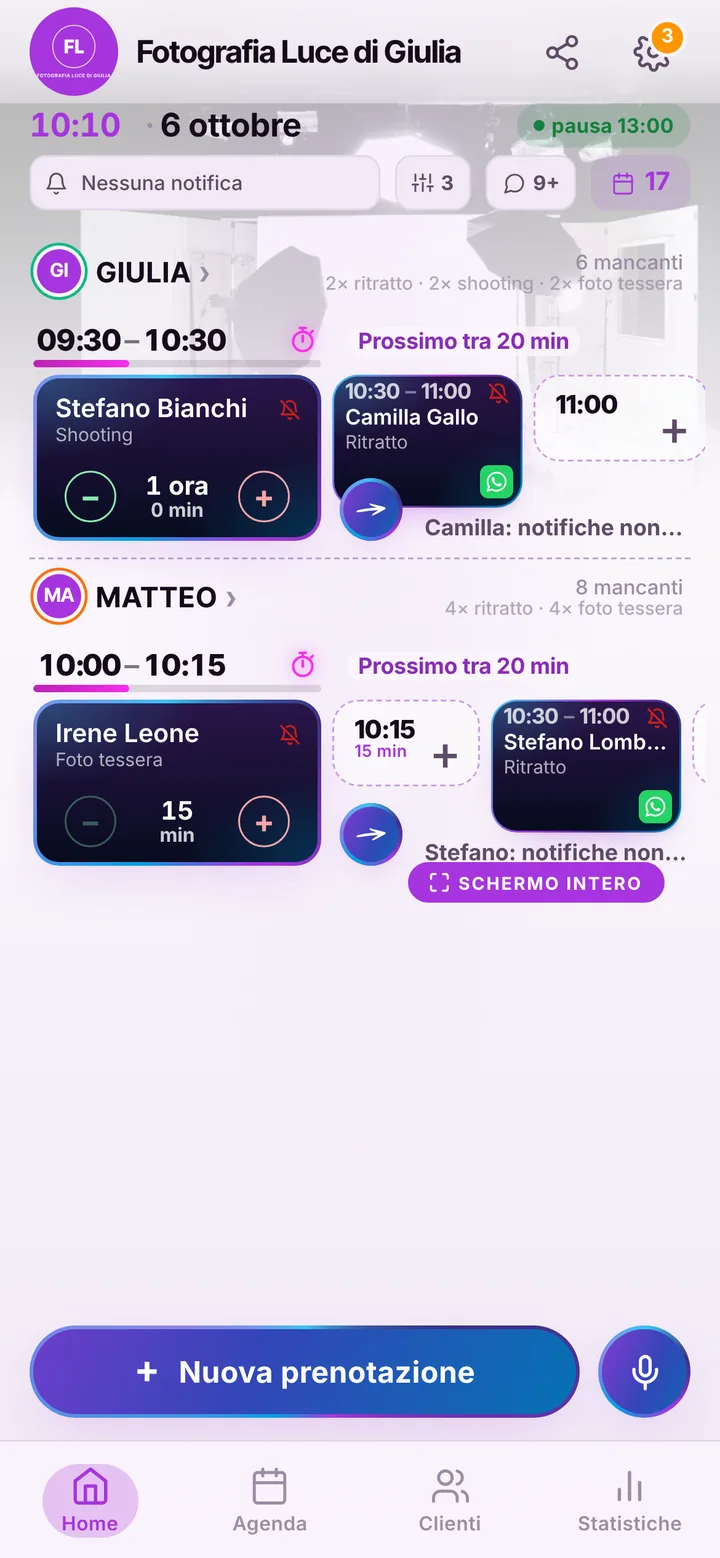
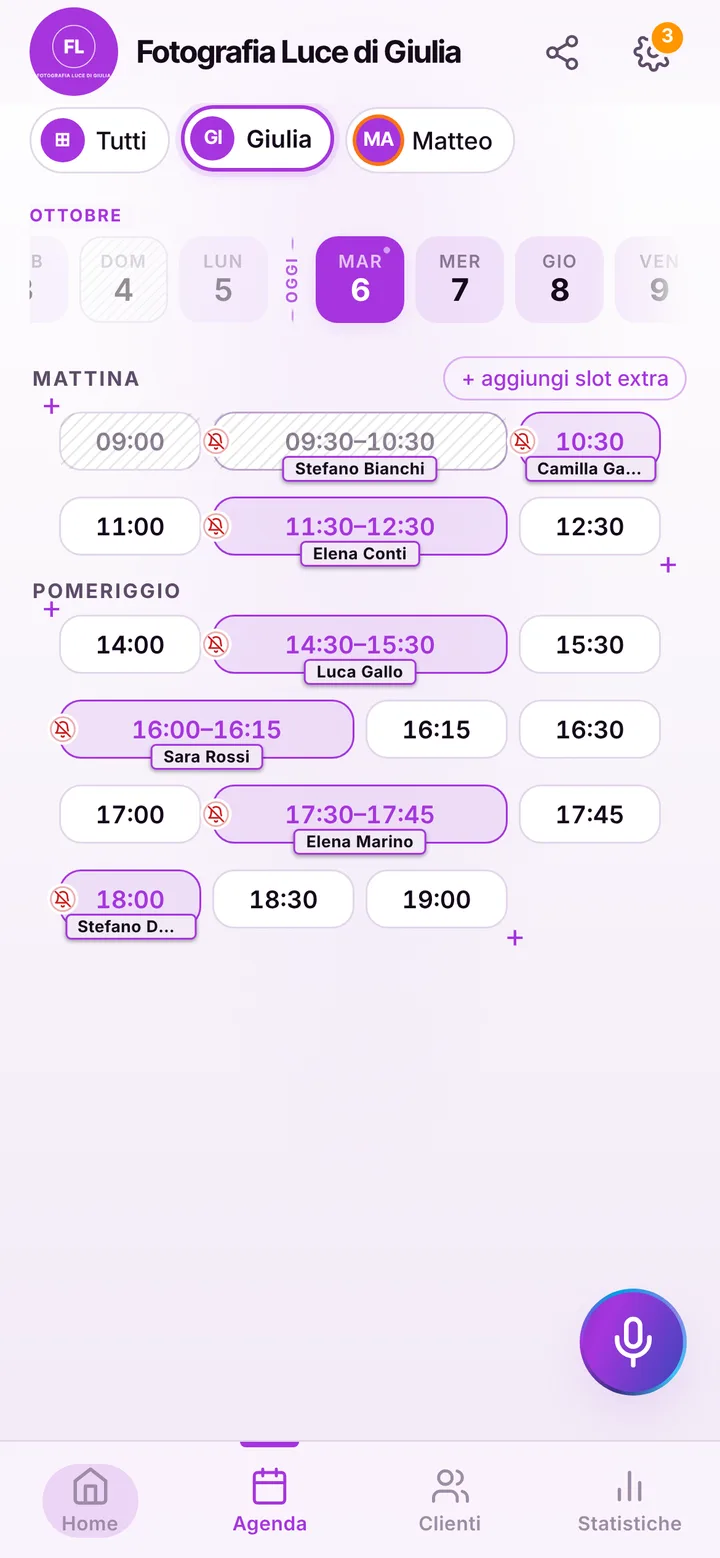
A wedding, a corporate event, a day on location: close the day in your calendar with a block and nobody books over it. From the link, clients can book within the next sixty days; a later date, such as a job agreed months ahead, you add yourself from the calendar, even outside opening hours with an extra slot. If an assistant or a second photographer works with you, each person has their own calendar and the services they cover, up to 12 people in one account. When everything is full, clients join the waiting list and get an alert if a slot opens up, if they have notifications on.
Fewer lights set up for nobody
Setting up lights and backdrop for a client who never shows is the worst kind of lost time. Clients who turned notifications on get reminders automatically, by default the day before and two hours before, and can tap “I’ll be there” to confirm. Everyone else gets one from you on WhatsApp: one tap on the appointment opens the ready-made message, sent from the studio number. If the earlier shoot runs long, mark the delay and the next client sees the new time. Mark a no-show and their next bookings wait for your approval. Finished photos you deliver as you do now: the app does not send files.